Get a $25 Newegg Promo Gift Card when you spend $250+ between 1/17/26 and 1/19/26. Learn More>
  • $46.08
  • Free 30-day Returns
  • Volume Discounts Available
    • $45.88 ea.
    • $44.88 ea.
    • $43.88 ea.
    Ships from China.
    Price alert
    Shop it at NeweggBusiness.

    Meet Your Seller

    2 Port DisplayPort KVM Switch with USB 2.0 Ports, DP 1.2 4K @60Hz Display Port KVM Switcher Box for 2 Computers Sharing 1 Monitor Keyboard Mouse Peripherals Selector Box with USB Cables eokCXOY

    Limited time offer, ends 01/18 By Torpedo Nova

    • [2 PORT DISPLAYPORT KVM SWITCH] Control 2 computers or laptops with DisplayPort output using 1 independent set of keyboard, mouse and monitor.
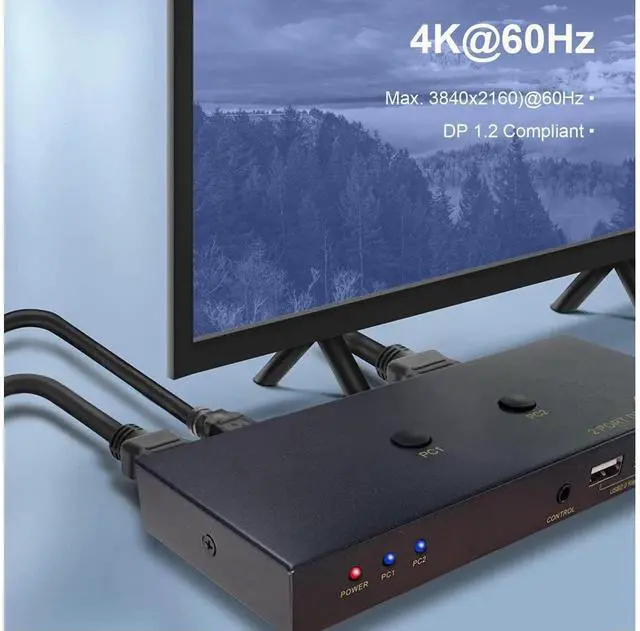
    • [KVM SWITCH DP 1.2 4K 60HZ] Support maximum 4K@60hz, 1080P@120hz, YUV 4:4:4, HDR10, (Please be aware this KVM Switch does not support 144hz).
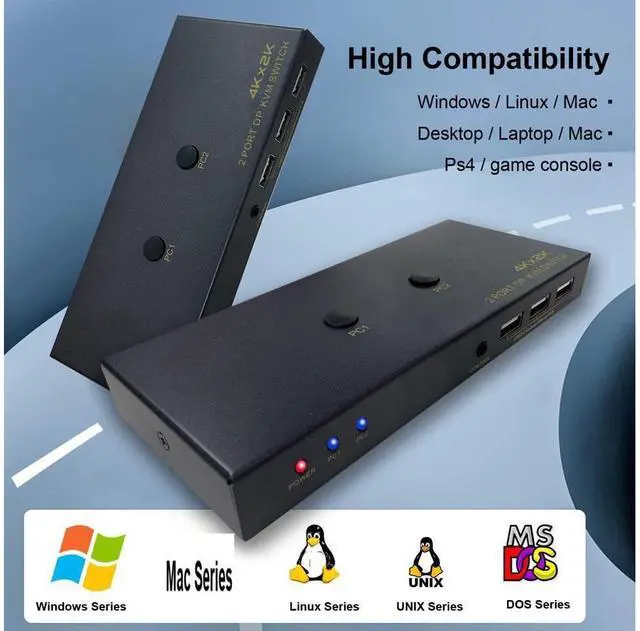
    • [OPERATION SYSTEM SUPPORT] Support Windows 7/8/10, Linux and Mac system (Not recommended for computers without DP outputs).
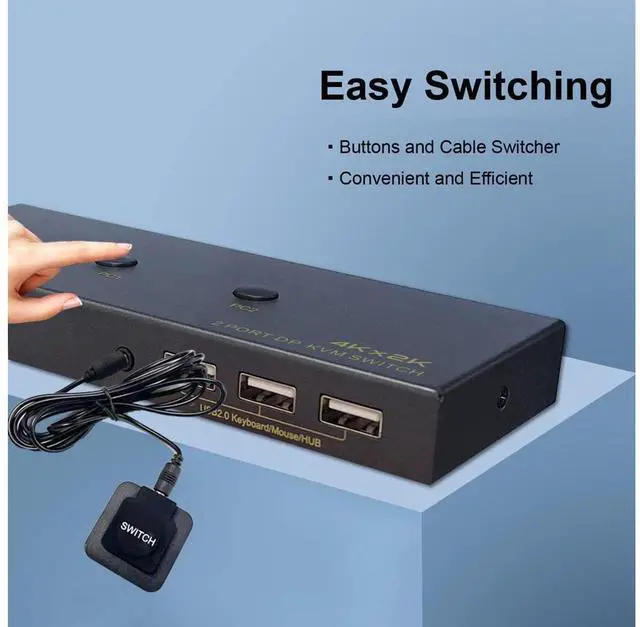
    • [EASY SWITCHING METHODS] Push the button on the KVM switch or cable controller to switch between 2 computers conveniently. Hotkey is not supported.
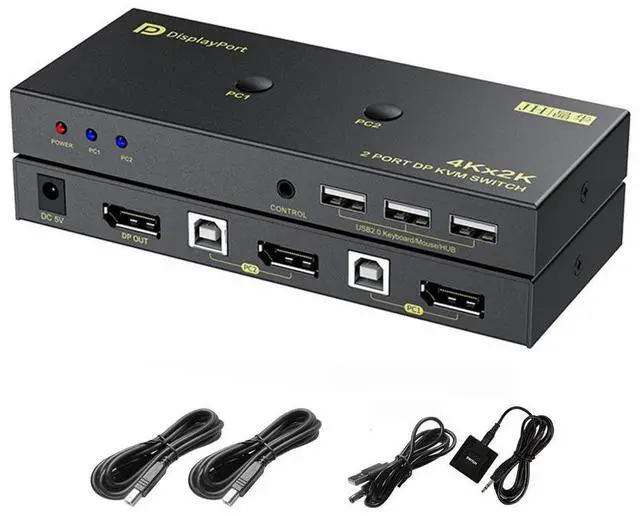
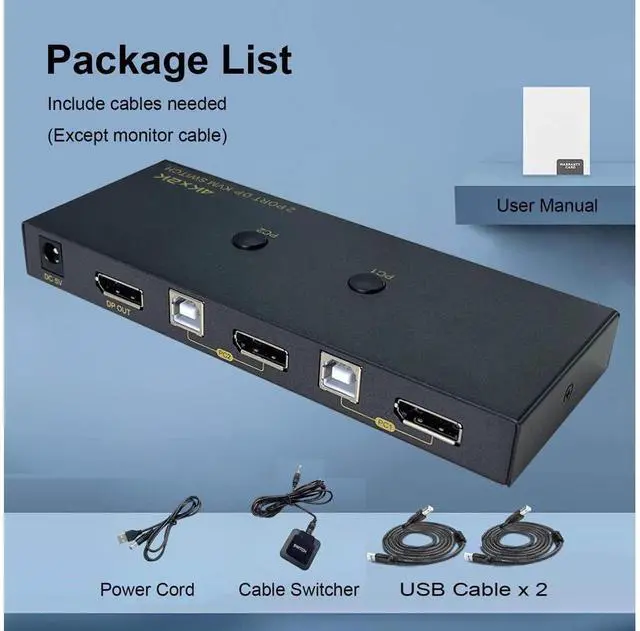
    • [COMES WITH 2x USB CABLES] The package includes 1x DP KVM Switch, 2x USB Cable, 1x Power Cable, 1x Desk Control Cable.
    +
    +
    Overview
    Specs
    Reviews
    avatar

    Any questions? Our AI beta will help you find out quickly.

    2 Port DisplayPort KVM Switch DP 1.2 2K @120/144Hz 4K @60Hz


    Product Features:

    1. Control 2 desktop or laptops using 1 set of keyboard, mouse and monitor

    2. DP 1.2 supports max. Resolution up to 2K@120/144Hz, 4K@60Hz

    3. Support Windows, Linux, Mac and more

    4. Convenient switching between 2 computers using button or cable selector

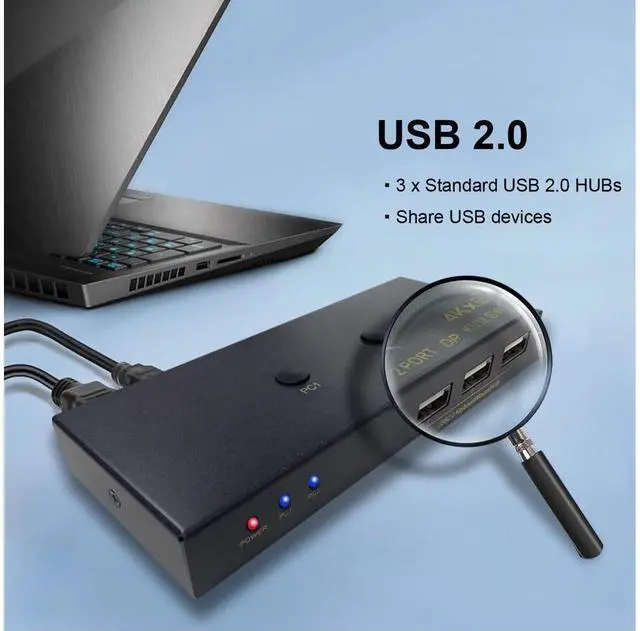
    5. With 3 integrated USB 2.0 HUB ports for sharing USB devices


    How to Install:

    1. Power off all devices before installation

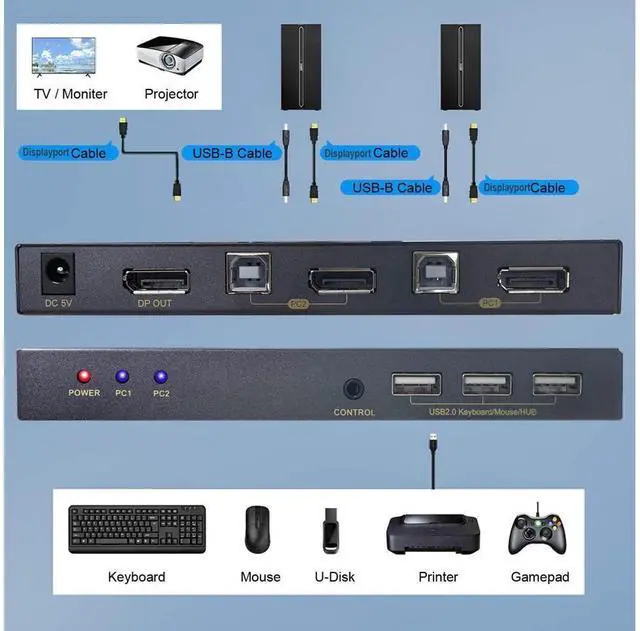
    2. Connect PC 1 using the include DP cable and USB cable to PC 1 Input section

    3. Connect PC 2 using the include DP cable and USB cable to PC 2 Input section

    4. Plug keyboard and mouse or wireless dongle into the USB 2.0 ports on the KVM Switch

    5. Plug a DP monitor to the DisplayPort Out

    6. Connect the included USB power cord from a USB power source to the KVM switch

    7. Plug the cable selector if needed

    8. Power on all devices


    Whats in the Box:

    1* DP KVM Switch

    2* USB 2.0 cable

    1* Cable Selector

    1* USB to DC 5V power cord

    Warranty & Returns

    Warranty, Returns, And Additional Information

    Warranty

    • Please contact the Seller directly for warranty information. Warranty information may also be found on the Manufacturer's website.
    • CONTACT

    Return Policies

    Manufacturer Contact Info

    LOADING...