
Your Browsing History




Any questions? Our AI beta will help you find out quickly.
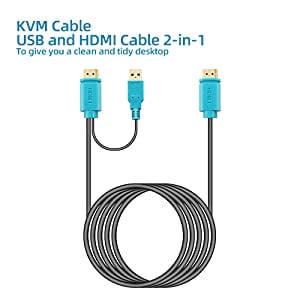
2-in-1 KVM cable
Warm Tips:
1. Connect the KVM cables to the computer ports of KVM switch. KVM Cable: Plug the HOST Port (VGA & USB connector) of KVM cable into the computer.
2. Plug the KVM Port (VGA connector only) of KVM cable into the KVM Switch. The HOST Port and KVM port can not be connected in reverse.
Specification:
Interface protocols ------ USB 2.0
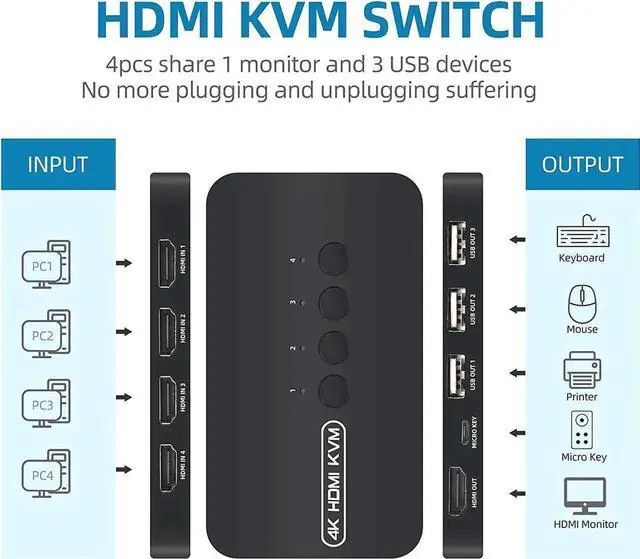
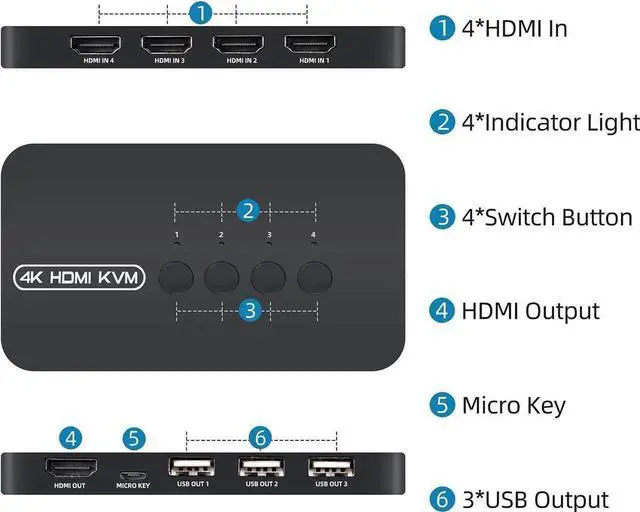
Entry: 4 PC Max (HDMI + USB 2-In-1)
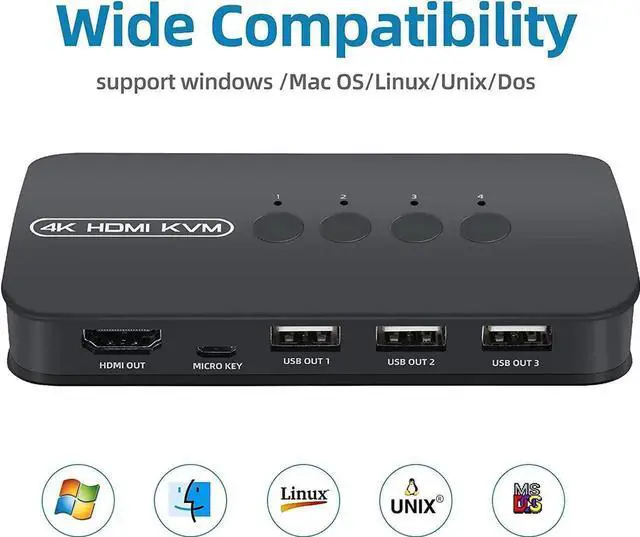
Exit: HDMI * 1 + USB * 3
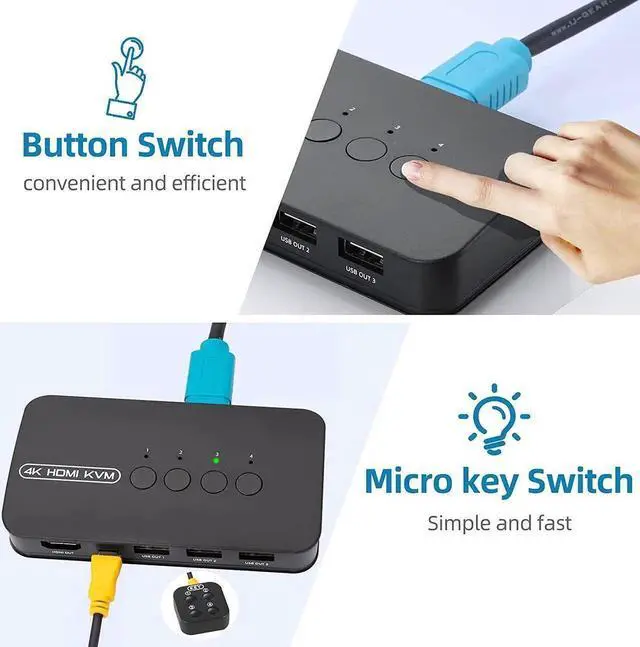
Switching Mode: Panel Button, External Controller
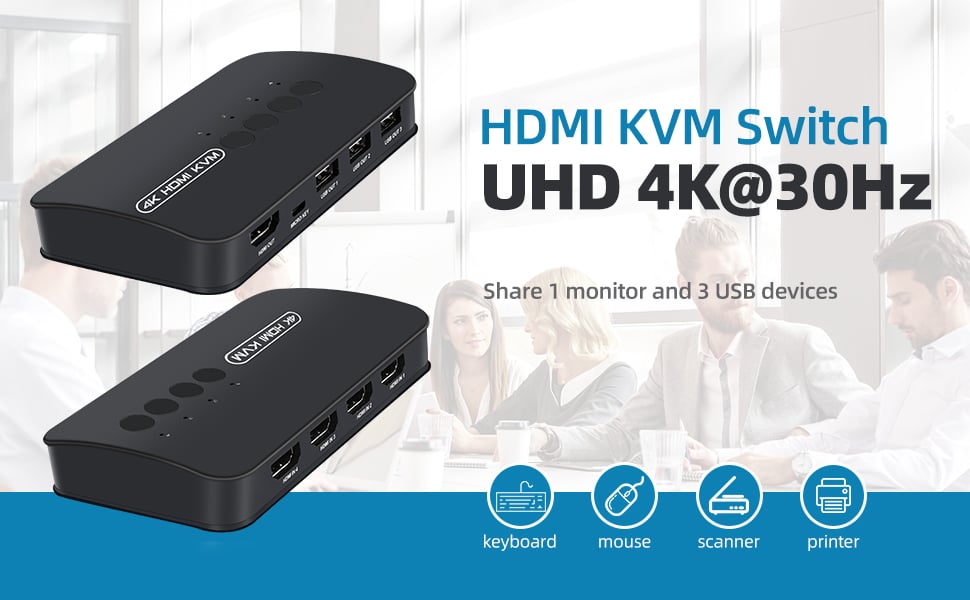
Resolution: 3840 * 2160 @ 30hz
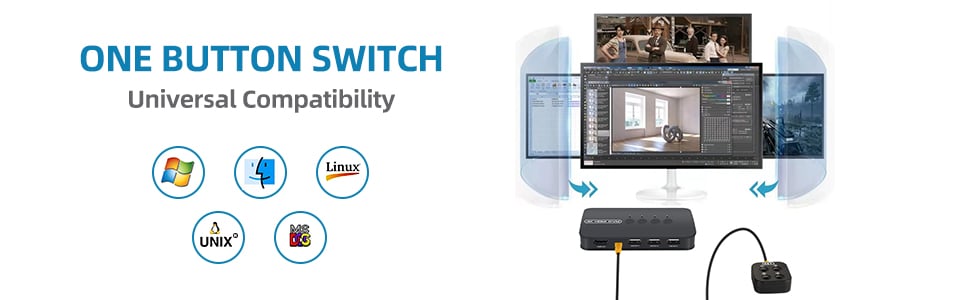
Support system: Windows / Mac OS / Linux / UNIX / DOS
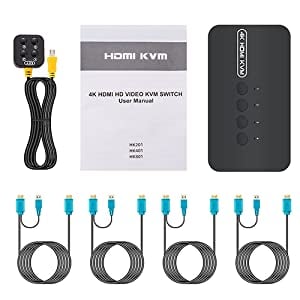
Content of the package:
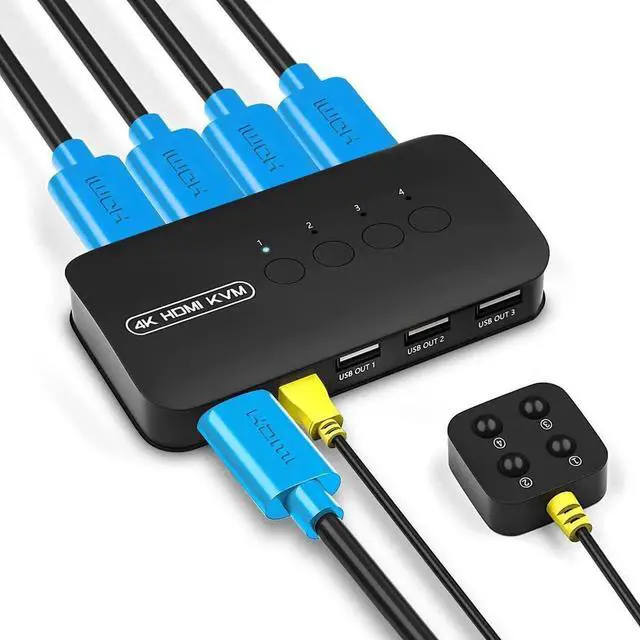
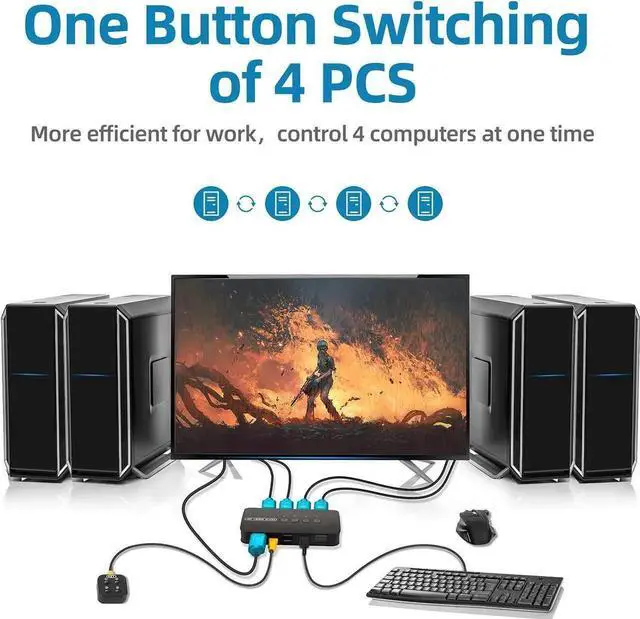
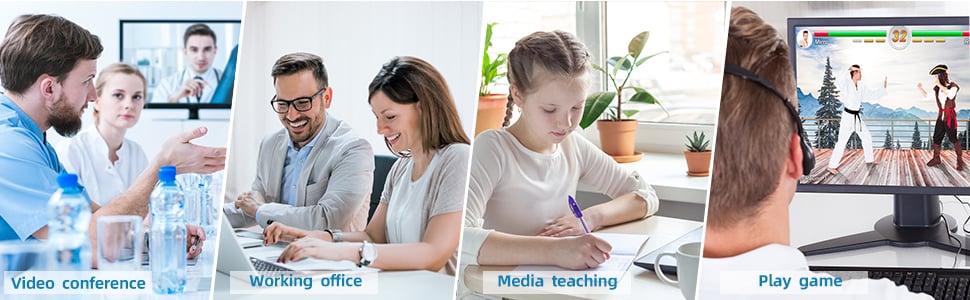
Ideal Sharing Switches: The HDMI USB KVM Switch can share one HD 4K monitor and 3 USB 2.0 devices such as scanner mouse keyboard between 4 computers.
Two Switching Modes: By panel button and external controller, freely switch between 2 computers, increasing productivity in office or home.
HD 4K Visual Enjoyment: The KVM switch including 2 KVM Cable, HDMI cable and USB cable are 2 in 1. The HDMI output can achieve up to 4K (3840x2160) @ 30Hz resolution. The colors are brighter and more moving, which makes a feast for your eyes.
Easy to install: plug and play with no driver required. With the switch button that you can easily switch 2 PCs without constantly swapping cables or setting up complicated software.
High compatibility: The KVM switch works with great compatibility, suit for DOS, Windows, Netware, Unix, Linux, Vista, Mac OS. For a business, office, multimedia classroom, meeting room, game room, home theater, research test, etc.