here!
here!
I’m your shopping assistant for PC builds, upgrades, and everything tech.
Got questions? Ask away!
Start a conversation
here!
I’m your shopping assistant for PC builds, upgrades, and everything tech.
Got questions? Ask away!
Start a conversation



Any questions? Ask CelesteSM will help you find out quickly.
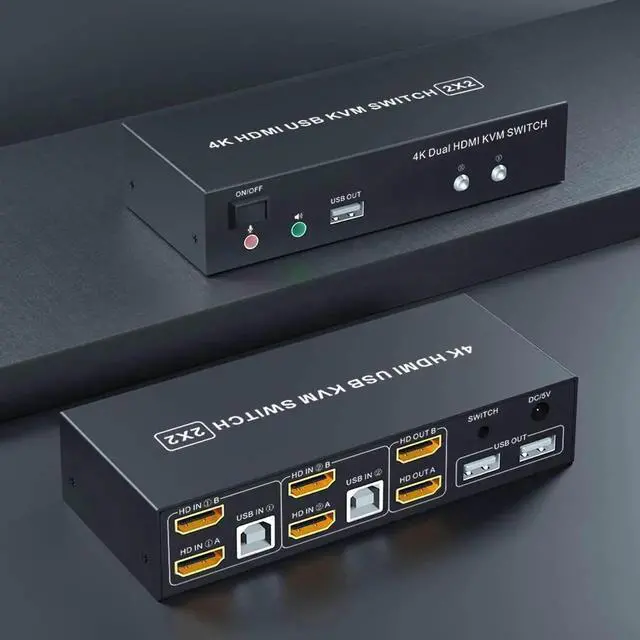
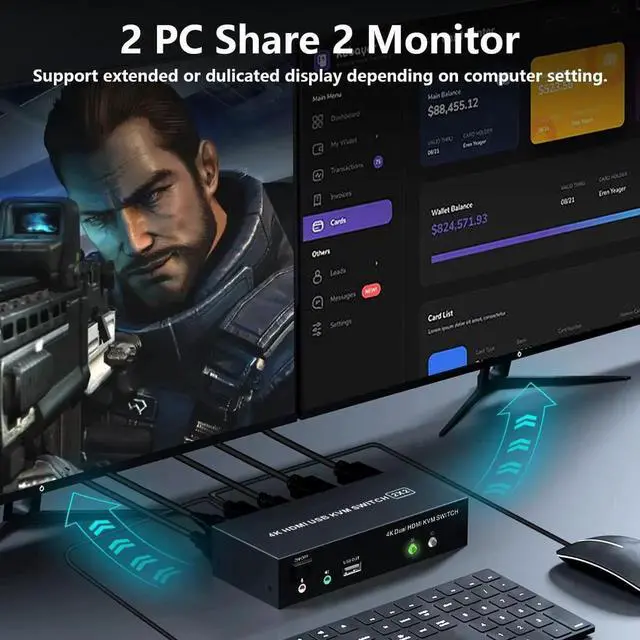
2 Port-Dual Monitor HDMI Switch for 2 Computers
Features:
1. Share one set of keyboard, mouse and dual monitors between 2 computers or laptops;
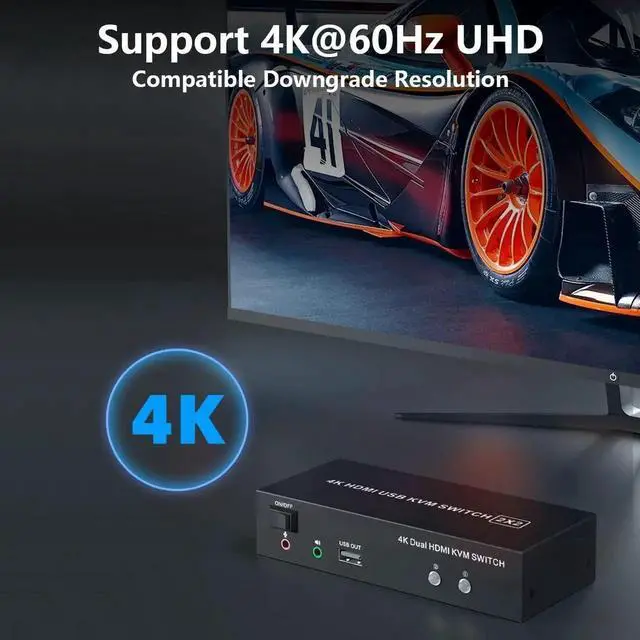
2. Dual monitors output support up to 4K@60Hz for extended or mirrored display;
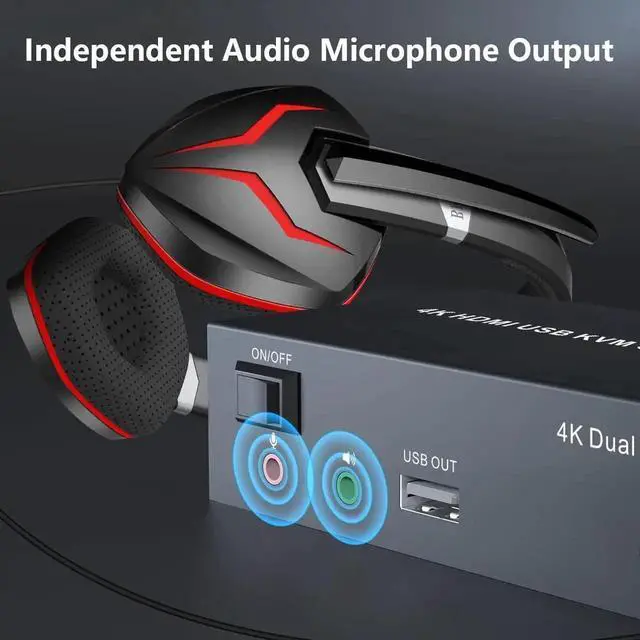
3. With extra 3 USB 2.0 ports and independent Audio Microphone output.
4. No complicated installation is required, and non-professionals can easily operate it;
5. Cross support major operation systems including Windows, Linux, Mac and more;
6. Support 2 switching modes: Buttons switch and wired remote;
7. The ports that need to plug in HDMI/USB cables are all hidden behind the KVM, so the desktop doesn't get cluttered;
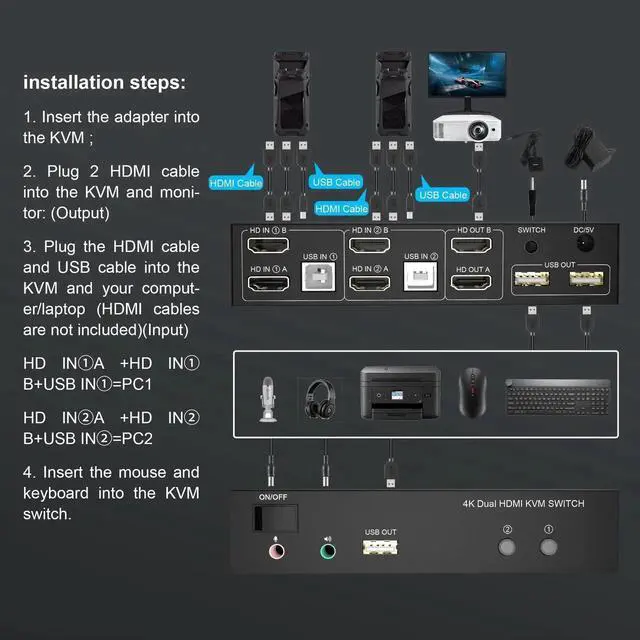
How to connect?
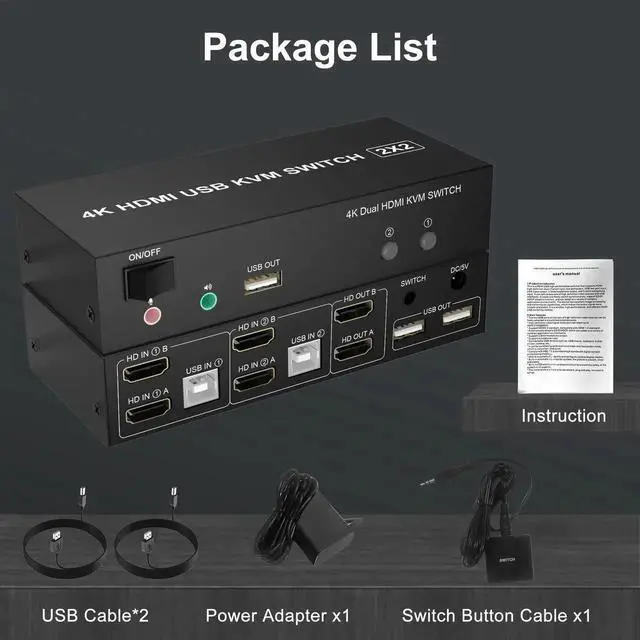
1. Insert the power adapter into the dual monitor KVM switch;
2. Plug the HDMI cable into the KVM and monitor;(Output)
3. Plug the HDMI cable and USB cable into the KVM and your computer/laptop (HDMI cables are not included)(Input)
HD INA + HD IN B + USB IN=PC1
HD INA + HD IN B + USB IN=PC2
4. Insert the mouse and keyboard into the KVM switch
5. If needed, you can connect a microphone and audio port
6. You can switch by press the switch button or wired remote.