Your Browsing History
Meet Your Seller
WISDUM USB C Type-C Switcher 1 in 2 out/2 in 1 out 8K@60Hz 4K@120Hz Type-C Bi-Directional Switch Selector Support 48Gbps Data Transmission with Type-C Cables for PC Monitor HDTV-1 PCS
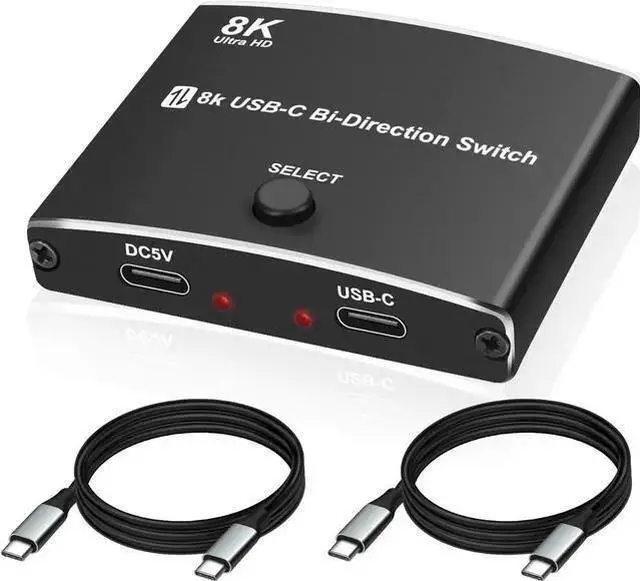
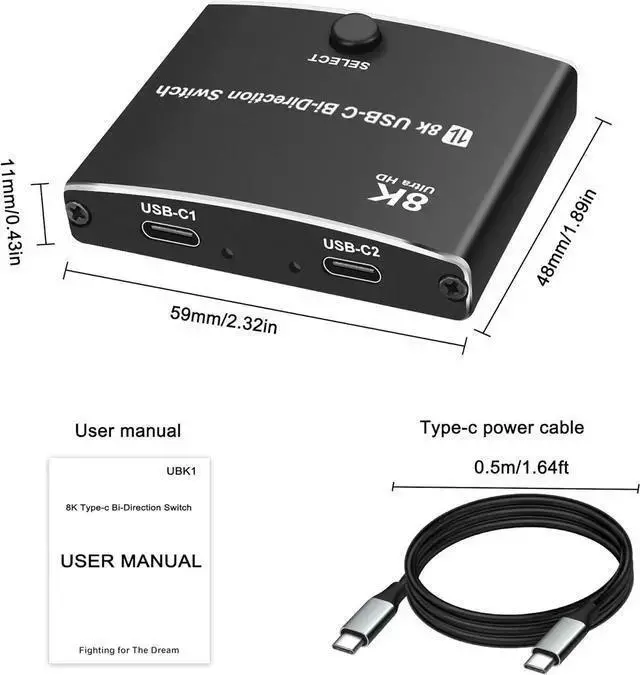
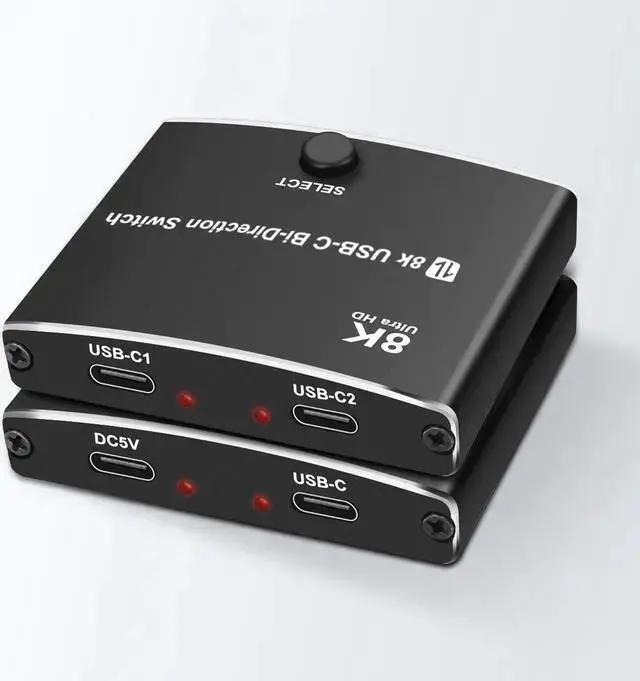
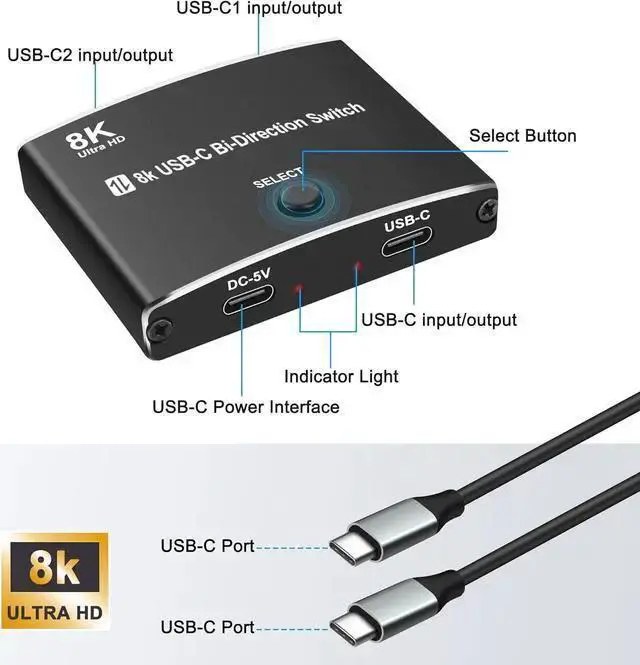
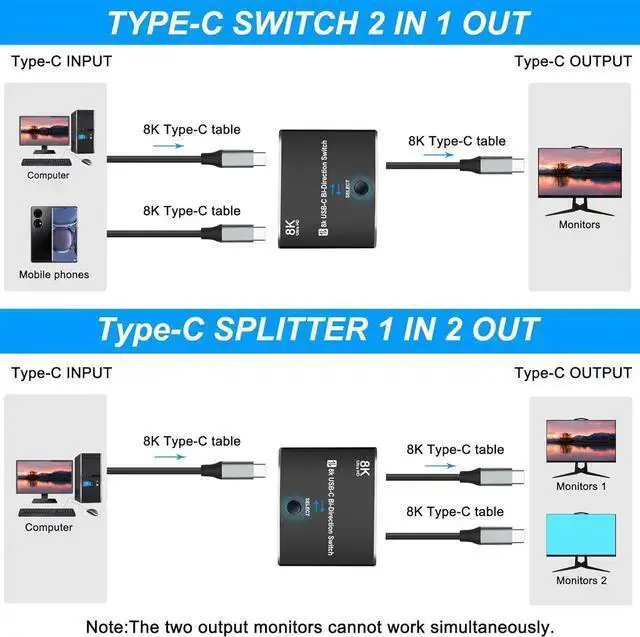
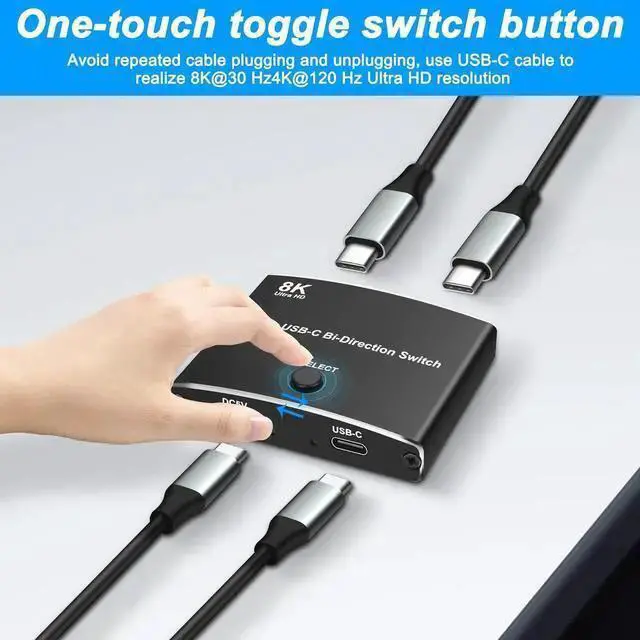
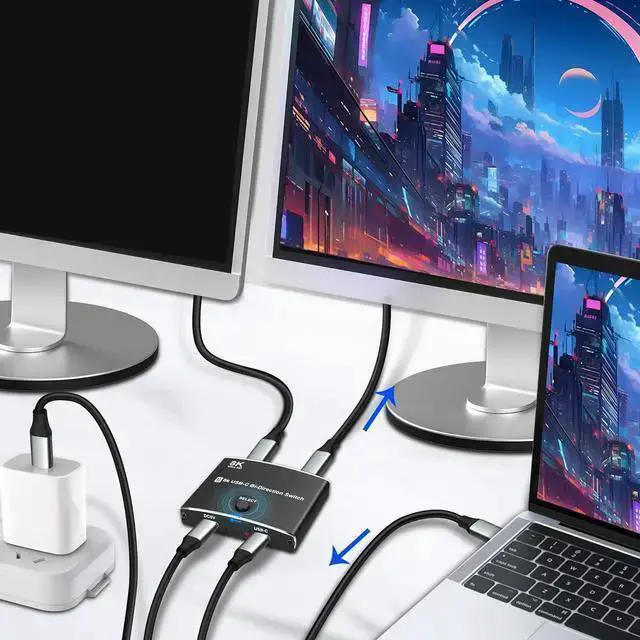
- This 8K USB-C Bi-Direction switch can be used as a 2 in 1 out switcher for connecting two sources with USB-C interface to one interface monitor, or as a 1 in 2 out splitter for connecting one source with USB-C interface to switch between two monitors. (Please note that the two monitors cant work at the same time). Supporting 8K@60Hz,4K@120Hz,1080P@240Hz resolution and providing you with a transmission rate of up to 48Gbps, this Type-C switcher ensures a clear and vibrant display with no graininess in close proximity, and truly zooms in and out without distortion for a perfect presentation. The USB C switcher selector uses a one-touch switching button "select" to quickly switch the signal source to another device, eliminating the need to unplug frequently and effectively protecting the computer interface. There is an indicator light next to the USB-C port, which lights up red so you know which device is working.

+
+
Overview
Specs
Reviews
Any questions? Our AI beta will help you find out quickly.
Try me now
This 8K USB-C Bi-Direction switch can be used as a 2 in 1 out switcher for connecting two sources with USB-C interface to one interface monitor, or as a 1 in 2 out splitter for connecting one source with USB-C interface to switch between two monitors. (Please note that the two monitors cant work at the same time). Supporting 8K@60Hz, 4K@120Hz, 1080P@240Hz resolution and providing you with a transmission rate of up to 48Gbps, this Type-C switcher ensures a clear and vibrant display with no graininess in close proximity, and truly zooms in and out without distortion for a perfect presentation.
The USB C switcher selector uses a one-touch switching button "select" to quickly switch the signal source to another device, eliminating the need to unplug frequently and effectively protecting the computer interface. There is an indicator light next to the USB-C port, which lights up red so you know which device is working.
Warranty & Returns
Warranty, Returns, And Additional Information
Warranty
- Please contact the Seller directly for warranty information. Warranty information may also be found on the Manufacturer's website.
- CONTACT
Return Policies
- Return for refund within: 30 days
- Return for replacement within: non-replaceable
- This item is covered by TechMax Depot Return Policy
Manufacturer Contact Info
- For a directory of all our manufacturers, please click below.
- Manufacturers Directory
LOADING...