





KVM Setup with USB3-SWITCH2
Merchant VideoEffortless USB Switching Between Two Computers with One Button
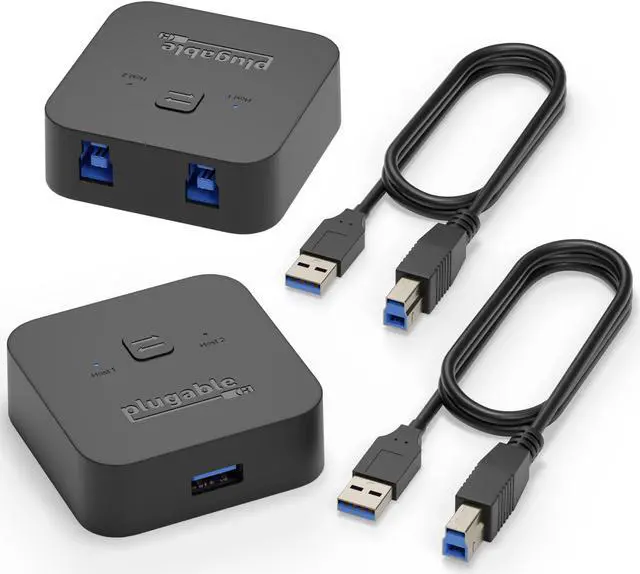
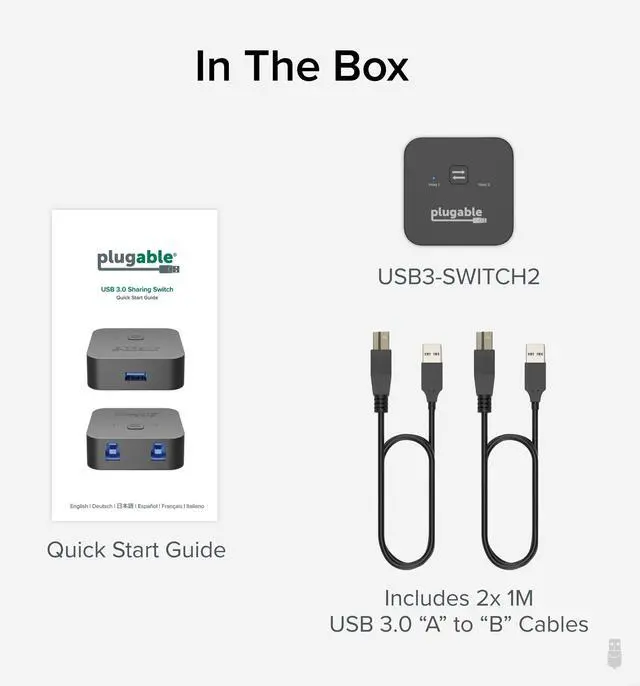
The Plugable USB 3.0 sharing switch for multiple computers makes it easy to share USB devices between two systems with a single button press. This high-performance USB switch supports USB 3.0 speeds and is perfect for pairing with a powered hub or USB 3.0 docking station. Create an efficient KVM switch setup to control a keyboard, mouse, and display across devices. This versatile USB keyboard switch offers driver-free, plug-and-play functionality with LED indicators to show which computer has control.
*Note: not compatible with USB-C or Thunderbolt docks.


Can this be used with USB-C or Thunderbolt Docks?
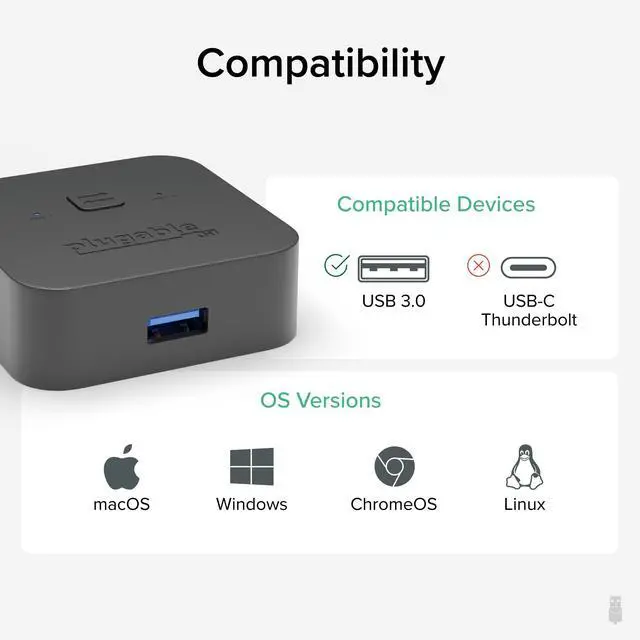
USB3-SWITCH2 is not compatible with USB-C docks. These USB-C devices rely on optional USB-C features such as Alt Mode and Power Delivery which are not supported on USB 3.0 Type A ports. Only USB 3.0 docks are compatible.
Is this product right for my setup?
USB3-SWITCH2 is compatible with devices with standard USB host connectors. It only includes USB 3.0 host cables, so USB-C to USB-A adapters (sold separately) are required for use with USB-C only computers.
Does it require additional software or drivers?
No additional software or drivers are needed for the switch itself. Plug-and-play USB switch compatible with any computer (Windows, macOS, Linux). However, connected devices like printers or adapters may need drivers on each computer.
How is the switch controlled?
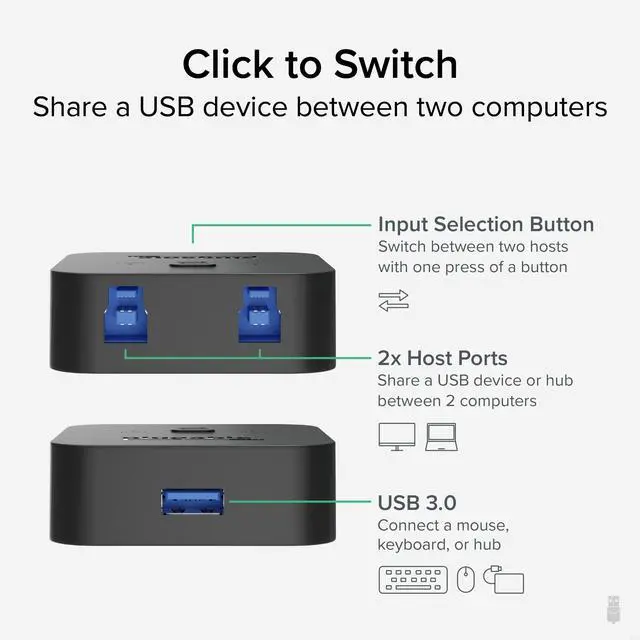
A single press of the button on the switch instantly toggles control of the USB devices between the two connected computers. The built-in LED indicators show which system is active. Keyboard hotkey control is not supported.
Is it compatible with older USB versions?
Yes, as a USB 3.0 sharing switch it also fully supports USB 2.0 and USB 1.1 devices. To enjoy full USB 3.0 SuperSpeed performance, ensure both the computer and the connected devices support USB 3.0.












KVM Setup with USB3-SWITCH2
Merchant VideoEffortless USB Switching Between Two Computers with One Button
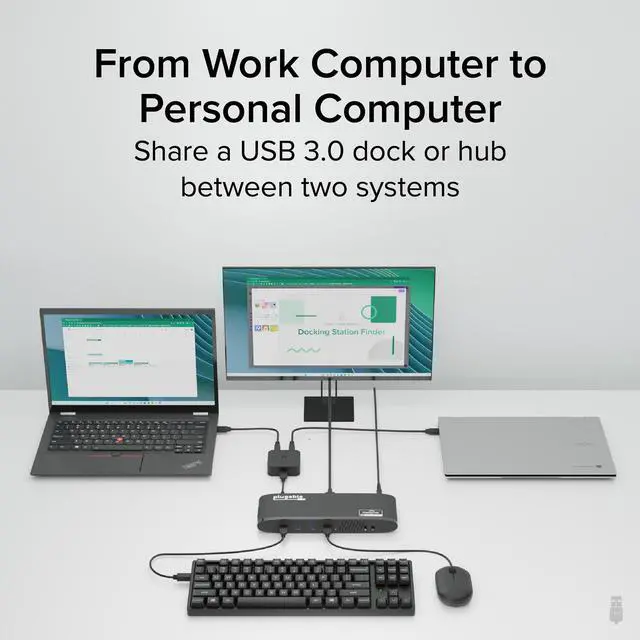
The Plugable USB 3.0 sharing switch for multiple computers makes it easy to share USB devices between two systems with a single button press. This high-performance USB switch supports USB 3.0 speeds and is perfect for pairing with a powered hub or USB 3.0 docking station. Create an efficient KVM switch setup to control a keyboard, mouse, and display across devices. This versatile USB keyboard switch offers driver-free, plug-and-play functionality with LED indicators to show which computer has control.
*Note: not compatible with USB-C or Thunderbolt docks.
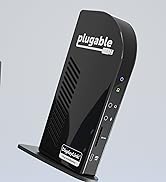
Toggle between connected computers with one button; blue LEDs show which one is active.
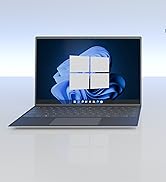
Works with any USB computer. USB-A to USB-C adapter (sold separately) needed for USB-C only systems
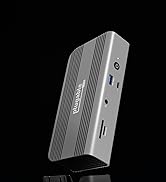
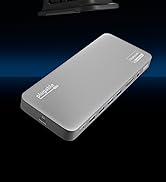
Easily share multiple devices between PCs by adding a powered hub or USB 3.0 dock (sold separately)


Can this be used with USB-C or Thunderbolt Docks?
USB3-SWITCH2 is not compatible with USB-C docks. These USB-C devices rely on optional USB-C features such as Alt Mode and Power Delivery which are not supported on USB 3.0 Type A ports. Only USB 3.0 docks are compatible.
Is this product right for my setup?
USB3-SWITCH2 is compatible with devices with standard USB host connectors. It only includes USB 3.0 host cables, so USB-C to USB-A adapters (sold separately) are required for use with USB-C only computers.
Does it require additional software or drivers?
No additional software or drivers are needed for the switch itself. Plug-and-play USB switch compatible with any computer (Windows, macOS, Linux). However, connected devices like printers or adapters may need drivers on each computer.
How is the switch controlled?
A single press of the button on the switch instantly toggles control of the USB devices between the two connected computers. The built-in LED indicators show which system is active. Keyboard hotkey control is not supported.
Is it compatible with older USB versions?
Yes, as a USB 3.0 sharing switch it also fully supports USB 2.0 and USB 1.1 devices. To enjoy full USB 3.0 SuperSpeed performance, ensure both the computer and the connected devices support USB 3.0.


Find Your Docking Station

Shop for Mac

Shop for Windows


Shop Universal Compatability


Shop for Business