




 here!
here!
I’m your shopping assistant for PC builds, upgrades, and everything tech.
Got questions? Ask away!
Start a conversation
here!
I’m your shopping assistant for PC builds, upgrades, and everything tech.
Got questions? Ask away!
Start a conversation



Any questions? Ask CelesteSM will help you find out quickly.
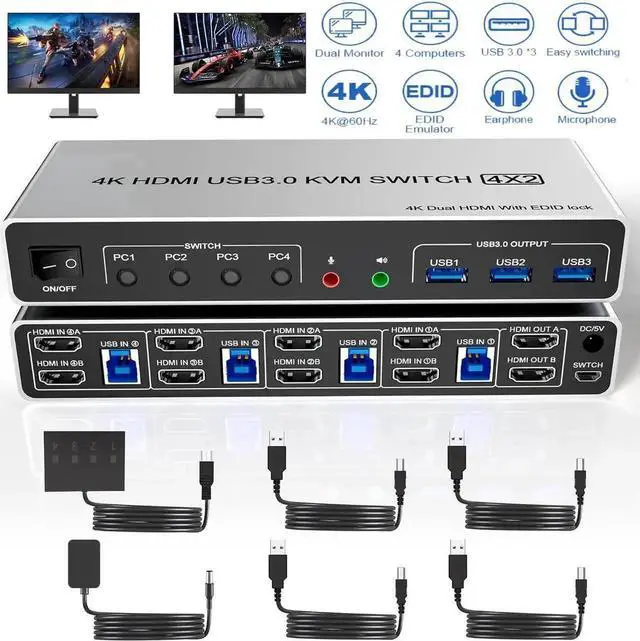
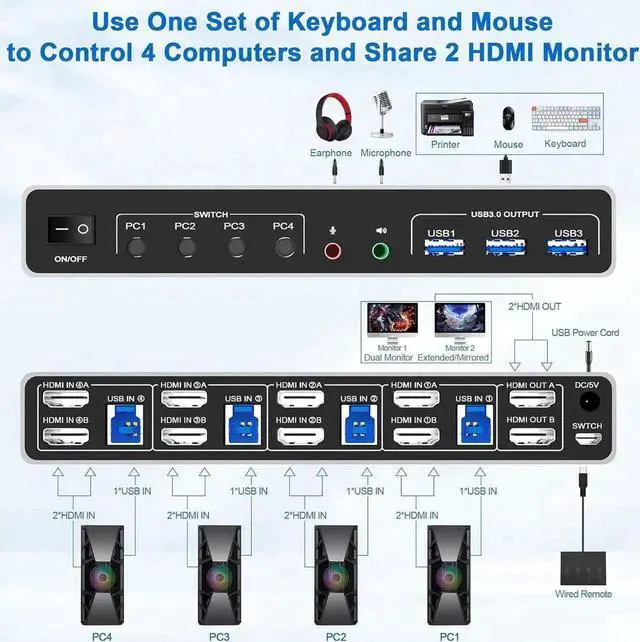
4-port dual-monitor HDMI KVM switch lets four computers or laptops share two monitors, one keyboard, one mouse, USB peripherals, audio, and a microphone. Designed for multi-PC workstations, IT administration, control rooms, and home offices, this 4-computer 2-monitor KVM switch simplifies device management while reducing duplicate peripherals.
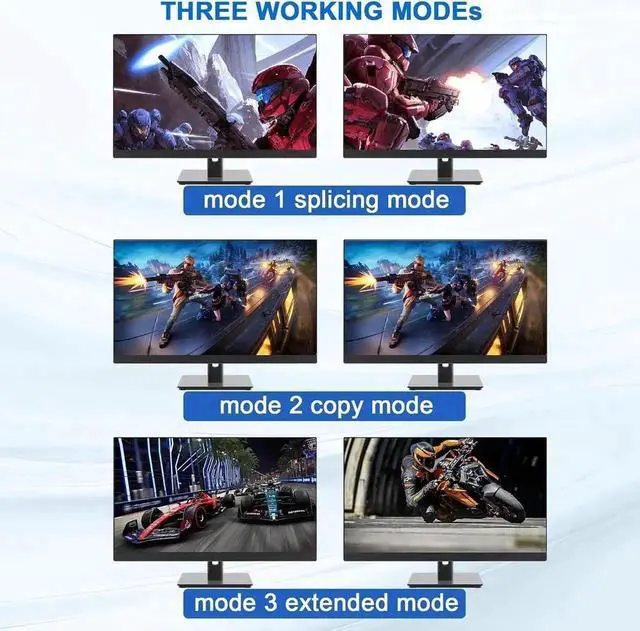
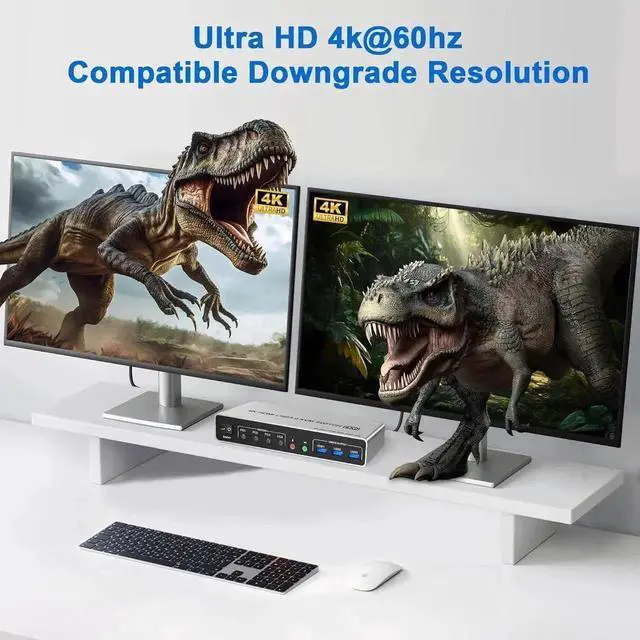
The switch supports resolutions up to 4K at 60Hz and remains compatible with lower resolutions. Both monitors can display content from the selected computer when that computer supports dual-display or multi-display output. EDID simulation stores monitor resolution and refresh-rate information to help preserve consistent display settings during switching.
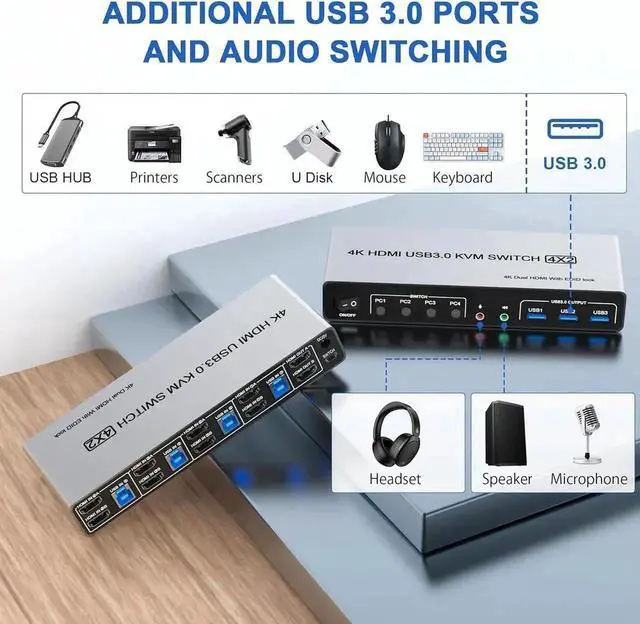
Three USB 3.0 ports provide transfer speeds up to 5Gbps for compatible keyboards, mice, flash drives, printers, and other USB peripherals. They are backward compatible with USB 2.0 and USB 1.1 devices. Separate audio and microphone connections support compatible speakers and headsets.
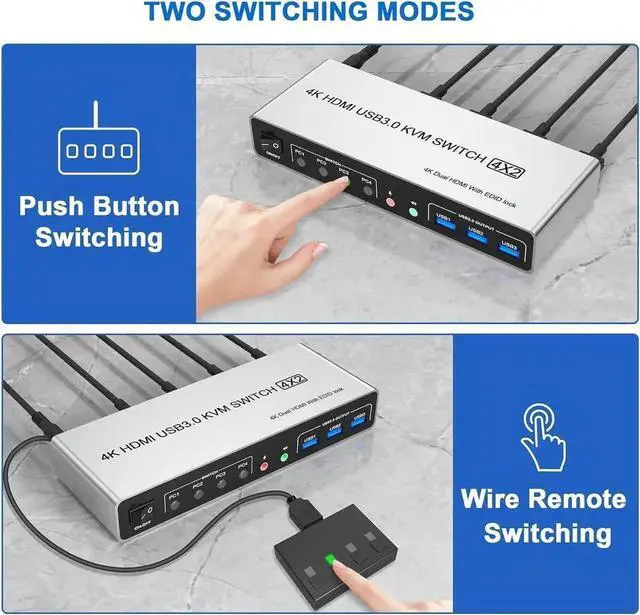
Select a connected computer using the front-panel buttons or included wired remote switch. The LED indicator identifies the active computer.
Compatibility note: Each computer requires two compatible HDMI video outputs, or suitable video adapters, for dual-monitor output. The KVM does not create an additional video signal or extend a single video output by itself.
HDMI cables are not included.
Can this KVM switch run two monitors from four computers?
Yes. It switches a dual-monitor setup among four computers, provided each computer supports dual or multiple displays and supplies two compatible HDMI video signals.
Does it support 4K at 60Hz?
Yes. It supports resolutions up to 4K at 60Hz under the HDMI 2.0 protocol and is backward compatible with lower resolutions.
Will it remember my monitor resolution?
Its EDID simulation stores display resolution and refresh-rate information to help maintain consistent settings during switching.
Can I share USB devices?
Yes. Three USB 3.0 ports support compatible peripherals and transfer speeds up to 5Gbps.
How do I switch computers?
Use the front-panel buttons or included wired remote. The LED identifies the active computer.


