• $52.89
  • Free 30-day Returns
  • Ships from China.
    Sold by GeekSpace

    Shipped by GeekSpace

    Price alert
    Shop it at NeweggBusiness.

    Meet Your Seller

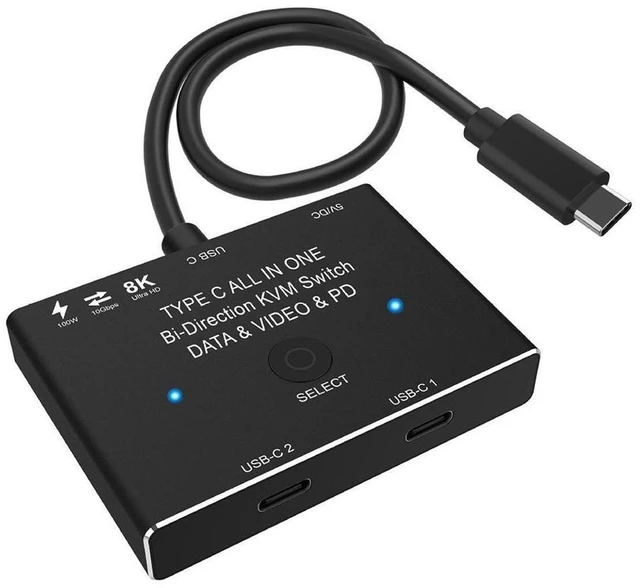
    USB-C KVM Switch for 2 Computers Bi-Directional USB-C Video Switcher and Display Selector 8K@60Hz 4K@120Hz Output 10Gbps USB 3.1 Gen 2 Data Transfer 100W Power Delivery Charging Black

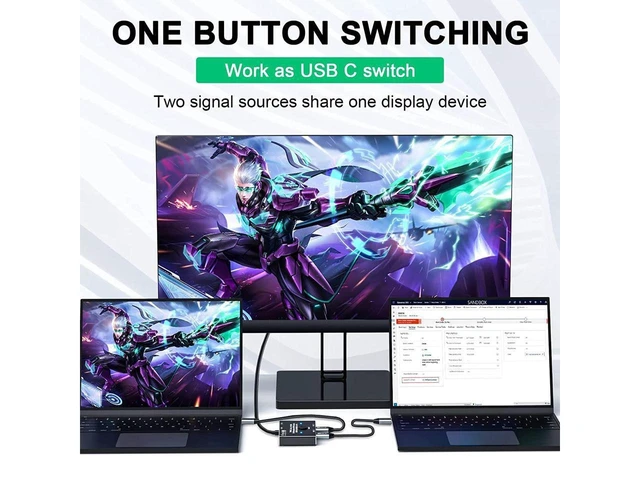
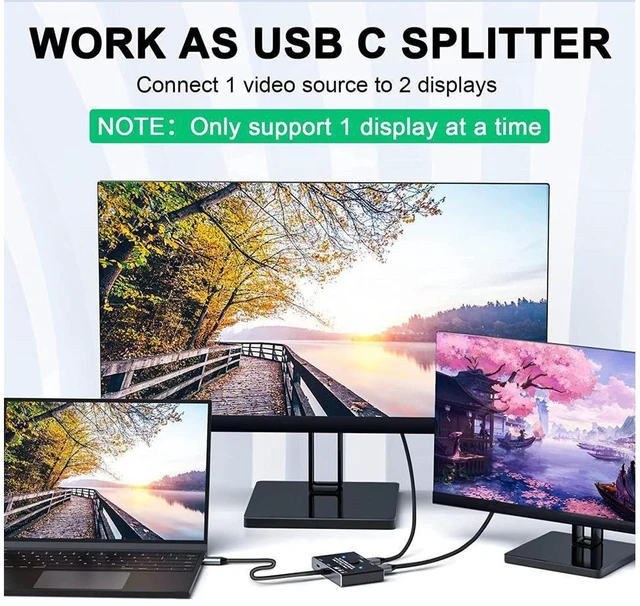
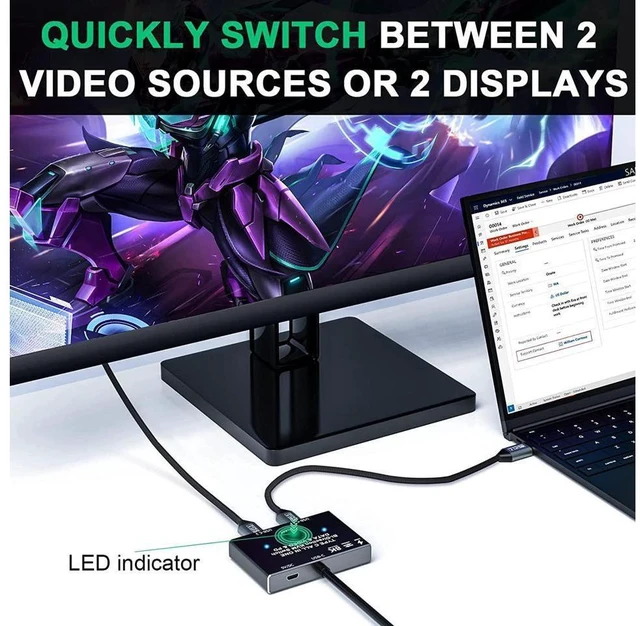
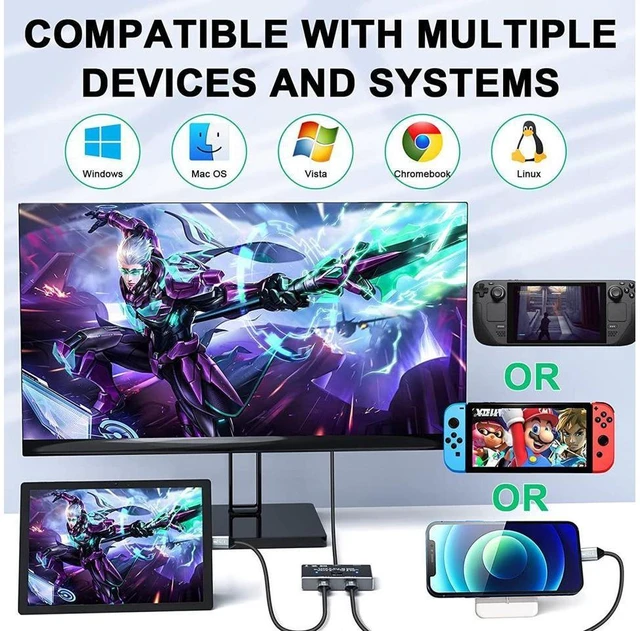
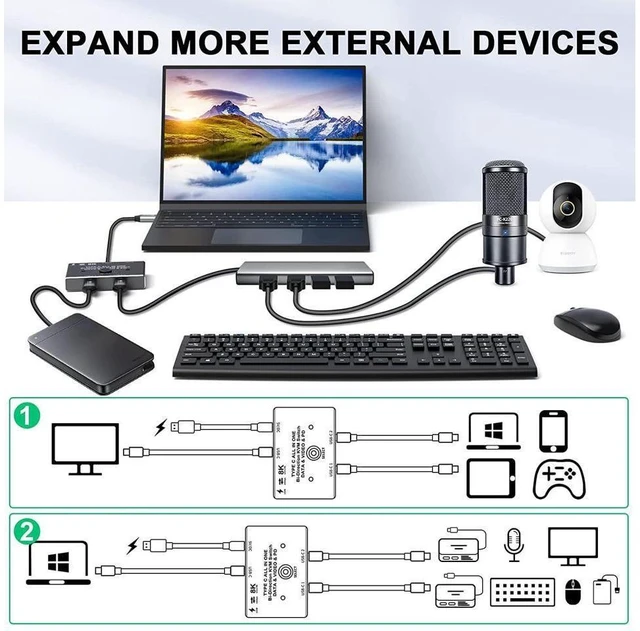
    • Supports bidirectional switching between two USB-C video computers and one display, or one USB-C video source and two displays.
    • Two connected displays cannot show content simultaneously; select the active display or source with the switch.
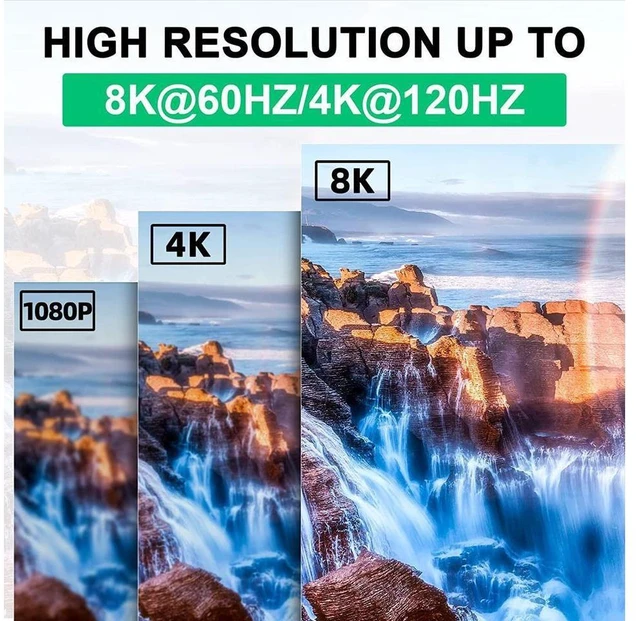
    • Delivers video output up to 8K at 60Hz or 4K at 120Hz, depending on the source device, display, and cable.
    • Provides data transfer rates up to 10Gbps through USB 3.1 Gen 2 for moving files and media between connected devices.
    • Supports up to 100W Power Delivery for charging compatible phones, tablets, and other connected devices.
    • Use the Select button to switch between the connected display paths or USB-C video sources as needed.
    • Connect the switch with a standard USB-C USB 3.1 Gen 2 cable for video switching and data transfer.
    • Power the switch through a USB cable, and use connection cables no longer than 1.5 meters.
    +
    +
    Overview
    Specs
    Reviews

    Any questions? Ask CelesteSM will help you find out quickly.

    Product Description:

    Bi-directional USB-C switch for sharing one USB-C display between two computers or switching one USB-C source between two displays. Select the active display using the Select button.

    Core Selling Points:

    Supports up to 10Gbps data transfer for connected devices and up to 100W Power Delivery charging. Video output supports up to 8K @60Hz, 4K@120Hz, and 1080P@165Hz.

    Technical Specifications:

    Connection type: USB-C. Data transfer rate: up to 10Gbps, USB 3.1 Gen 2. Video output: up to 8K @60Hz, 4K@120Hz, and 1080P@165Hz. Charging: up to 100W Power Delivery. Color: Black.

    Before Purchase:

    Two displays cannot display simultaneously. Use a standard USB-C USB 3.1 Gen 2 cable to connect the switch and use a USB cable to power it. Actual maximum resolution depends on the source device, display, and cable used. For connection, use a cable length of <= 1.5 meters.

    Warranty & Returns

    Warranty, Returns, And Additional Information

    Warranty

    • Please contact the Seller directly for warranty information. Warranty information may also be found on the Manufacturer's website.
    • CONTACT

    Return Policies

    • Return for refund within: 30 days
    • Return for replacement within: non-replaceable
    • This item is covered by GeekSpace Return Policy

    Manufacturer Contact Info

    LOADING...