




 here!
here!
I’m your shopping assistant for PC builds, upgrades, and everything tech.
Got questions? Ask away!
Start a conversation
here!
I’m your shopping assistant for PC builds, upgrades, and everything tech.
Got questions? Ask away!
Start a conversation
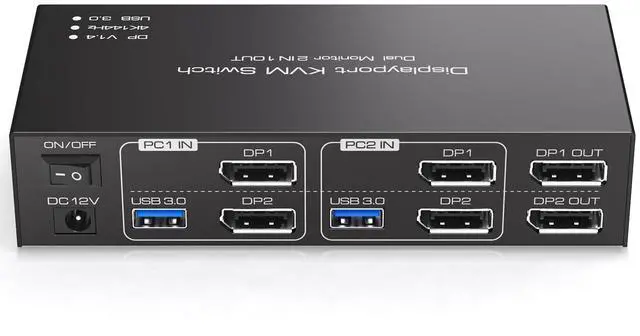
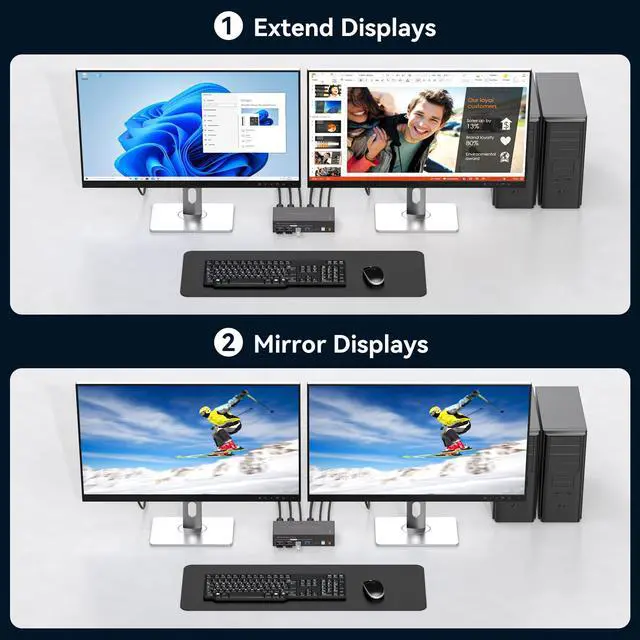
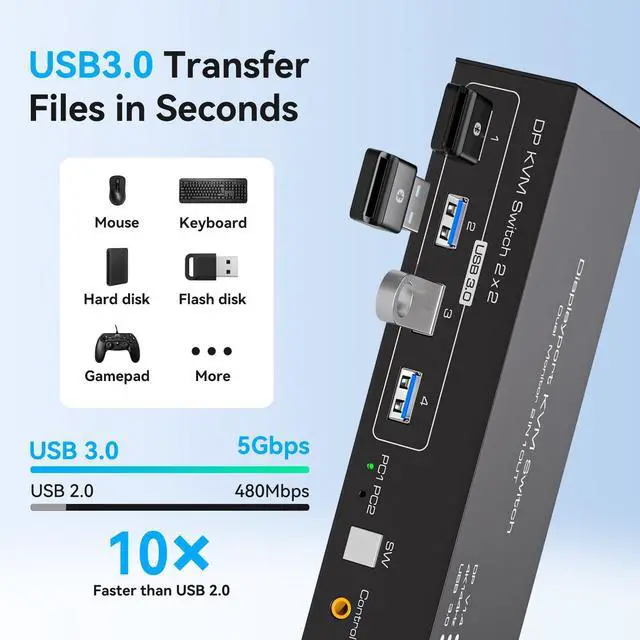



Any questions? Ask CelesteSM will help you find out quickly.


 HDMI KVM 2 PC 2 Monitor |  HDMI KVM 2 PC 3 Monitors | 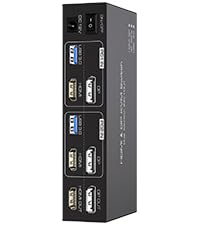 HDMI DP KVM 2PC 2 Monitor | 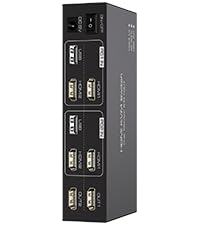 HDMI KVM 2PC 2 Monitor | 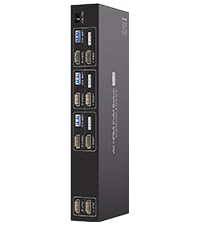 HDMI KVM 3PC 2 Monitor | 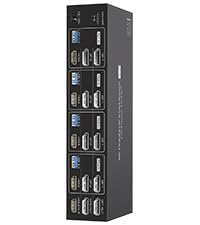 HDMI DP KVM Switch 4 PC | 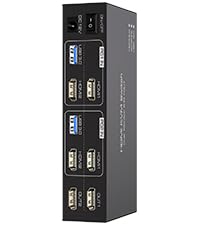 HDMI KVM 2PC 2 Monitor | |
|---|---|---|---|---|---|---|---|
Customer Reviews | — | — | — | — | — | — | — |
Price | — | — | — | — | — | — | — |
USB standard | USB3.0*4 | USB3.0*4 | USB3.0*4 | USB2.0*4 | USB3.0*4 | USB3.0*4 | USB3.0*4 |
Input | Per Pc :HDMI*2+USB | Per Pc :HDMI*2+USB | Per Pc :HDMI*1+DP*1+USB | Per Pc :HDMI*2+USB | Per Pc :HDMI*3 | Per Pc :HDMI*1+DP*2+USB | Per Pc :HDMI*2+USB |
Output | HDMI*2 | HDMI*3 | HDMI*1+DP*1 | HDMI*2 | HDMI*3 | HDMI*1+DP*2 | HDMI*2 |
Quantity of signal sources | 2 Computers | 2 Computers | 2 Computers | 2 Computers | 3 Computers | 4 Computers | 2 Computers |
Maximum resolution | 4K@60Hz | 4K@60Hz | 4K@60Hz | 4K@30Hz | 4K@60Hz | 4K@144Hz | 4K@120Hz |
Hotkey Switching Support | × | × | × | × | × | × | × |
Plug and Play | ? | ? | ? | ? | ? | ? | ? |
Can KVM switches support up to 4K@144Hz?
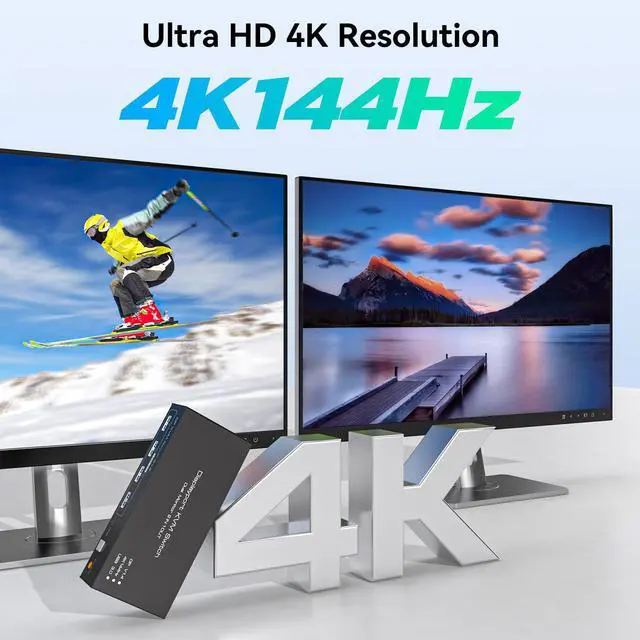
The Displayport KVM Switch can support up to 4K@144Hz,but the prerequisite is that the cable and monitor you use must support 4K@144Hz.
Can the two functions of USB Switch and DP Switch be used independently?
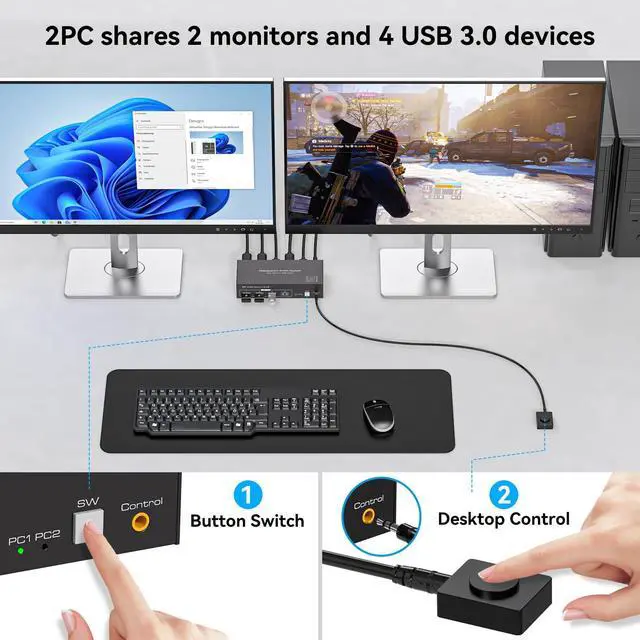
Yes,you can think of the KVM switch as a USB+DP Switch. These two functions not only support simultaneous use,but can also be used separately
How many Displayport and USB cables are required for a complete set up?
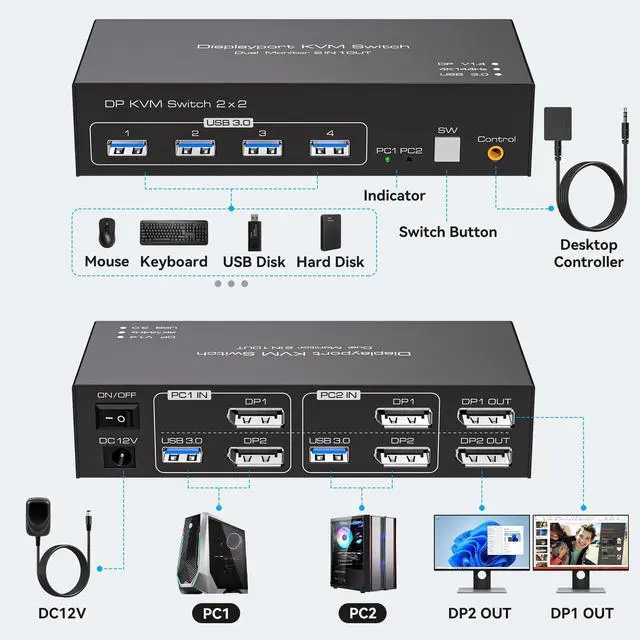
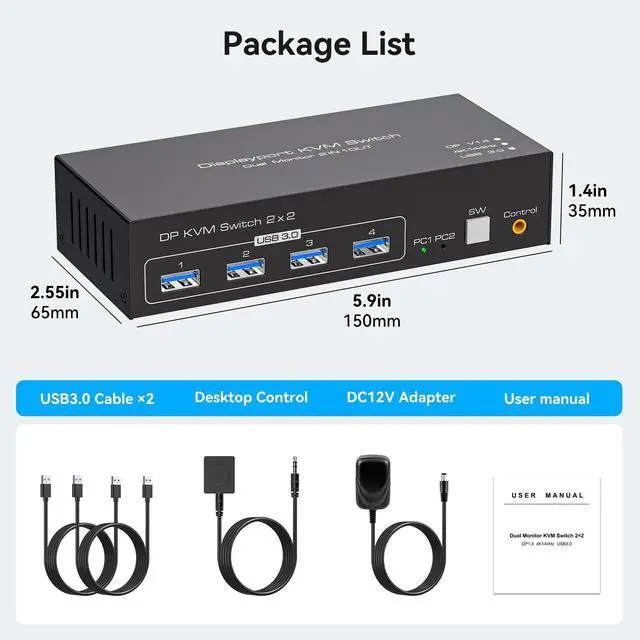
A total of 6 displayport cables and 2 USB cables are required,plus one power cable.Please use a 5V power adapter for power supply(Displayport cables not included)
What is the maximum power of peripherals it can drive?
To drive peripherals with a maximum power of 10W,we use a 12V/1A power adapter,which can provide a more powerful and stable drive.
Is it really possible to replace a new product within two years?
Yes,if there are any problems with the product within two years,we wil solve it for you,including replacing it with a new KVM.


HDMI KVM 2 PC 2 Monitor | HDMI KVM 2 PC 3 Monitors | HDMI DP KVM 2PC 2 Monitor | HDMI KVM 2PC 2 Monitor | HDMI KVM 3PC 2 Monitor | HDMI DP KVM Switch 4 PC | HDMI KVM 2PC 2 Monitor |
|---|---|---|---|---|---|---|
| Customer Reviews | ||||||
| — | — | — | — | — | — | — |
| Price | ||||||
| — | — | — | — | — | — | — |
| USB standard | ||||||
| USB3.0*4 | USB3.0*4 | USB3.0*4 | USB2.0*4 | USB3.0*4 | USB3.0*4 | USB3.0*4 |
| Input | ||||||
| Per Pc :HDMI*2+USB | Per Pc :HDMI*2+USB | Per Pc :HDMI*1+DP*1+USB | Per Pc :HDMI*2+USB | Per Pc :HDMI*3 | Per Pc :HDMI*1+DP*2+USB | Per Pc :HDMI*2+USB |
| Output | ||||||
| HDMI*2 | HDMI*3 | HDMI*1+DP*1 | HDMI*2 | HDMI*3 | HDMI*1+DP*2 | HDMI*2 |
| Quantity of signal sources | ||||||
| 2 Computers | 2 Computers | 2 Computers | 2 Computers | 3 Computers | 4 Computers | 2 Computers |
| Maximum resolution | ||||||
| 4K@60Hz | 4K@60Hz | 4K@60Hz | 4K@30Hz | 4K@60Hz | 4K@144Hz | 4K@120Hz |
| Hotkey Switching Support | ||||||
| × | × | × | × | × | × | × |
| Plug and Play | ||||||
| ? | ? | ? | ? | ? | ? | ? |
Can KVM switches support up to 4K@144Hz?
The Displayport KVM Switch can support up to 4K@144Hz,but the prerequisite is that the cable and monitor you use must support 4K@144Hz.
Can the two functions of USB Switch and DP Switch be used independently?
Yes,you can think of the KVM switch as a USB+DP Switch. These two functions not only support simultaneous use,but can also be used separately
How many Displayport and USB cables are required for a complete set up?
A total of 6 displayport cables and 2 USB cables are required,plus one power cable.Please use a 5V power adapter for power supply(Displayport cables not included)
What is the maximum power of peripherals it can drive?
To drive peripherals with a maximum power of 10W,we use a 12V/1A power adapter,which can provide a more powerful and stable drive.
Is it really possible to replace a new product within two years?
Yes,if there are any problems with the product within two years,we wil solve it for you,including replacing it with a new KVM.
1
| Operation Mode | ON-OFF |
| Current Rating | 0.6 A |
| Operating Voltage | 12 volts |
| Contact Type | Normally Open |
| Connector Type | Plug In |
| Brand | TJCXELE |
| Switch Type | Push Button |
| Terminal | Displayport |
| Material | Aluminum |
| Item dimensions L x W x H | 7.8 x 5.7 x 2.2 inches |
| Circuit Type | 2-way |
| Mounting Type | Panel Mount |
| Number of Positions | 2 |
| Upper Temperature Rating | 45 °C |
| Compatible Devices | Computers |
| Color | White |
| Item Dimensions | 7.8 x 5.7 x 2.2 inches |
| Unit Count | 1 Count |
| Number of Items | 1 |
| Material Type | Aluminum |
| Contact Material | Aluminum |
| International Protection Rating | IP20 |
| Specification Met | CE |
| Brand Name | TJCXELE |
| Manufacturer | TJCXELE |
| Included Components | kvm switch |
| Part Number | 20260904273 |


