
Your Browsing History




Any questions? Our AI beta will help you find out quickly.
1. Why does only 1 of the 2 monitors have video output?
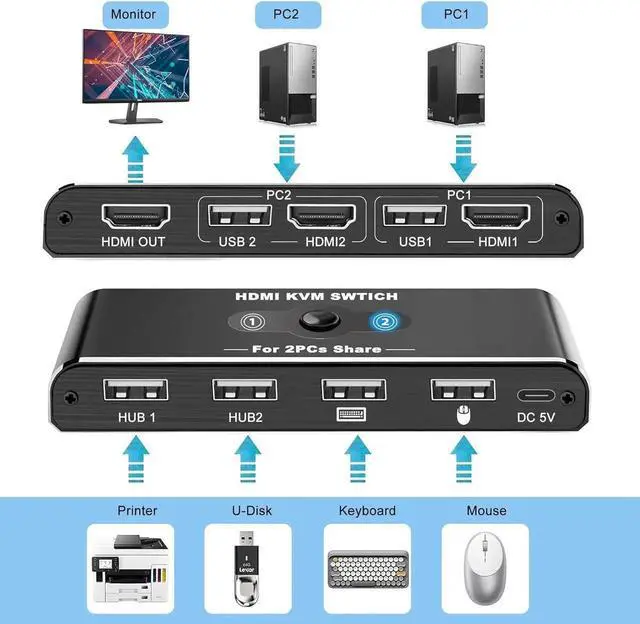
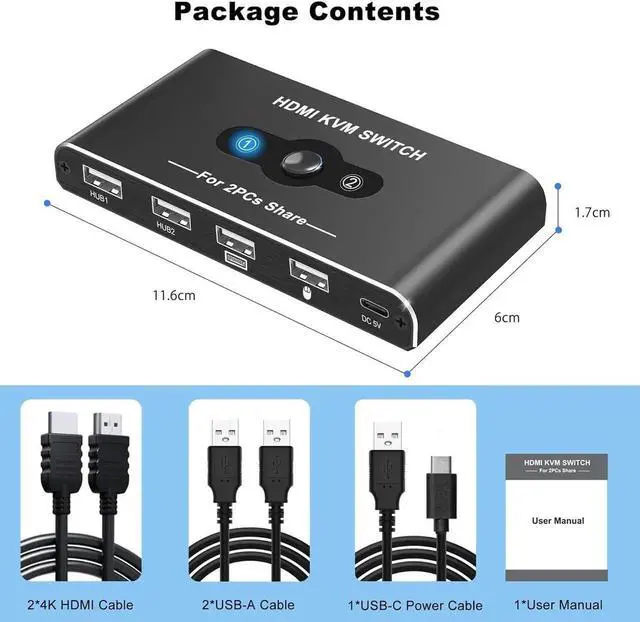
The most common reason for only one video output is incorrect connection. Make sure each computer is connected to the KVM switch (1 HDMI cable + 1 USB cable).
2.No image even when connected via HDMI
1) Connect only one PC to the monitor with an HDMI cable without connecting two PCs, and check if it works normally.
2) Replace the remaining two HDMI cables one by one and check if the HDMI signal is output.
3) Check if the remaining one PC works normally. Please connect your PC to the monitor with an HDMI cable without going through the product and check if it works properly.
4) Connect the HDMI output ports of the two PCs to the HDMI input ports of the product, and connect the HDMI input ports of the monitors to the output ports of the product. Press the toggle button and check if the toggle works properly and the monitor displays an image.
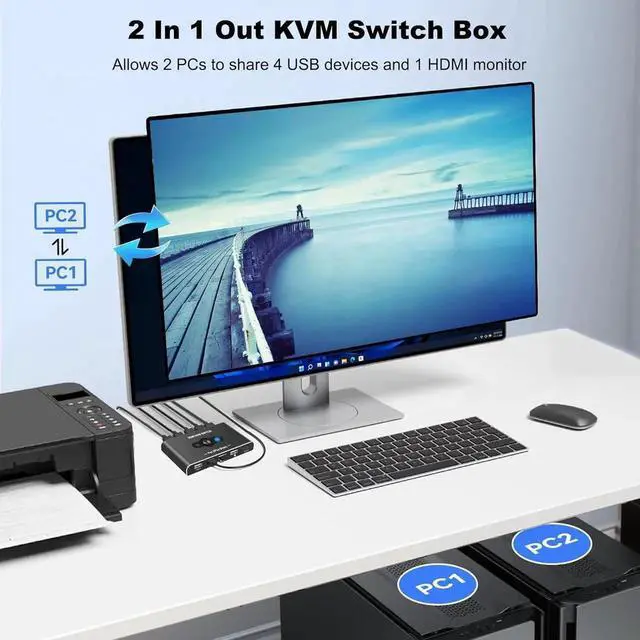
2 PCs Share 4 USB Devices and 1 Monitor
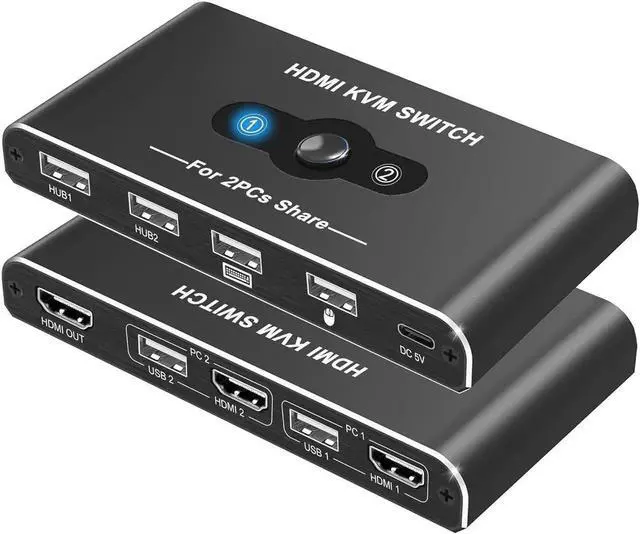
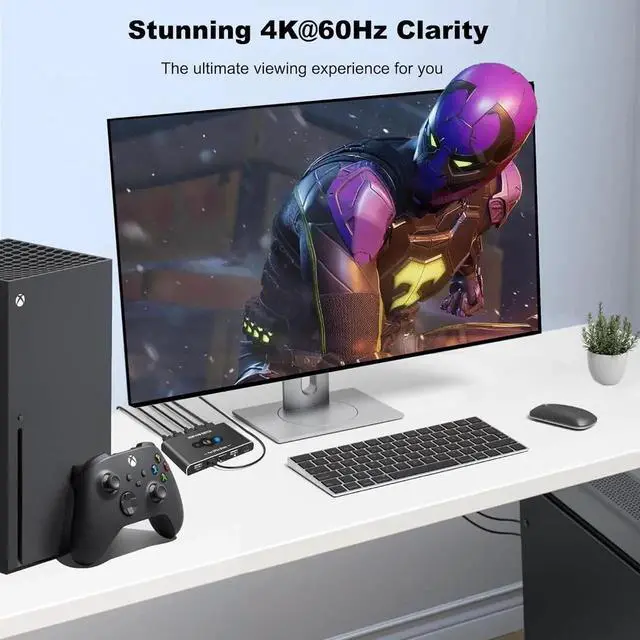
KVM switch supports 2 computers share 1HD Monitor and 4 USB devices like keyboards, mouses, U disk, printers, scanners, USB cameras etc. It's convenient for you.
Whether youre a programmer multitasking with 2 computers, or a freelancer working from home, having a work computer and home PC at one table, a solution to share between them a monitor, keyboard, mouse and printer will help streamline your workflow.
The key benefits of employing a KVM USB Switch
Multiple computer / server control: Users can have quick, easy access to 2 PCs or servers from their keyboard, monitor, and mouse setup.
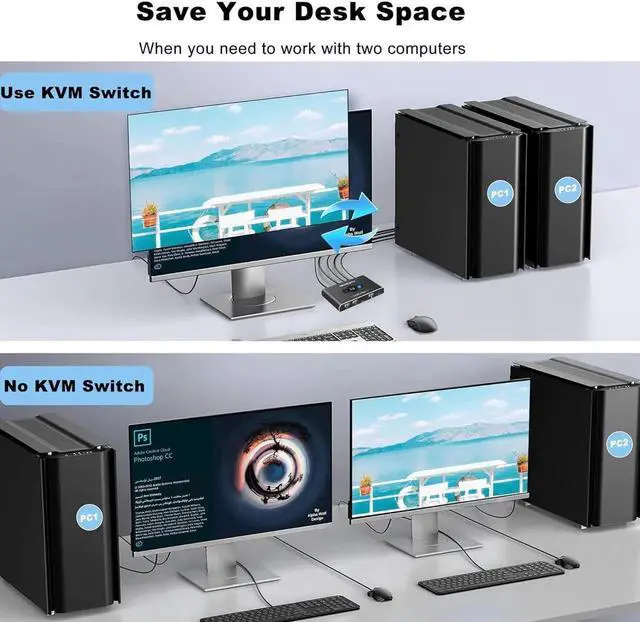
Reducing clutter: Cutting down on the number of keyboards, monitors, and mice needed frees up desk space.
Cost saving: Not needing to invest in extra computer equipment helps save you money.
Space saving: Keep your desk clear, and save much-needed rack space in a server room.
Peripheral support: KVM switches support USB peripherals, eliminating the need for separate USB hubs.