
Your Browsing History




Any questions? Our AI beta will help you find out quickly.
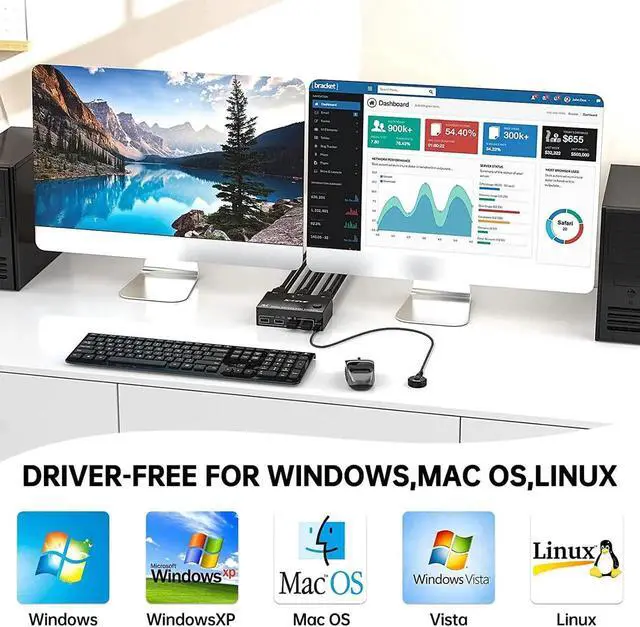
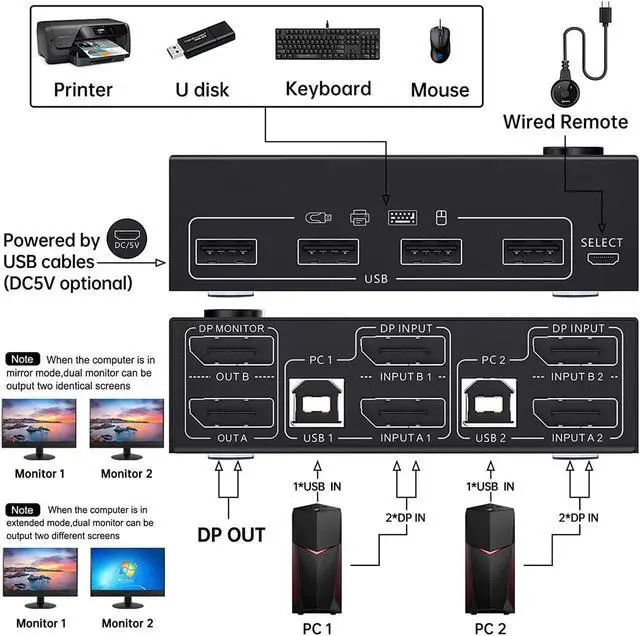
2 computers share one set of wired/wireless keyboard, mouse and 2 monitors.
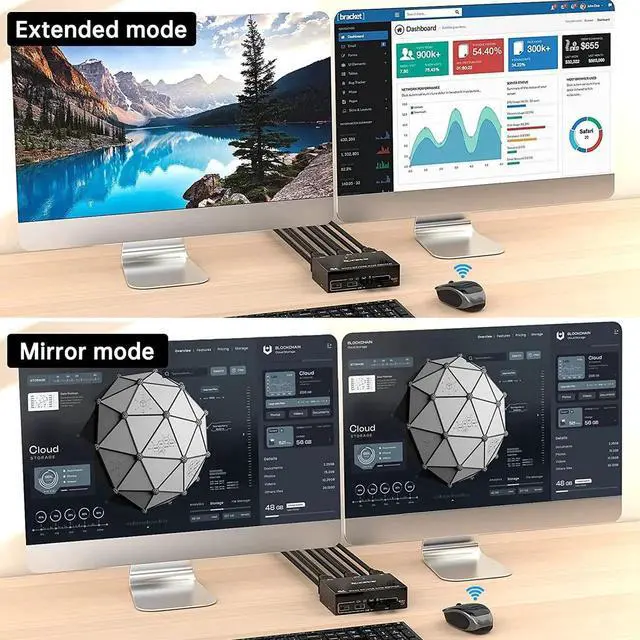
Dual monitors output support extended and mirror display.
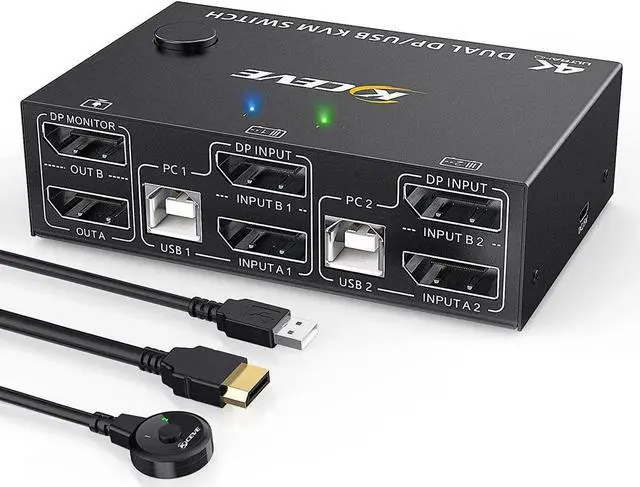
Switching modes: Button switch and wired remote.
Support wired or wireless keyboard and mouse.
Cross support most major OS including Windows, Linux, Mac
Dual displayport KVM switch with 4 USB 2.0 ports for USB devices.
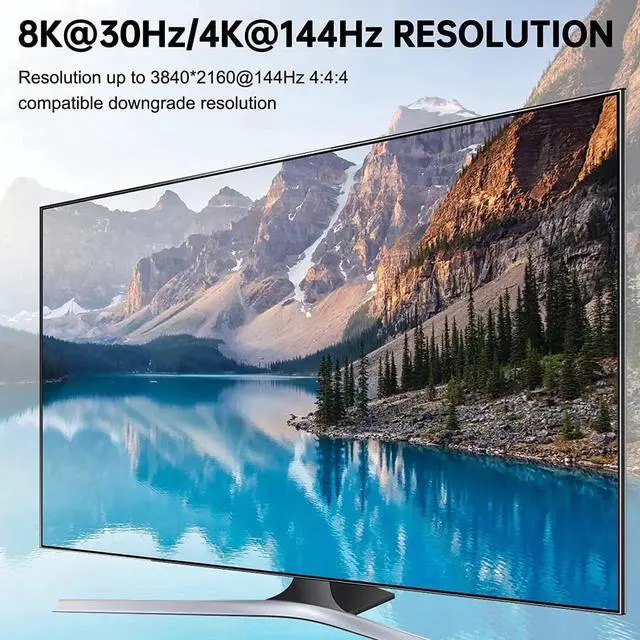
Support max up resolution 8K@30Hz, 4K@144Hz, 2560×1440@144Hz, 1920x1080P@144Hz, downward compatible.
Support DP 1.4 standard, backwards compatible with DP 1.2 standard.
A USB hub can expand the USB ports if multiple connections are required.
Installation Guide Tips (incorrect connection will cause malfunction):
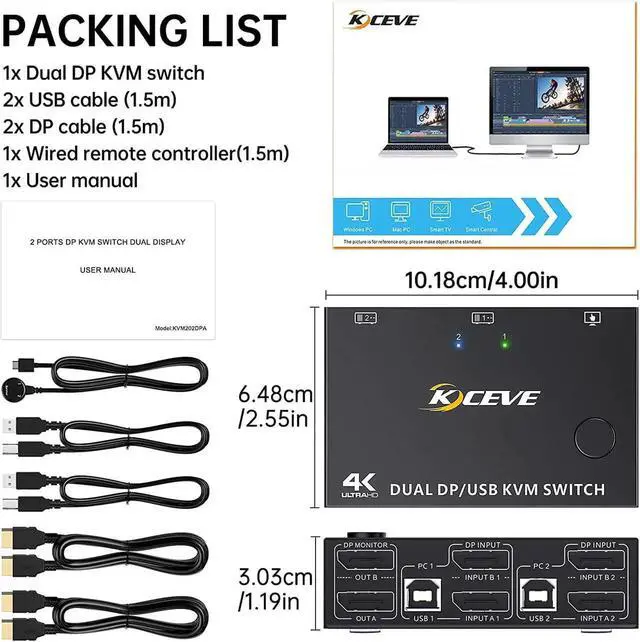
Each computer must connection 2 DP cables and 1 USB cable to ensure keyboard, mouse and monitors to work correctly.
Connection steps:
Step 1. Connect 2*DP cables+1*USB-B cable between computer 1 and KVM (USB 1, INPUT A1, INPUT B1).
Step 2. Connect 2*DP cables+1*USB-B cable between computer 2 and KVM (USB 2, INPUT A2, INPUT B2).
Step 3. Connect 2*DP cables between the KVM (OUT A, OUT B) and the monitors.
Step 4. Connect the keyboard and mouse to the K/M USB ports on the KVM.
Step 5. Insert your USB devices into the USB port on the KVM.
Step 6. Insert the Wired Remote into the "SELECT" port to remotely switch between PC1 and PC2.