- Free 30-day Returns
Meet Your Seller
4K144Hz Triple Monitor HDMI KVM Switch 3 Monitors 2 Computers 8K60Hz 2 PC 3 Monitors KVM Switches With 4 Ports USB 3.0 to Connect Keyboard Mouse and Printer Includes 2 USB 3.0 Cables and DC12V Adapter
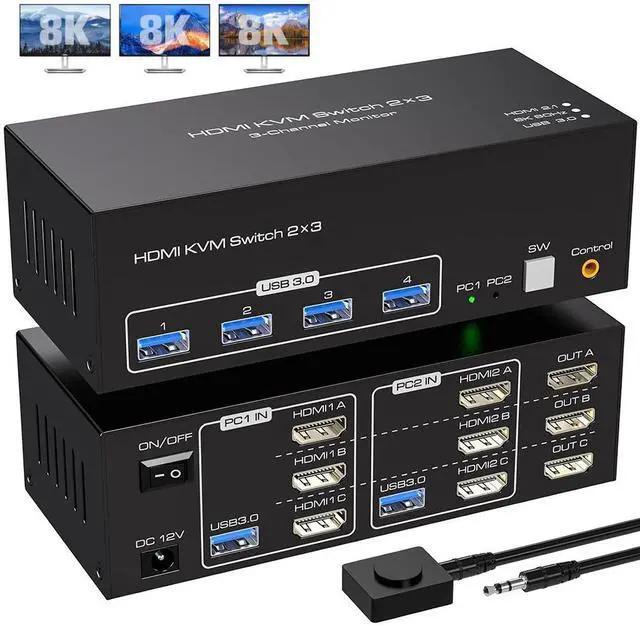
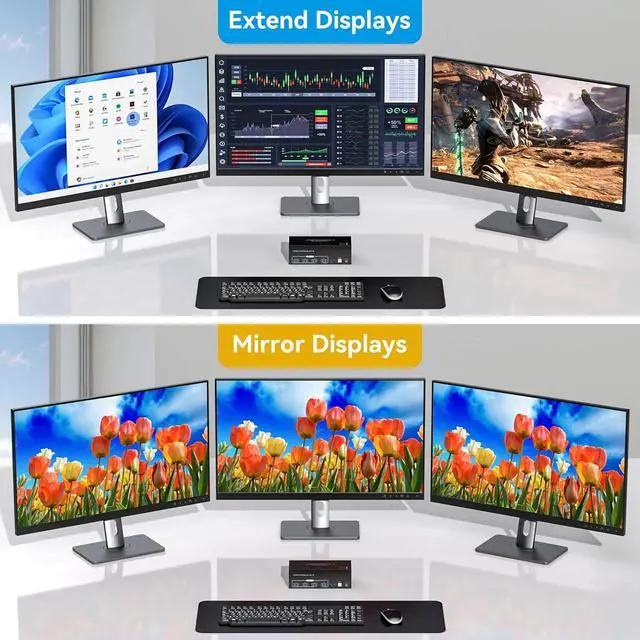
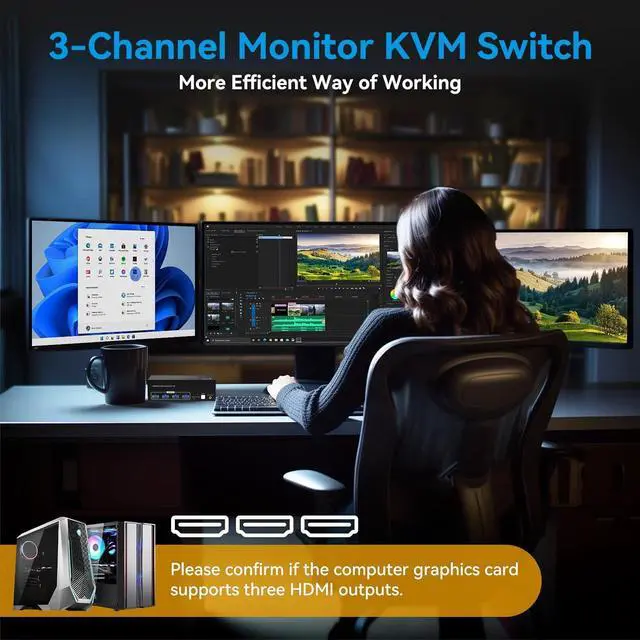
- [3×HDMI KVM Switch 2 PC 3 Monitore] This KVM switch can connect 2 computer to share 1 set of keyboard, mouse and 3 monitors. Supports duplication and expansion modes for computer hosts (computer host graphics card needs to have 3 HDMI outputs) Note: (Your computer needs to support 3 monitors or multiple monitors to use this KVM)
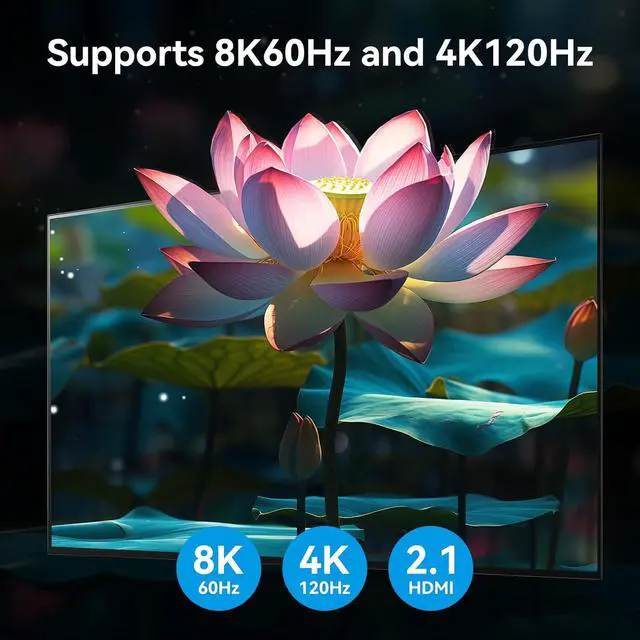
- [Ultra HD 4K@144Hz] Supports resolutions up to 8K@60Hz 4K@144Hz and below, and has a built-in auto-adjustment system to make the image display more lifelike and the colours brighter.
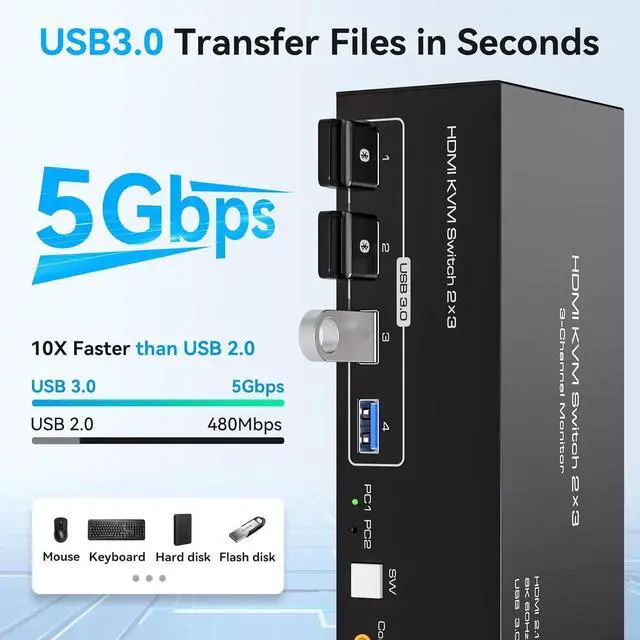
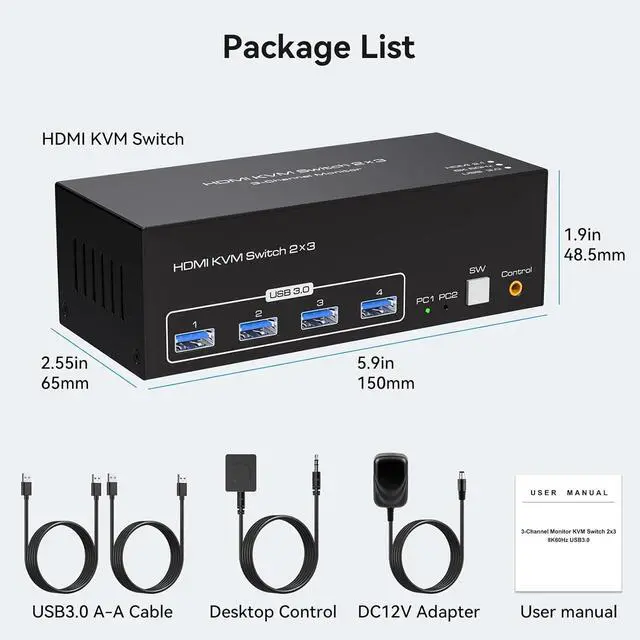
- [with 4 USB3.0 for Fast Data Transfer] has 4 Port USB 3.0 for sharing USB devices such as keyboards, mice, printers and more. Supports video bandwidth up to 48GBPS, data transfer rates up to 5Gbps, and is backward compatible with USB 2.0/1.1 devices. Supports Windows/Vista/XP and Mac OS, Linux and Unix..
- [2 Switching Methods] Supports both front panel pushbutton and external cable switching, switching between two sources at the touch of a button, LEDs to show active devices.
Any questions? Our AI beta will help you find out quickly.
8K HDMI KVM switch Triple Monitor for 2 Computers Sharing 3 Monitors and 4 USB 3.0 Ports
FEATURES
1. Connect 2 computer hosts to share 1 set of keyboard, mouse and 3 monitors (3 HDMI ports)
2. Triple monitor output supports up to 4K@144Hz duplication and extended display, supports HDMI 2.1 standard
3. Supports barcode scanners, USB hard disks, or other USB devices connected to the KVM via 4 USB 3.0 hub ports
4. Supports front panel pushbuttons and external switch buttons to control the KVM to switch input sources
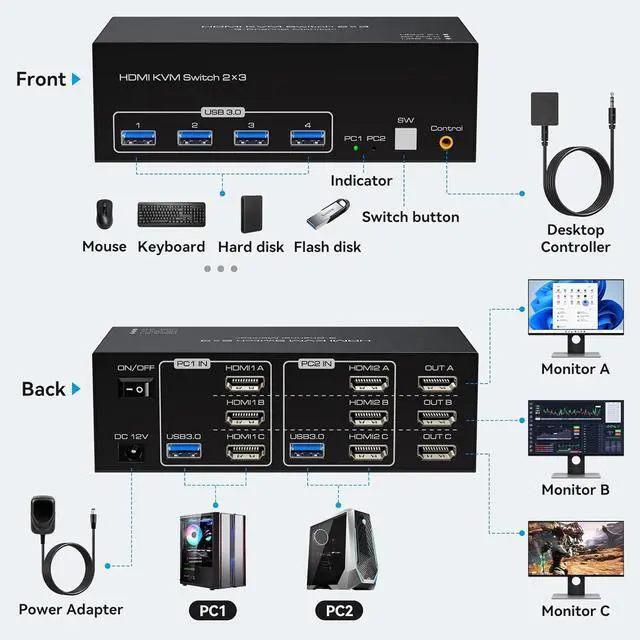
Connection steps:
1.
PC1 in: USB and HDMI 1 A/B/C cable, Gerat a the computer connected 1
2.
PC2 in: USB and HDMI 2 A/B/C cable, Gerat a the computer connected 2
3.
OUTA/B/C: HDMIoutA/B/C, connected a 3 HDMI display devices
NOTE: Please check whether the connected cable corresponds to the input and output, mixed insertion is not supported. (If you want to get the best 8K visual effect, please make sure your signal source, monitor and cable all support 8K)
Warranty & Returns
Warranty, Returns, And Additional Information
Warranty
- Please contact the Seller directly for warranty information. Warranty information may also be found on the Manufacturer's website.
- CONTACT
Return Policies
- Return for refund within: 30 days
- Return for replacement within: 30 days
- This item is covered by Lou Di Shi Lou Xing Qu Liu Li Shang Mao Return Policy
Manufacturer Contact Info
- For a directory of all our manufacturers, please click below.
- Manufacturers Directory