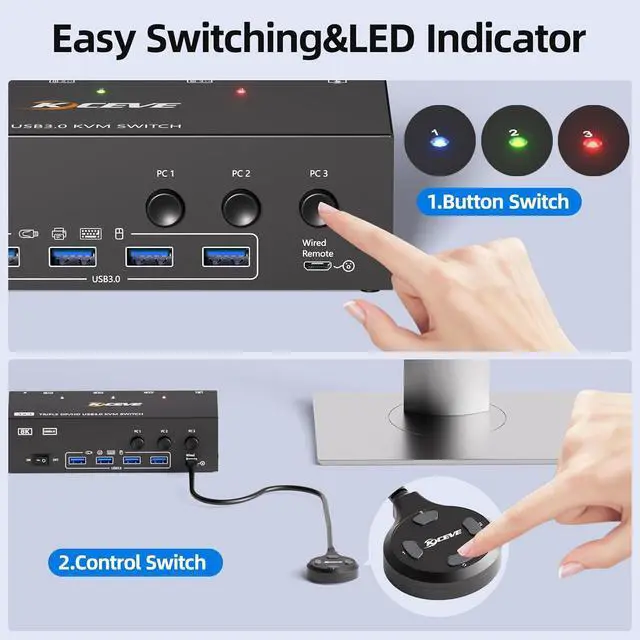
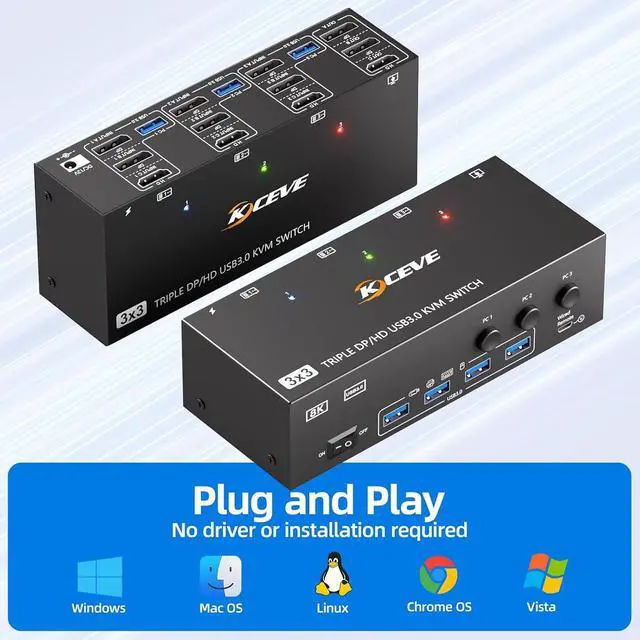
8K@60Hz 4K@144Hz KVM Switch for 3 Monitor 3 PC
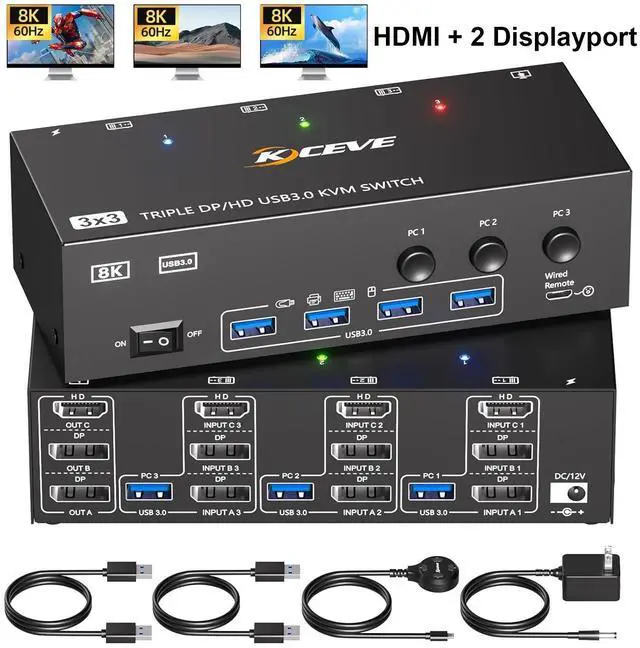
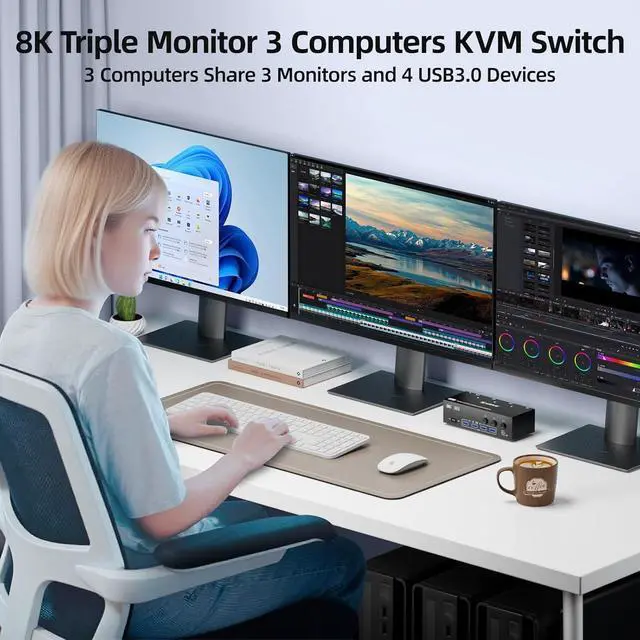
- The KVM Switches allow three computers to share 3 monitors(2DP+1HDMI) and 4 USB 3.0 ports,such as mouse,keyboard,printer,etc.Three displays KVM switch supports mirror mode and extended mode output.Please note: Make sure your computer supports three displays.
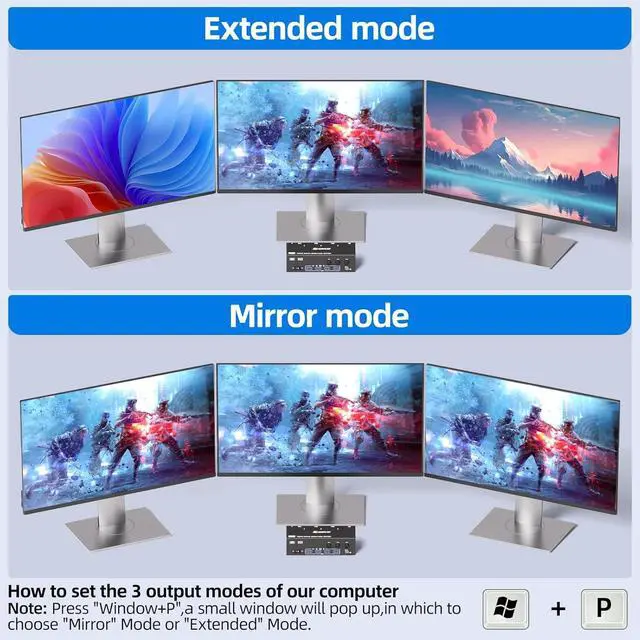
3 computers 3 monitors KVM Switch supports extended mode and mirror mode output.
- Extended mode:3 monitors output different screens
- Mirror mode:3 monitors output the same screen
- Please ensure the graphic cards of computers support multiple display
- Press ''Windows+P'' to set your computers to extended mode or copy mode
- HDMI ports support resolution 8K@60Hz;4K@120Hz/60Hz;
- DP ports support resolution8K@30Hz;4K@144Hz/120Hz/60Hz;1440P@144Hz/120Hz/60Hz;1080@240Hz/165Hz/144Hz/120Hz/60Hz...
- Note:Please use DP1.4 and HDMI2.1 cables to connect the 3 monitors 3 computers KVM,Otherwise,you will not be able to get the best resolution,the monitor may appear black screen/flashing screen/no picture,etc.Recommend HDMI/DP cable length less than 1.5 meters (59 inch)
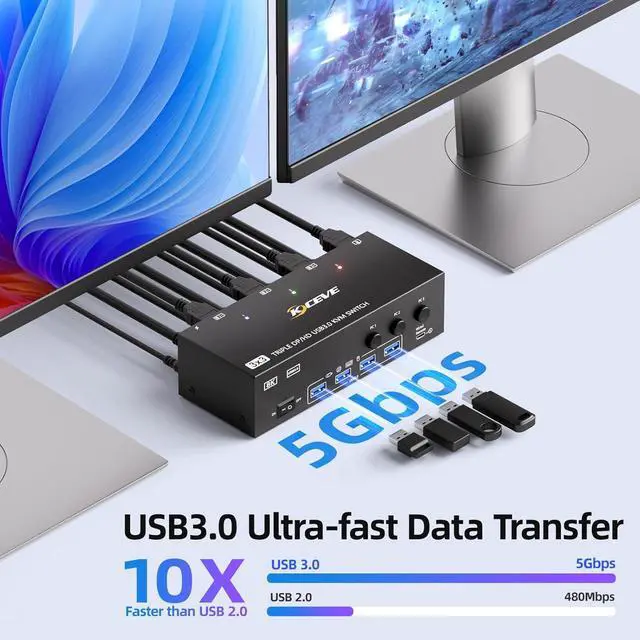
- HDMI2.1+DP1.4 KVM Switch 3 port with 4 USB 3.0 ports,supports ultra-fast 5Gbps data transfer,10 times faster than USB 2.0,for connecting keyboards,mice,printers,hard drives,webcams etc.backwards compatible with USB 2.0/1.1 devices.
- Note:When using high power USB devices,please plug in DC12V power supply.Say goodbye to unreliable connections and frequent disconnections, Never worry about insufficient power supply that renders your devices unusable.
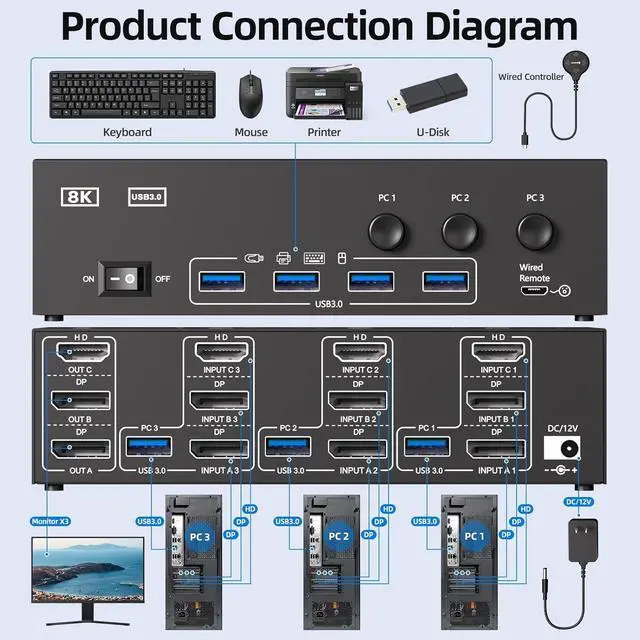
- when using KVM, each computer needs to be connected with 2*DP+1* HDMI+1*USB cables to KVM in order to output 3 video signals properly, if only 1 HDMI cable is connected,it can only transmit video to 1 monitor.
- Note:When signal is input from A1/A2/A3,it only supports from output A. When signal is input from B1/B2/B3,it only supports from output B.When signal is input from C1/C2/C3,it only supports from output C.





 here!
here!