here!
here!
I’m your shopping assistant for PC builds, upgrades, and everything tech.
Got questions? Ask away!
Start a conversation
here!
I’m your shopping assistant for PC builds, upgrades, and everything tech.
Got questions? Ask away!
Start a conversation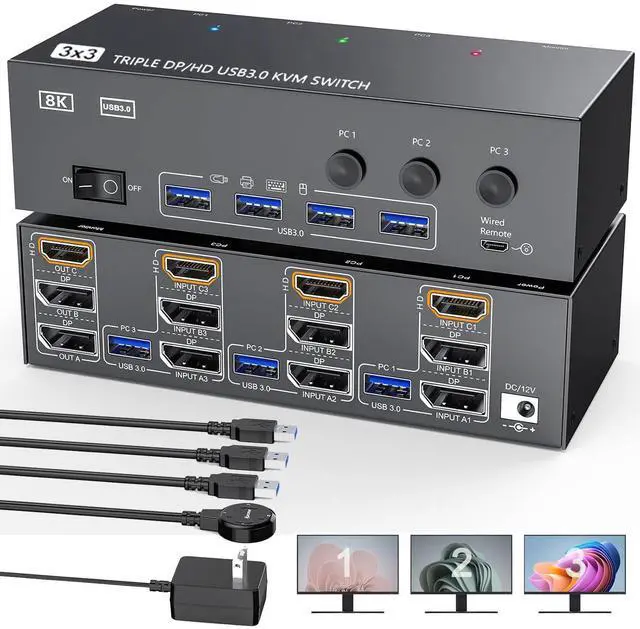



Any questions? Ask CelesteSM will help you find out quickly.
Warm Tips:
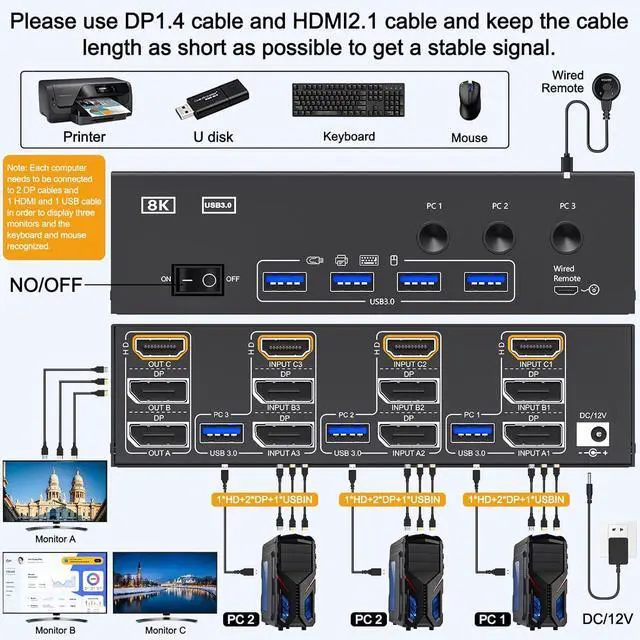
2 DP+HDMI cables and usb cable need to be connected to each computer and kvm input to get triple screen display properly.
Note: If the input USB 3.0 ports are not connected or connected incorrectly, the output usb device will not be recognized. For desktop or laptop without 2 DP+HDMI port, you need to use it with a reliable adapter or docking station. Please make sure each of your PC has the ability to support multi display before purchasing.
Test method: You can connect your PC directly to 3 monitors (not via KVM). If 3 monitors have a screen display, the computer supports multi-monitor display.
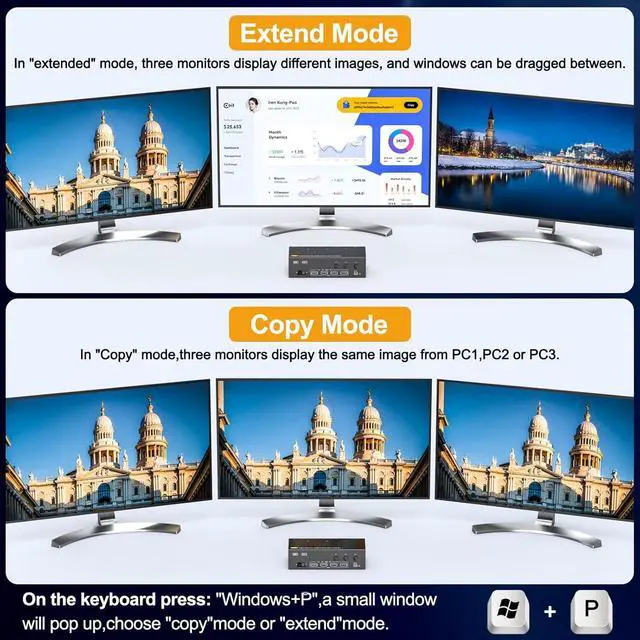
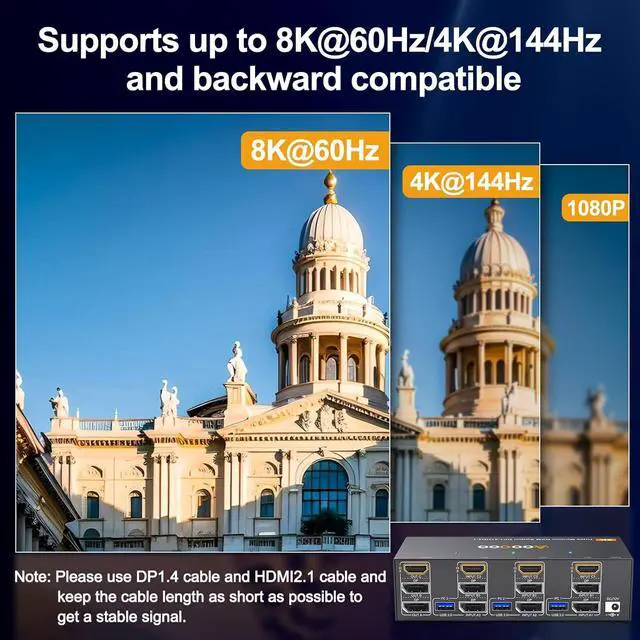
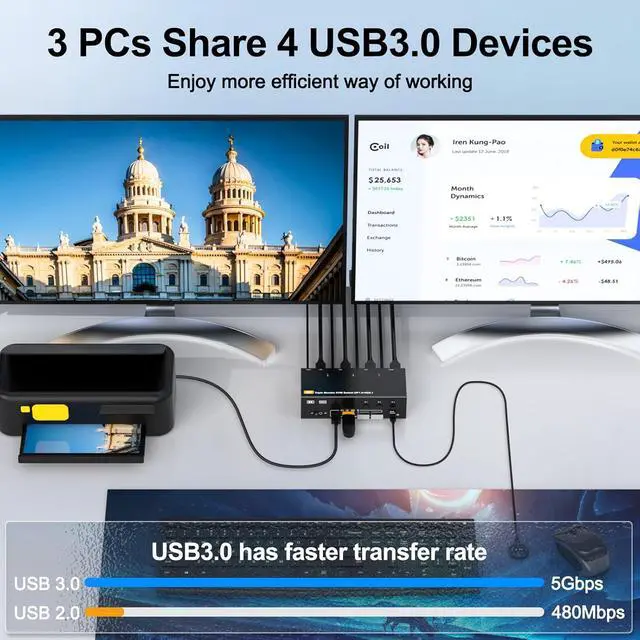
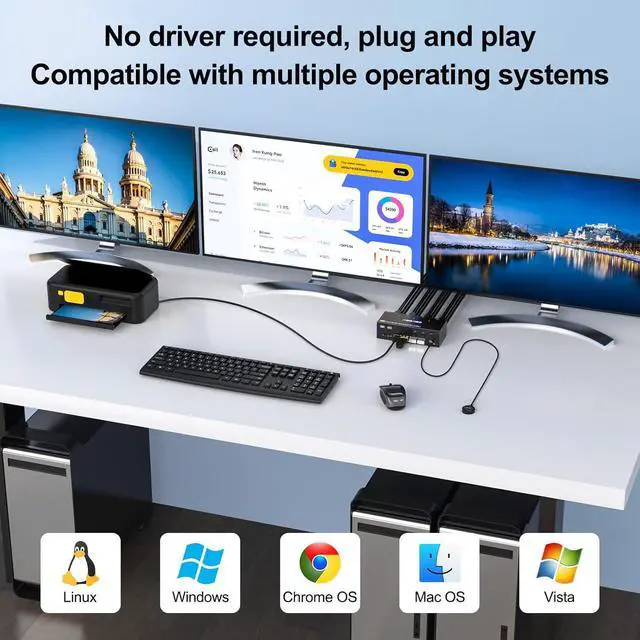
2 Displayport 1.4 +HDMI 2.1 USB 3.0 KVM Switch allows 3 computers to share 3 monitors and 4 USB 3.0 ports(keyboard, mouse and other usb devices). It can make your work space tidy and efficient, also a premium choice for working from home.
Note: Only when your computer supports 3 display or multi display, you can use this KVM to achieve 3 PC to share 3 monitors.
Packing List:
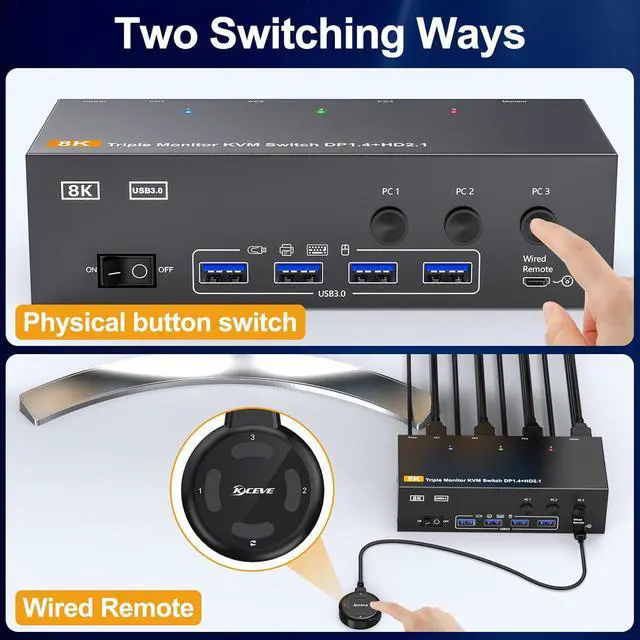
1*Triple Monitor USB 3.0 KVM Switch+3*USB 3.0 Cables( 1.5 m/ 4.9 ft)+1*Wired remote controller( 1.52 m/5ft)+1*User manual+1*12V Power Adapter( 1.52 m/5ft).