




 here!
here!
I’m your shopping assistant for PC builds, upgrades, and everything tech.
Got questions? Ask away!
Start a conversation
here!
I’m your shopping assistant for PC builds, upgrades, and everything tech.
Got questions? Ask away!
Start a conversation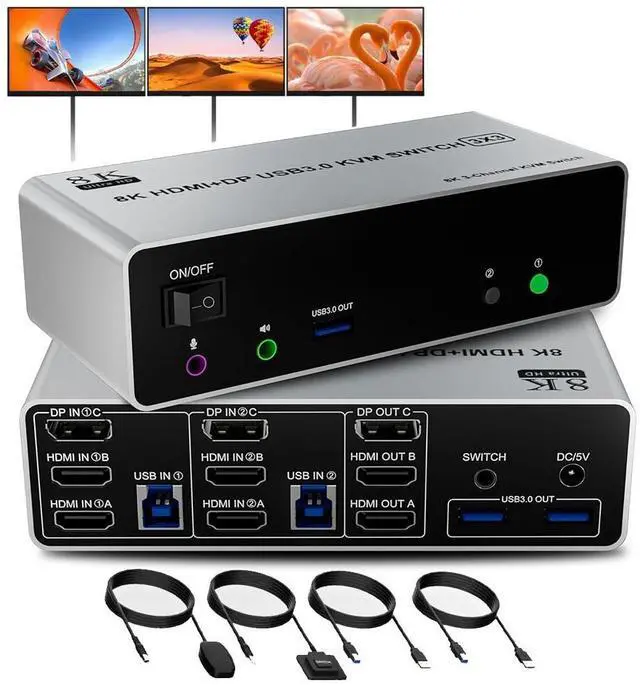



Any questions? Ask CelesteSM will help you find out quickly.
Features:
Features:
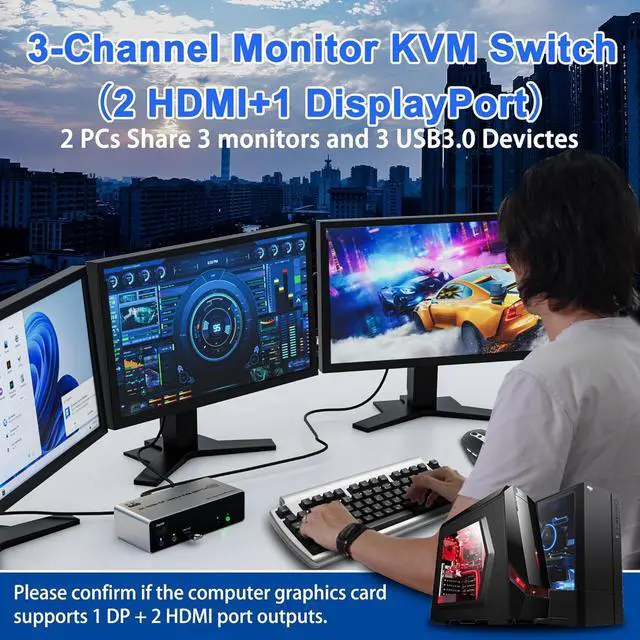
1. 8K Triple Monitor KVM Switch allows 2 computers/laptops share one set of keyboard, mouse, and 3 monitors (2 HDMI + 1 DisplayPort)
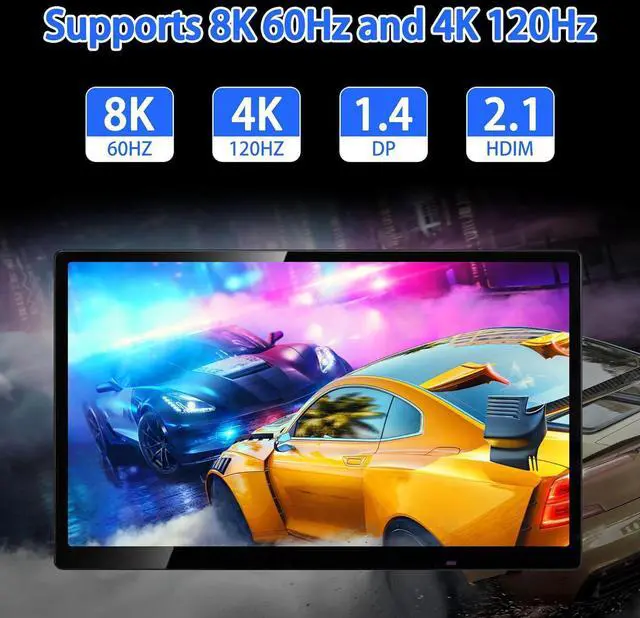
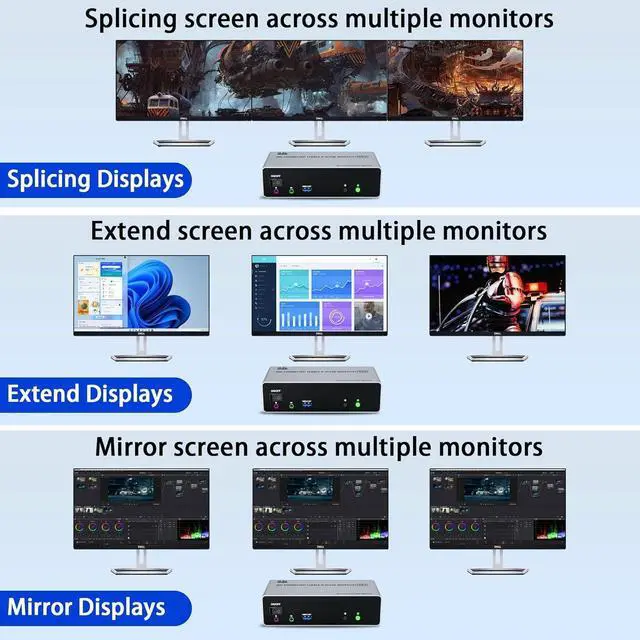
2. Support HDMI 2.1 and DP 1.4 standards and downward compatible. 3 monitors output support up to 8K@60Hz for extended, mirrored or spliced display(Depends on your computer's graphics card. );
3. 2
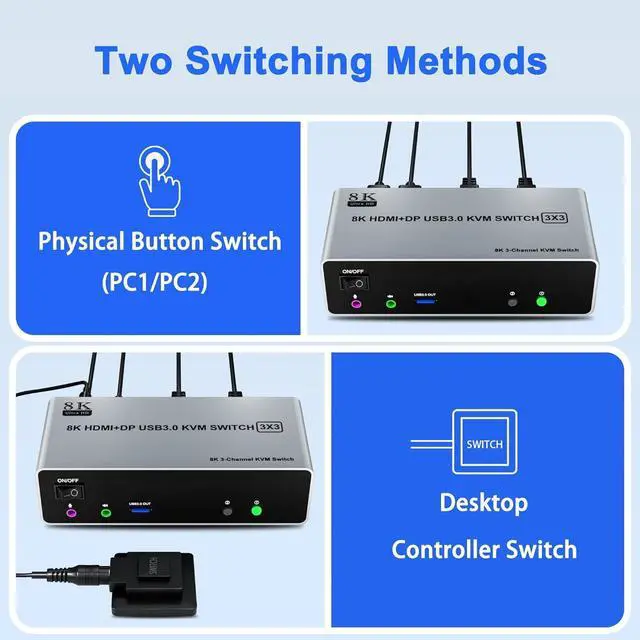
Switching modes: Button switch and wired remote.
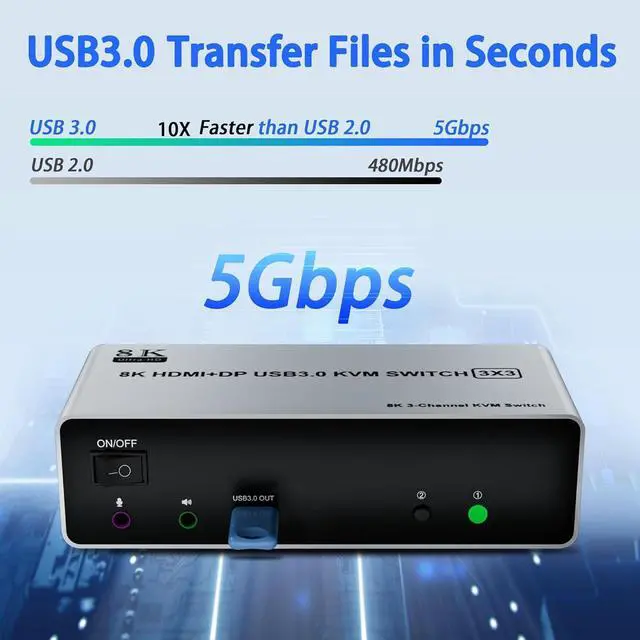
4. KVM switch with 3 USB 3.0 ports for USB devices, and with extra Audio Microphone output
5. Plug and play, compatible with Windows, Linux, Mac, Unix, Ubuntu, Raspberry and most other major OS
6. The ports that need to plug in HDMI/DisplayPort/USB cables are all hidden behind the triple monitor KVM switch, so the desktop doesn't get cluttered, you can enjoy the clean work space.
3 Display Modes
Extended Display
Mirrored Display
Spliced Display
1)Extended mode can output three different screens and mirror mode can output three identical screens.
Note: If your graphics card has a splicing screen function, you can use the splicing screen mode.
2) The requirement for this KVM to achieve a triple-screen display is that each PC you connect to has the capability to support a triple-screen display. This has nothing to do with KVM.
installation steps:
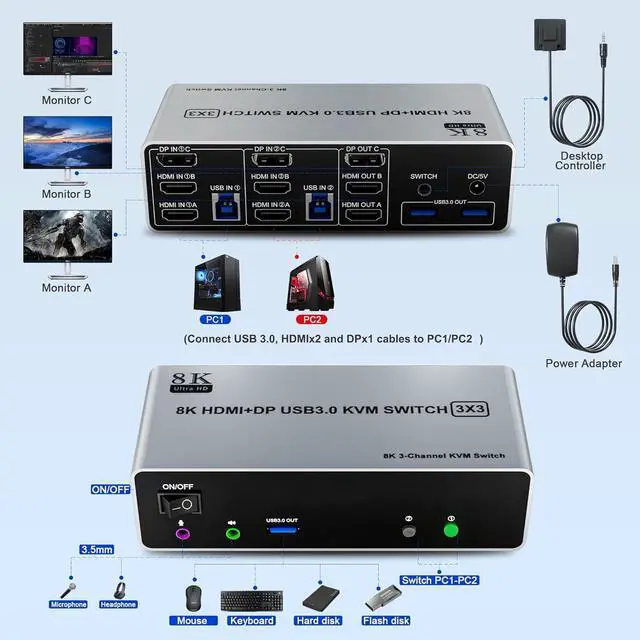
1. Insert the DC/5V adapter into the KVM;
2. Plug the 2*HDMI cable and 1*DisplayPort cable into the KVM switch and monitor; (Output)
3. Plug the DisplayPort cable, HDMI cable, and USB cable into the KVM switch and your computer/laptop (HDMI and DP cables are not included) (Input)
HDMI IN 1A +HDMI IN 1B + DP IN 1C + USB IN 1=PC1
HDMI IN 2A + HDMI IN 2B + DP IN 2C + USB IN 2=PC2
Please check whether HDMI IN 1A, HDMI IN 1B, DP IN 1C, and USB IN 1 corresponding, and whether HDMI IN 2A, HDMI IN 2B, DP IN 2C and USB IN 2 are corresponding. Mixed insertion is not supported.
4. Insert the mouse and keyboard into the KVM switch
5. If needed, you can connect a microphone and audio port



