here!
here!
I’m your shopping assistant for PC builds, upgrades, and everything tech.
Got questions? Ask away!
Start a conversation
here!
I’m your shopping assistant for PC builds, upgrades, and everything tech.
Got questions? Ask away!
Start a conversation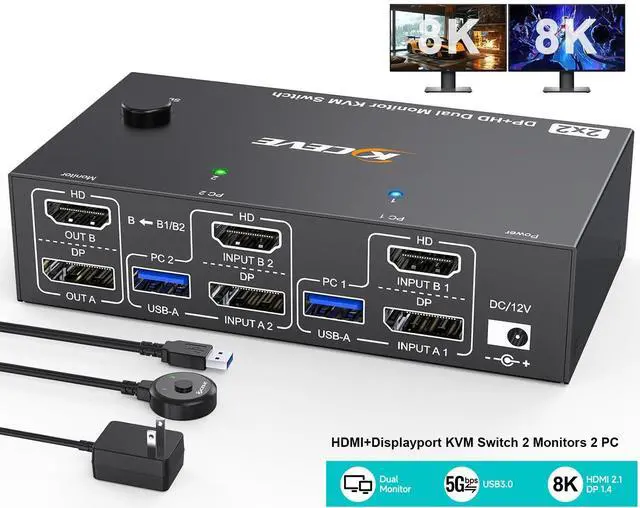



Any questions? Ask CelesteSM will help you find out quickly.
HDMI+Displayport KVM Switch 2 monitors 2 computers
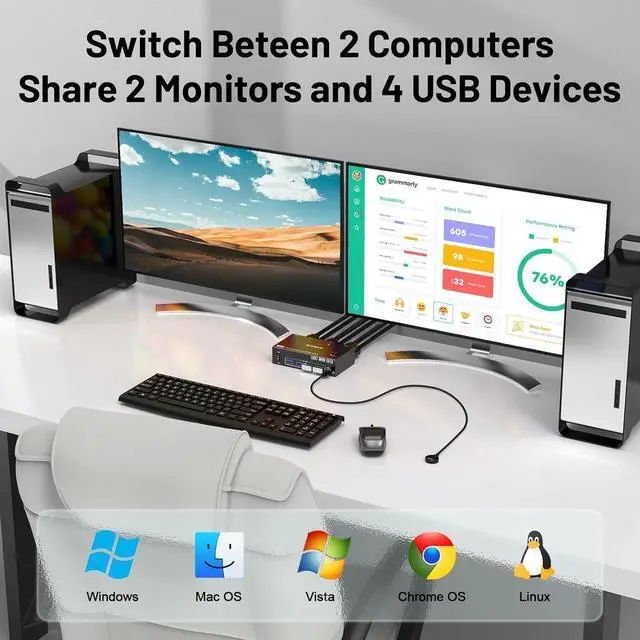
KVM switch with widely compatibility and driver-free for Windows, Mac OS, Linux and Chrome OS, etc. Compatible with desktop and laptop, widely used in offices, home, banks, teaching and other places.
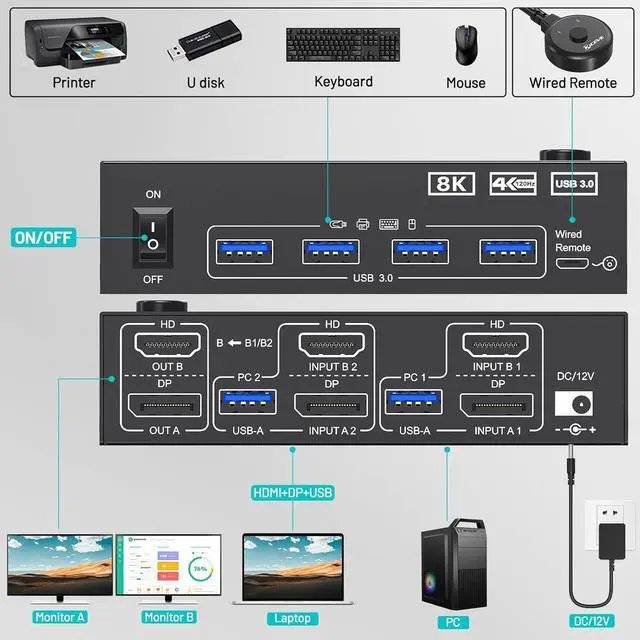
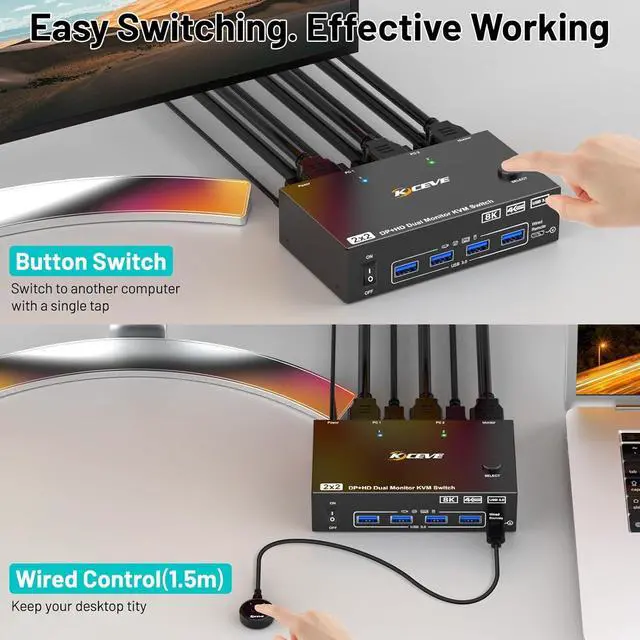
Installation Guide: Each PC need 1*HDMI+1*DP +1*USB cable to connect with KVM.
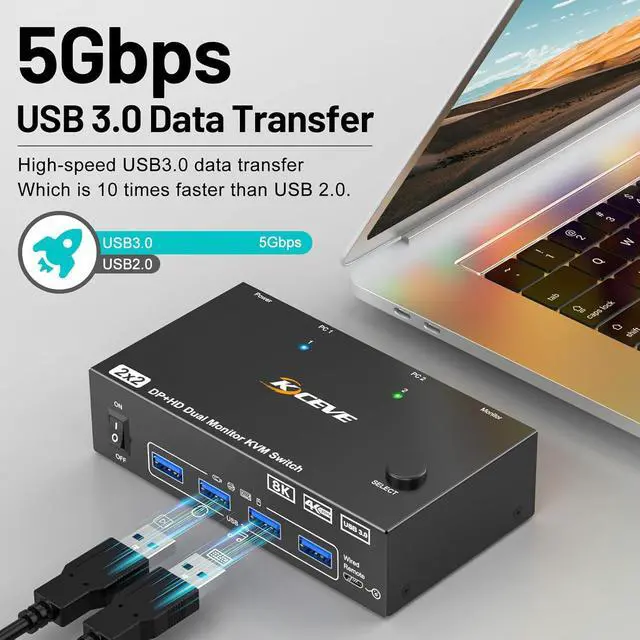
Step 1. Connect 1*HDMI+1*DP cables+1*USB cable between PC 1 and KVM (USB 3.0, INPUT A1, INPUT B1).
Step 2. Connect 1*HDMI+1*DP cables+1*USB cable between PC 2 and KVM (USB 3.0, INPUT A2, INPUT B2).
Step 3. Connect HDMI and DP cables between KVM and monitors. (Mark "OUT A, OUT B").
Step 4. Plug your USB device (keyboard, mouse, printer, USB stick, etc. ) into the USB-A port on the KVM.
Step 5. Insert the wired remote into the "SELECT" port to remotely switch between PC1 and PC2.