• $118.99
  • Free 30-day Returns
  • Ships from China.
    Price alert
    Shop it at NeweggBusiness.

    Displayport KVM Switch 2 Monitors 2 Computers 4K 60Hz HDMI+DP Dual Monitor 4 USB3.0 KVM Switcher 2 DP in HDMI+ DisplayPort Out KVM Switcher for 2 PC Sharing Keyboard Mouse, Mic and Audio Output

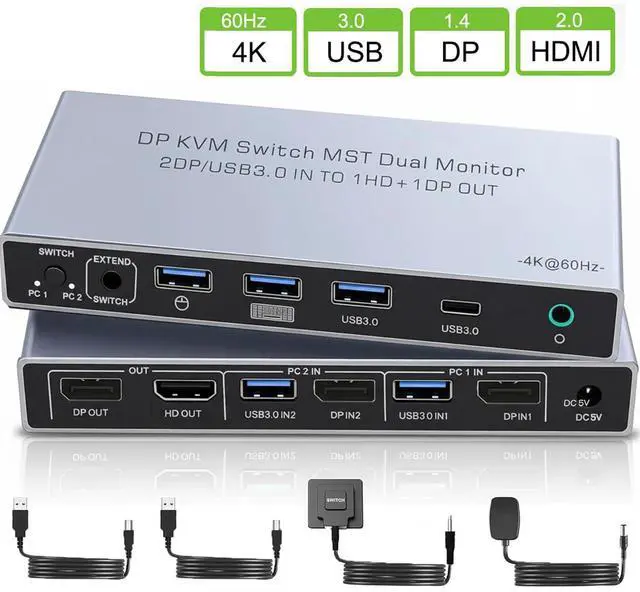
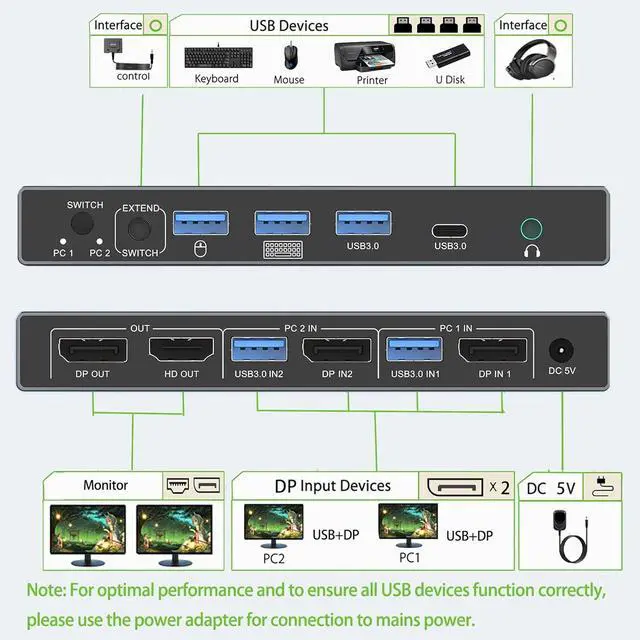
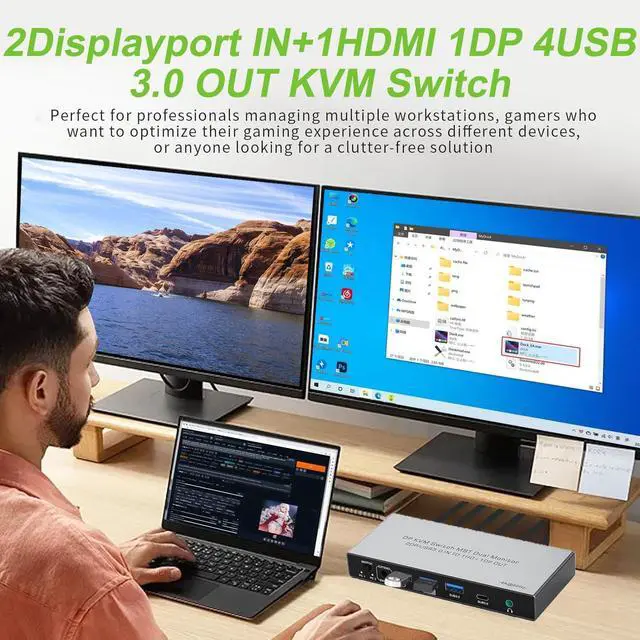
    • DisplayPort KVM Switch for 2 Computers & 2 Monitors: Effortlessly control two computers with just one keyboard and mouse, while seamlessly managing 2 monitors. (Important Note: This is a DisplayPort KVM Switch. It features 2 DisplayPort inputs (to connect your two computers) and 1 HDMI output + 1 DisplayPort output (to connect your two monitors).
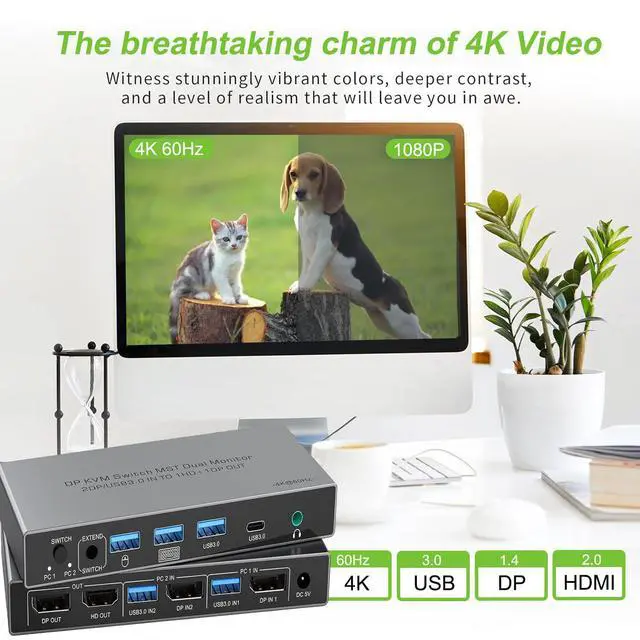
    • 4K@60Hz: This KVM switch delivers True 4K Ultra HD Clarity at 60Hz, ensuring your visuals remain crisp, fluid, and artifact-free during switching. It fully supports HDMI 2.0 standards, HDR10+, and advanced color reproduction for professional-grade video editing.
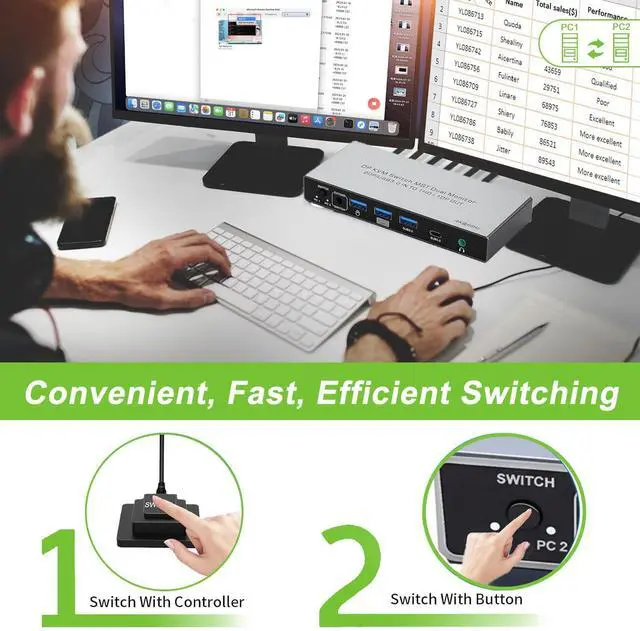
    • Flexible Switching Options for Convenience: Switch seamlessly between 2 computers with the switching button or the included wired remote. The one-touch button provides quick access, while the wired controller can be placed outside your main work area, keeping your desk clutter-free. (Note: Do not support hotkey switching.)
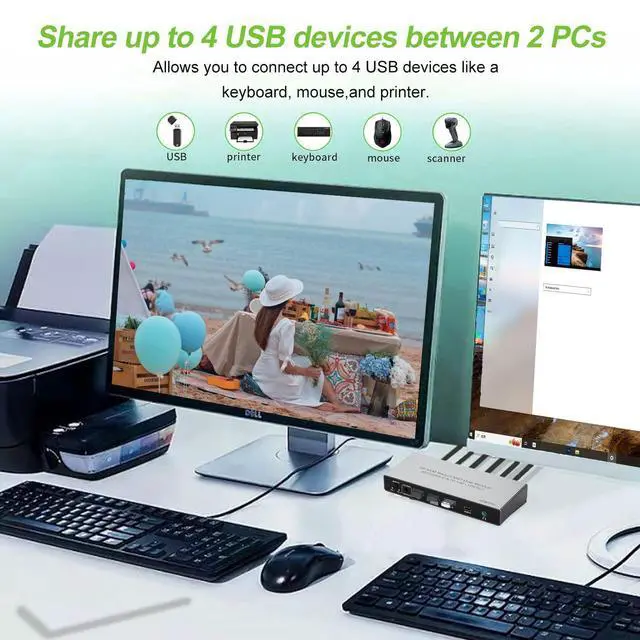
    • ast USB 3.0 Sharing for Efficient Transfers: Featuring 4 USB 3.0 ports (3x Type-A + 1x Type-C), The KVM switch 2 monitors 2 computers supports data transfer speeds up to 5Gbps, perfect for sharing peripherals like printers, cameras, and USB drives between two computers-10 times faster than USB 2.0.
    • Suitable for Various Scenarios: Our Displayport KVM switch is plug-and-play with no drivers needed, suitable for office environments, classrooms, conference rooms, gaming setups, and labs, offering versatile use wherever multiple devices need to be managed.
    +
    +
    Overview
    Specs
    Reviews
    avatar

    Any questions? Our AI beta will help you find out quickly.

    Precautions for Dual Monitor KVM Switch 2 Monitors 2 Computers (Dual DisplayPort Input, HDMI + DP Output)

    1.Dual-Screen Support Required: Ensure that each of your computers independently supports dual-screen output.

    2.Computer Port Requirements: Each computer must have 1 DisplayPort video output and 1 USB-A port (for connecting the KVM control cable).

    3.Connection Method (Critical): For Each Computer: You must connect 1 DP cable (to DP IN) + 1 USB-A cable (to the corresponding USB IN). For Each Monitor: Connect 1 HDMI or DP cable (to HDMI OUT or DP OUT).

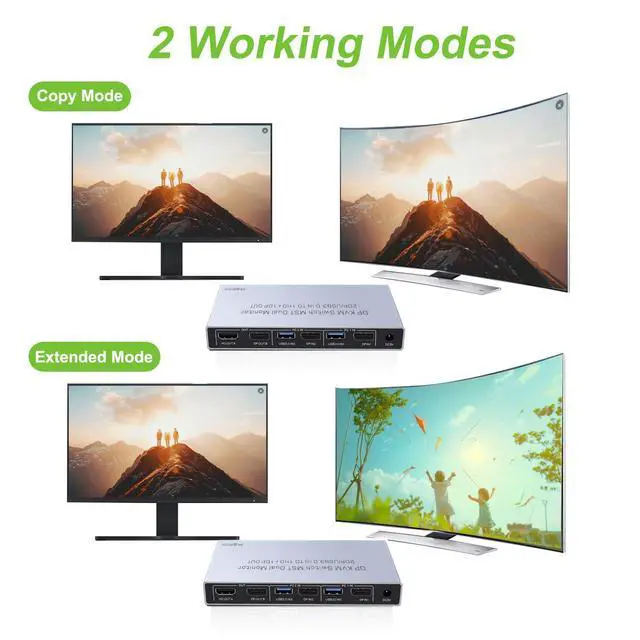
    4.Display Logic: Both monitors will simultaneously display the signal from the same computer. It is not possible to have one monitor show PC1 and the other show PC2.

    5.Power Connection: To ensure proper functionality, you must power the KVM switch using the included power adapter.

    Warranty & Returns

    Warranty, Returns, And Additional Information

    Warranty

    • Please contact the Seller directly for warranty information. Warranty information may also be found on the Manufacturer's website.
    • CONTACT

    Return Policies

    Manufacturer Contact Info

    LOADING...