

Your Browsing History
- Free 30-day Returns
$68.79
Ships from China.

Meet Your Seller

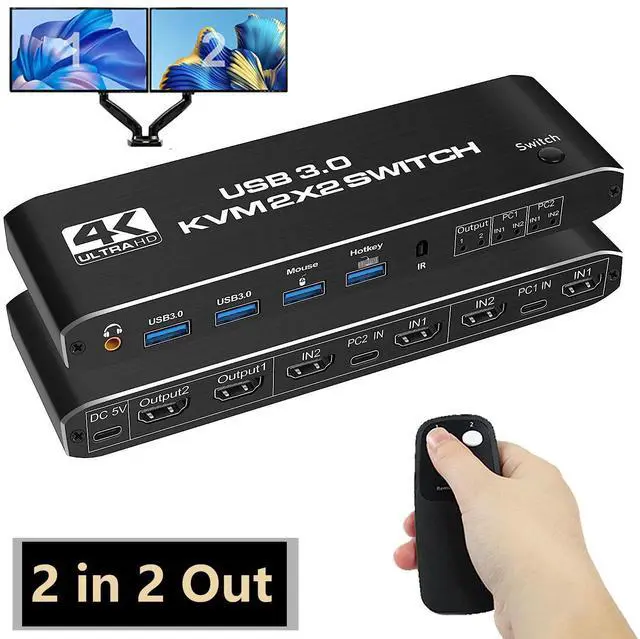



Dual Monitor HDMI KVM Switch 2 Monitors 2 Computers, 4K@60Hz HDMI KVM switches 2 in 2 Out with Audio, USB 3.0 Hub Share Keyboard Video Mouse Peripherals, Hotkey (Black)
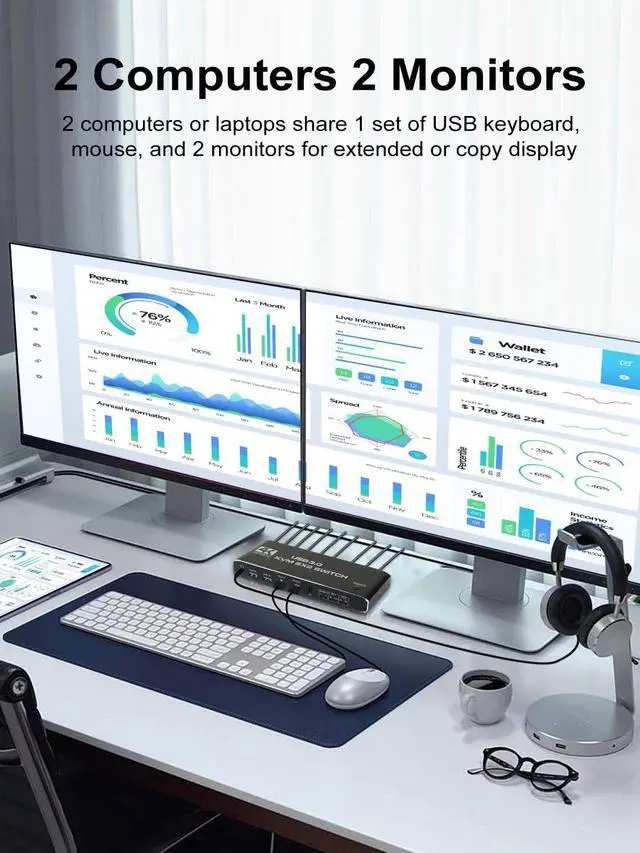
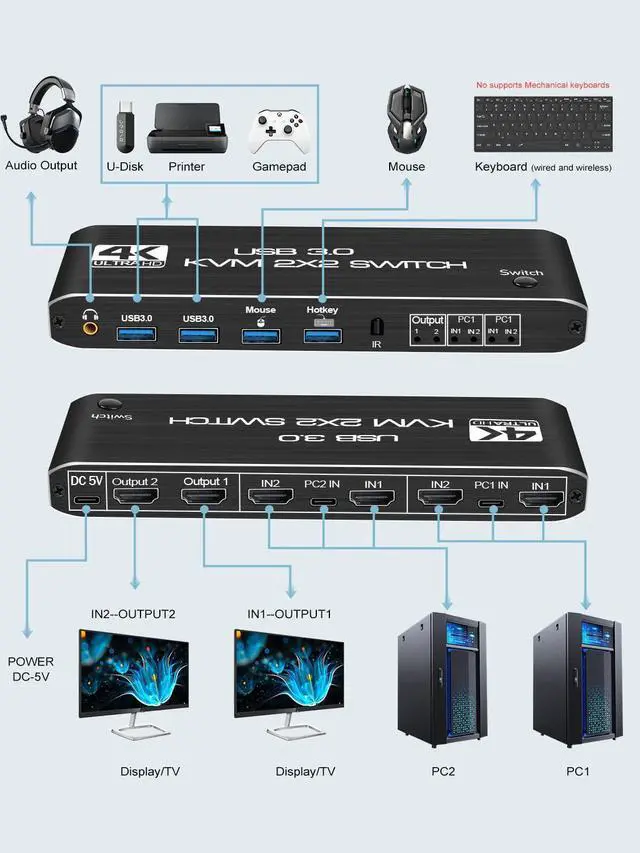
- [kvm switch dual monitor] The KVM switch console controls a computer or laptop that shares a set of USB keyboard, mouse and dual-monitor, and expands or copies the display. NOTE: The computer needs to support 2 screens or more Function.
- [USB3.0 KVM Switch with Audio Output] The integrated 2 USB 3.0 hub ports allow you to share 2 USB peripherals between 2 computers, such as printers, scanners, with a data transfer rate of up to 5Gbp/s.Our KVM switches comes with 3.5mm Audio Jack ports, which can be inserted into a 3.5mm earpiece device.(NOTE:Mechanical keyboards not supported)
- [UHD 4K@60Hz] Supports resolution 4K @ 60Hz, 2K@144Hz, 1080P@240Hz,RGB 4:4:4 and backwards compatibility. Support 3D,HDR,HDCP.
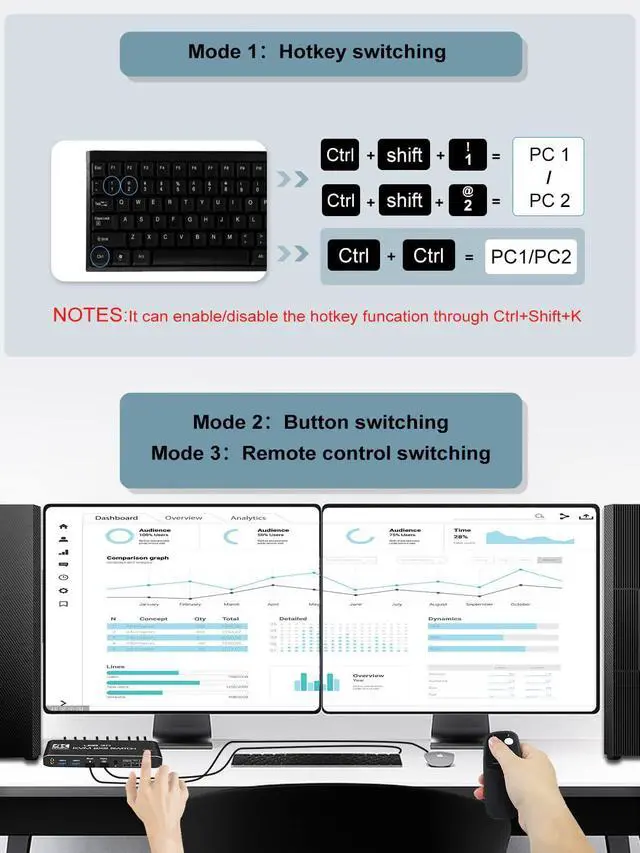
- [Multiple switching modes] Provides a variety of switching methods: manual switching through buttons, infrared remote control, keyboard hotkeys for quick channel selection.
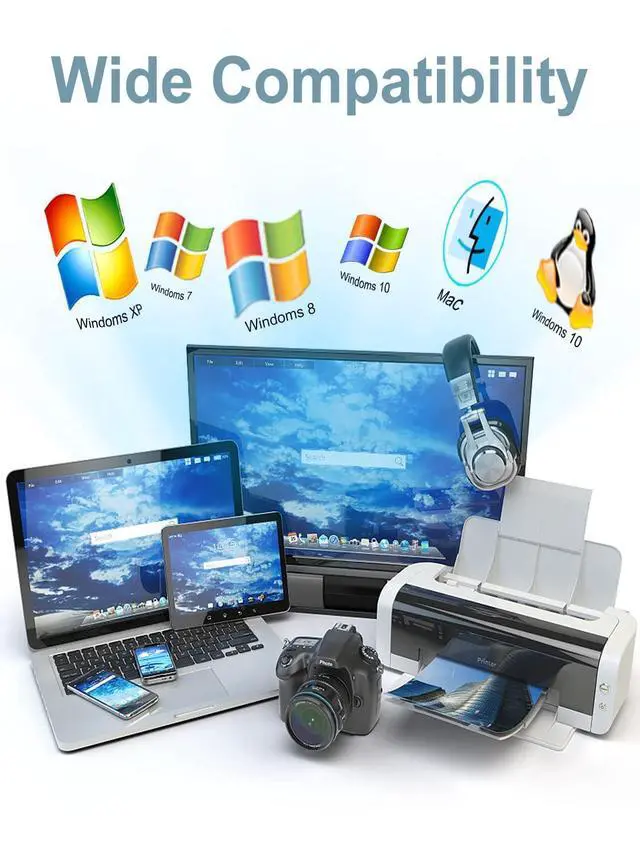
- [Wide Compatibility] Support Windows XP/7/8/10/MAC /Linux /Unix and other operating systems.
+
+
Overview
Specs
Reviews

Any questions? Our AI beta will help you find out quickly.
Try me now
HDMI KVM Switch for 2 Computers 2 Monitors
KVM Switches support shareing the mouse and keyboard dual display with two computers and is an excellent accessory for home, office or games. It can share a single USB keyboard, USB mouse and HDMI monitor with two systems, saving space on the desk.
· USB 3.0 port can works well with all USB 3.0 devices, USB 3.0 supports ultra-fast USB 3.0 data transfer rates of up to 5Gb/s (10 times faster than USB 2.0 )
· Support 4K60Hz HDCP 2.3, 3.5 mm JACK (PCM/LPCM) audio output.
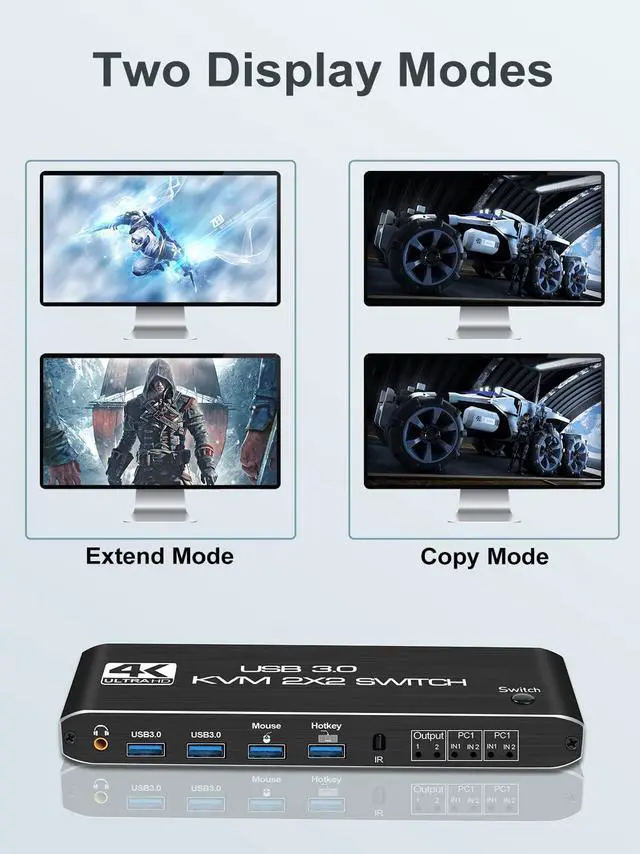
Computers or laptops sharing dual monitors extend or copy displays.
Support 3 ways to switch
Remote Control: The included remote control can quickly and easily switch the host.
Button Switch: freely switching between 2 computers by pressing a button.
Hotkey switch: Ctrl+shift+1/2=PC1 /2, Ctrl+Ctrl=PC1/2; Ctrl+Shift+K= enable/disable hotkey function.
Package included:
1* Dual Monitor HDMI KVM,
1* IR remote control,
3* type-c cable,
1* User manual.
Warranty & Returns
Warranty, Returns, And Additional Information
Warranty
- Please contact the Seller directly for warranty information. Warranty information may also be found on the Manufacturer's website.
- CONTACT
Return Policies
- Return for refund within: 30 days
- Return for replacement within: 30 days
- This item is covered by Lou Di Shi Lou Xing Qu Liu Li Shang Mao Return Policy
Manufacturer Contact Info
- For a directory of all our manufacturers, please click below.
- Manufacturers Directory
LOADING...