




 here!
here!
I’m your shopping assistant for PC builds, upgrades, and everything tech.
Got questions? Ask away!
Start a conversation
here!
I’m your shopping assistant for PC builds, upgrades, and everything tech.
Got questions? Ask away!
Start a conversation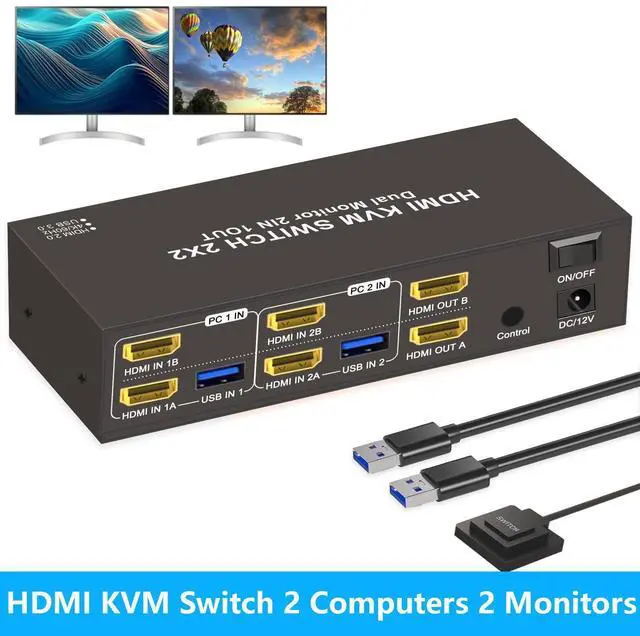



Any questions? Ask CelesteSM will help you find out quickly.
Precautions for Dual Monitor HDMI KVM Switch (2 PCs, 2 Monitors)
1.
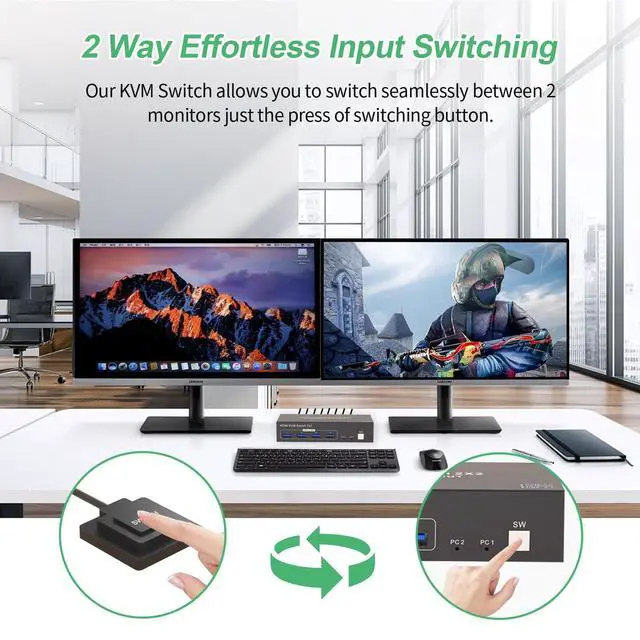
Display Delay During Switching: When switching between computers, the monitors may briefly go black for a few secondsthis is normal and expected.
2.
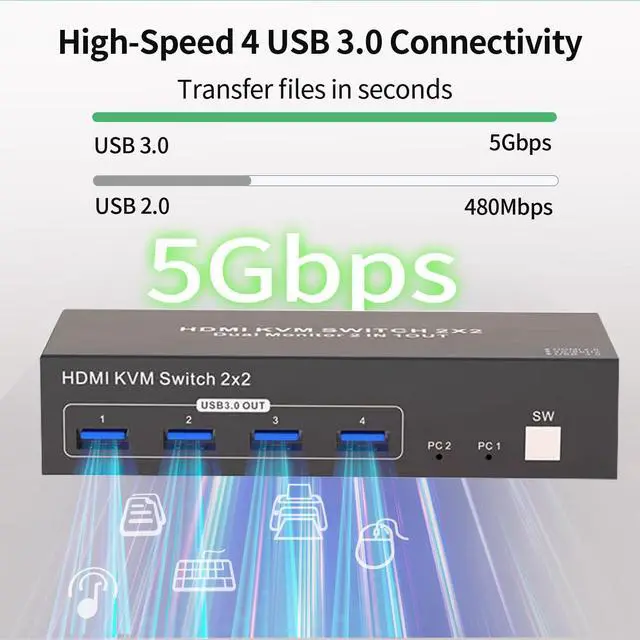
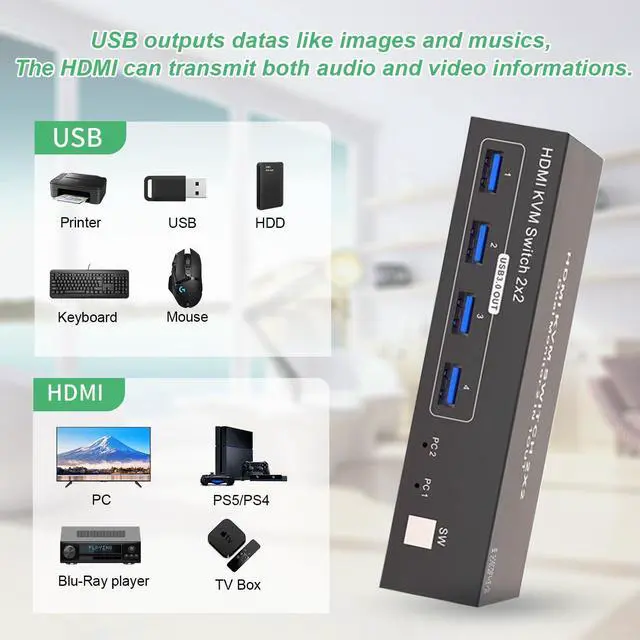
USB And HDMI Ports: USB ports are for data transfer only (e. g., images and music). For both video and audio, use the HDMI ports.
3. Port Matching for
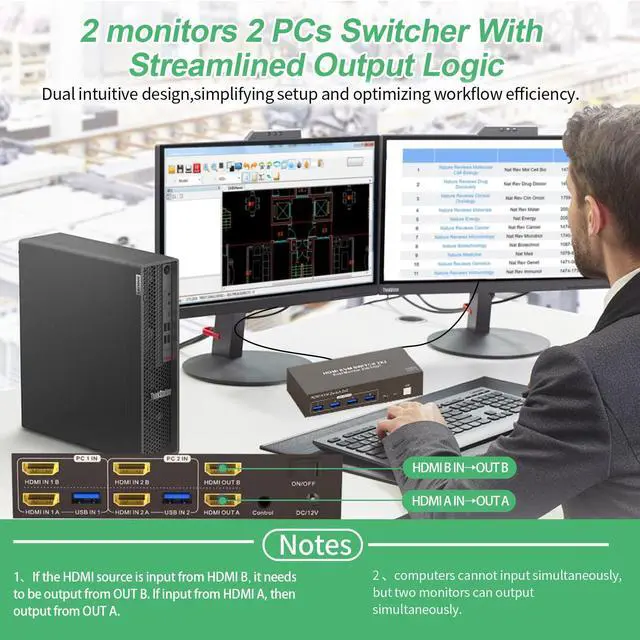
HDMI Input/Output: When connecting HDMI sources, ensure they match the corresponding outputs. For example, if the input is from HDMI IN B, use HDMI OUT B; if from HDMI IN A, use HDMI OUT A.
4.
Extended & Mirrored Modes: This KVM supports both extended and mirrored display modes, but your computer must support these as well. Note that the KVM switch only transmits signals; it doesnt modify display settings on your device.
5. Power for
Stability: For stable operation, connect the KVM switch to the included power supply.
6.
Dual Monitor Setup: To use dual monitors, connect both HDMI ports on one PC. For example, connect HDMI IN 1B and HDMI IN 1A on PC 1 IN, and connect HDMI OUT B and HDMI OUT A on the output side. This setup allows HDMI OUT B to display HDMI IN Bs output, and HDMI OUT A to display HDMI IN 1As output.



