




 here!
here!
I’m your shopping assistant for PC builds, upgrades, and everything tech.
Got questions? Ask away!
Start a conversation
here!
I’m your shopping assistant for PC builds, upgrades, and everything tech.
Got questions? Ask away!
Start a conversation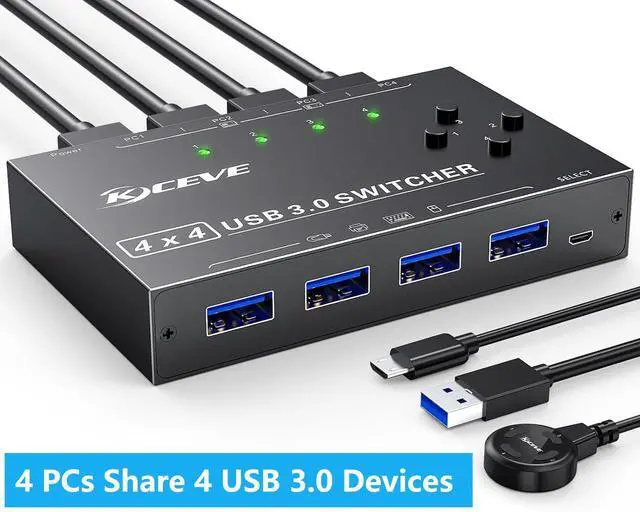



Any questions? Ask CelesteSM will help you find out quickly.
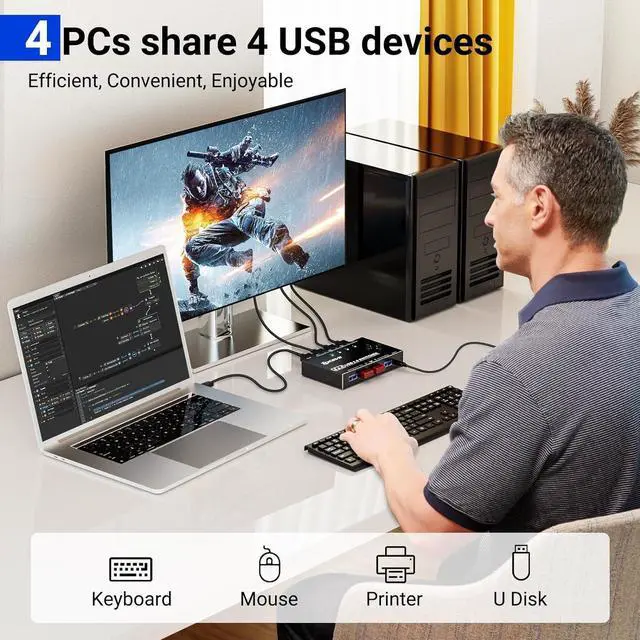
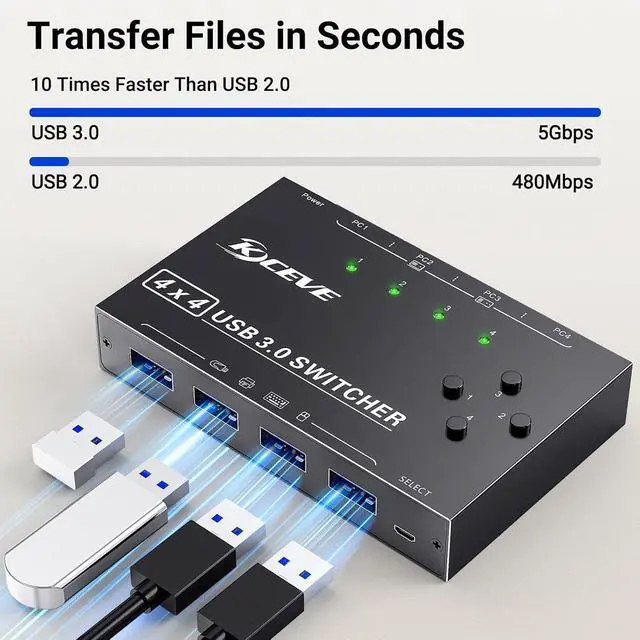
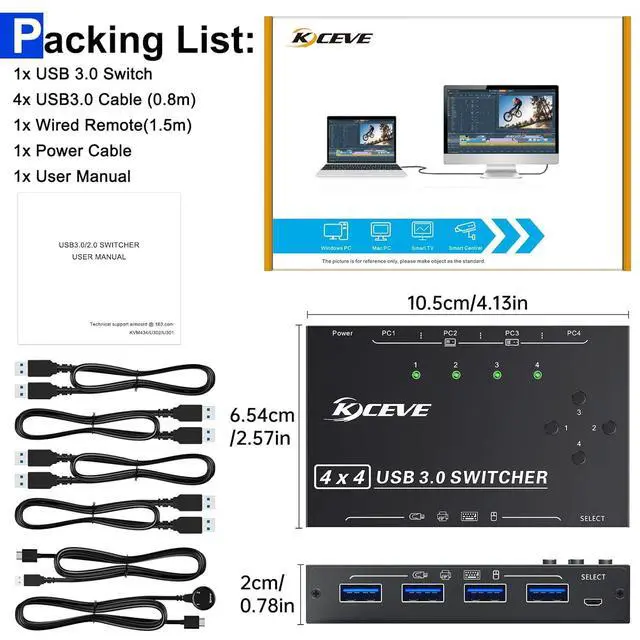
USB 3.0 switch is ideal for sharing keyboard mouse printer and other USB devices in office or at home if you have multiple computers.
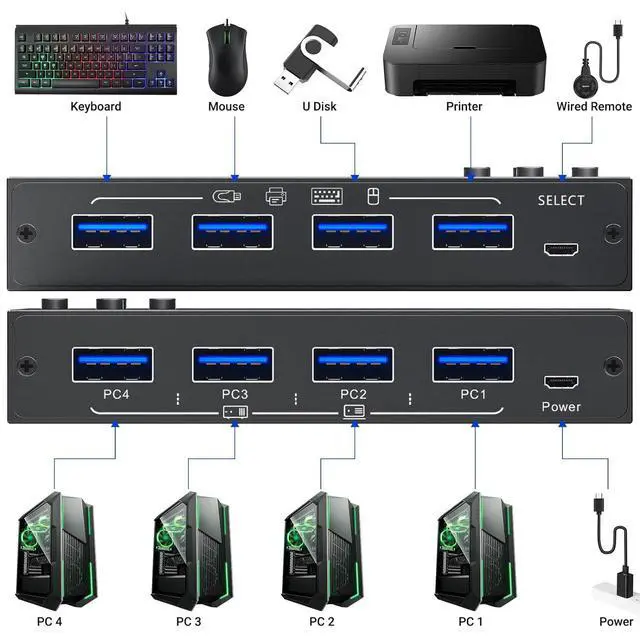
Allows up to 4 computers to share 4 USB devices, you can freely switch between 4 computers.
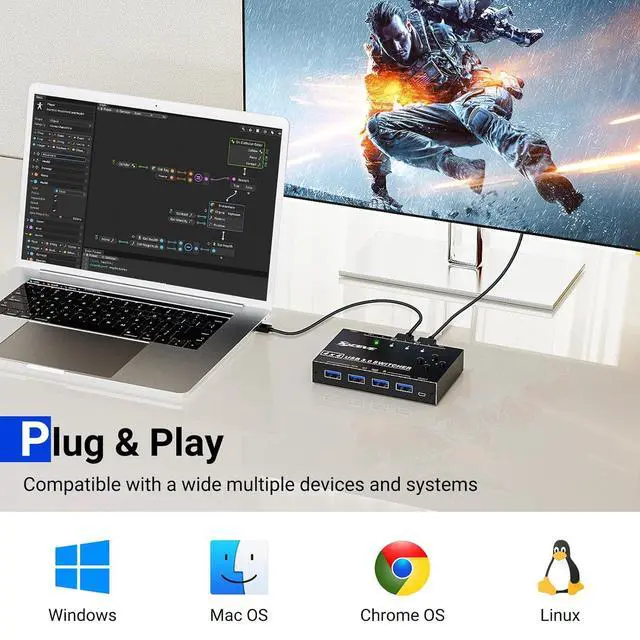
Plug and play, no driver needed
This USB 3.0 switch is plug and play, no need to install additional drivers.
USB cables powered
Powered by USB cables connected to computers.
Support High Power Devices
USB KVM switch is designed with extra Micro USB (5V 2A) power port. If you use some high-power devices, such as hard drives, USB cameras, etc., you may need to connect an additional power supply to stabilize performance. (USB power cable included, power adapter not included)
Button and LED Indicator Design
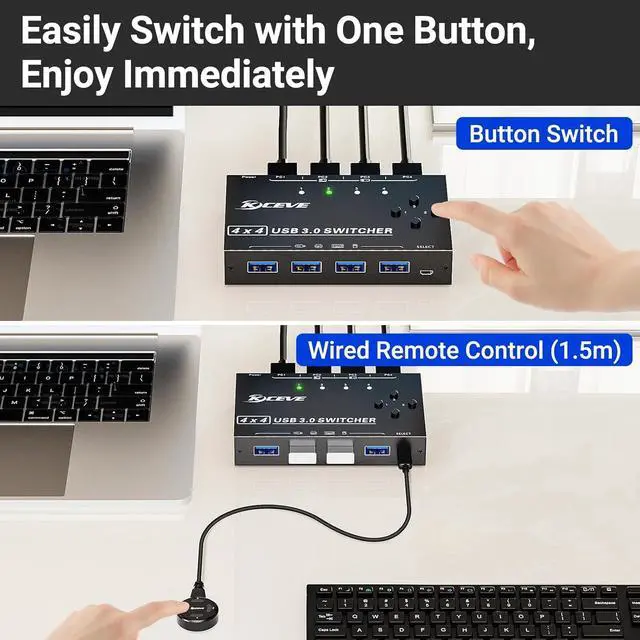
Easily switches between systems via push buttons with LED indicating the active computer.
Wired remote control ( 1.5 m)
In addition to the switch button, it is convenient to use the wired remote for cable management, say goodbye to the messy desktop.
Maximum compatibility
Compatible with Windows OS, Mac OS, Linux and Chrome OS.



