




 here!
here!
I’m your shopping assistant for PC builds, upgrades, and everything tech.
Got questions? Ask away!
Start a conversation
here!
I’m your shopping assistant for PC builds, upgrades, and everything tech.
Got questions? Ask away!
Start a conversation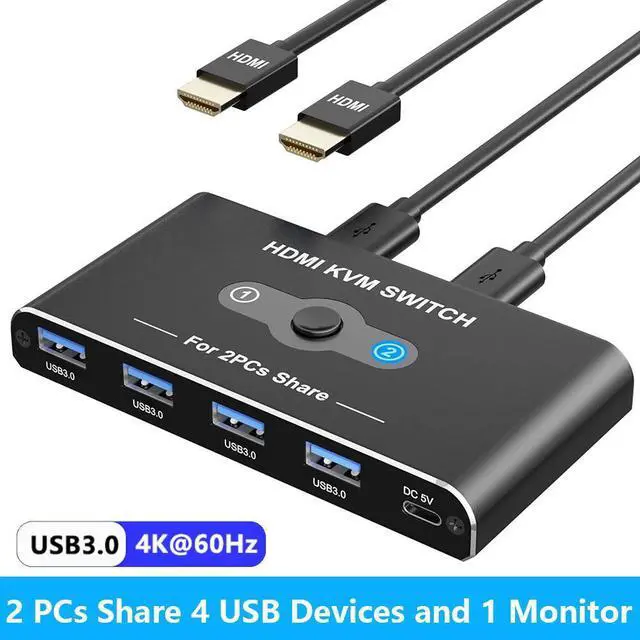



Any questions? Ask CelesteSM will help you find out quickly.
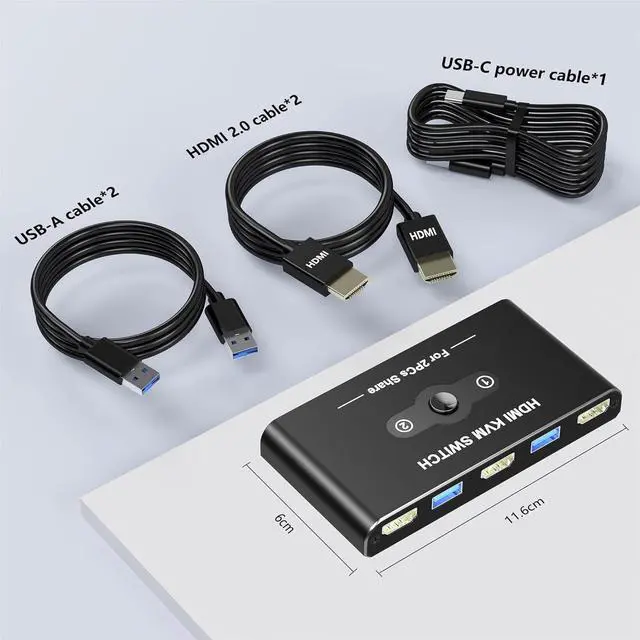
2 Port HDMI KVM Switch for 2 PCs
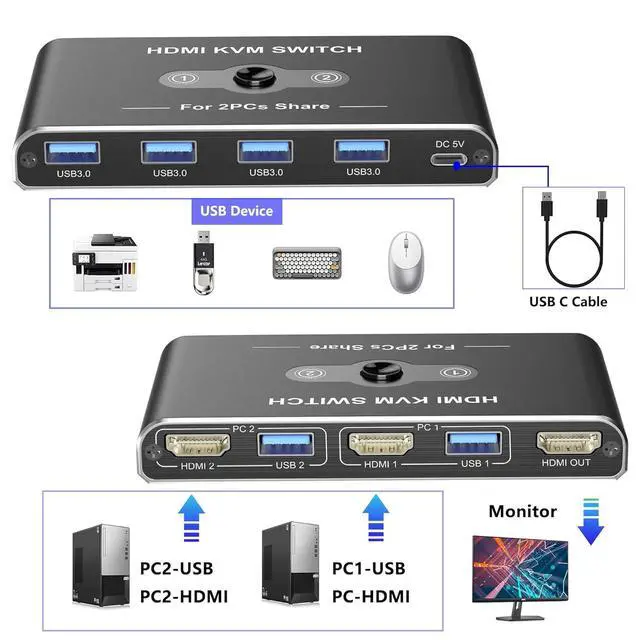
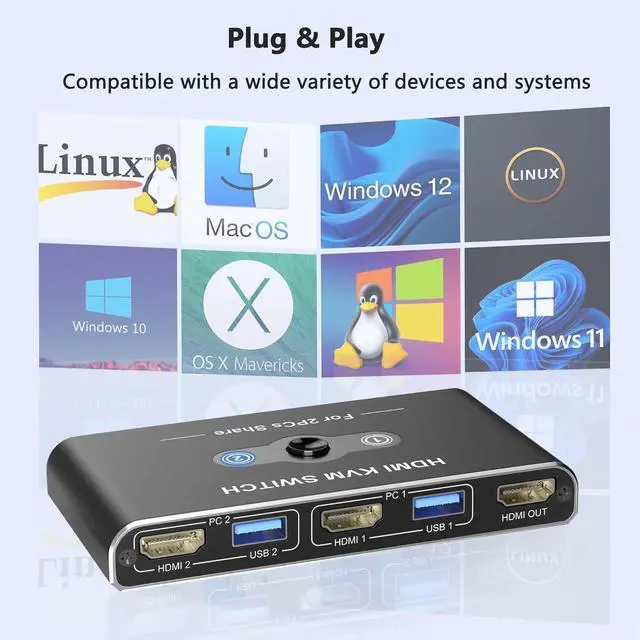
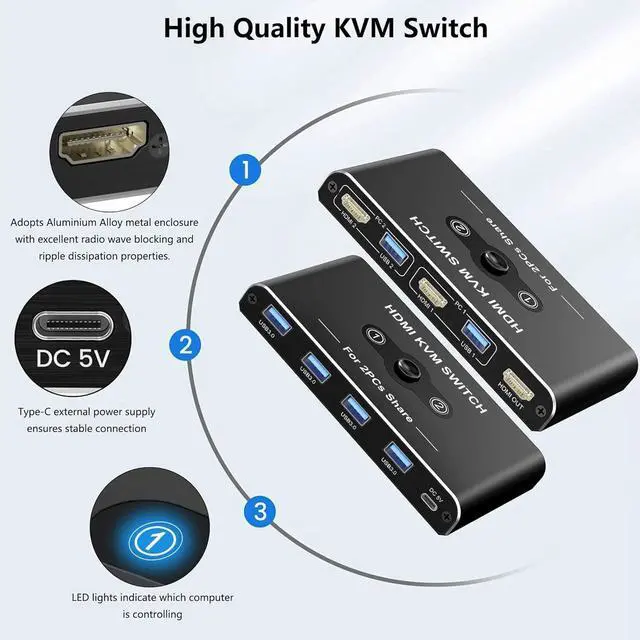
USB Switch A great accessory for a family, office or other workplaces. You can share a single USB keyboard, USB mouse and HDMI monitor with both systems, saving space on your desk and using your preferred display, keyboard and mouse with both computers.
Space-saving, convenient KVM switch for a comfortable desk environment
When using multiple PCs, if you have a keyboard and mouse for each one, your work space will be narrow. With a keyboard computer switch, you can operate multiple PCs with one keyboard and mouse. Secure a large work space with a keyboard computer switch and work on your PC comfortably.
More and more companies are separating business computers from computers dedicated to the in-house network. In such cases, it is better to share one display with a computer switch than to put two displays on your desk, as this will save space and improve work efficiency. If you have introduced a computer dedicated to the in-house network or are considering introducing one in the future, it is well worth considering, including the meaning of cost reduction.
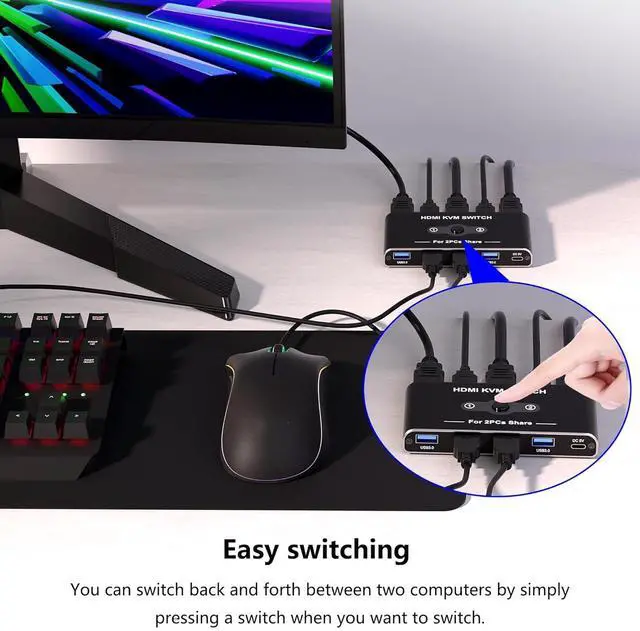
Since you can switch computers just by connecting, you can reduce the number of devices and expand your work space. Connect to two computers and press a button to switch the computer you want to operate the device on.



