About this item
- Read Before BuyingThis is a keyboard mouse switch (KM switch), this device does not support monitors (video), it does not have video input like a traditional KVM switch, each device will have to have their own dedicated monitor OR you will be be switching monitors inputs manually. The USB 3.0 switches must be connected to a power source for effective work(power cord included in package, power adapter not included). The USB C port does not output video and can only transfer data
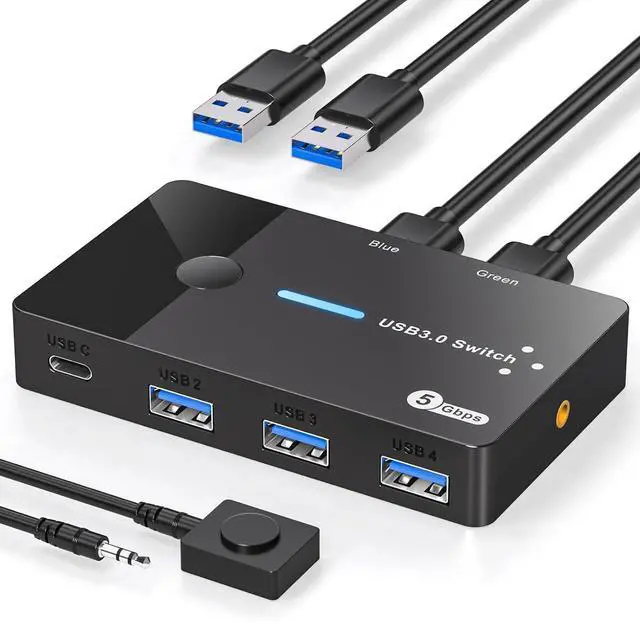
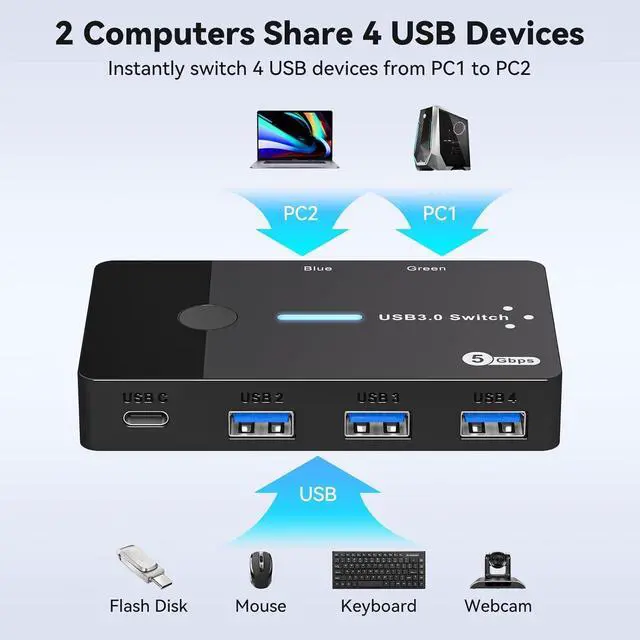
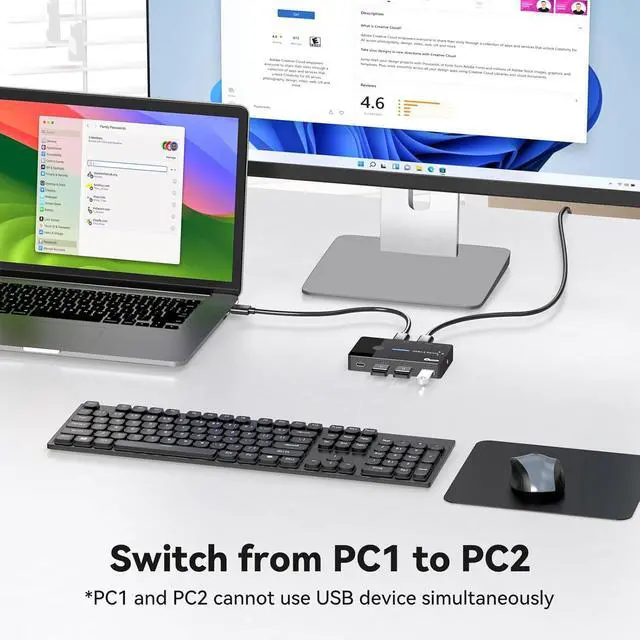
- USB 3.0 Switch 2 in 4 outUSB 3.0 switch supports 2 computers sharing 4 USB devices, not only mice and keyboards, but also printers, USB flash drives or other devices that require USB connection. Through the USB switch 2 computers, you can switch freely between your work computer and your personal computer without a lot of cable hassle, keeping your desktop neat and tidy while increasing your productivity
- Connect USB C & A devices USB 3.0 switcher provides 3 USB A ports & 1 USB C port, which is a great way to expand your laptop's USB3.0 ports to 3 USBA ports & 1 USBC port; so it's perfectly compatible with peripherals with USBA & USBC ports! C port function: slow charging for mobile phones, expandable to more USB ports with the USB Hub. Note: If using the Hub, can only transfer data, not output images; a separate power supply is required to use high-power devices such as hard drive enclosures!
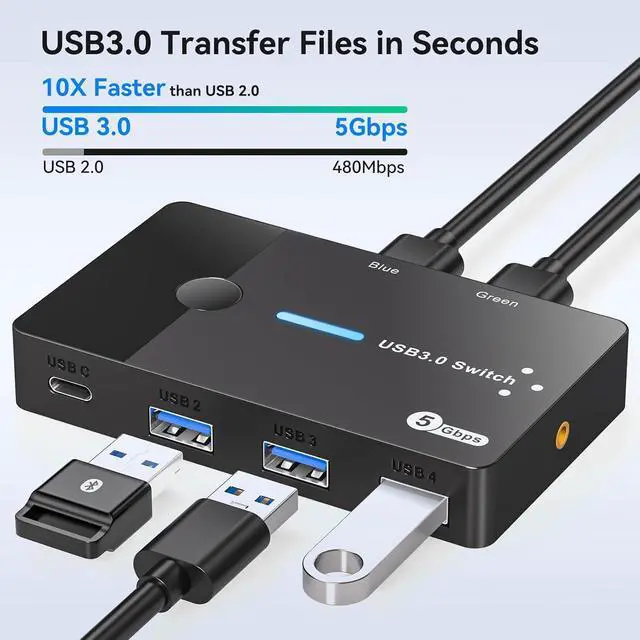
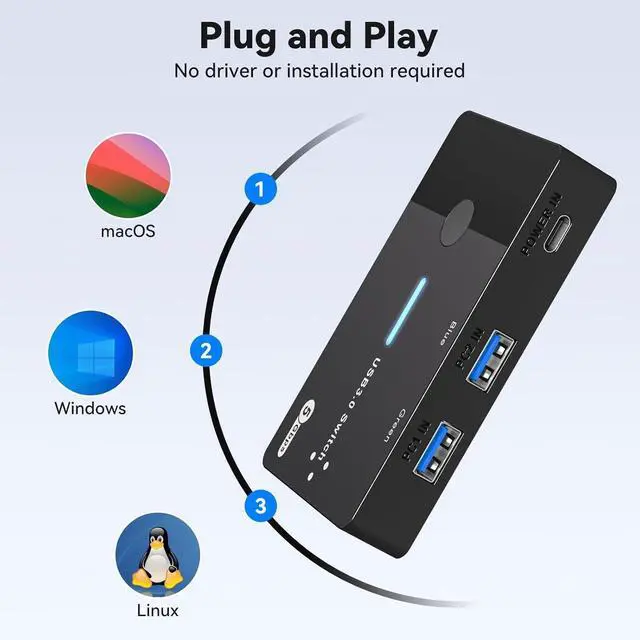
- 5Gbps Data Transfer / Plug & PlayThe USB switcher 2 computers comes with four USB 3.0 ports that support up to 5Gbp data transfer, saving you data transfer time while being backward compatible with USB 2.0; Plug and Play, no driver installation required; Lightweight and compact design allows you to fit it into any laptop travel bag; Compatible with Windows, MacOS, Chrome OS, and Linux, etc.
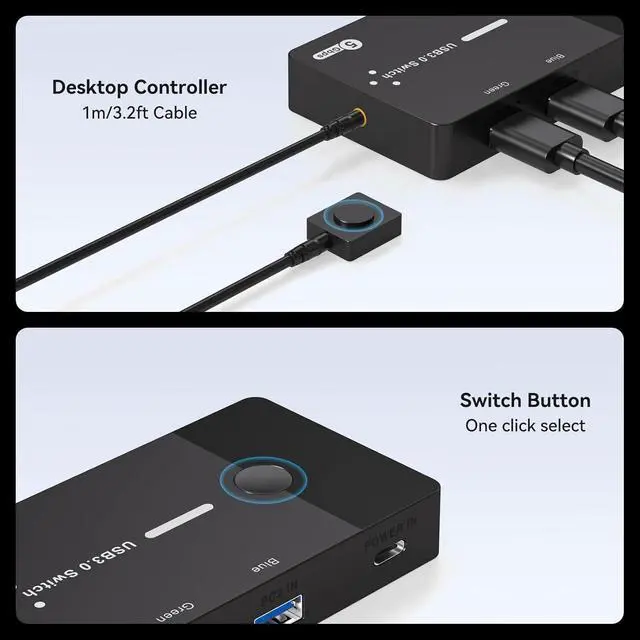
- Two Switching ModesThe USB switch selector has two switching modes, Panel Button: You can switch directly by clicking the button on the body of the USB Switch. Desktop Controller: You can hide the USB Switch to make the desktop more tidy and save a lot of space, and then use the Desktop Controller to switch between the 2 computers, which is more convenient to use. Different LED light will indicate to different PC when you switch (Green PC1 / Blue PC2)
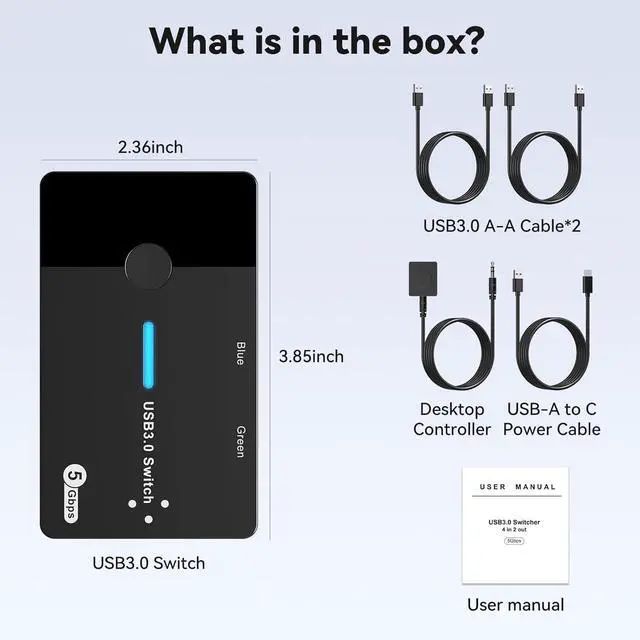
Package includes: 1*USB 3.0 converter, 2*USB3.0 A-A and 1*USB to type-c power cable. 1*User manual.





 here!
here!