• $288.69
  • Free 30-day Returns
  • Ships from China.
    Price alert
    Shop it at NeweggBusiness.

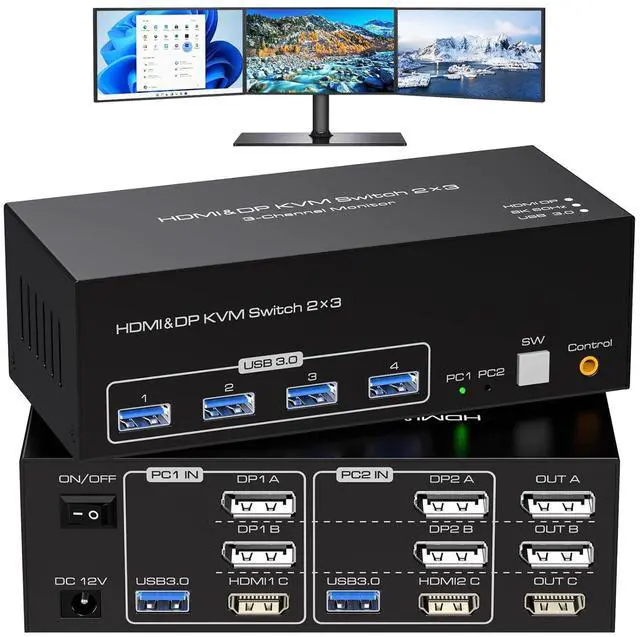
    8K@60Hz 4K@120Hz HDMI + 2 Displayport KVM Switch 3 Monitors 2 Computers, Triple Monitor HDMI and 2 Displayport KVM Switch for 2 PCs Share 4 USB 3.0 Peripherals Support Extended and Duplicate Mode

    Limited time offer, ends 08/24 By Lou Di Shi Lou Xing Qu Liu Li Shang Mao

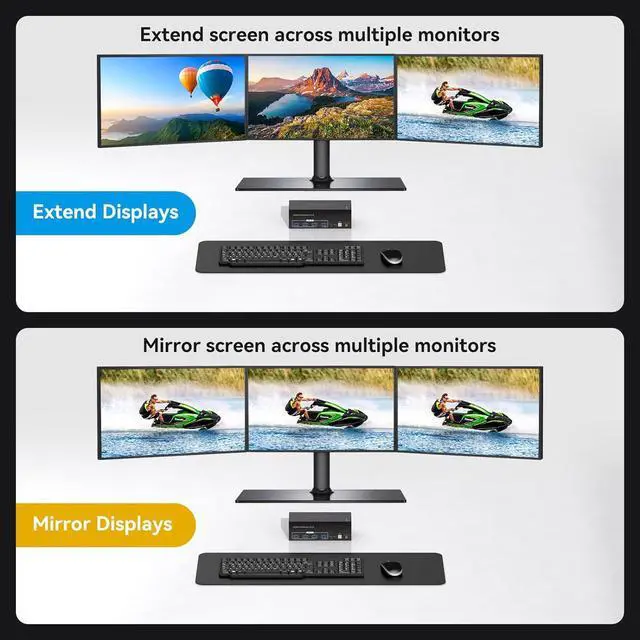
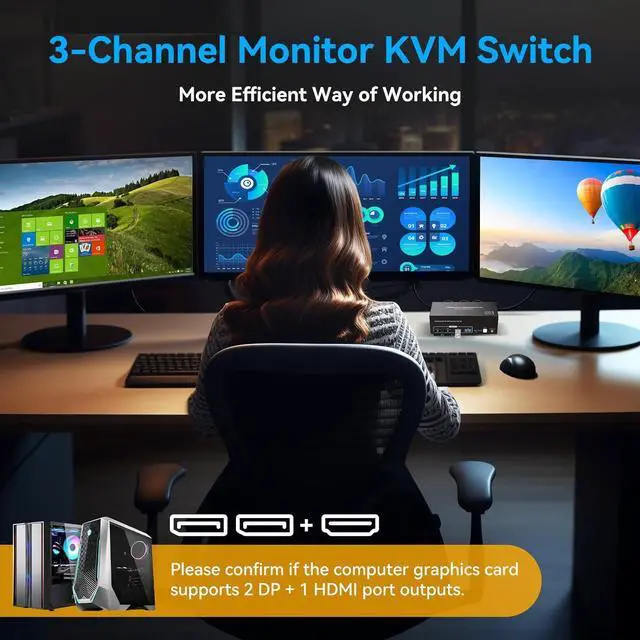
    • [KVM Switch 3 Monitors 2 Computers] This KVM Switch connects 2 PCs to share 3 monitors and 4 USB 3.0 ports. You only need one set of keyboard and mouse to control all the monitors, and it supports expanding and copying displays. To expand and copy the display, each laptop/PC must support 3 or more screens and support extended displays.
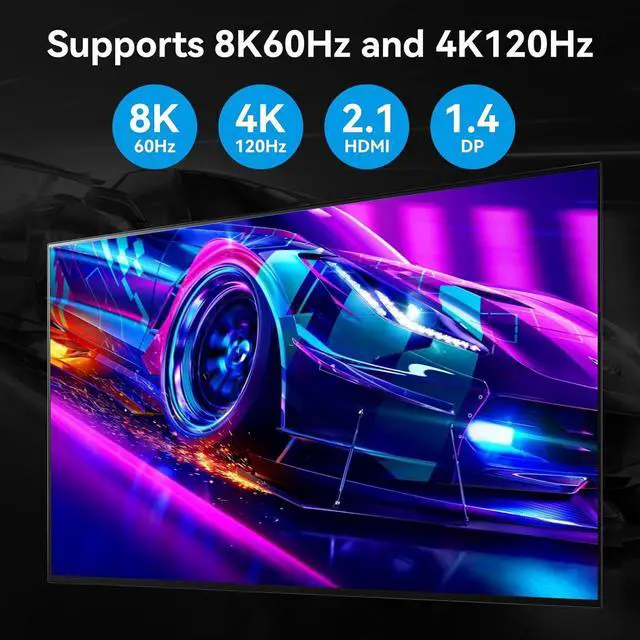
    • [Ultra HD 8K@60Hz] Supports resolution up to 8K@60Hz 4K@120Hz and downwards.
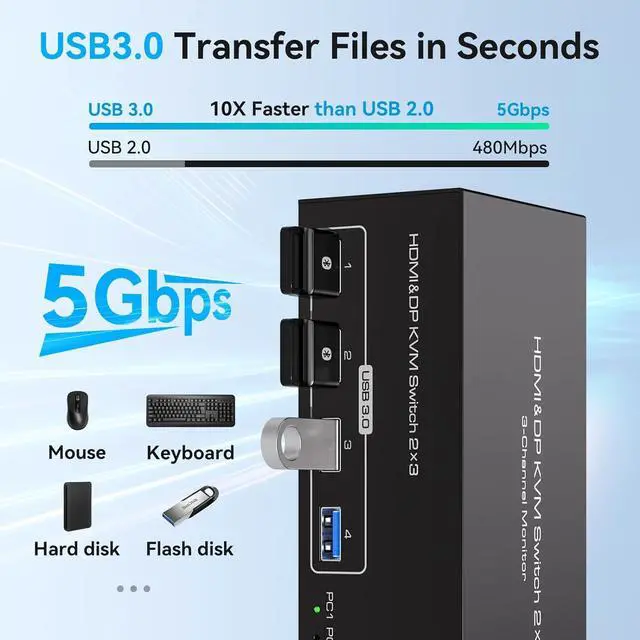
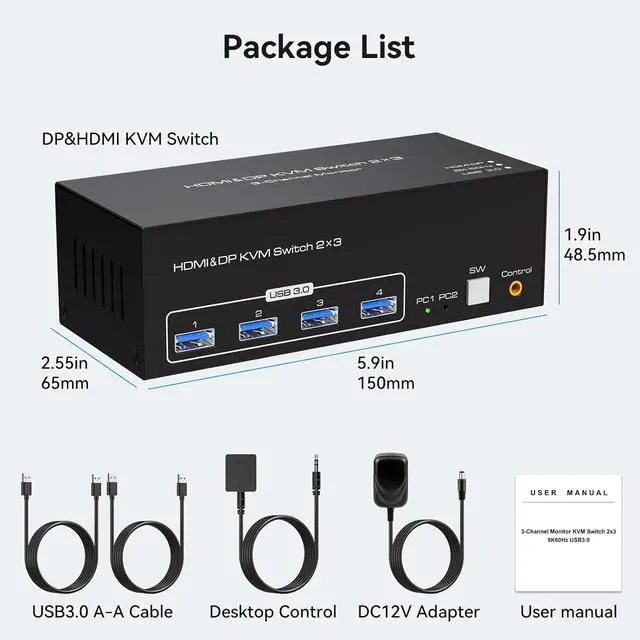
    • [with 4 USB 3.0 Ports] The USB KVM Switch has 4 USB 3.0 ports, USB 3.0 offers data transfer speeds of up to 5Gbps, can recognize usb device, such as KVM Switch keyboard mouse, printer, u disk, printer, etc.
    • [2 Switching Modes & Wide Compatibility]You can switch computers using the buttons on the panel or the wired remote control (supplied). Easy switching without delay. LED indicate the active computer. Widely compatible with Windows/Vista/XP/Mac OS/Linux and Unix operating systems. The KVM Switch features a 12V DC power supply that allows for the use of high-powered USB devices
    +
    +
    Overview
    Specs
    Reviews
    avatar

    Any questions? Our AI beta will help you find out quickly.

    8K HDMI + 2 DP KVM Switch for 2 Computers Share 3 Monitors and 4 USB 3.0 devices.

    Features:

    It is possible to control two computers and three monitors directly with one set of keyboard and mouse.

    Three monitors can support two modes: duplicate and extend.

    Supports resolutions up to 8K.

    Equipped with four USB 3.0 ports, allowing you to connect scanners, hard drives, and other USB devices.

    Equipped with a 12V/1A power supply, ensuring stable operation even when high-power devices are connected.

    Compatible with Windows/Vista/XP, Mac OS, Linux, and Unix, plug-and-play.

    How to connect:

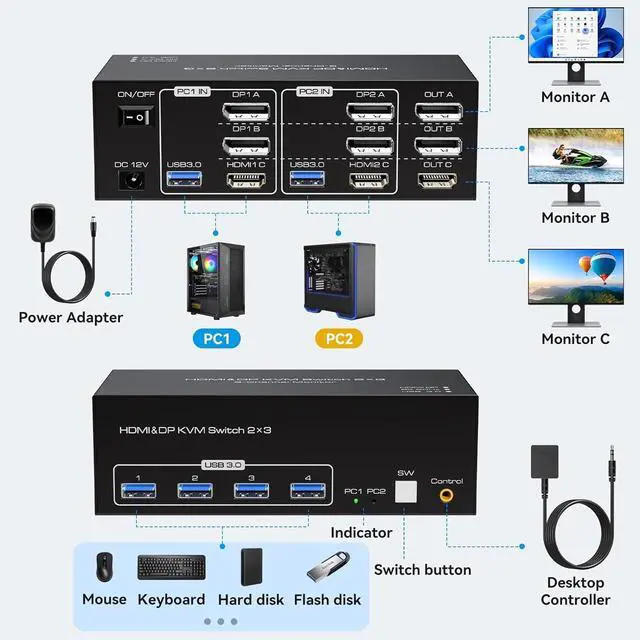
    Connect the power source.

    Connect PC1 to the KVM device using one USB 3.0 cable, one HDMI cable and two DP cables.

    Connect PC2 to the KVM device using one USB 3.0 cable, one HDMI cable and two DP cables.

    Connect each of the three monitors to OUT A, OUT B, and OUT C using two DP cables and one HDMI cable.

    Connect the keyboard and mouse to the KVM device.

    (Please note that if you want to properly use three monitors, make sure that your graphics card supports 2 DP+1 HDMI outputs. )

    Warranty & Returns

    Warranty, Returns, And Additional Information

    Warranty

    • Please contact the Seller directly for warranty information. Warranty information may also be found on the Manufacturer's website.
    • CONTACT

    Return Policies

    Manufacturer Contact Info

    LOADING...