




 here!
here!
I’m your shopping assistant for PC builds, upgrades, and everything tech.
Got questions? Ask away!
Start a conversation
here!
I’m your shopping assistant for PC builds, upgrades, and everything tech.
Got questions? Ask away!
Start a conversation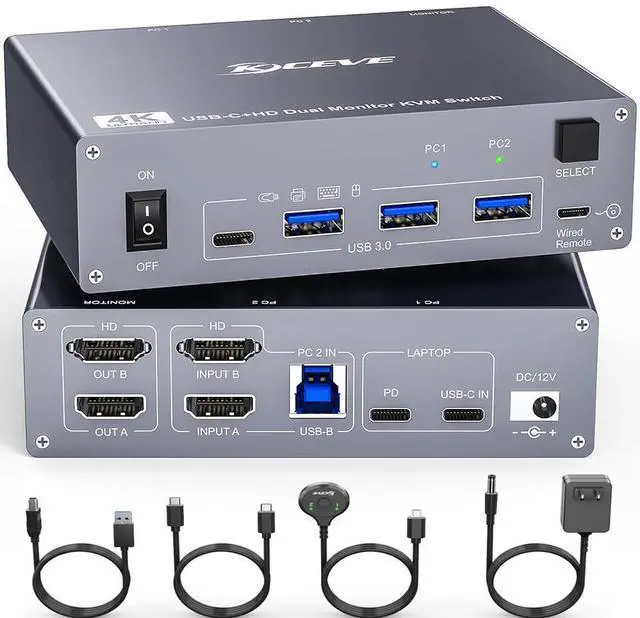



Any questions? Ask CelesteSM will help you find out quickly.
This is a USB C KVM Switch for 1 Laptop + 1 Desktop + 2 Monitors
Product Name: USB C KVM Switch for 2 Computers, 2
MonitorsMaterial: Metal
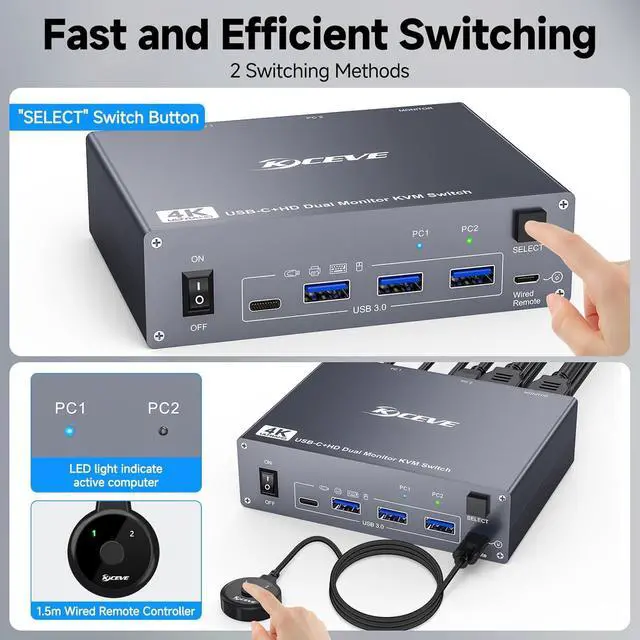
casingControl type: physical button and wired controlSwitch mode via keyboard hotkey: Not
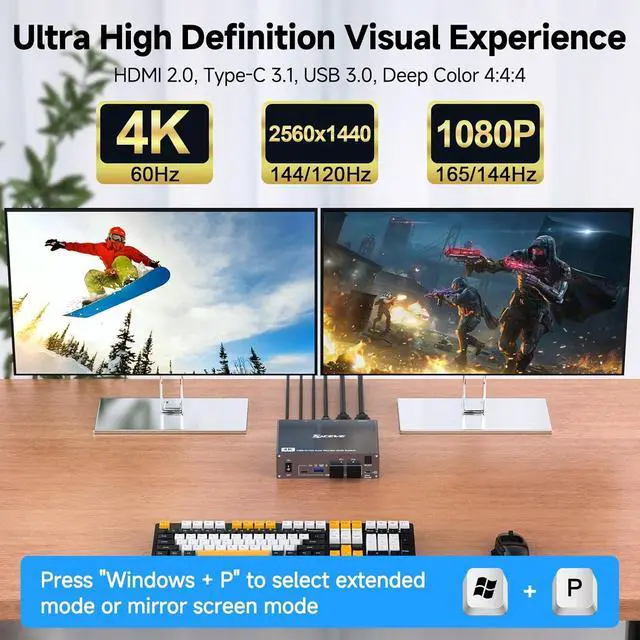
supportedResolution range: Up to 4K@60HzSupports wired or wireless keyboard and mouse
Note: HDMI cable not included
Plug and Play KVM Switch for USB-C Computers and HDMI Computers
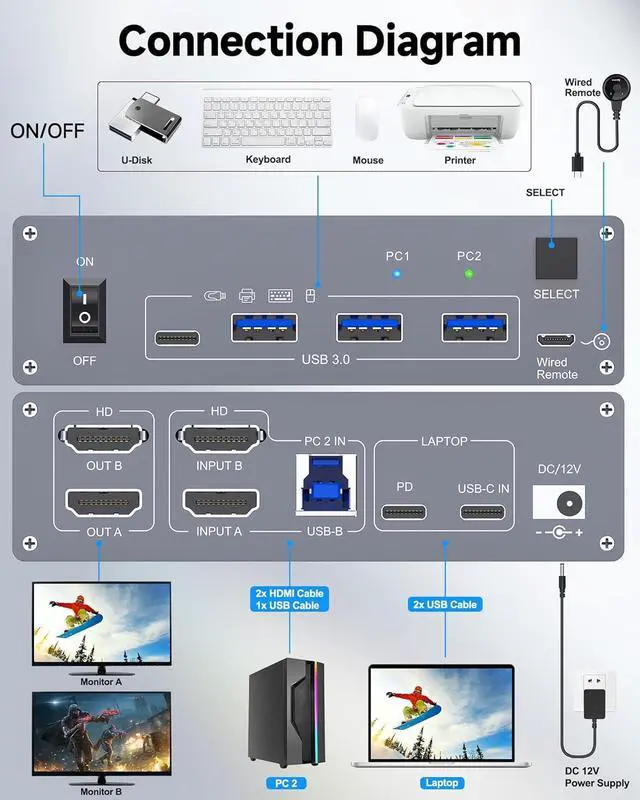
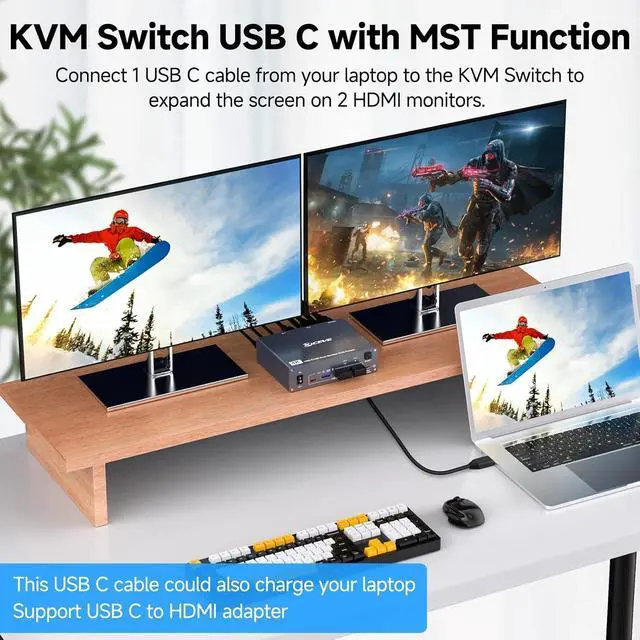
1. Please make sure your laptop has a USB Type-C port for audio and video transmission.
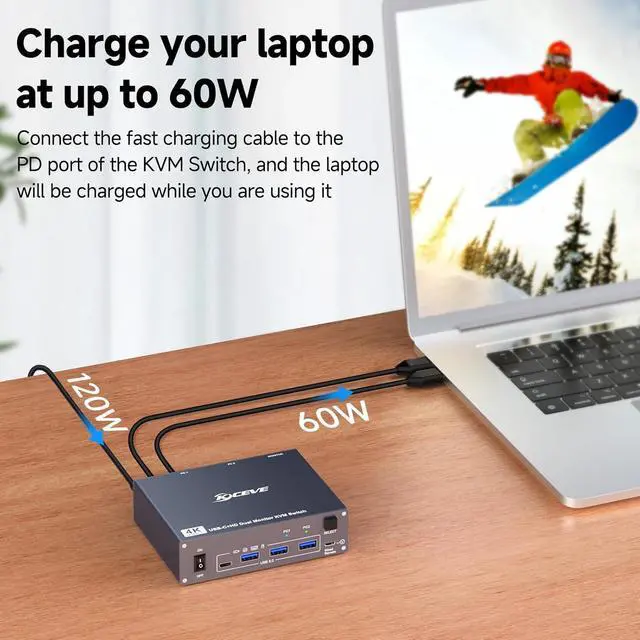
USB-C input = PC1A PD cable is not required if you do not need to charge the laptop. If you want to charge the laptop when using this KVM switch, you need an external laptop power supply to connect the USB-C KVM switch to your socket. A laptop adapter is not included. Instead, please do not use a mobile phone power supply. The PD port provides 87W charging.
2. Please make sure your other desktop has 2 HDMI ports.
Input A + Input B + USB B = PC2 For the desktop output signal on 2 monitors, 2 HDMI ports are required. We recommend using HDMI cables with a length of no more than 2 m.



