




 here!
here!
I’m your shopping assistant for PC builds, upgrades, and everything tech.
Got questions? Ask away!
Start a conversation
here!
I’m your shopping assistant for PC builds, upgrades, and everything tech.
Got questions? Ask away!
Start a conversation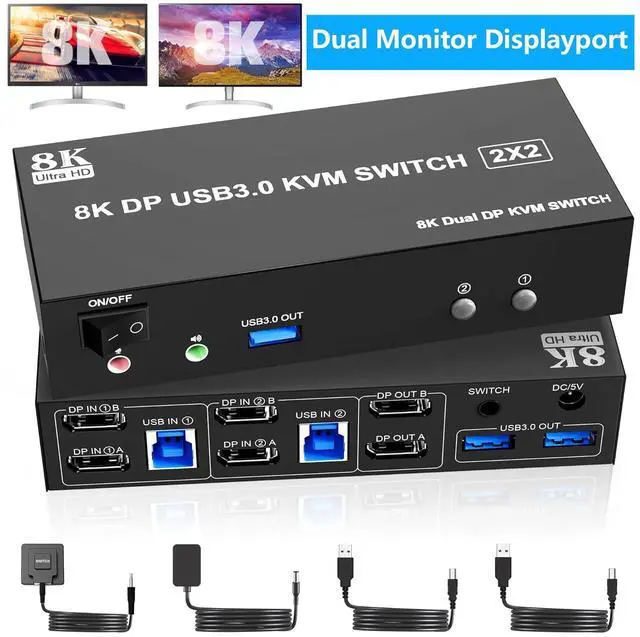



Any questions? Ask CelesteSM will help you find out quickly.
Advantages:
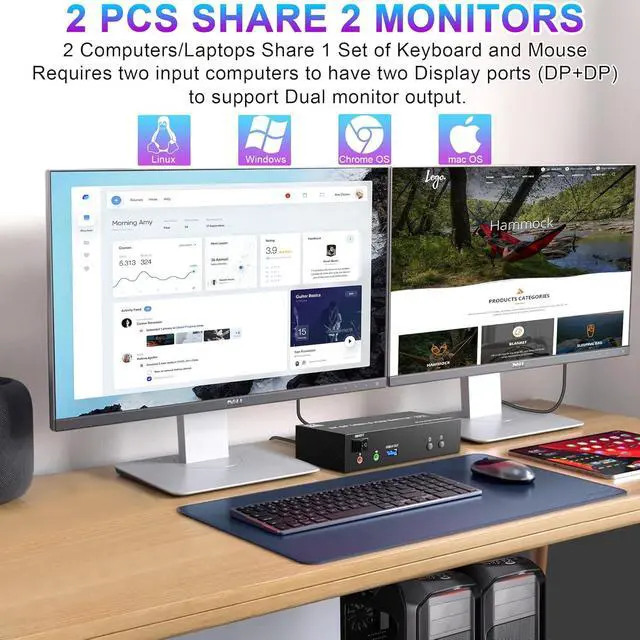
2 computers share one set of wired/wireless keyboard, mouse and 2 monitors.
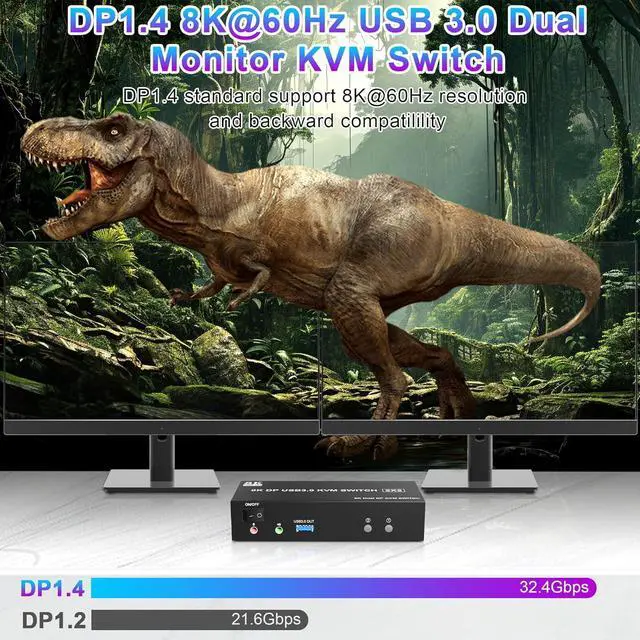
Support 8K@60Hz/4K120Hz.
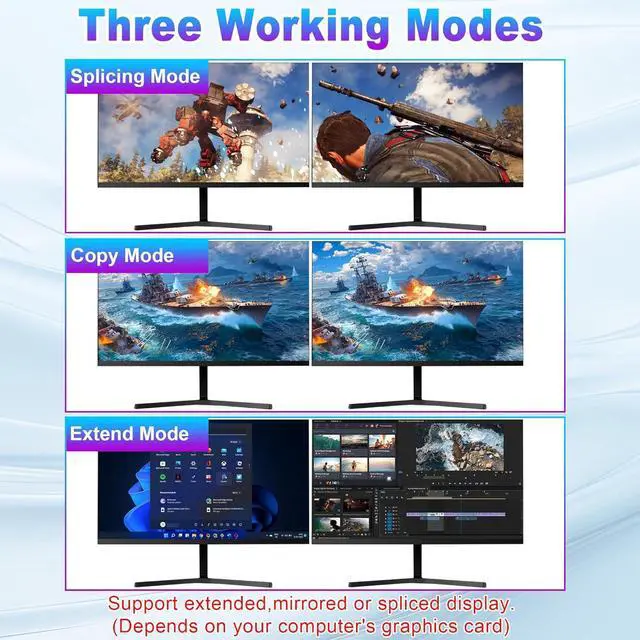
Support extended and mirror display.
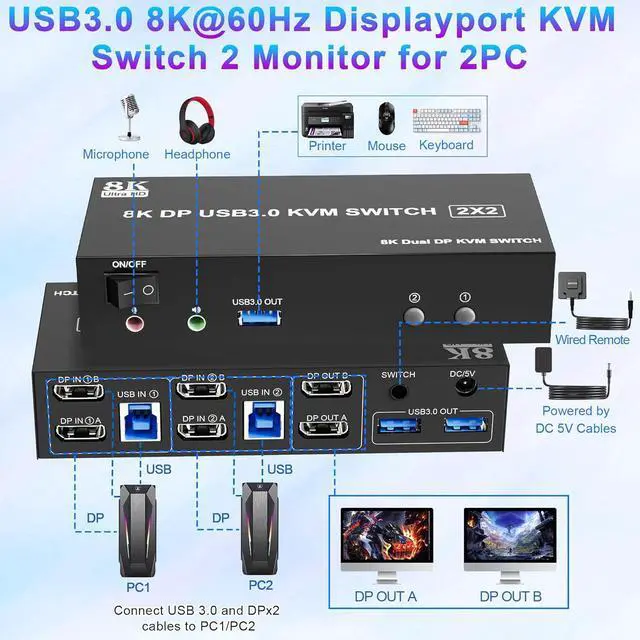
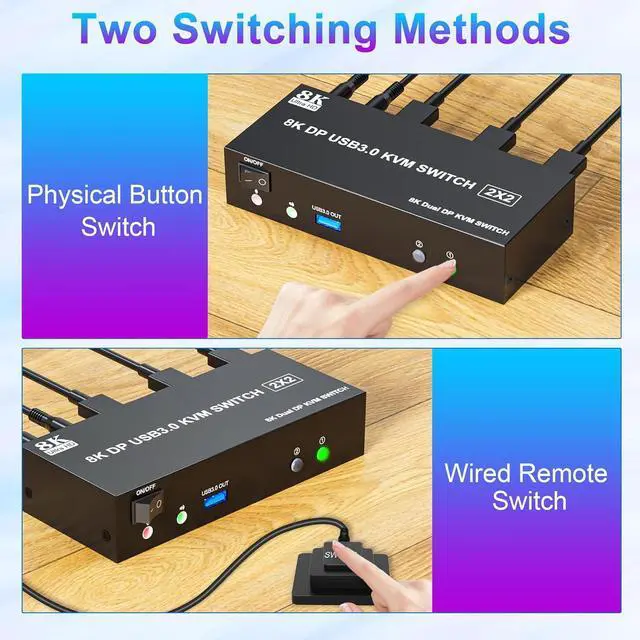
Switching modes: Button switch and wired remote, switch between 2 computers just need 2-4 seconds, fast and convenient.
Cross support most major OS including Windows, Linux, Mac OS.
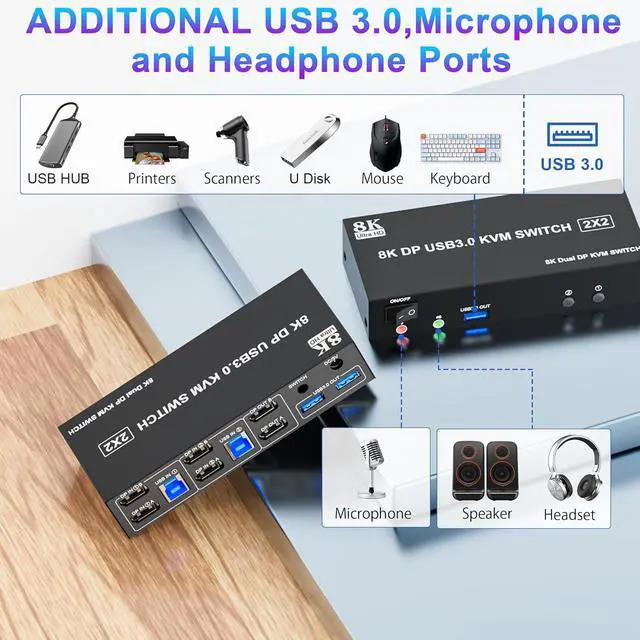
Dual displayport KVM switch with 3 USB 3.0 ports for USB devices.
Support DP 1.4 standard, transfer rates up to 32.4G bps, backwards compatible with DP 1.2 standard.
With this 8K displayport KVM, the screens of the two monitors come from the same computer, and you can watch movies for entertainment while working.
Important tips:
1)If the DP source is input from DP IN A, it needs to be output from the DP OUT A. If the DP source is input from DP IN B, then it needs to be output from the DP OUT B.
2) If you want to output 2 monitors simultaneously, 2 DP ports of one DP source computer must be connected. Specifically, DP IN A and DP IN B of PC1 should be connected at the same time, and DP OUT A and DP OUT B of the output ends should also be connected simultaneously. DP OUT A display the video from DP IN A, and DP OUT B will display the video from DP IN B.
3 Display Modes
Extended Display
Mirrored Display
Spliced Display
1)Extended mode can output 2 different screens and mirror mode can output 2 identical screens.
Note: If your graphics card has a splicing screen function, you can use the splicing screen mode.
2)The requirement for this KVM to achieve a dual-screen display is that each PC you connect to can support a dual-screen display. This has nothing to do with KVM.




