• $136.46
  • Free 30-day Returns
  • Ships from China.
    Price alert
    Shop it at NeweggBusiness.

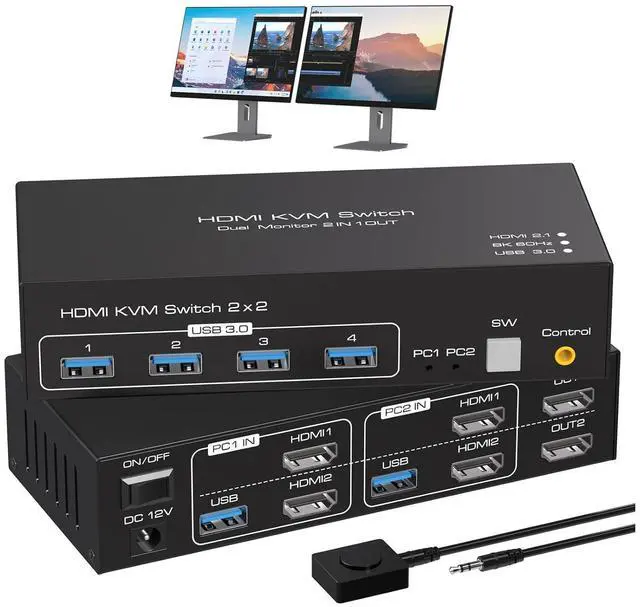
    WRIARICH 8K@60Hz HDMI KVM Switch 2 Monitors 2 Computers, 4K120Hz Dual Monitor HDMI KVM Switches for 2 PC Share 2 Screens and 1 Set of Keyboard Mouse Printer with Wired Controller Support Extended Mode

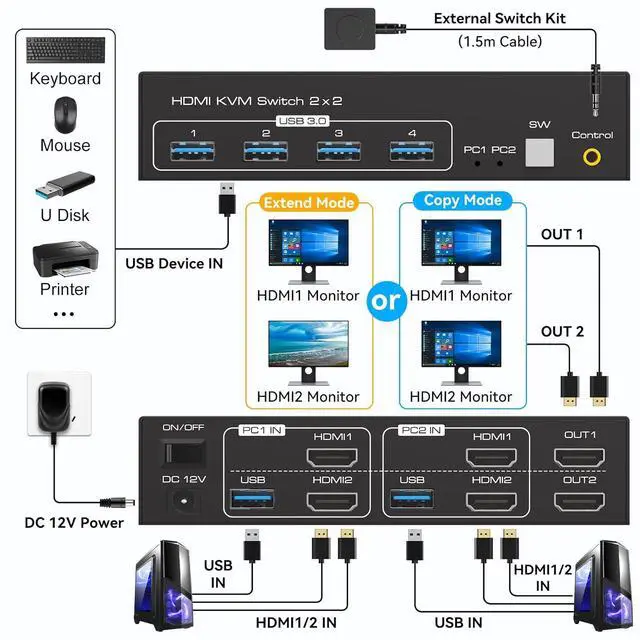
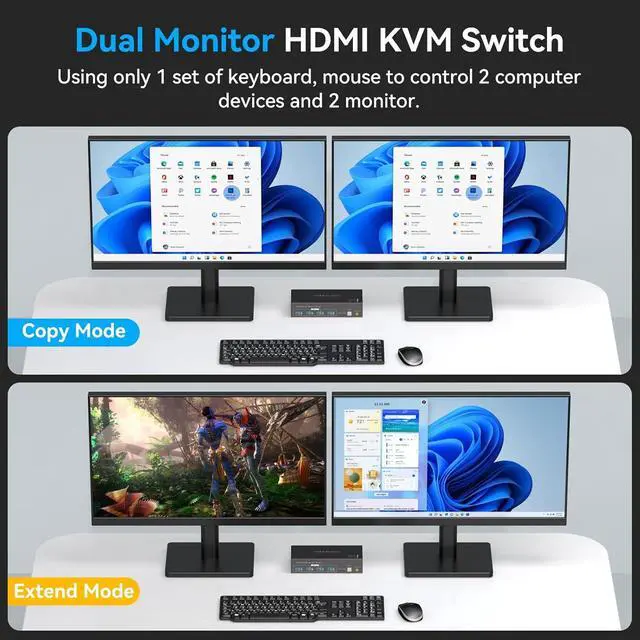
    • KVM Switch 2 Monitors 2 Computers: The HDMI KVM switches allows 2 computers share 2 monitors and 4 USB devices like Mouse Keyboard Printer Hard disk, etc. Support extended and copy display mode. Note: Each computer needs to connect 2 HDMI ports + 1 USB port to KVM and make sure your PC or laptop supports multiple monitors
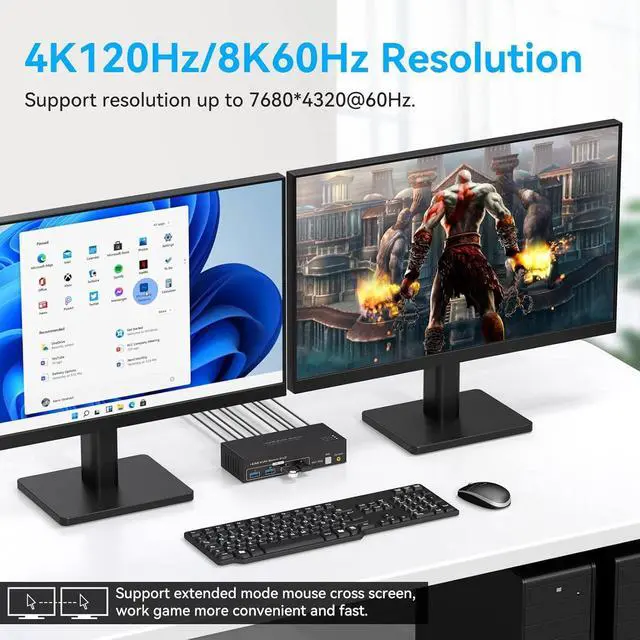
    • Ultra HD 8K 60Hz KVM Switch: This KVM Switch supports resolutions up to 7680*4320@60Hz and downward compatible supports 3D, HDR, HDCP.
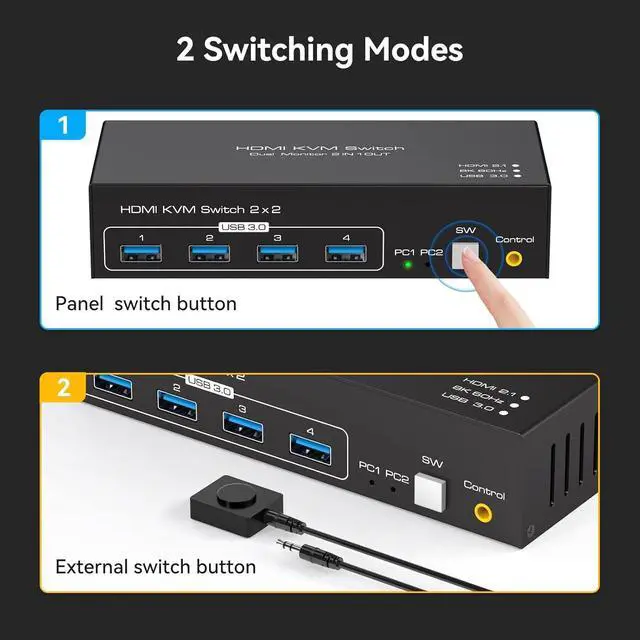
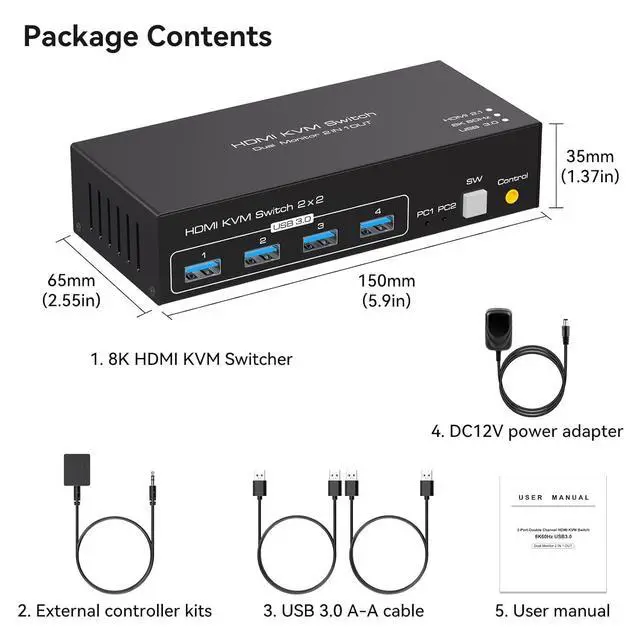
    • Supports 2 Switching Modes: Supports front panel buttons and external controller for easy input switching. The LED indicate the active computer. It also comes with an external wired controller, so you can easily and quickly switch devices. Note: This KVM switch does not support keyboard shortcuts (hotkeys) for switching
    • USB 3.0 KVM Switch: with 4 USB 3.0 ports for keyboard, mouse, printer, and other USB device recognition. With USB 3.0 technology,data transfer speeds up to 5Gbps, far surpassing the data transfer speeds of USB 2.0.
    +
    +
    Overview
    Specs
    Reviews
    avatar

    Any questions? Our AI beta will help you find out quickly.

    Features:

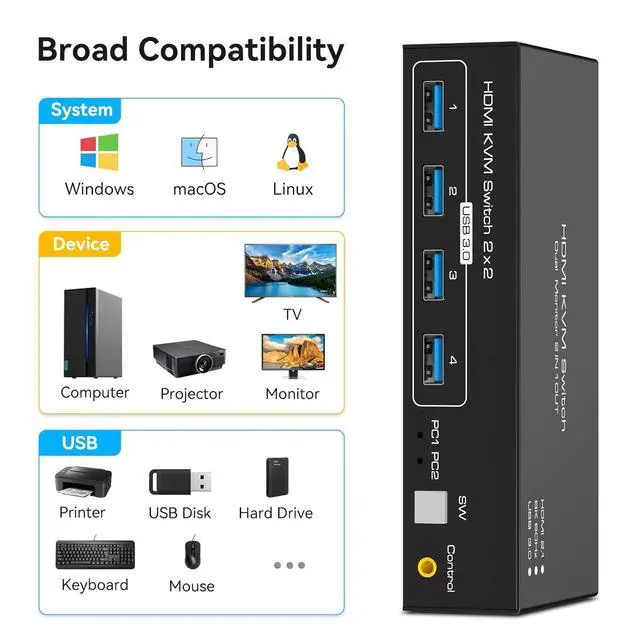
    With four USB 3.0 hub ports, a barcode scanner, USB hard drive or other USB device can be connected to the KVM.

    Supports Windows/Vista/XP and Mac systems, Linux and Unix, plug and play.

    Supports front panel buttons and external switch buttons to control KVM switching input sources.

    Supports USB 3.0 transfer rates of up to 5Gbps.

    Please Note:

    If you want to achieve the highest resolution, you must ensure that your computer, monitor, and cables all support 8K60Hz.

    Since additional cables will be added when using KVM, it is recommended that the total cable length of PC>KVM>Monitor should not exceed 3M ( 9.9 ft).

    If the screen appears to be flickering or black, try using shorter cables that support 8k as well as high refresh rates first to troubleshoot if the problem is due to the cable.

    The use of adapters, conversion cables, and converters in connection may result in degradation of resolution, flickering, or failure to work, and should be minimized or not used.

    Warranty & Returns

    Warranty, Returns, And Additional Information

    Warranty

    • Please contact the Seller directly for warranty information. Warranty information may also be found on the Manufacturer's website.
    • CONTACT

    Return Policies

    Manufacturer Contact Info

    LOADING...