HDMI Displayport KVM Switch 8K 60Hz Triple Monitor Display 4X3 4 port USB DP KVM Switch 2K 165Hz 3 Monitors 4 PC Computers Keyboard Mouse Share
Description:
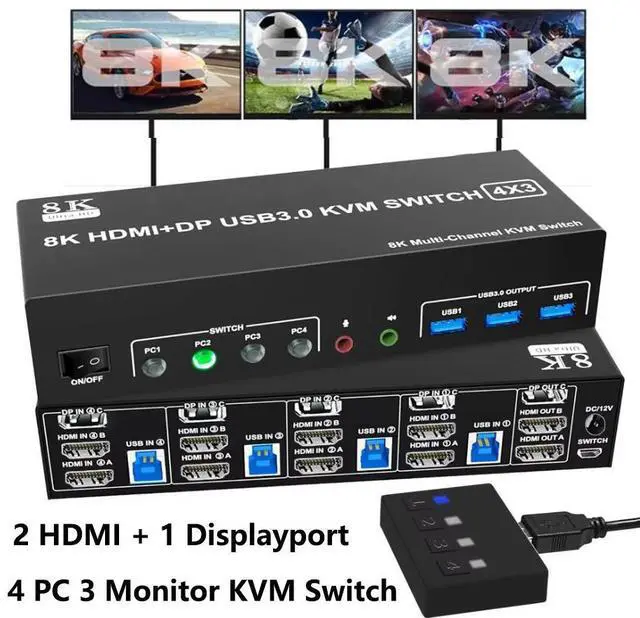
8K 60Hz 4x3 2 Channel HDMI + 1 Channel Displayport USB 3.0 KVM Switch allows you to share one USB keyboard, USB mouse, and two HDMI monitor & one DP monitor to control 4 computers, laptops, game consoles.
It is designed for multitask with four computers at your necessary, increasing productivity in the office or at home ; You can switch between 4 computers using a manual switch located on the top of the KVM unit.
Features:
1080P@240Hz HDMI DP KVM Switch 4 Port Triple Monitor Extended Display, UHD 8K@60Hz RGB 4:4:4, Audio, Button Switching, PC Monitor Keyboard Mouse Switcher for 4 Computers 3 Monitors
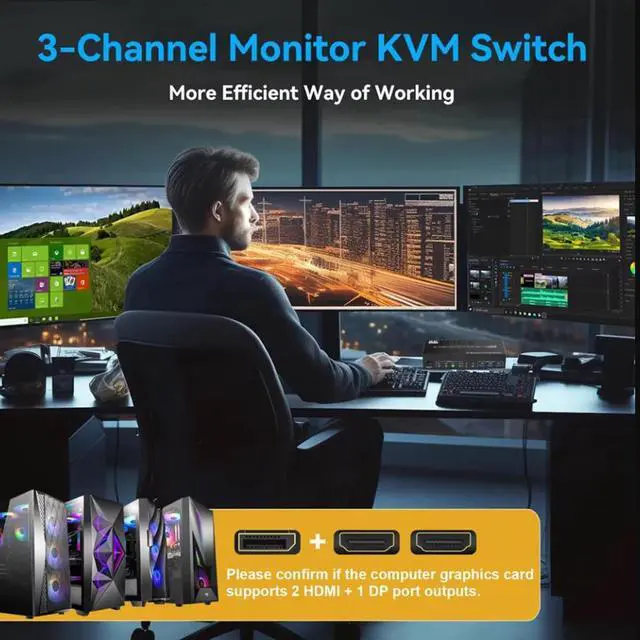
- USB 3.0 KVM Switch Triple Monitor 2 CH HDMI + 1 CH DisplayPort 4 Port This Triple monitor 4 IN 3 OUT DP KVM Switch is for you to control them using one set of keyboard, mouse and single or dual or triple monitors to make your work space tidy and efficient, also a premium choice for working from home. Only when your computer supports dual display or multi display, you can use this KVM to achieve 4 PC to share 3 monitors. (Extended or mirrored modes depend on your computer's graphics card).
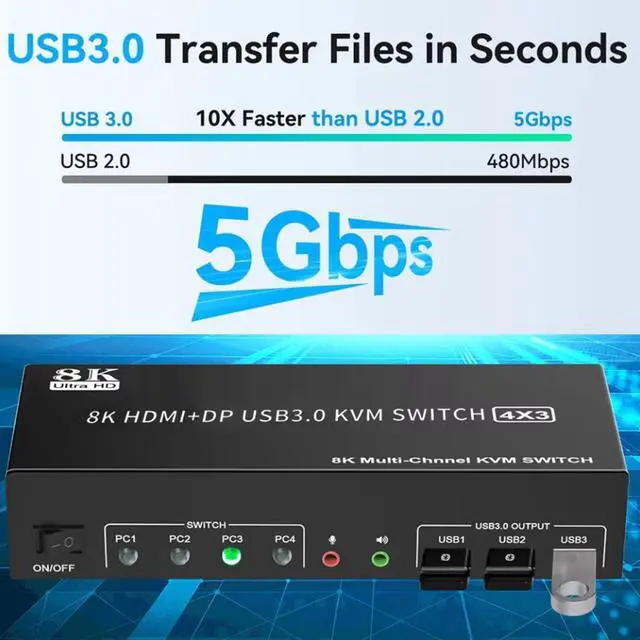
- 2 Channel HDMI + 1 Channel DP KVM Switches with 3 USB 3.0 PortsTriple monitor 8K Displayport KVM switch with 3 USB 3.0 ports which can recognize keyboard,mouse,printer,scaner and other USB devices. USB 3.0 offers data transfer speeds of up to 5Gbps, while USB 2.0 offers data transfer speeds of only 480Mbps.
- HDMI Displayport KVM Switch up to 8K@60HZ This HDMI DP kvm Triple monitor 4 port supporting high resolution max up to 8K@60Hz,4K@144Hz, and also supports 3D and 1080P@60/120/240Hz or other lower resolution (Downward Compatible). Complies with the DP 1.4 standard and HDMI 2.1 & HDCP 2.3. Note: Only when both your computer Graphics card , monitor and DP/HDMI cable support 4K@120Hz then you can get 4K@120Hz effect, so if you want the max resolution you have to check your devices first.
- 2 Switching Mode & LED Indicator1. Toggle selection on front panel; 2. Wired remote switch. Compatible with a variety of computer systems,such as Windows, Linux, Mac, Unix, Ubuntu, Raspberry and most other major OS; also supports DP/HDMI devices without USB signal input like DVR, NVR etc. LED indicate the active computer.
- ImportantAfter connecting the computers and the monitors through KVM, you need to set the screen output mode on the computer (press Windows+P) and select the output mode in the pop-up window on the screen. hotkey switching is not supported.
Learn more about the Detailed Specifications
Additional Information| First Listed on Newegg | August 21, 2026 |
|---|





 here!
here!