




 here!
here!
I’m your shopping assistant for PC builds, upgrades, and everything tech.
Got questions? Ask away!
Start a conversation
here!
I’m your shopping assistant for PC builds, upgrades, and everything tech.
Got questions? Ask away!
Start a conversation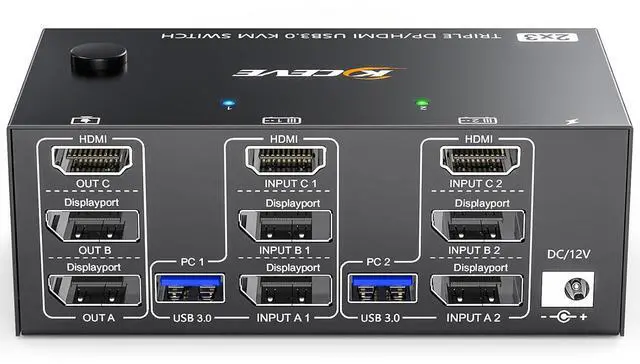





Any questions? Ask CelesteSM will help you find out quickly.
Advantages:
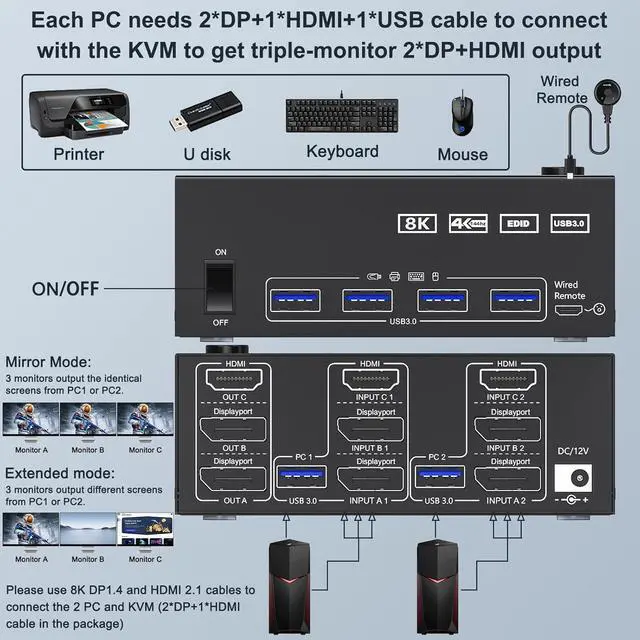
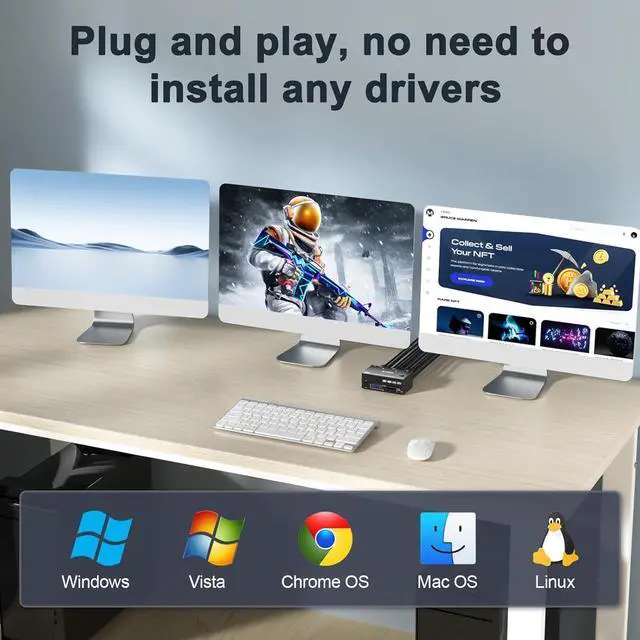
2 computers share 4 peripheral USB devices (keyboard mouse, printer, USB drive, etc) and 3 monitors.
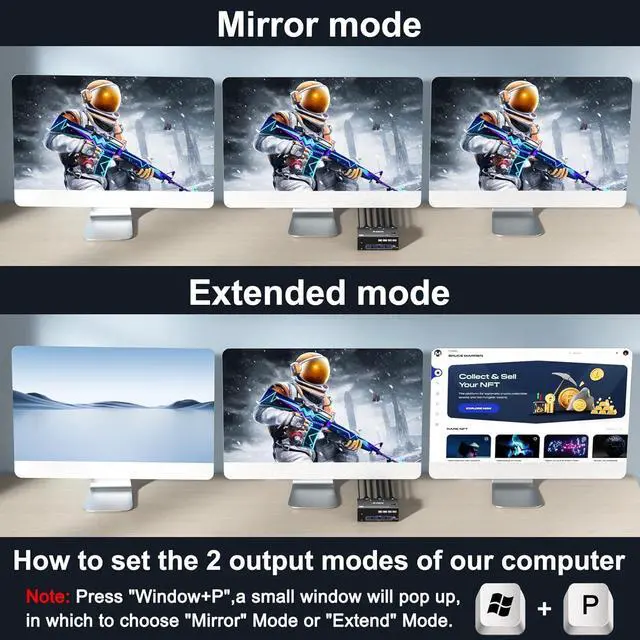
KVM triple monitors support extended and mirror display.
Support wired or wireless keyboard and mouse.
Cross support most major OS including Windows, Linux, Mac OS.
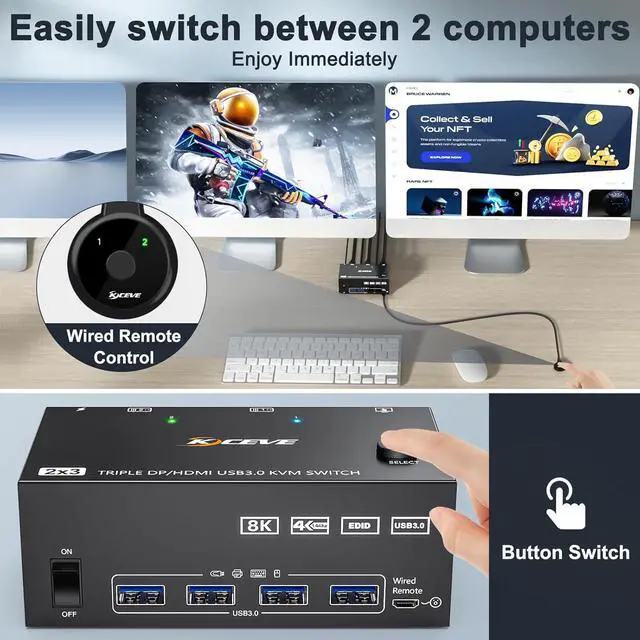
Switching modes: Button switch and wired remote ( 1.5 m), switch between 2 computers just need 2-4 seconds, fast and convenient.
1*HDMI+2* Displayport KVM Switch: support resolution up to 8K@60Hz/4K@60Hz; support resolution up to 8K@30Hz/4K@144Hz.
Connection steps:
Step 1. Connect 2*DP cables+1*HDMI+1*USB-A cable between PC 1 and KVM (INPUT A1, INPUT B1, INPUT C1, USB 3.0 ).
Step 2. Connect 2*DP cables+1*HDMI+1*USB-A cable between PC 2 and KVM (INPUT A2, INPUT B2, INPUT C2, USB 3.0 ).
Step 3. Connect 2*DP+1*HDMI cables between the KVM (OUT A, OUT B, OUT C) and your 3 monitors.
Step 4. Connect the DC12V power adapter.
Step 5. Insert your USB devices (keyboard mouse and U disk) into the USB port on the KVM.
Package included:
1x DP+HDMI KVM switch, 2x USB 3.0 Cable, 12V Power Adapter, 1x Wired Remote, 1x User's Manual.



