- Free 30-day Returns
Meet Your Seller
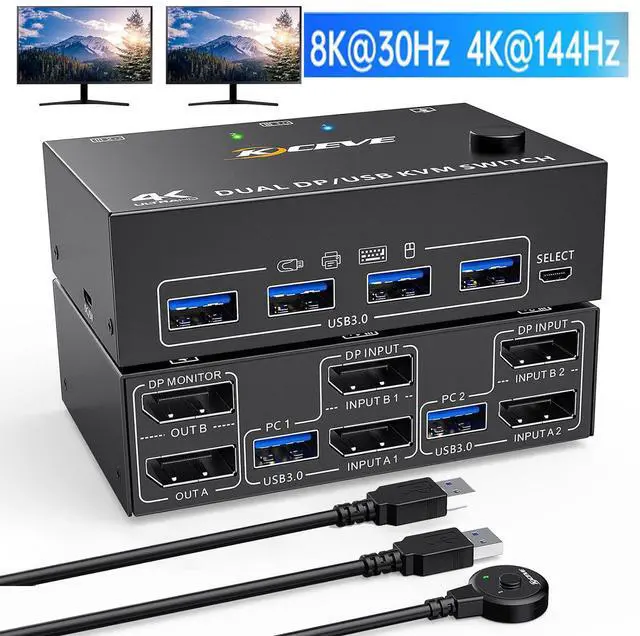
8K@30Hz 2 Port DP KVM Switch 2 Monitors 2 Computers, 4K@144Hz Dual Monitor DisplayPort KVM Switch with 4 USB 3.0 Ports, Support Extended & Mirror Mode, with USB 3.0 Cable & Wired Remote Control
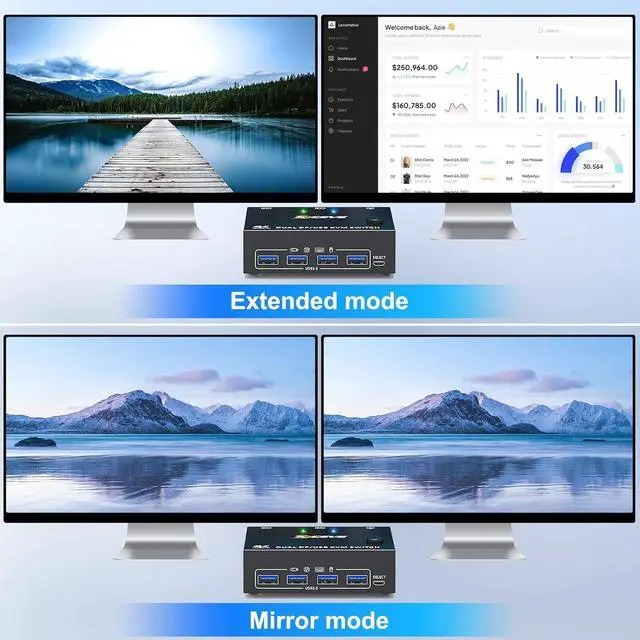
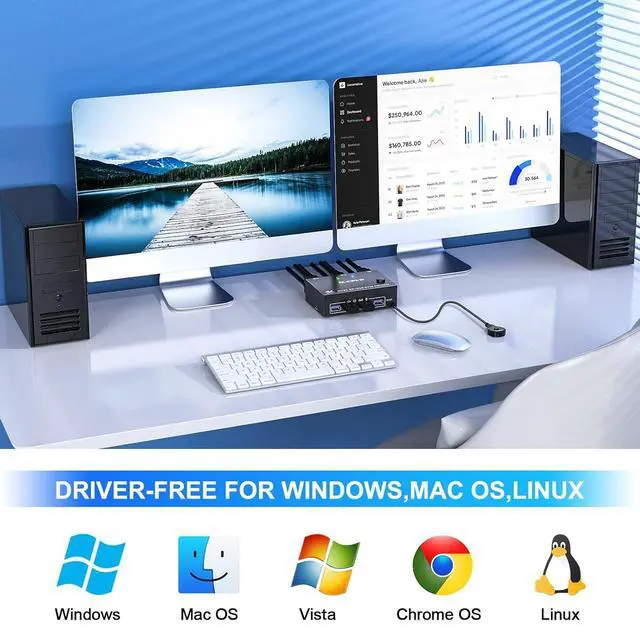
- KVM Switch 2 Monitors 2 Computers: This dual monitor KVM Switch can control 2 computers to share 2 monitors with a set of keyboard and mouse. You can select the extend and duplicate modes by pressing Windows+P.
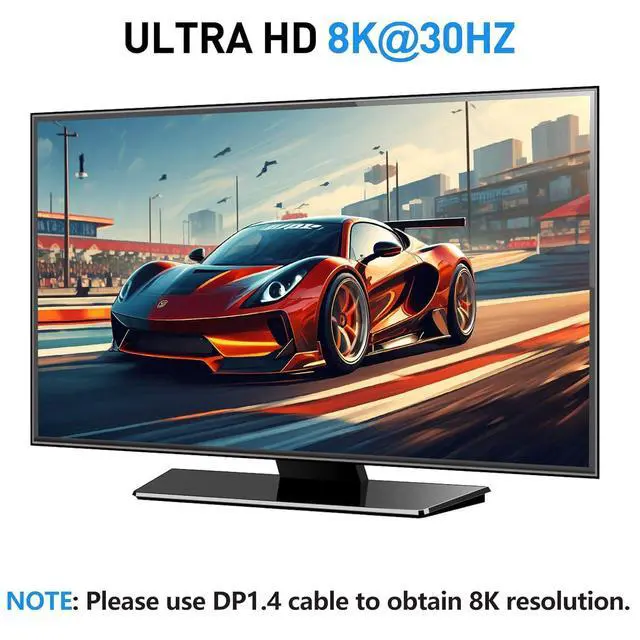
- Ultra HD 8K Visual Enjoyment: KVM switch supports up to 8K@30Hz, 4K@144Hz and is backwards compatible with DP 1.2. NOTE: The final resolution also depends on the graphics card, monitor, cables and adapters and how they work together. To achieve the best resolution, graphics cards, monitors and cables must support 8K.
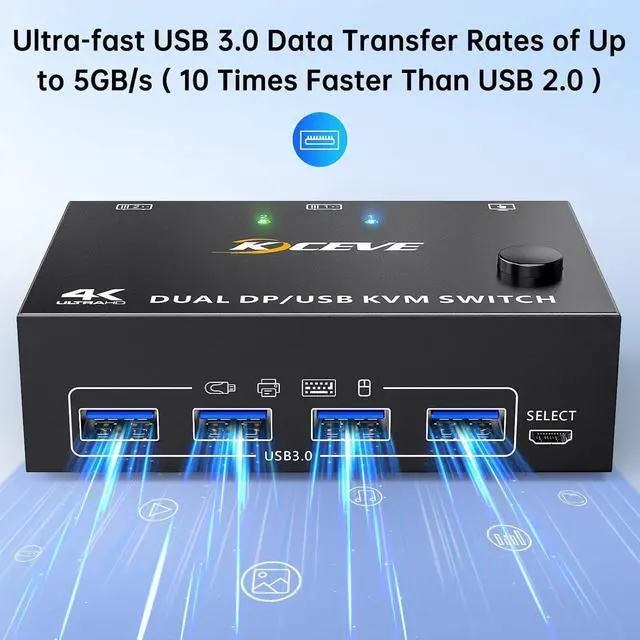
- 4 USB3.0 Ports: KVM Switch with 4 USB 3.0 ports and can recognize keyboards, mice, printers, and other USB devices. The USB 3.0 port provides file transfer speeds of up to 5Gbps. NOTE: When using powerful USB devices such as hard drives, digital cameras, SSDs, etc., an external 5V adapter is required. Supplied with 80cm power cable (adapter not included).
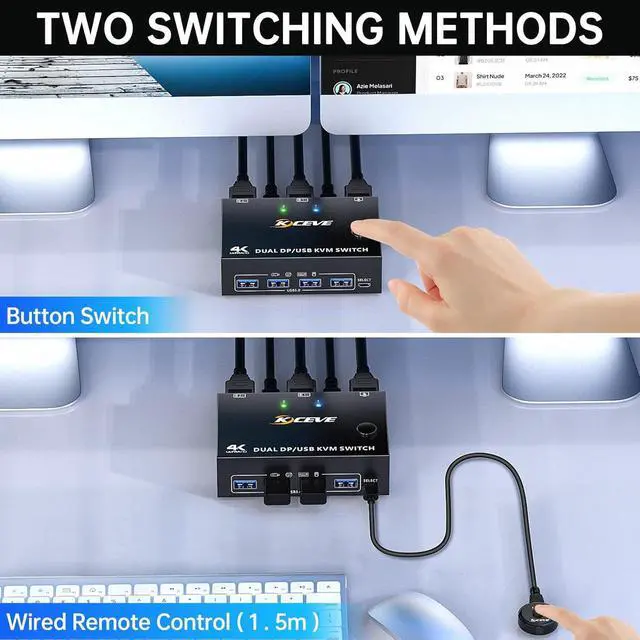
- Great Compatibility & 2 Switching Mode: Driver-free for Windows 11/10/8/7/XP and Mac OS.plug and play. You can press the button on the panel or use the wired remote (included) to switch the computers.Two color LED indicate the active computer.
- Note: KVM switch require each computer to have 2*DP output ports and supports extended display.Adapters will be needed if your PC does not have dual DP outputs, powered HDMI to DP,MINI DP to DP or USB C to DP adapters are preferred; This DisplayPort KVM switch does not support EDID emulation, so the desktop locations may change upon switching and boot-up.
Any questions? Our AI beta will help you find out quickly.
With this 8K displayport KVM,the screens of the two monitors come from the same computer, and you can watch movies for entertainment while working.
Important tips:
- The premise for this dual displayport KVM to achieve dual-screen display is that each PC you connect to has the capability to support dual or multi-screen display. This has nothing to do with KVM. Detection method: You can connect the computer to 2 monitors directly (not via KVM). If both monitors have an on-screen display, the computer supports multi-monitor display.
- For laptops, this KVM switch dual displayport supports USB C docking stations, but the resolution refresh rate may be limited by the docking station, and you may need to connect DC 5V to power the KVM (depending on your docking station).
- The two monitors can only output the video source from one computer (mirror mode or expansion mode), and cannot output the signal source of PC1 and PC2 at the same time.
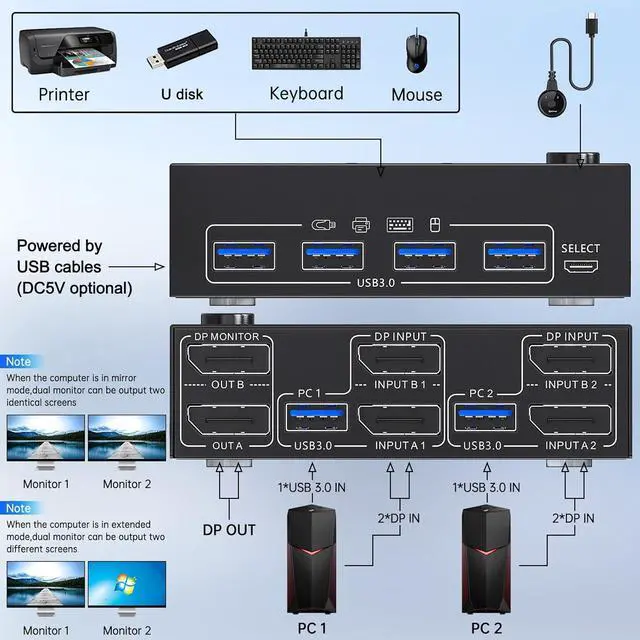
- The cables(2*DP cable+1*USB cable)connecting PC 1 and PC 2 to the KVM cannot be cross-connected,because the USB cables not only supply power to the KVM, but also transmits data between the computer and the USB devices.
Installation Guide Tips (incorrect connection will cause malfunction):
Each computer must connection 2 DP cables and 1 USB cable to ensure keyboard, mouse and monitors to work correctly.
Connection steps:
Step 1. Connect 2*DP cables+1*USB-A cable between PC 1 and KVM (USB 3.0, INPUT A1, INPUT B1).
Step 2. Connect 2*DP cables+1*USB-A cable between PC 2 and KVM (USB 3.0, INPUT A2, INPUT B2).
Step 3. Connect 2*DP cables between the KVM (OUT A, OUT B) and your 2 monitors.
Step 4. Insert your USB devices(keyboard mouse and U disk) into the USB port on the KVM.
Step 5. Insert the Wired Remote into the "SELECT" port to remotely switch between PC1 and PC2.
Packing list:
1 * Displayport KVM switch; 2 * USB3.0 cable; 1 * Wired remote; 1 * USB power cable; 1 * User manual.
Warranty & Returns
Warranty, Returns, And Additional Information
Warranty
- Please contact the Seller directly for warranty information. Warranty information may also be found on the Manufacturer's website.
- CONTACT
Return Policies
- Return for refund within: 30 days
- Return for replacement within: 30 days
- This item is covered by Lou Di Shi Lou Xing Qu Liu Li Shang Mao Return Policy
Manufacturer Contact Info
- For a directory of all our manufacturers, please click below.
- Manufacturers Directory