




 here!
here!
I’m your shopping assistant for PC builds, upgrades, and everything tech.
Got questions? Ask away!
Start a conversation
here!
I’m your shopping assistant for PC builds, upgrades, and everything tech.
Got questions? Ask away!
Start a conversation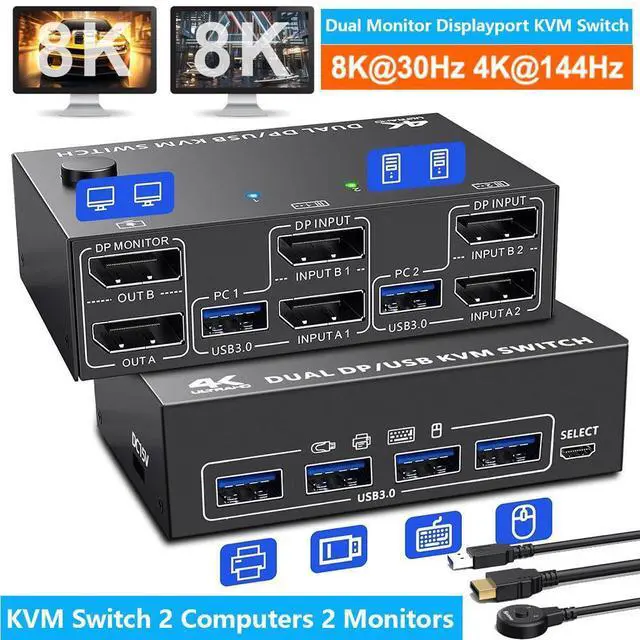



Any questions? Ask CelesteSM will help you find out quickly.
Product advantages:
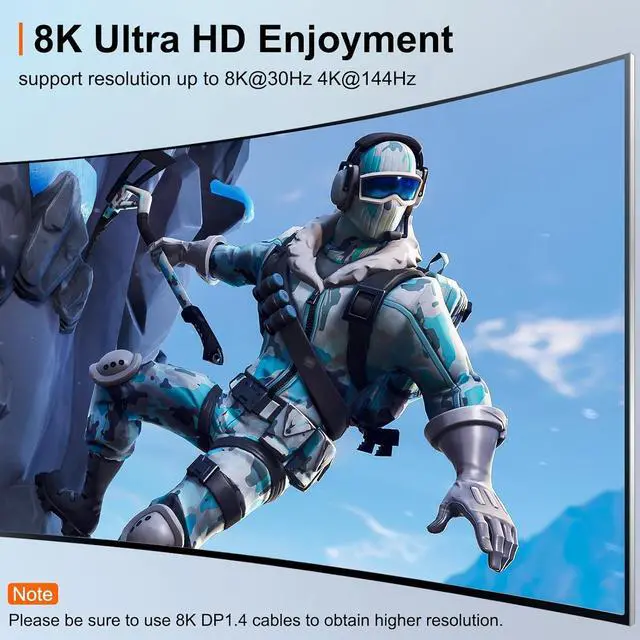
· Ultra HD 8K@30Hz, 4K@60Hz image quality experience, backward compatible
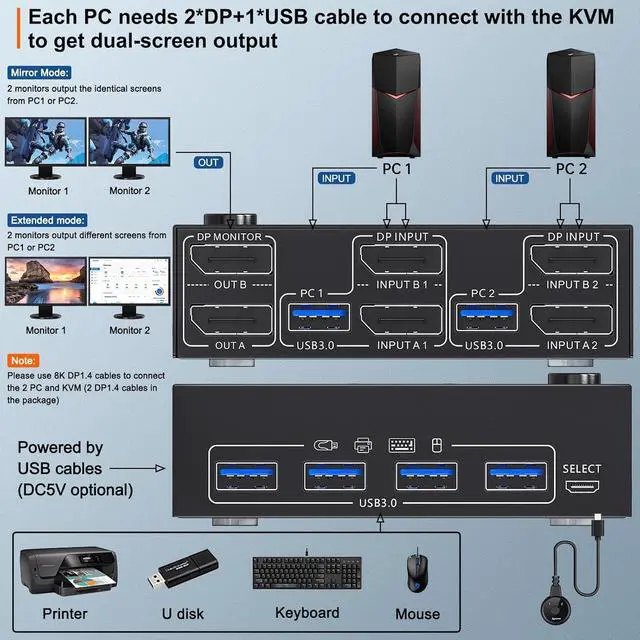
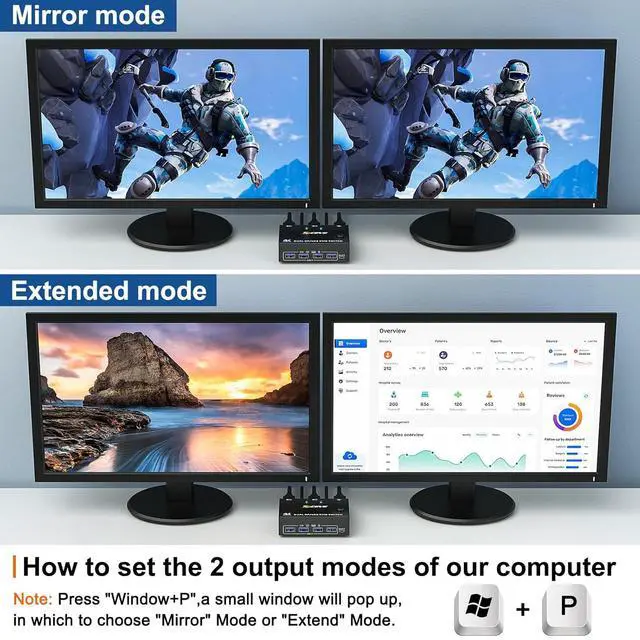
· Dual display output, supports two display modes for expansion and mirroring
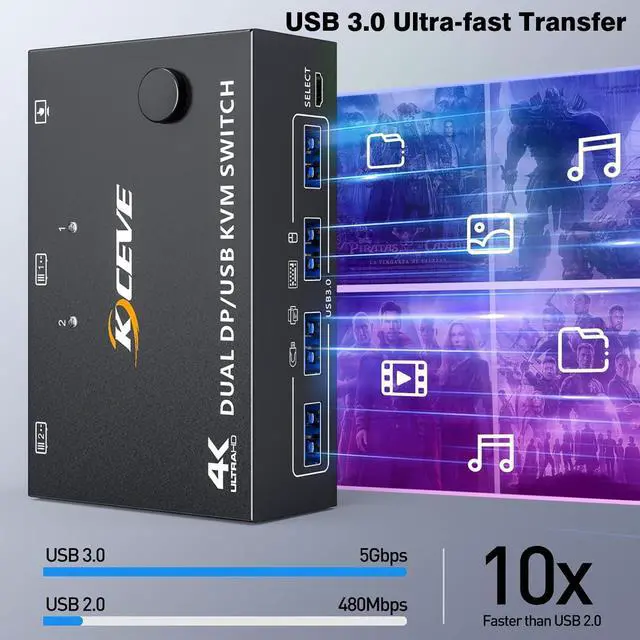
· With 4 USB 3.0 ports, supported with USB port devices (such as mouse, keyboard, U disk, printer, etc. )
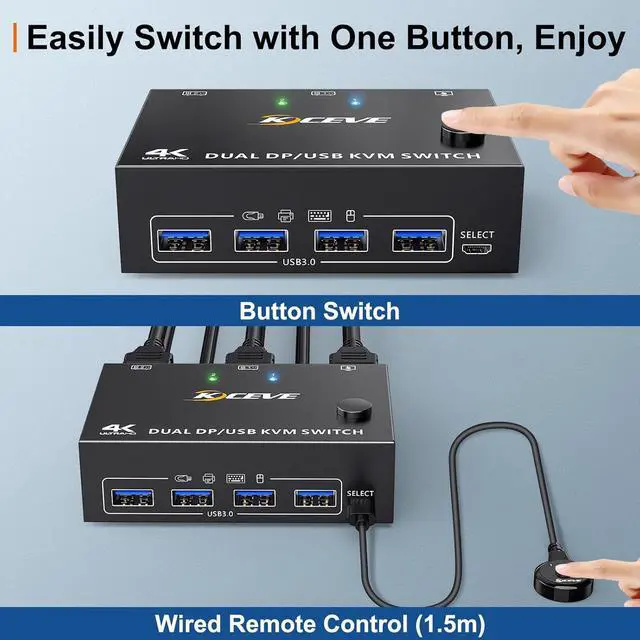
· Via the control panel buttons and the desktop controller one-key switching, the time takes only 2 4 seconds
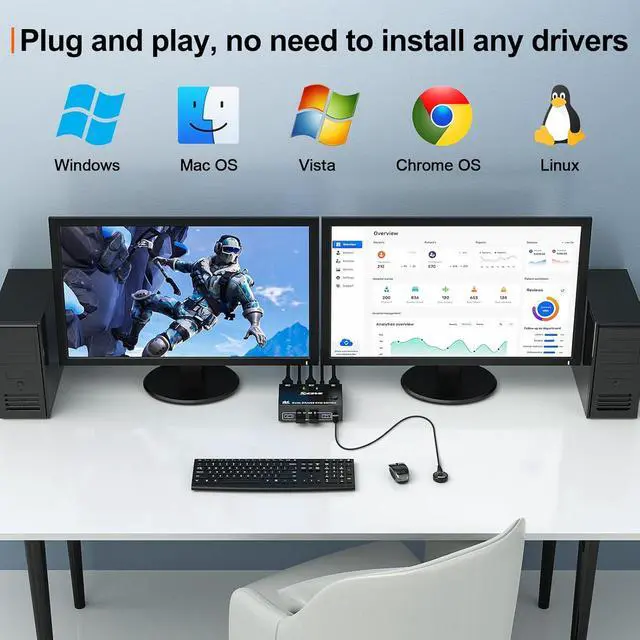
· Supports all major operating systems, including Windows, Linux, Mac, and more
Connection steps:
Step 1. Connect 2*DP cables+1*USB 3.0 cable between PC 1 and KVM (USB 3.0, INPUT A1, INPUT B1).
Step 2. Connect 2*DP cables+1*USB 3.0 cable between PC 2 and KVM (USB 3.0, INPUT A2, INPUT B2).
Step 3. Connect 2*DP cables between the KVM (OUT A, OUT B) and your 2 monitors.
Step 4. Insert your USB devices (keyboard mouse and U disk) into the USB port on the KVM.
Step 5. Insert the Wired Remote into the "SELECT" port to remotely switch between PC1 and PC2.
Packing list:
1 * Displayport KVM switch; 2 * 8K DP 1.4 cable; 2 * USB 3.0 cable; 1 * Wired remote; 1 * USB power cable; 1 * User manual.



