




 here!
here!
I’m your shopping assistant for PC builds, upgrades, and everything tech.
Got questions? Ask away!
Start a conversation
here!
I’m your shopping assistant for PC builds, upgrades, and everything tech.
Got questions? Ask away!
Start a conversation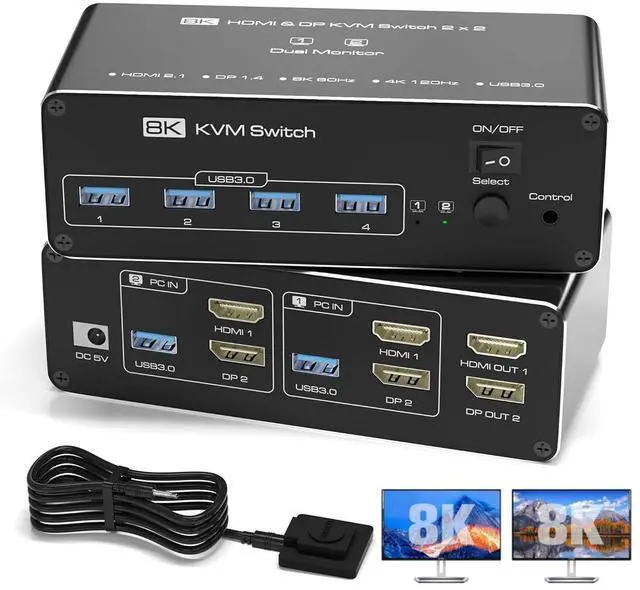



Any questions? Ask CelesteSM will help you find out quickly.
Dual Monitor KVM Switch for 2 Computers (HDMI + DP)
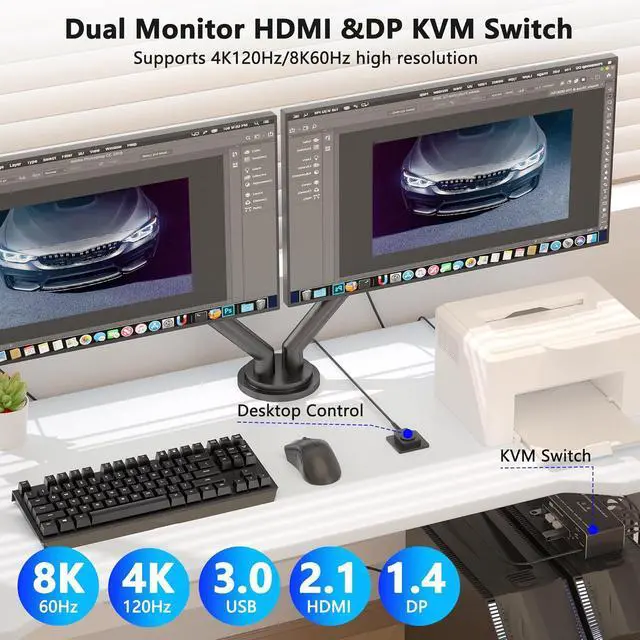
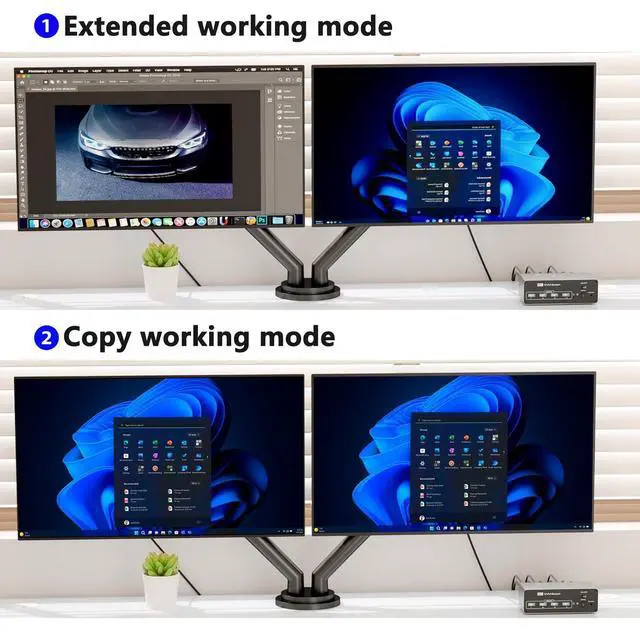
Easily control two computers with one keyboard, mouse, and dual monitors (1x HDMI + 1x DisplayPort). Supports Extended & Mirror Mode for flexible workspace setups.
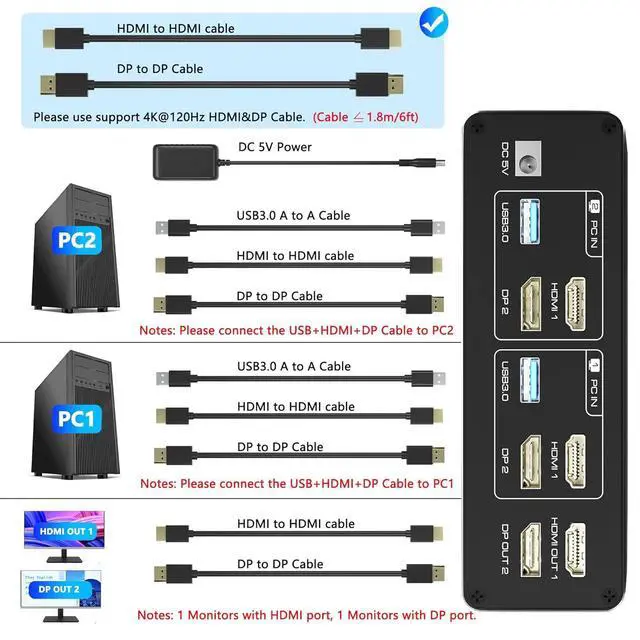
Important: Your PCs/laptops must have both HDMI + DP ports (no signal conversion between inputs). HDMI and DP ports must connect to the same computer (e. g., HDMI 1 + DP 1 --> PC 1).
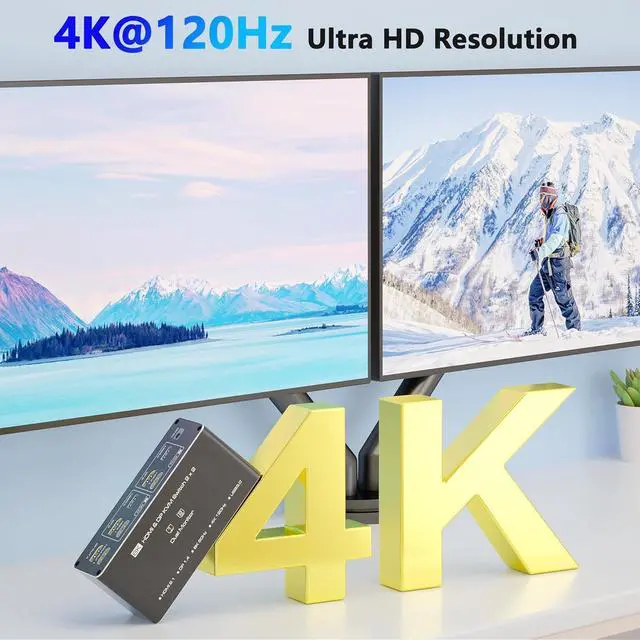
Ultra HD 4K@120Hz (DP) & 8K@60Hz (HDMI) Support
Enjoy crisp visuals with 4K@120Hz (DisplayPort 1.4 ) or 8K@60Hz (HDMI 2.1 )--ideal for gaming, design, and multitasking.
Note: Requires 4K/8K-compatible source, monitor, and cables, otherwise, flickering may occur.
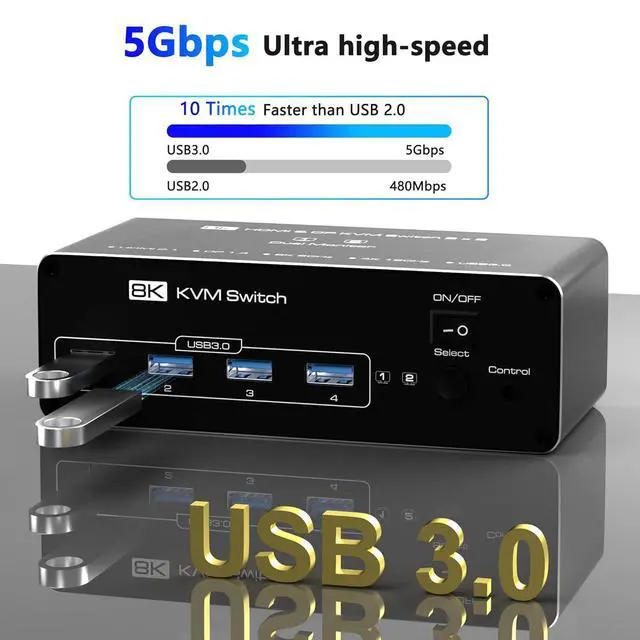
USB 3.0 Hub (5Gbps) with 4 Ports
Share keyboard, mouse, printers, and USB drives across both PCs. Backward compatible with USB 2.0 / 1.1 devices.
Note: Adapters are not supportedconnect USB devices directly to avoid recognition issues.
Two Easy Switching Methods
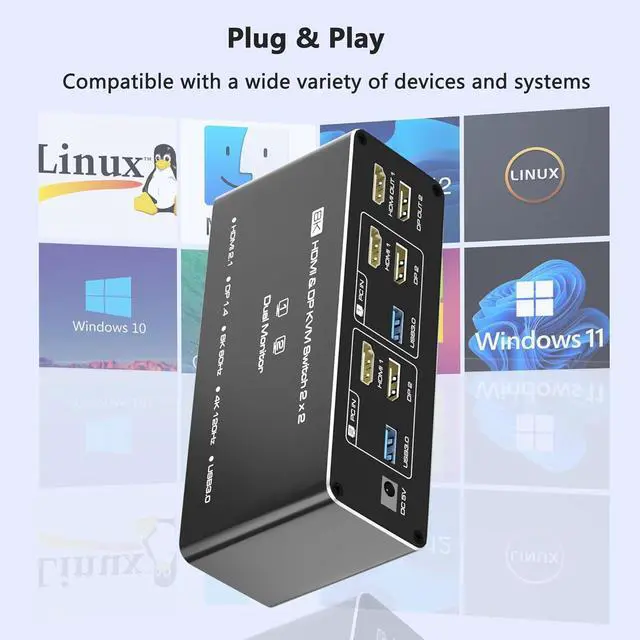
Press the KVMs button or use the included desktop controller (LED indicators show active PC). Works with Windows, macOS, Linux, and Unix. No keyboard hotkeys--physical switching only.
Connection Steps
Step 1: Connect the supplied 5V/2A power supply unit to ensure stable operation of the KVM Switch 2 PC 2 monitors.
Step 2: Connect the HDMI 1+DP 2 and USB-A ports of PC 1/PC 2 to the ports of PC 1 IN/PC 2 IN on the back of the KVM switch.
Step 3: Connect OUT 1/2 on the back of the KVM switch to the display device; OUT 1 displays video from HDMI 1, and OUT 2 displays video from DP
2.
Step 4: Connect devices such as mouse and keyboards to the front USB ports. 2 computers can share 2 monitors and 4 USB 3.0 ports.
kvm switch dual monitor kit includes: KVM Switchx1, 1.5 m desktop controllerx1, 1m USB 3.0 cablesx2, 5V power adapterx1, and user manualx1.




