




 here!
here!
I’m your shopping assistant for PC builds, upgrades, and everything tech.
Got questions? Ask away!
Start a conversation
here!
I’m your shopping assistant for PC builds, upgrades, and everything tech.
Got questions? Ask away!
Start a conversation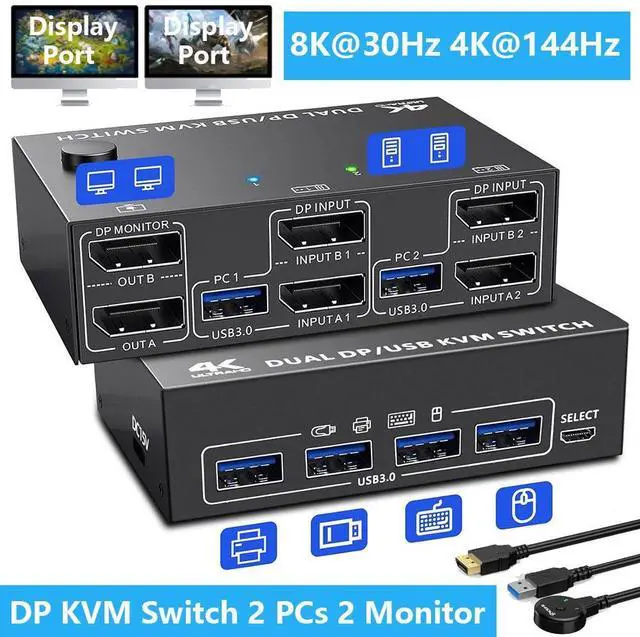





Any questions? Ask CelesteSM will help you find out quickly.
Product Advantages:
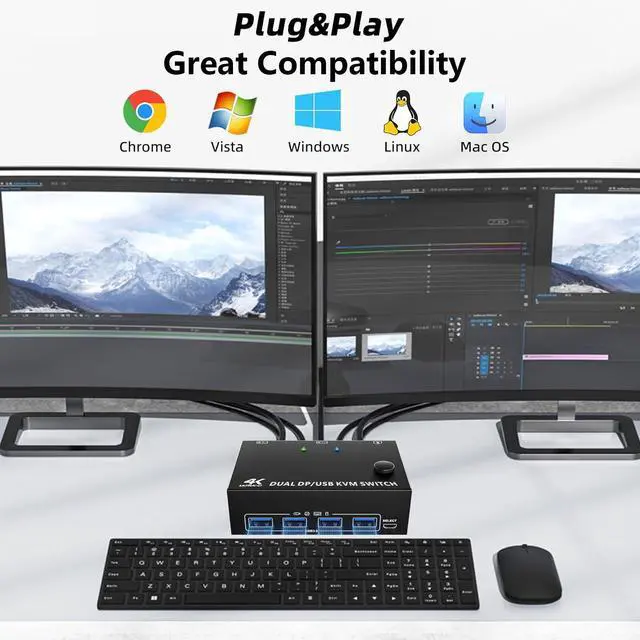
2 computers share one set of wired/wireless keyboard, mouse and 2 monitors.
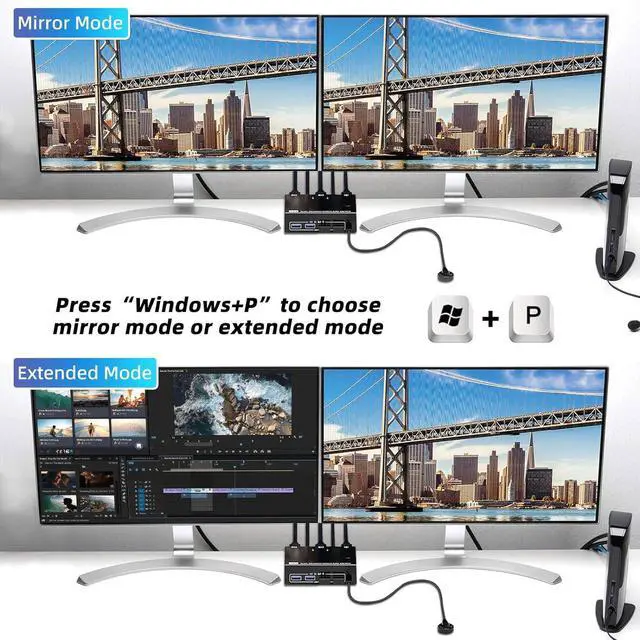
Dual monitors output support extended and mirror display.
Support max up resolution 8K@30Hz, 4K@144Hz, 2560×1440@144Hz, 1920x1080P@144Hz, downward compatible. support ultra-wide monitors.
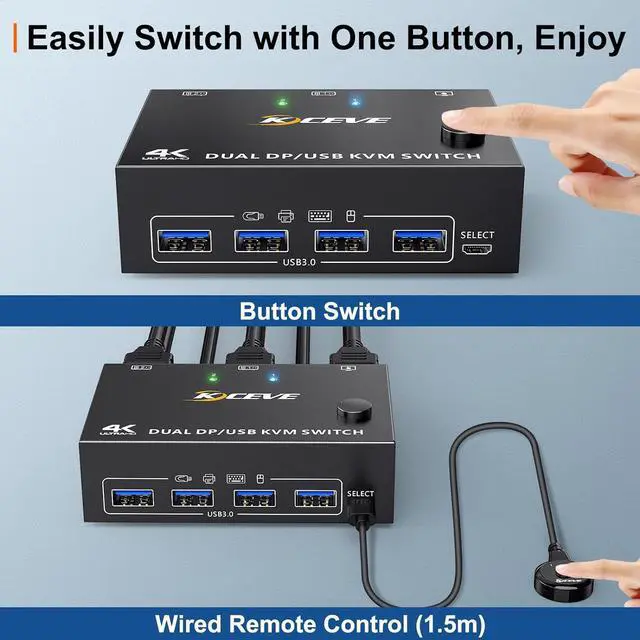
Switching modes: Button switch and wired remote ( 1.5 m), switch between 2 computers just need 2-4 seconds, fast and convenient.
Support wired or wireless keyboard and mouse. When use a mechanical gaming keyboard, You need to plug in the DC 5V USB power cable to the KVM to provide sufficient power.
Cross support most major OS including Windows, Linux, Mac OS.
Dual displayport KVM switch with 4 USB 3.0 ports for USB devices.
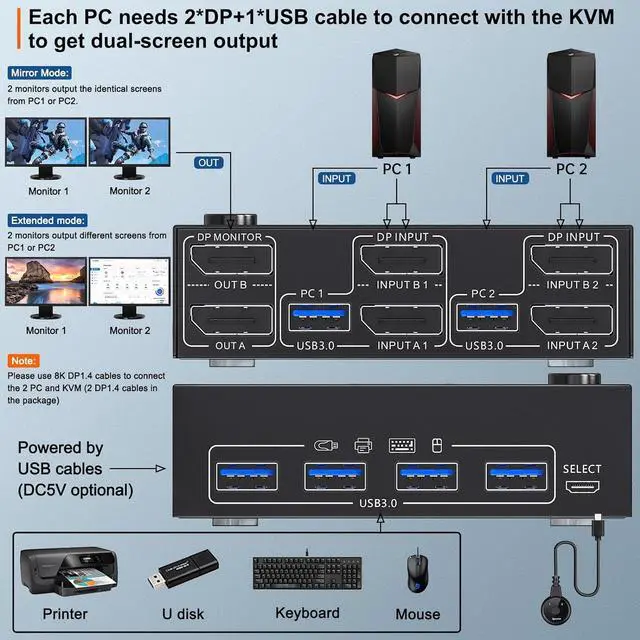
Each PC must connection 2 DP cables and 1 USB cable to ensure keyboard, mouse and monitors to work correctly.
Connection steps:
Step 1. Connect 2*DP cables+1*USB 3.0 cable between PC 1 and KVM (USB 3.0, INPUT A1, INPUT B1).
Step 2. Connect 2*DP cables+1*USB 3.0 cable between PC 2 and KVM (USB 3.0, INPUT A2, INPUT B2).
Step 3. Connect 2*DP cables between the KVM (OUT A, OUT B) and your 2 monitors.
Step 4. Insert your USB devices (keyboard mouse and U disk) into the USB port on the KVM.
Step 5. Insert the Wired Remote into the "SELECT" port to remotely switch between PC1 and PC2.
Packing list:
1 * Displayport KVM switch; 2 * 8K DP 1.4 cable; 2 * USB 3.0 cable; 1 * Wired remote; 1 * USB power cable; 1 * User manual.




