




 here!
here!
I’m your shopping assistant for PC builds, upgrades, and everything tech.
Got questions? Ask away!
Start a conversation
here!
I’m your shopping assistant for PC builds, upgrades, and everything tech.
Got questions? Ask away!
Start a conversation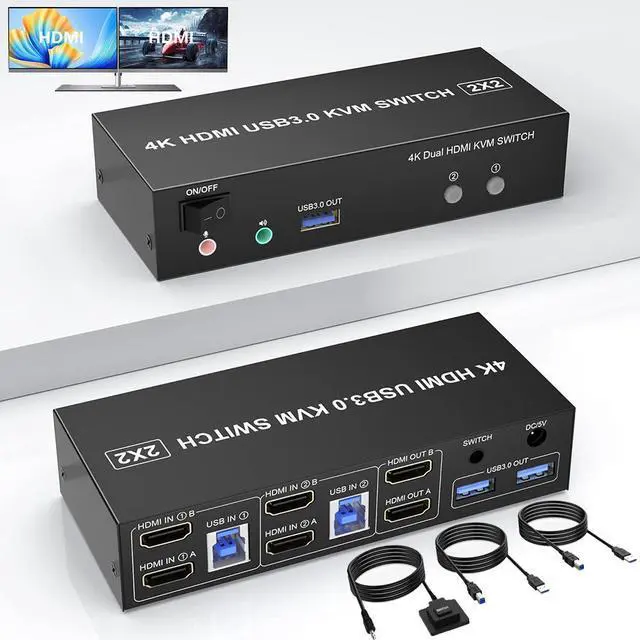




Any questions? Ask CelesteSM will help you find out quickly.
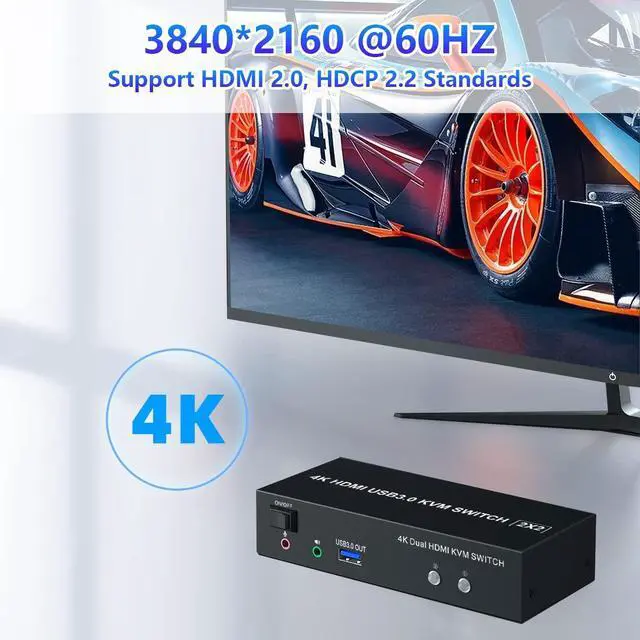
2 Port USB 3.0 KVM Switch HDMI Dual Monitor
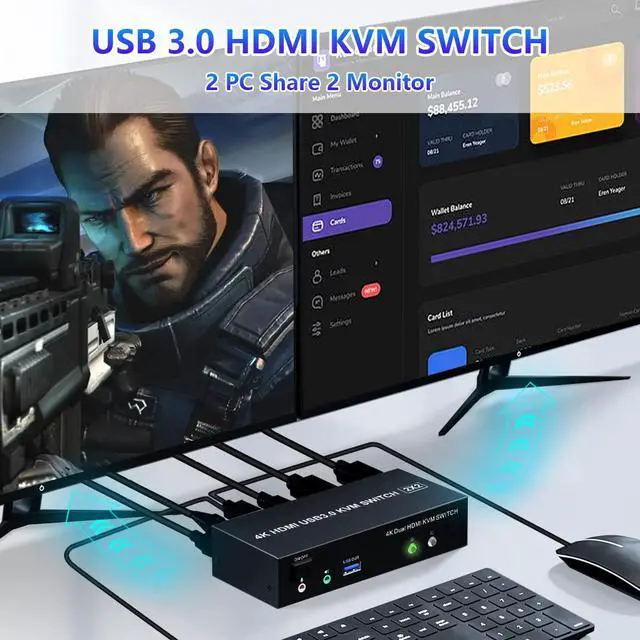
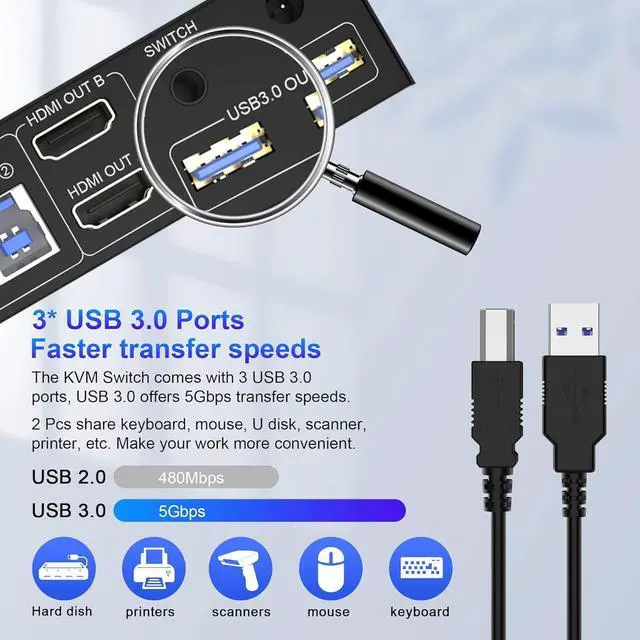
With this USB 3.0 HDMI dual monitor KVM switch, you can easily control your work laptop and gaming computers at the same time, sharing 2 HMDI monitors and controlling them with one set of keyboard and mouse.
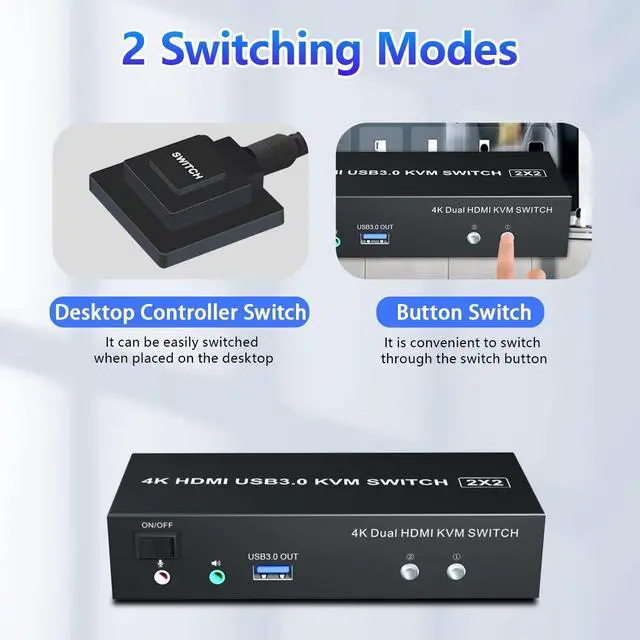
You can switch between the two devices at any time with the button switch and wired remote.
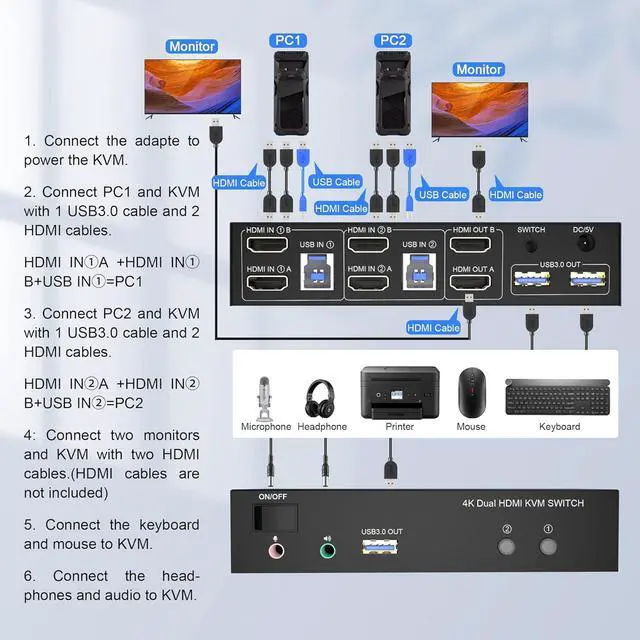
How to connect?
1. Connect the adapter to power the KVM.
2. Connect PC1 and KVM with 1 USB 3.0 cable and 2 HDMI cables.
HDMI IN1 A +HDMI IN 1 B+USB IN1 =PC1
3. Connect PC2 and KVM with 1 USB 3.0 cable and 2 HDMI cables.
HDMI IN 2 A +HDMI IN 2 B+USB IN2 =PC2
4. Connect two monitors and KVM with two HDMI cables. (HDMI cables are not included)
5. Connect the keyboard and mouse to KVM.
6. Connect the headphones and audio to KVM.
7. You can switch by pressing the switch button or wired remote.
Note:
1. Please make sure the cables are properly linked. The cables of PC1 and PC2 do not support mixed connections. If your mouse and keyboard cannot be recognized, please check if the USB cables of PC1 and PC2 are connected backward.
2. If the KVM switch does not work, you can turn off the switch on the panel and turn it back on after 2-3 seconds and it will return to normal.



