




 here!
here!
I’m your shopping assistant for PC builds, upgrades, and everything tech.
Got questions? Ask away!
Start a conversation
here!
I’m your shopping assistant for PC builds, upgrades, and everything tech.
Got questions? Ask away!
Start a conversation



Any questions? Ask CelesteSM will help you find out quickly.
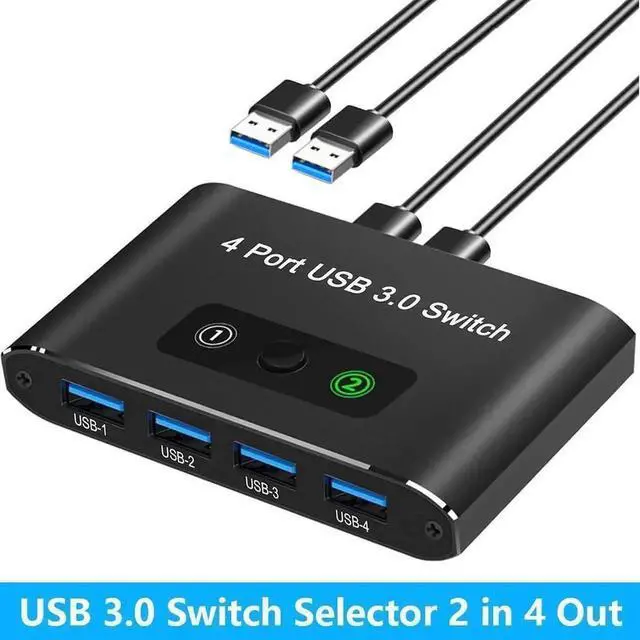
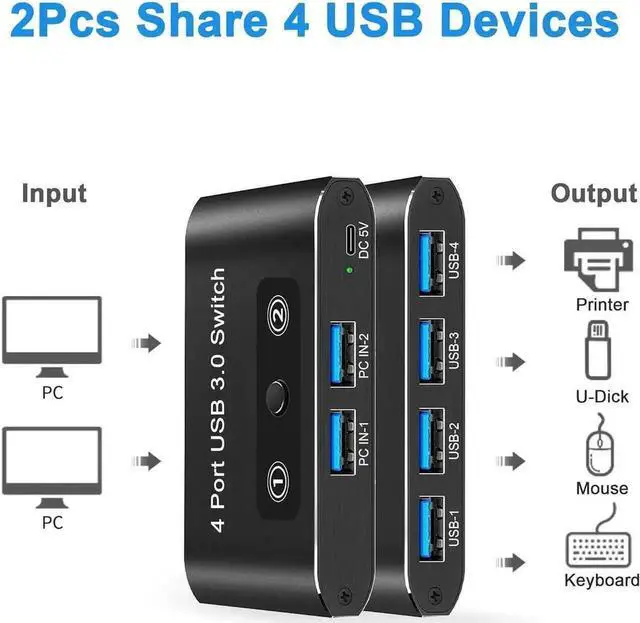
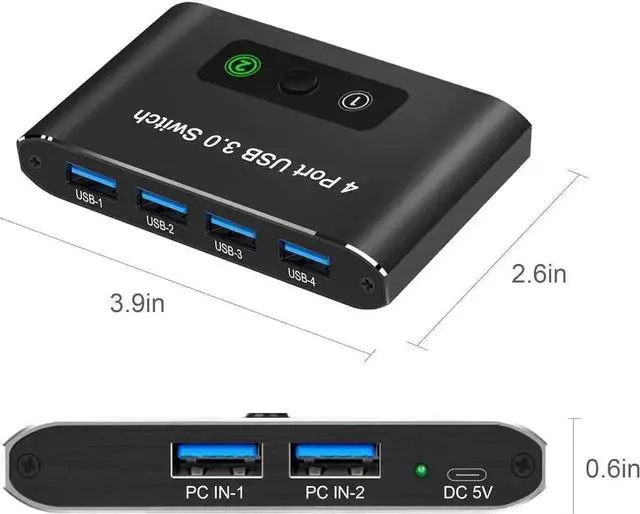
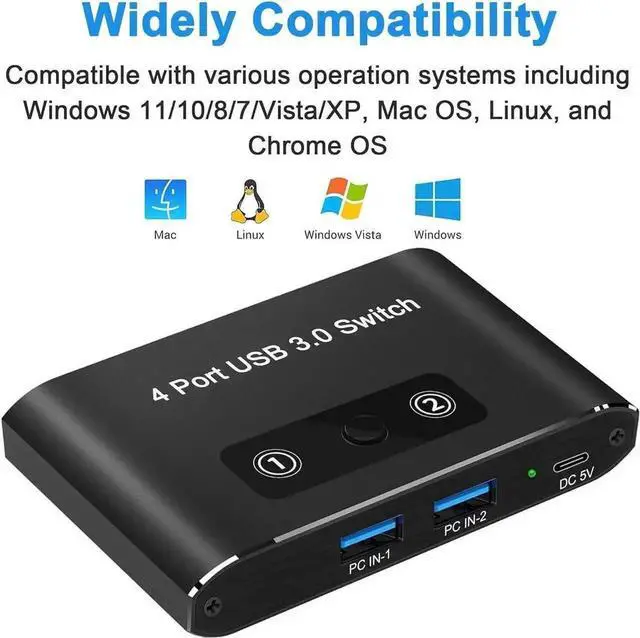
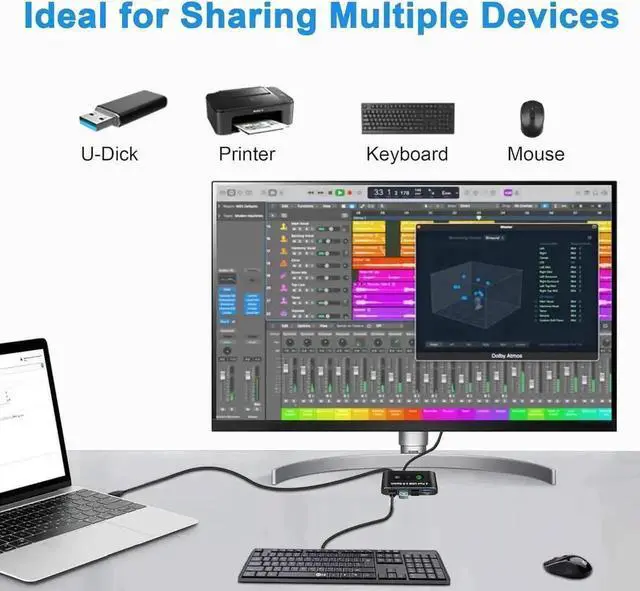
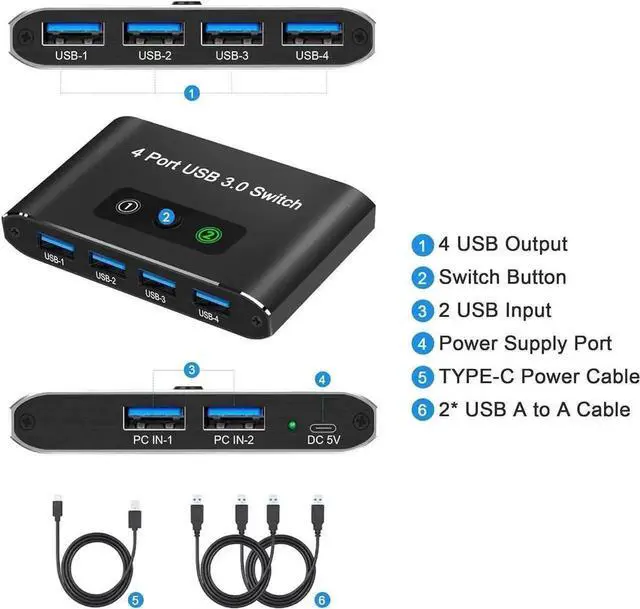
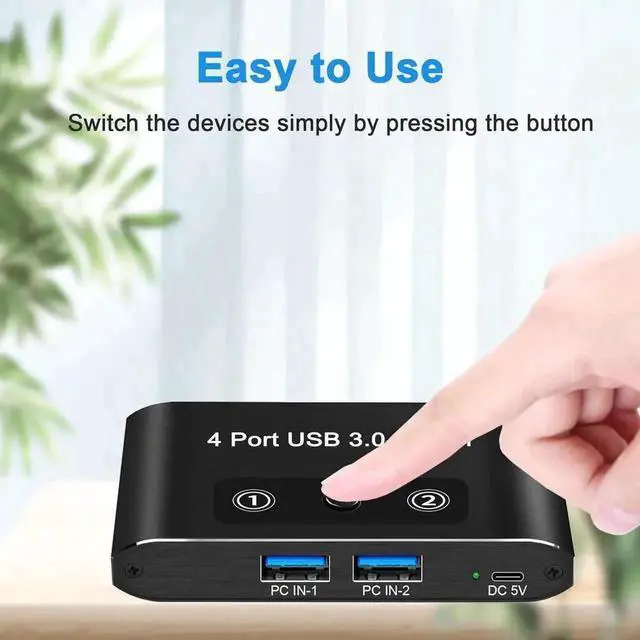
This 2-in-4-out USB 3.0 KVM switch box is a space-saving peripheral sharing solution for dual-computer users. It connects two PCs or laptops and lets them share a full set of four USB devices including keyboard, mouse, printer and scanner. Adopting USB 3.0 high-speed transmission standard, it ensures efficient file copying and steady operation of power-sensitive office hardware. The device supports mainstream operating systems such as Windows, Mac and Linux without extra driver installation. Only one press on the physical control button is needed to switch signal sources rapidly. Two dedicated USB cables are contained in the package for direct setup, perfectly suitable for home study, design workstations and office multi-computer environments.


