

Your Browsing History
- Free 30-day Returns
$253.06
Ships from China.



Meet Your Seller


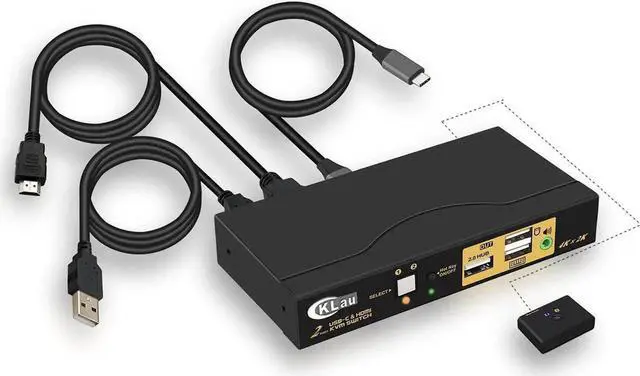
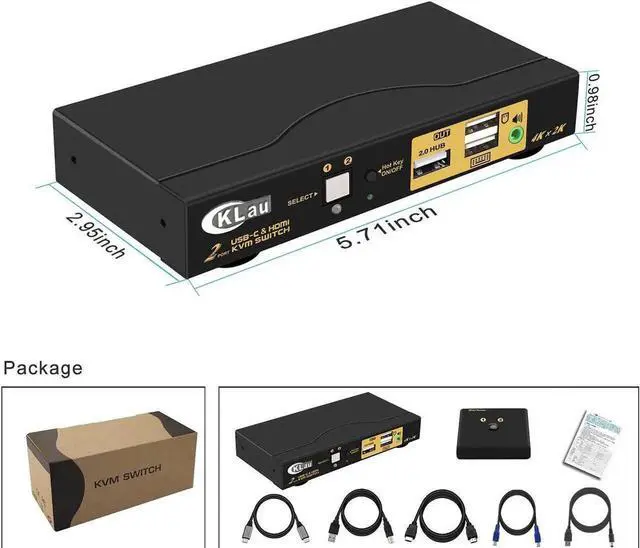


CKLau 2-Port USB-C + HDMI KVM Switch, 4K@60Hz with Audio & Full Cables, Compatible with Mac, PC & Mobile Devices to Share Monitor, Keyboard and Mouse
Limited time offer, ends 10/08 By TechCore Supply
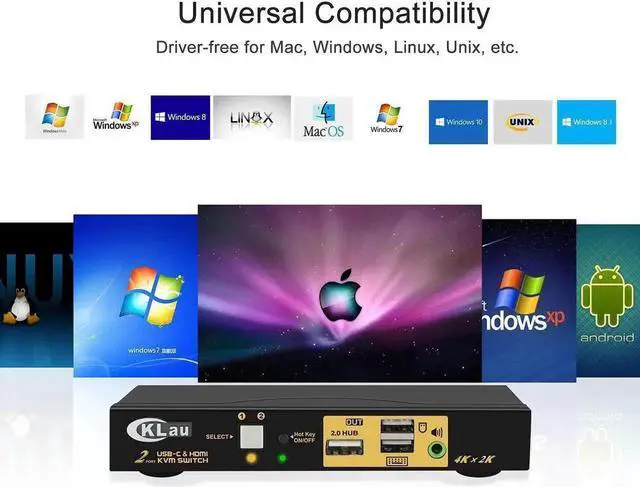
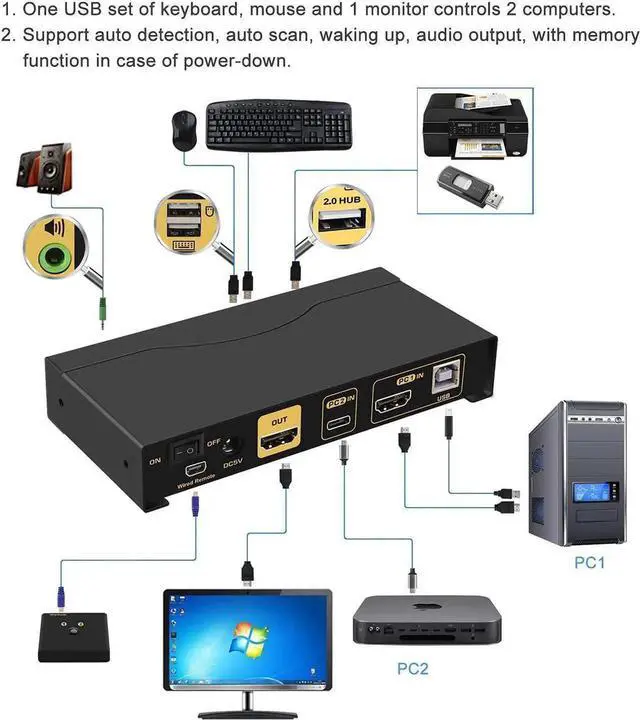
- Dual input design: USB-C + HDMI, supports 2 devices (Mac, Windows PC, smartphones) to share one monitor and one set of peripherals
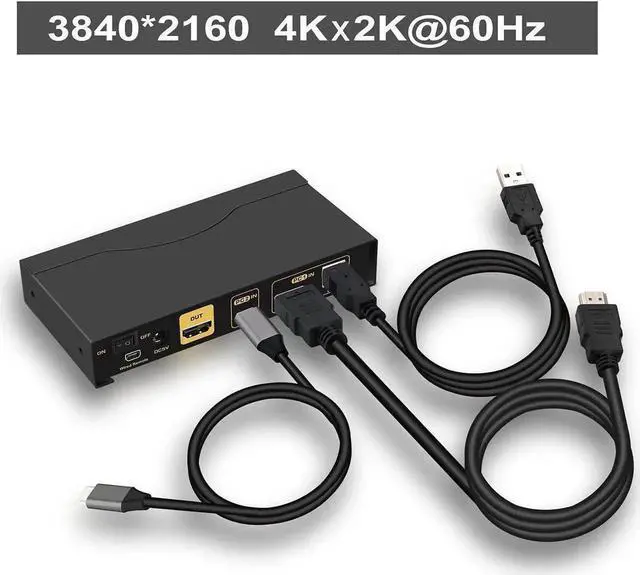
- Native 4K@60Hz HDMI video output, delivers sharp, lifelike visuals for office, media playback and light design tasks
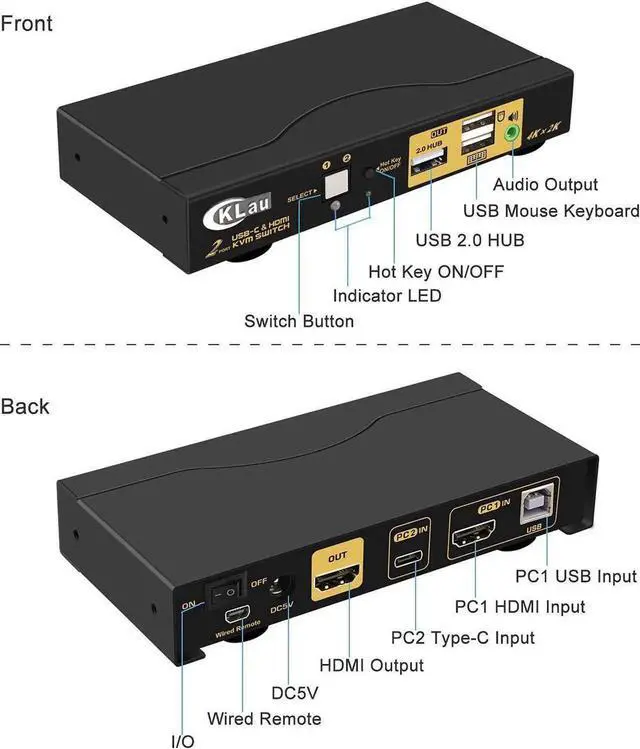
- Independent audio jack for headset sharing, seamless audio switch without repeatedly plugging/unplugging audio cables
- Complete matching signal cables included in package for instant plug-and-play setup without extra accessories
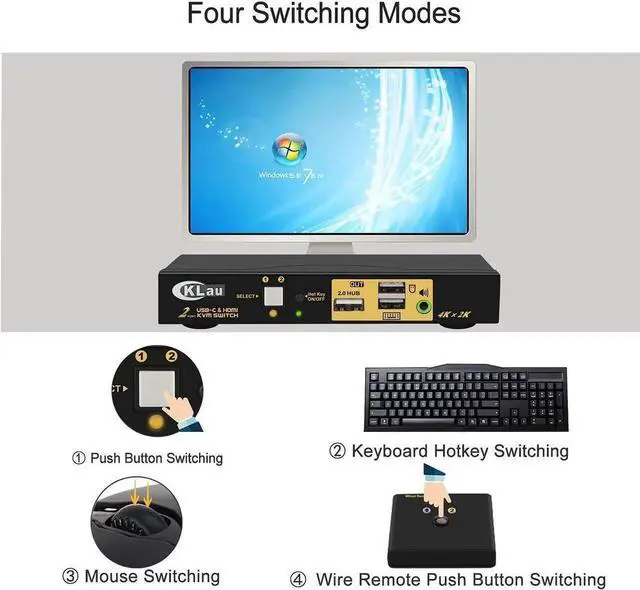
- Compact desktop design with physical switching button, zero driver installation, stable flicker-free signal transmission
+
+
Overview
Specs
Reviews

Any questions? Our AI mode will help you find out quickly.
Try me now
This CKLau cross-platform USB-C & HDMI hybrid KVM switch breaks the limit of traditional PC-only KVM devices, perfectly compatible with MacBook, Windows laptops, desktops and USB-C mobile phones. It enables two different devices to share a single HDMI monitor, keyboard and mouse, greatly simplifying multi-device daily workflows. Supporting smooth 4K@60Hz high-definition video output, it restores rich color details for document editing, video watching and image preview. The built-in separate audio port unifies audio input and output for both connected devices, ideal for online meetings and media entertainment. All required connection cables are pre-equipped inside the box to avoid extra purchase costs. Controlled by a front physical button, it switches sources in one second without lag. No additional software or drivers are needed after connection, maintaining stable video and control signals during toggling. It is a versatile all-in-one peripheral for cross-device home office, student study stations and mobile device screen projection scenarios.
Warranty & Returns
Warranty, Returns, And Additional Information
Warranty
- Please contact the Seller directly for warranty information. Warranty information may also be found on the Manufacturer's website.
- CONTACT
Return Policies
- Return for refund within: 30 days
- Return for replacement within: non-replaceable
- This item is covered by TechCore Supply Return Policy
Manufacturer Contact Info
- For a directory of all our manufacturers, please click below.
- Manufacturers Directory
LOADING...