• $22.19
  • Free 30-day Returns
  • Ships from China.
    Price alert
    Shop it at NeweggBusiness.

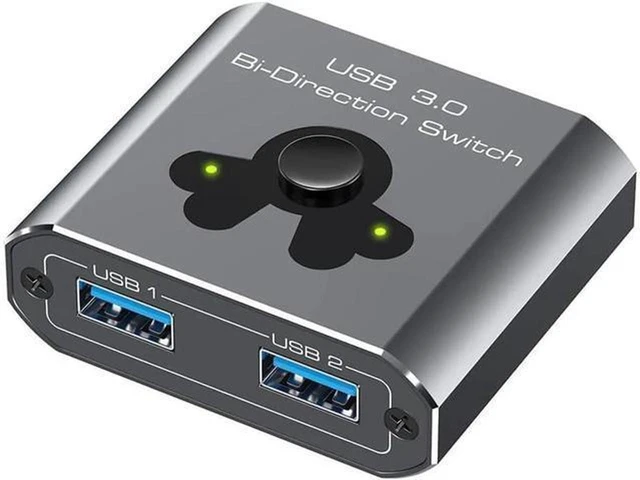
    AJMRTC 2 Port USB 3.0 Bi-Directional KVM Switch, 2 in 1 Out / 1 in 2 USB Switcher, 5Gbps High Speed Sharing Switch for Mouse Keyboard U Disk Printer Scanner

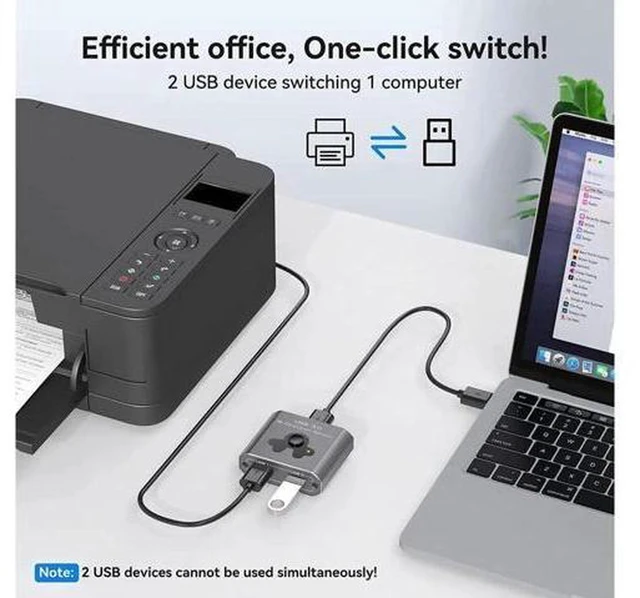
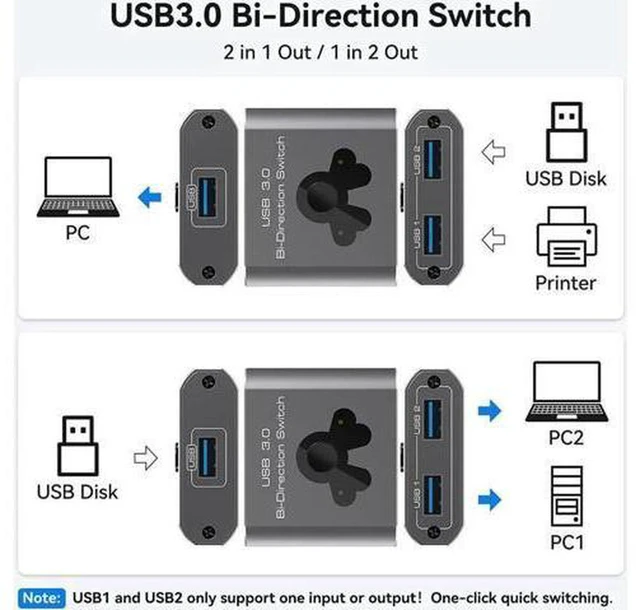
    • - Bi-directional switching, supports 2-in-1-out or 1-in-2-out flexible connection
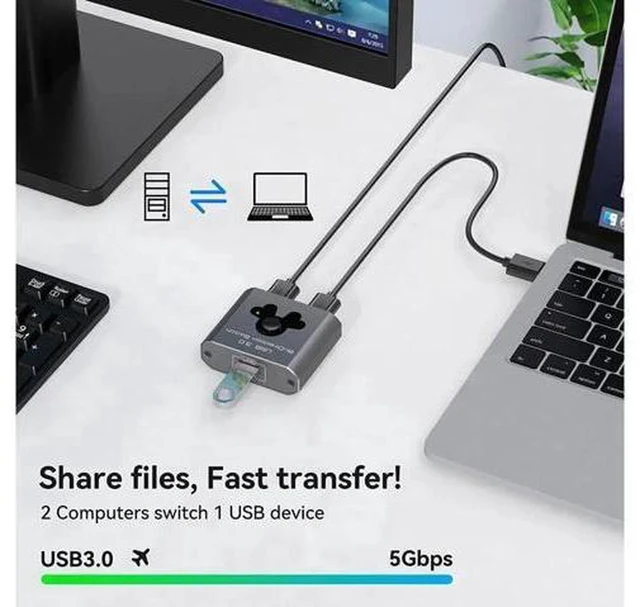
    • - USB 3.0 standard, up to 5Gbps transfer speed for fast file transmission
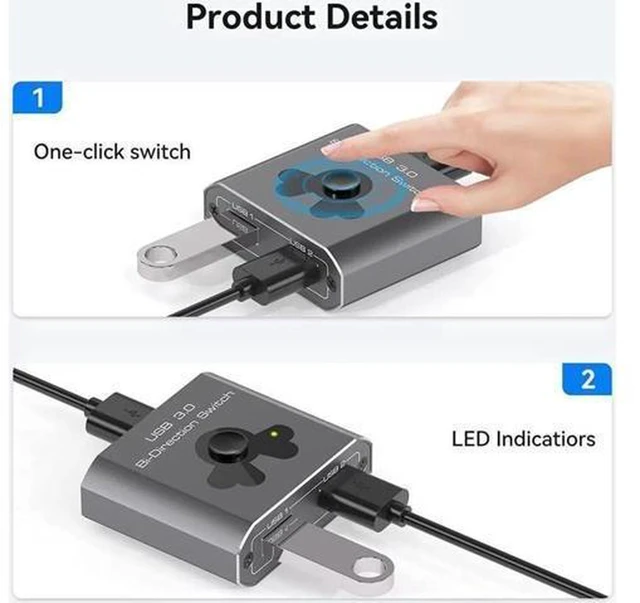
    • - One-button manual switching, simple operation without driver or extra software
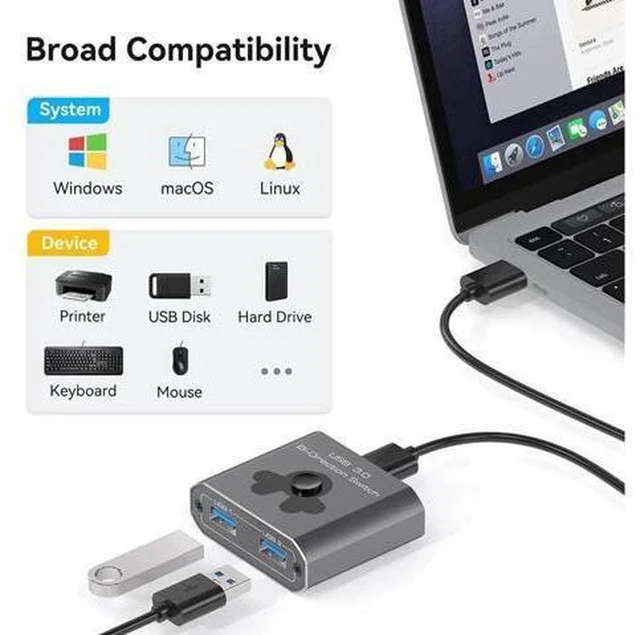
    • - Wide compatibility with keyboard, mouse, U disk, printer, scanner and USB flash drives
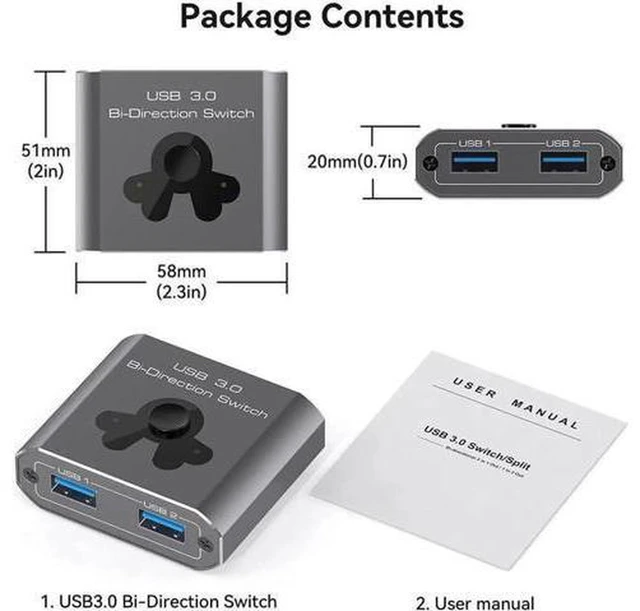
    • - Compact lightweight housing, easy placement on desktop for office and home use
    +
    +
    Overview
    Specs
    Reviews

    Any questions? Ask CelesteSM will help you find out quickly.

    AJMRTC 2-port USB 3.0 bi-directional KVM switch lets you share one USB peripheral between two computers, or share two USB devices to a single host. It delivers stable 5Gbps super-speed bandwidth under USB 3.0 specification, backward compatible with USB 2.0 and USB 1.1 devices. You can switch signal sources quickly by pressing the physical button, no driver installation or complicated configuration needed. It works seamlessly with most USB peripherals including keyboard, mouse, USB flash drive, mobile hard disk, printer, scanner and other standard USB accessories. Made with reliable internal circuit board to reduce signal loss and avoid unstable recognition. It is a practical space-saving solution for home office, studio and multi-host workstation setup.


    Specifications:

    1. Brand: AJMRTC
    2. Ports: 2 USB 3.0 ports
    3. Transfer Rate: Up to 5Gbps
    4. Switch Mode: Bi-directional, 2 in 1 Out / 1 in 2 Out
    5. Control Method: Manual one-button switching
    6. Compatibility: Keyboard, Mouse, U Disk, Printer, Scanner, USB Storage
    7. System Requirement: Driver-free, works with Windows, macOS, Linux
    8. Housing Material: Plastic
    9. Application: Office, Home, Multi-computer workstation


    Warranty & Returns

    Warranty, Returns, And Additional Information

    Warranty

    • Please contact the Seller directly for warranty information. Warranty information may also be found on the Manufacturer's website.
    • CONTACT

    Return Policies

    Manufacturer Contact Info

    LOADING...