• $22.17
  • Free 30-day Returns
  • Ships from China.
    Price alert
    Shop it at NeweggBusiness.

    AJMRTC 2 Port HDMI-Compatible KVM Switch Box, USB KVM Switcher Share One Monitor Keyboard Mouse Between 2 Computers, Hotkey Switch for Laptop Desktop PC

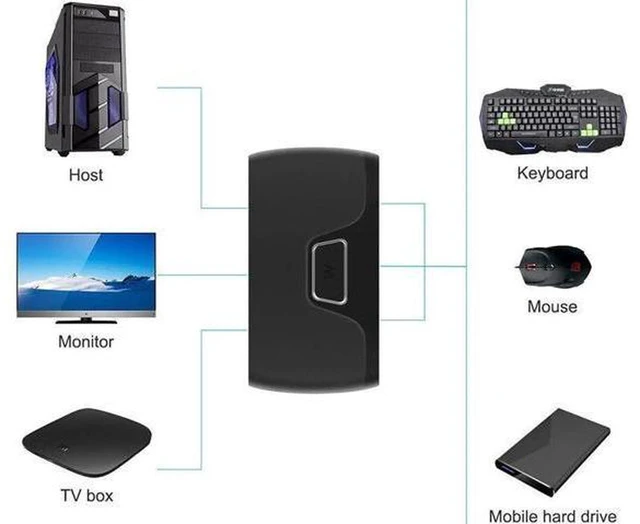
    • - 2-port KVM switch lets you share one HDMI monitor, keyboard and mouse between two computers
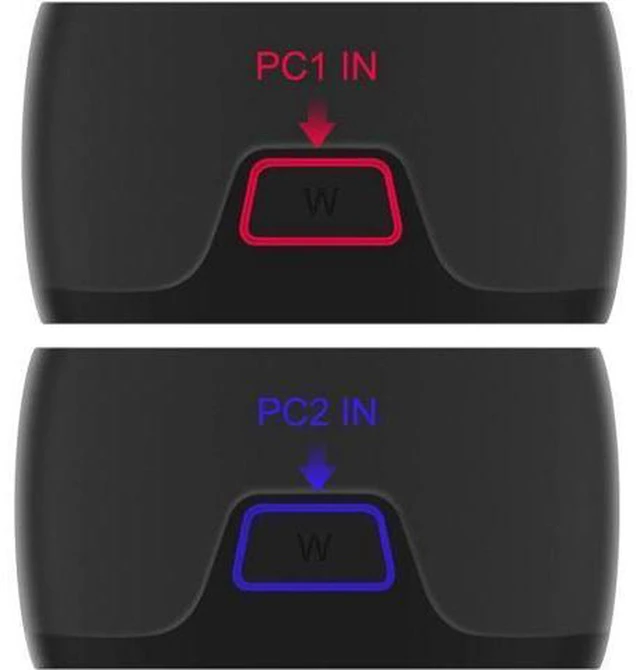
    • - Supports hotkey switching and button switching for fast source toggle without replugging cables
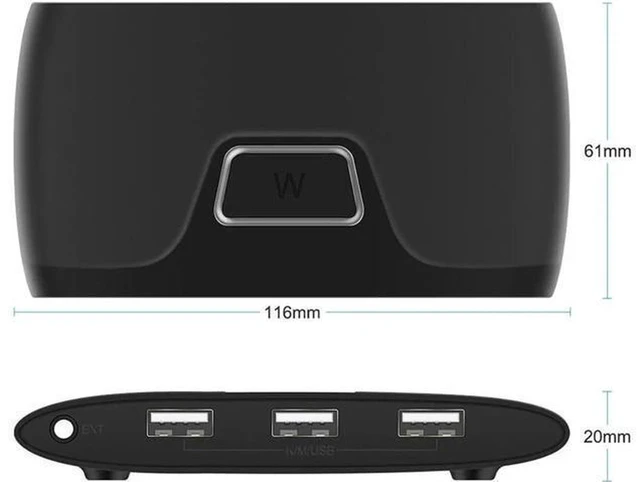
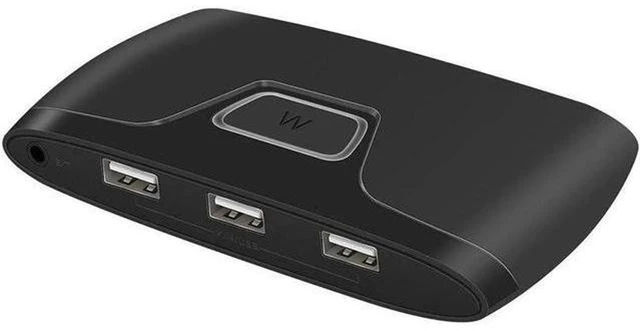
    • - USB port for keyboard, mouse and other low-power USB peripherals, plug and play
    • - Compact box design, stable signal transmission, no lag for office work and daily use
    • - Simple wiring setup, saves desk space and reduces frequent plugging and unplugging of devices
    +
    +
    Overview
    Specs
    Reviews

    Any questions? Ask CelesteSM will help you find out quickly.

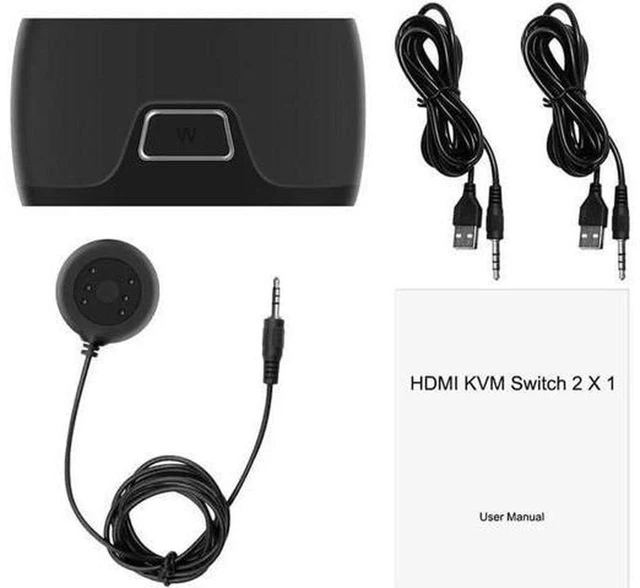
    AJMRTC 2-port HDMI-compatible KVM switch is designed to control two computers with only one set of keyboard, mouse and HDMI display. It supports two switching modes: physical button on the device and keyboard hotkey control, helping you switch between host devices quickly. It can transmit HDMI video signal and USB peripheral signal at the same time, compatible with laptops, desktops and other devices with HDMI output. No extra driver installation is required, just connect the cables correctly to start working. It effectively avoids repeatedly unplugging and replugging your monitor, keyboard and mouse, tidying up your desktop cable mess. It is an ideal accessory for office multi-computer work, home study and small workstation setup.


    Specifications
    1. Brand: AJMRTC
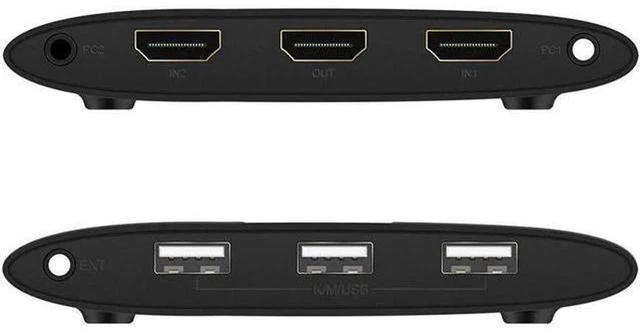
    2. Ports: 2 Input, 1 HDMI Output
    3. Function: KVM Switch (Video + USB Sharing)
    4. Control Mode: Manual Button / Hotkey Switch
    5. Supported Peripherals: Keyboard, Mouse, USB low-power devices
    6. Installation: Plug and Play, Driver-Free
    7. Housing: Plastic Case
    8. Application: Desktop, Laptop, Office Multi-PC Sharing


    Warranty & Returns

    Warranty, Returns, And Additional Information

    Warranty

    • Please contact the Seller directly for warranty information. Warranty information may also be found on the Manufacturer's website.
    • CONTACT

    Return Policies

    Manufacturer Contact Info

    LOADING...