• $21.73
  • Free 30-day Returns
  • Ships from China.
    Price alert
    Shop it at NeweggBusiness.

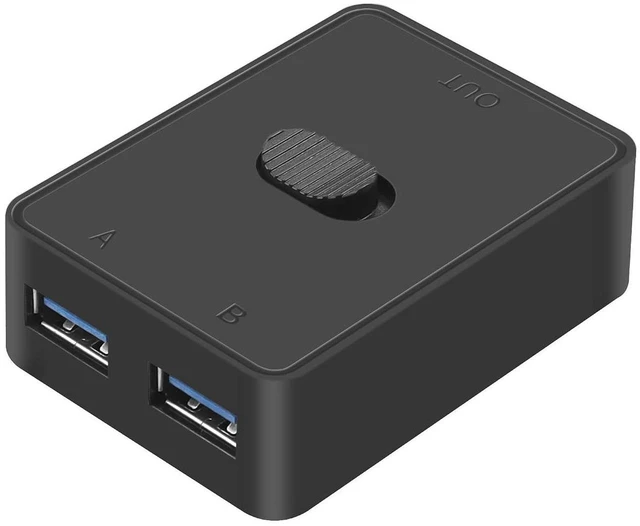
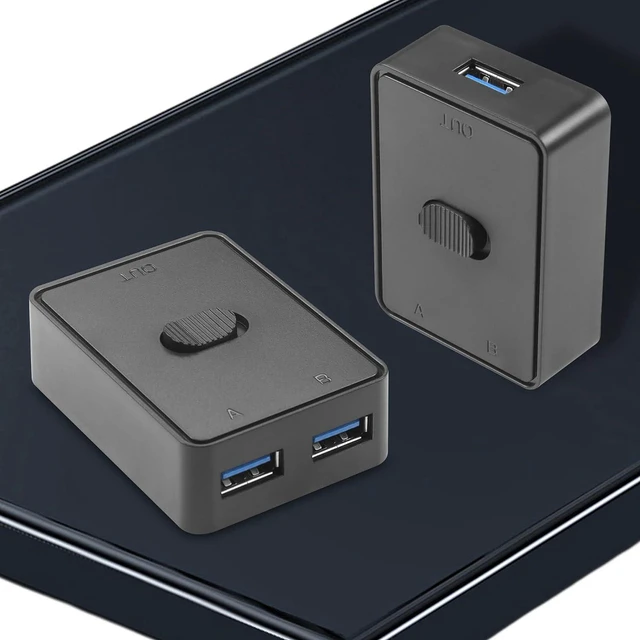
    AJMRTC USB 3.0 KVM Switch Selector, Bi-Directional USB Sharing Switch Adapter, 2 In 1 Out USB Switcher Share Peripherals Between 2 PCs for Keyboard Mouse U Disk Printer

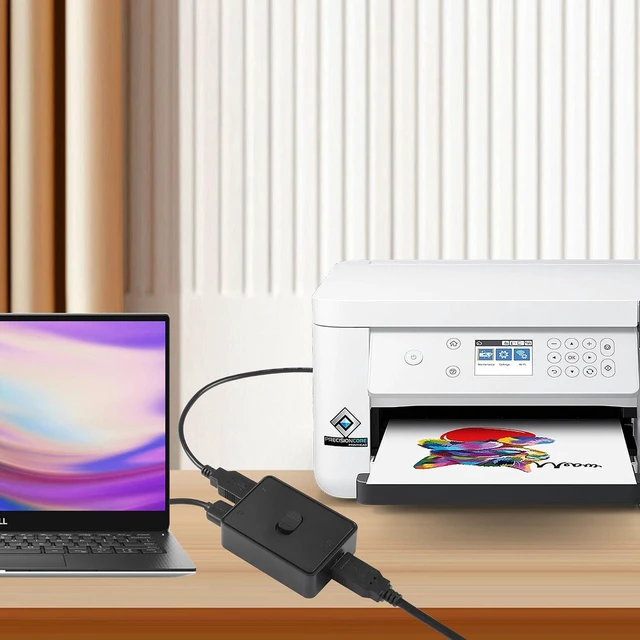
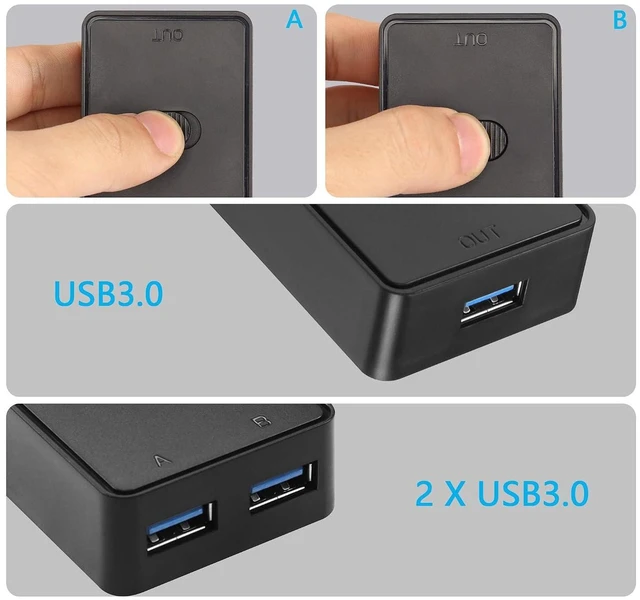
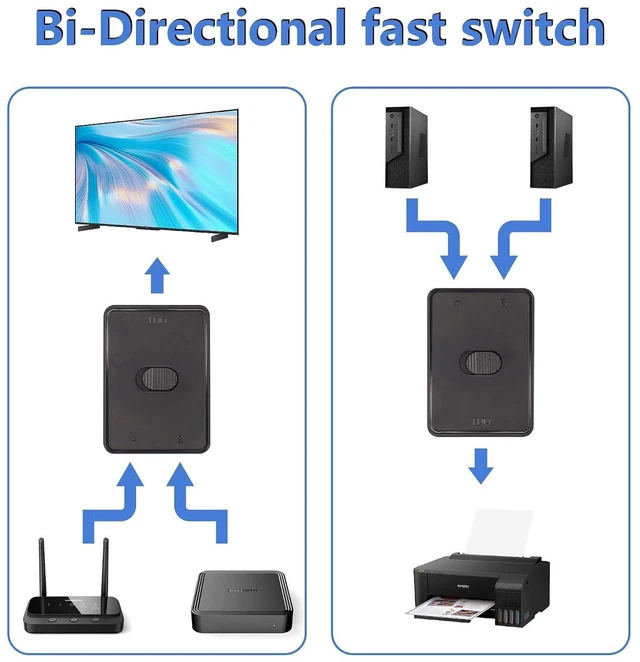
    • - Bi-directional 2-in-1-out USB 3.0 sharing switch, share one set of USB peripherals between two computers
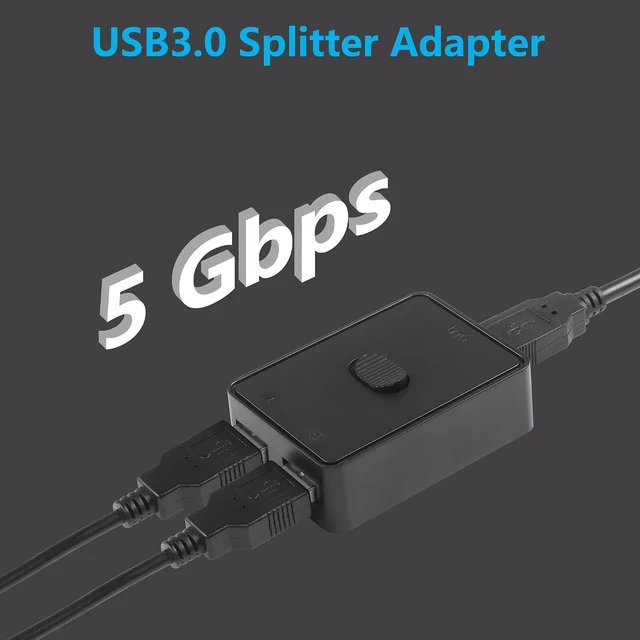
    • - Supports high-speed USB 3.0 transmission rate up to 5Gbps for flash drives, printers and scanners
    • - One-button manual switching design, quick toggle between hosts without repeated plugging and unplugging
    • - Plug and play, no driver installation required, compatible with most USB keyboard, mouse and storage devices
    • - Compact portable housing, stable signal, saves desktop cable clutter for office and home workstation
    +
    +
    Overview
    Specs
    Reviews

    Any questions? Ask CelesteSM will help you find out quickly.

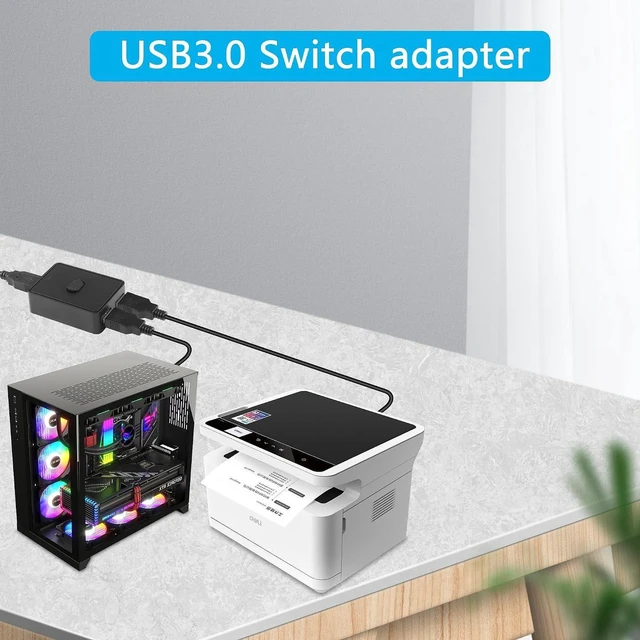
    AJMRTC bi-directional USB 3.0 KVM switch selector allows two computers to share a single USB peripheral, such as keyboard, mouse, USB flash drive, printer, scanner and webcam. It supports USB 3.0 super speed up to 5Gbps for fast file transfer while remaining backward compatible with USB 2.0 and USB1.1 devices. Just press the physical button on the switch to switch signal sources instantly. Driver-free plug-and-play operation makes setup effortless. It avoids frequent plugging and unplugging USB cables, tidies your desktop and reduces wear on USB ports. This lightweight switch works well for office multi-computer workflows, home studios and DIY workstation setups.


    Specifications
    1. Brand: AJMRTC
    2. Version: USB 3.0
    3. Transmission Speed: 5Gbps max
    4. Port Layout: 2 Input, 1 Output
    5. Switch Mode: Manual Button Control
    6. Feature: Bi-directional switching
    7. Compatible Devices: Keyboard, Mouse, U Disk, Printer, Scanner
    8. Operation: Plug and Play, Driver-Free
    9. Housing: Plastic
    10. Application: Office, Home Desktop, Multi-host USB Sharing


    Warranty & Returns

    Warranty, Returns, And Additional Information

    Warranty

    • Please contact the Seller directly for warranty information. Warranty information may also be found on the Manufacturer's website.
    • CONTACT

    Return Policies

    Manufacturer Contact Info

    LOADING...