Your Browsing History
Meet Your Seller
AJMRTC 2 Port USB 3.0 HDMI-Compatible KVM Switch, 2 In 1 Out 4K@60Hz KVM Selector, Share Monitor Keyboard Mouse Printer, HDCP Compliant for 2 Desktop Laptop PCs
Limited time offer, ends 11/29 By ConnectFlow USA
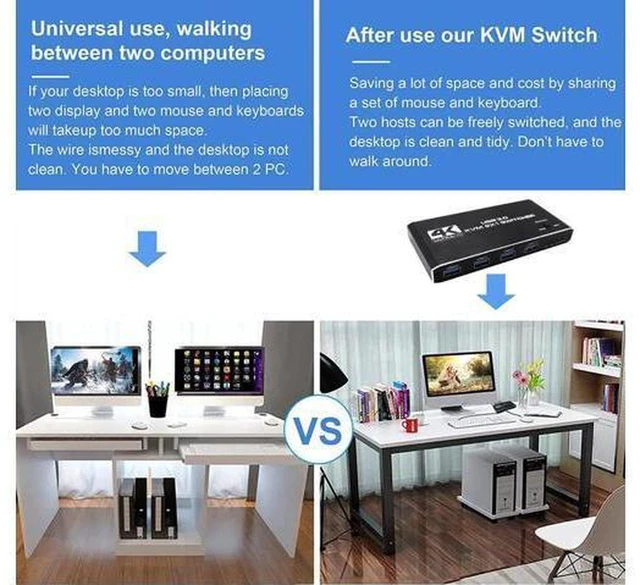
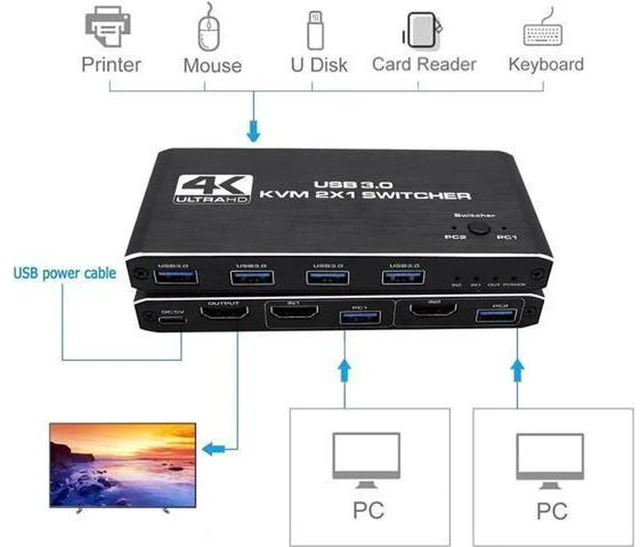
- 1. 2-port KVM switch lets 2 computers share one monitor, keyboard, mouse and USB peripherals
- 2. USB 3.0 hub supports 5Gbps high-speed data transfer for flash drives, printers and scanners
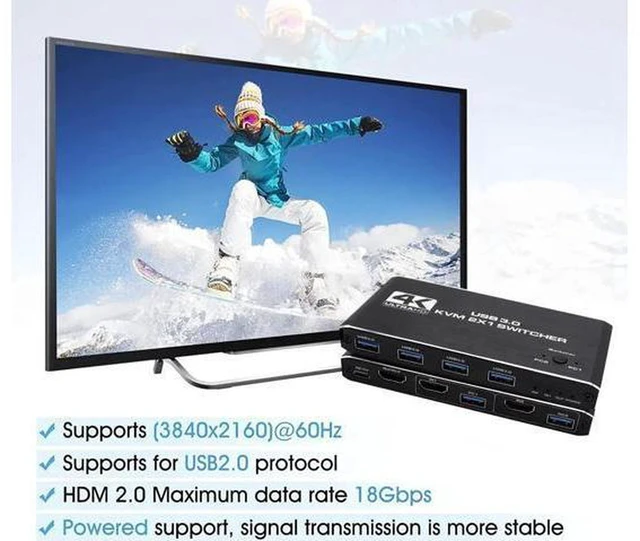
- 3. Supports 4K@60Hz HDMI video, HDCP adaptive, delivers clear and stable picture
- 4. Button & hotkey dual switching modes, fast and seamless toggle between two PCs
- 5. Plug and play, no driver required, compatible with Windows, macOS and Linux
+
+
Overview
Specs
Reviews
Any questions? Ask CelesteSM will help you find out quickly.
Try me now
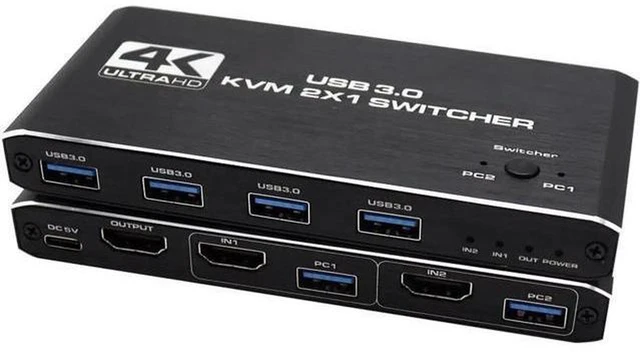
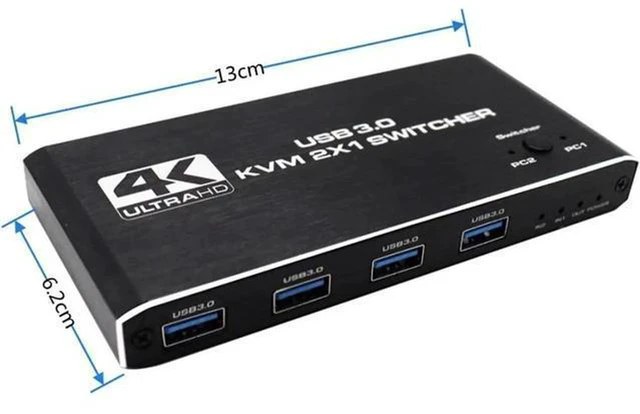
AJMRTC USB 3.0 HDMI KVM switch is designed for two-computer workstation. It allows you to control 2 PCs with only one monitor and one set of keyboard and mouse. Built-in USB 3.0 hub provides fast 5Gbps transmission for your USB accessories. It supports 4K@60Hz high-definition video and HDCP adaptive, works well with protected video sources. You can switch inputs via front panel button or keyboard hotkey. No extra software or driver installation needed. Great for office, trading workstation, design and gaming setup.
Specifications
- Brand: AJMRTC
- Ports: 2 × HDMI Input, 1 × HDMI Output, USB 3.0 Hub
- Max Resolution: 4K@60Hz
- USB Standard: USB 3.0, up to 5Gbps
- HDCP: HDCP Compliant
- Switch Method: Front Button / Hotkey
- Supported OS: Windows, macOS, Linux
- Operation: Plug & Play
- Compatible Device: Desktop PC, Laptop, Mini PC
Warranty & Returns
Warranty, Returns, And Additional Information
Warranty
- Please contact the Seller directly for warranty information. Warranty information may also be found on the Manufacturer's website.
- CONTACT
Return Policies
- Return for refund within: 30 days
- Return for replacement within: non-replaceable
- This item is covered by ConnectFlow USA Return Policy
Manufacturer Contact Info
- For a directory of all our manufacturers, please click below.
- Manufacturers Directory
LOADING...