• $32.86
  • Free 30-day Returns
  • Ships from China.
    Price alert
    Shop it at NeweggBusiness.

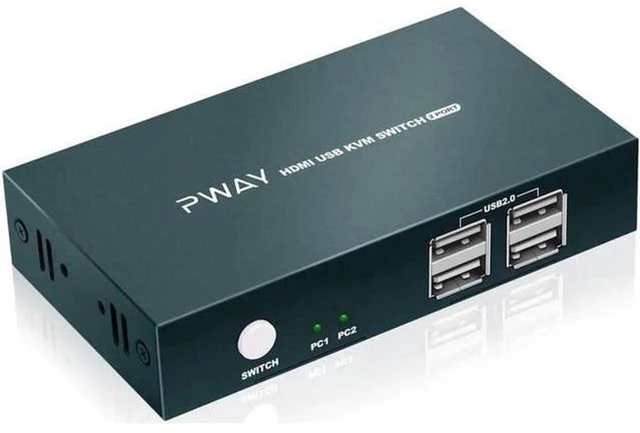
    AJMRTC 2 Port HDMI KVM Switch 2 In 1 Out, 4K@30Hz HDMI Switcher with 4 USB2.0 Ports, Share Monitor, Keyboard, Mouse, Printer for 2 Computers Laptops, HDCP Compliant EDID Support Plug and Play

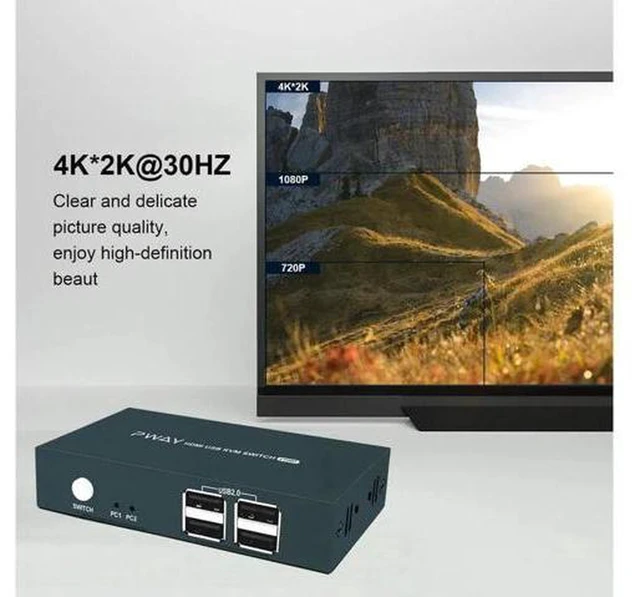
    • - Supports 4K@30Hz, 3D, 1080P, HDCP compliant and EDID emulation for stable display
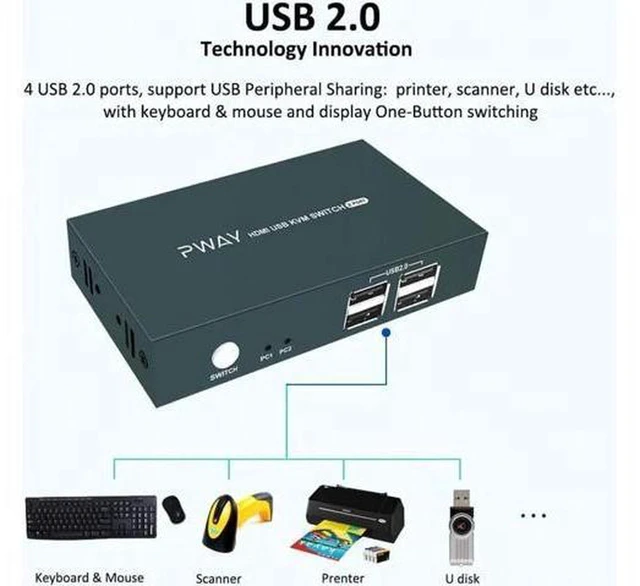
    • - Built-in 4 USB2.0 ports to share keyboard, mouse, printer, scanner and U disk
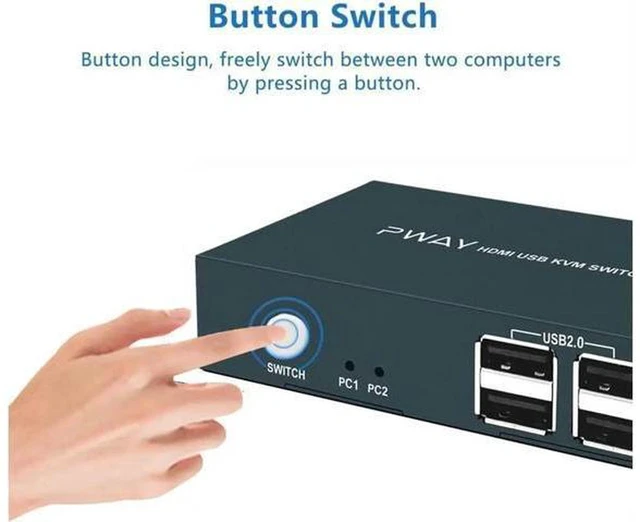
    • - Synchronous video and USB switching via front button with LED status indicator
    • - Gold-plated HDMI ports reduce signal loss and interference
    • - Driver-free plug and play, compatible with Windows, macOS, Linux
    +
    +
    Overview
    Specs
    Reviews

    Any questions? Ask CelesteSM will help you find out quickly.

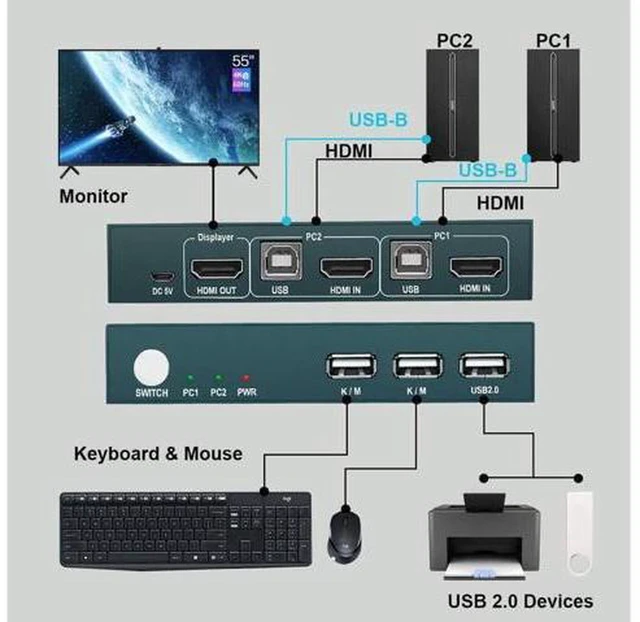
    AJMRTC 2-in-1 HDMI KVM switch lets you control two computers or laptops with one HDMI monitor and multiple USB peripherals. It supports up to 4K@30Hz resolution and 3D video. The four integrated USB 2.0 ports allow you to share common office peripherals such as a printer, keyboard and mouse. One-touch button switching changes both video and USB signals together. The LED indicator clearly shows which host is active. It requires no complicated driver setup and supports hot swapping. It is a tidy, convenient upgrade for home and multi-computer office workstations.


    Specifications

    1. Brand: AJMRTC
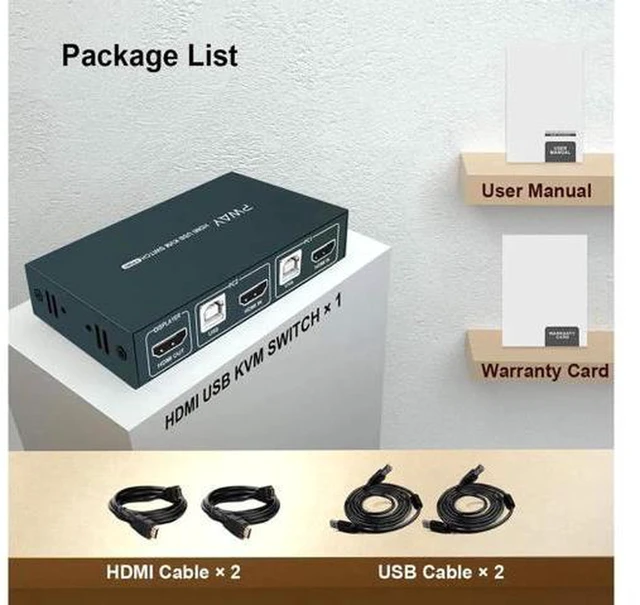
    2. Port: 2 × HDMI Input, 1 × HDMI Output, 4 × USB2.0 Shared Ports
    3. Max Resolution: 4K@30Hz
    4. Supported Format: 3D, 1080P, 720P
    5. HDCP: HDCP compliant
    6. EDID: EDID emulation supported
    7. USB Speed: USB2.0 up to 480Mbps
    8. Switch Method: Manual push button with LED indicator
    9. Supported OS: Windows, macOS, Linux
    10. Feature: Hot swap, plug and play
    11. Compatible Source: PC, laptop, Blu-ray player, game console
    12. Compatible Output: Monitor, HDTV, projector
    13. Package Content: 1 × 2 Port HDMI KVM Switch, 2 × USB host cables, 1 × DC power cable


    Warranty & Returns

    Warranty, Returns, And Additional Information

    Warranty

    • Please contact the Seller directly for warranty information. Warranty information may also be found on the Manufacturer's website.
    • CONTACT

    Return Policies

    Manufacturer Contact Info

    LOADING...