• $41.70
  • Free 30-day Returns
  • Ships from China.
    Price alert
    Shop it at NeweggBusiness.

    AJMRTC 4 Port 4K HDMI USB KVM Switch, 4 In 1 Out KVM Switcher Box, 4 Computers Share One Monitor Keyboard Mouse Scanner and USB Peripherals, One Button Video USB Selector for Office Desktop Workstatio

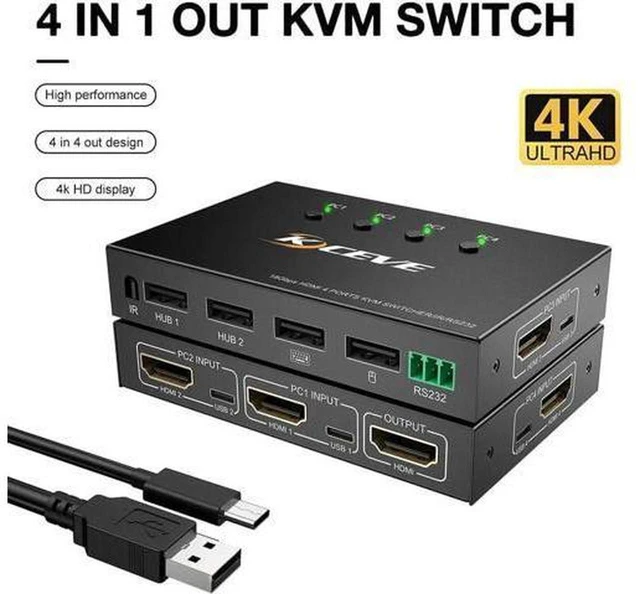
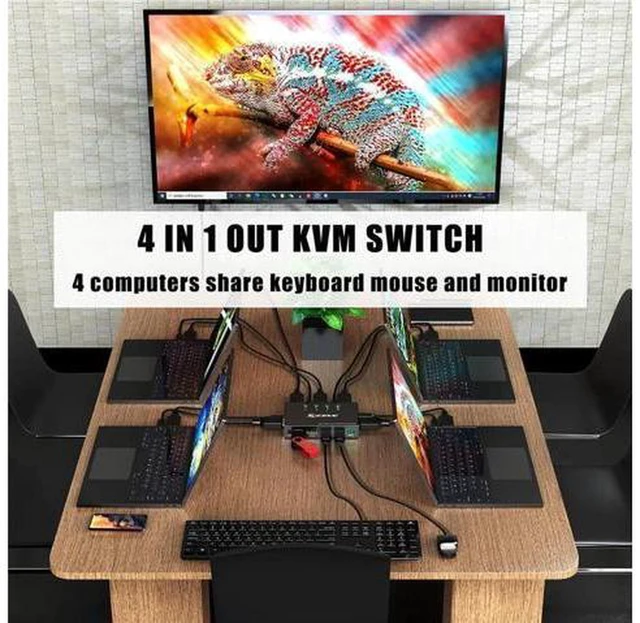
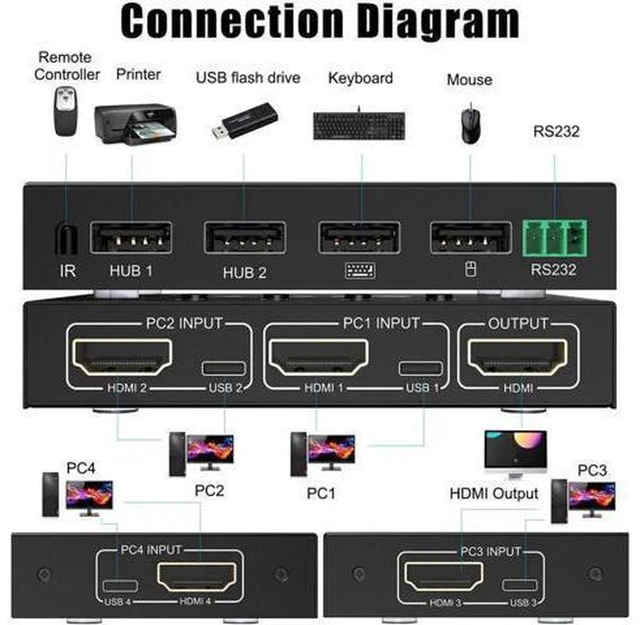
    • 1. 4-in-1-out HDMI KVM switch lets four PCs share one monitor, keyboard and mouse
    • 2. Extra USB sharing port supports scanner, printer, flash drive and other USB peripherals
    • 3. Supports 4K resolution, stable video signal and synchronized HD audio pass-through
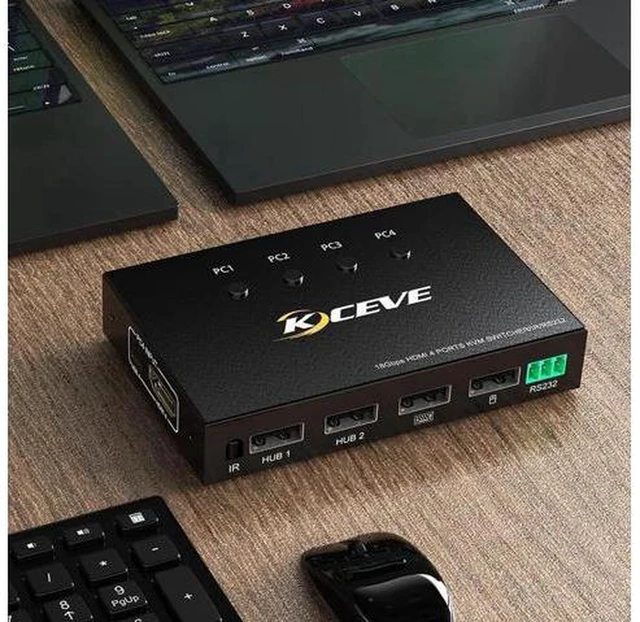
    • 4. Manual push button switching with LED indicator to identify active host clearly
    • 5. Plug and play without driver installation, compatible with Windows, macOS and Linux
    +
    +
    Overview
    Specs
    Reviews

    Any questions? Ask CelesteSM will help you find out quickly.

    AJMRTC 4-port HDMI USB KVM switch is designed for multi-computer office workstations. It allows up to four computers to share a single HDMI monitor and one set of keyboard and mouse. The shared USB port works perfectly for scanners, printers and other common USB office devices. Press the front button to switch between hosts quickly, and the LED light shows which computer is active. Gold-plated HDMI connectors reduce signal loss and electromagnetic interference. No extra software is needed. It helps organize messy desktop cables and cuts hardware costs for offices, studios and control rooms.


    Specifications

    1. Brand: AJMRTC
    2. Ports: 4 × HDMI Input, 1 × HDMI Output, USB KVM port
    3. Max Resolution: 4K, backward compatible with 1080P
    4. Audio: Synchronized HD audio pass-through
    5. Switch Mode: Manual push button with LED indicator
    6. HDCP: HDCP compliant
    7. Compatible OS: Windows, macOS, Linux
    8. Supported USB Devices: Keyboard, mouse, scanner, printer, USB flash drive
    9. Power Supply: DC 5V
    10. Housing: ABS plastic casing
    11. Application: Office desktop, multi-computer workstation, scanning & printing workspace


    Warranty & Returns

    Warranty, Returns, And Additional Information

    Warranty

    • Please contact the Seller directly for warranty information. Warranty information may also be found on the Manufacturer's website.
    • CONTACT

    Return Policies

    Manufacturer Contact Info

    LOADING...