• $27.40
  • Free 30-day Returns
  • Ships from China.
    Price alert
    Shop it at NeweggBusiness.

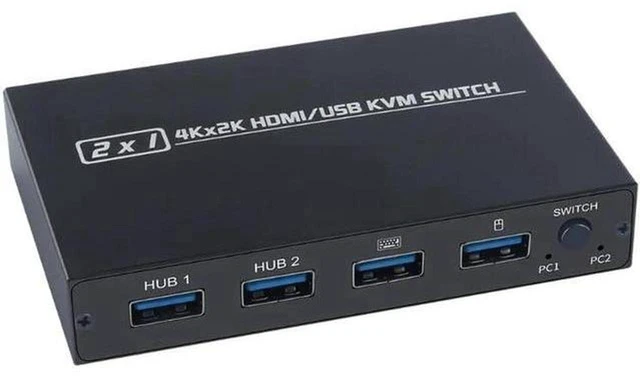
    AJMRTC AM-KVM201CL 2 Port HDMI USB KVM Switch, 4Kx2K@30Hz 2 In 1 Out KVM Switcher, 2 Hosts Share One Monitor, Keyboard and Mouse, USB 2.0 Hub for Printer Flash Drive, Manual Button Switch for Office

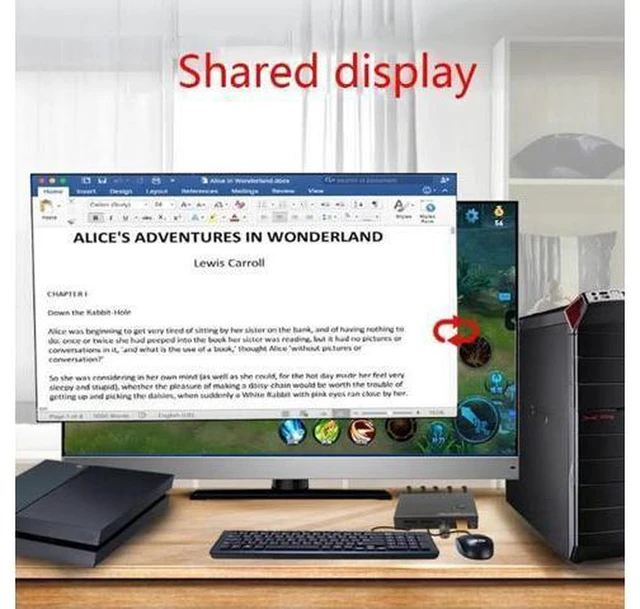
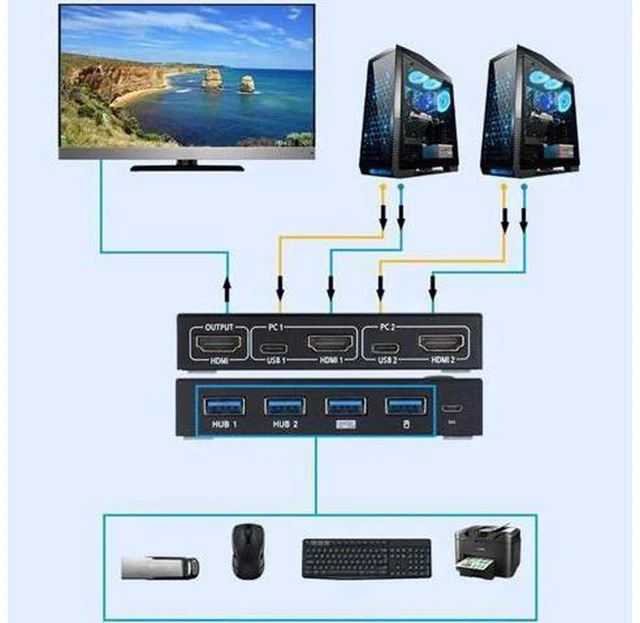
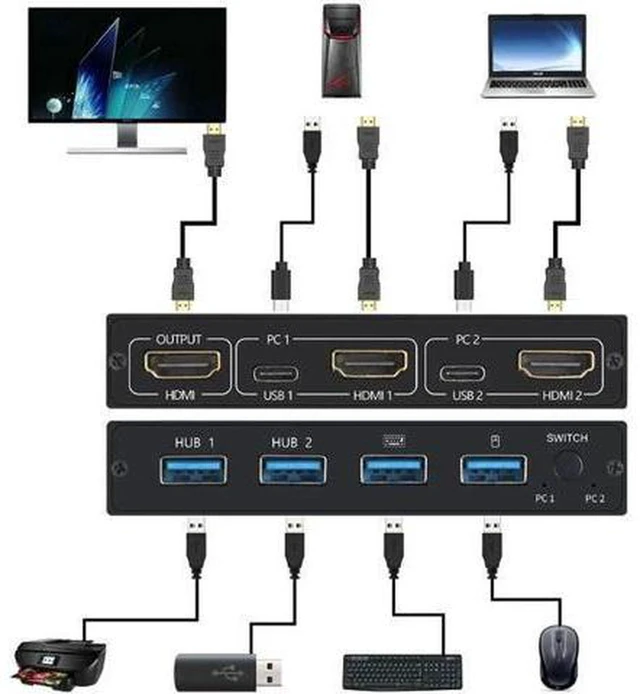
    • 1. 2-port KVM design, control two computers or laptops with one set of keyboard, mouse and monitor
    • 2. Supports 4Kx2K@30Hz resolution, HDMI 1.4 and HDCP 1.4 with synchronized audio pass-through
    • 3. Built-in USB2.0 hub ports, share USB peripherals like printer, scanner and USB flash drive
    • 4. One-button manual switching with LED indicator, clearly show active host status
    • 5. Plug and play without driver installation, compatible with Windows, macOS and Linux
    +
    +
    Overview
    Specs
    Reviews

    Any questions? Ask CelesteSM will help you find out quickly.

    AJMRTC AM-KVM201CL HDMI KVM switch is a 2-in-1-out sharing device for dual computer workstations. It lets you share one HDMI monitor, keyboard and mouse between two PCs. It also provides extra USB 2.0 ports to share common office USB devices. It supports 4K@30Hz high-definition video and audio transmission. Press the front button to switch sources quickly, and LED lights indicate which host is active. It adopts sturdy metal housing for stable performance. No extra software is needed, which helps organize messy cables and reduce hardware costs for office, meeting room and home desktop.


    Specifications

    1. Brand: AJMRTC
    2. Model: AM-KVM201CL
    3. Ports: 2 × HDMI Input, 1 × HDMI Output, 2 × USB2.0 HUB ports
    4. HDMI Version: HDMI 1.4, HDCP 1.4
    5. Max Resolution: 4Kx2K@30Hz, backward compatible with 1080P@60Hz
    6. USB Standard: USB 2.0
    7. Switch Mode: Manual push button with LED indicator
    8. Audio: Synchronized audio pass-through
    9. Housing: Metal casing
    10. Power Supply: USB bus powered
    11. Max Cable Length: Up to 5m
    12. Compatible OS: Windows, macOS, Linux
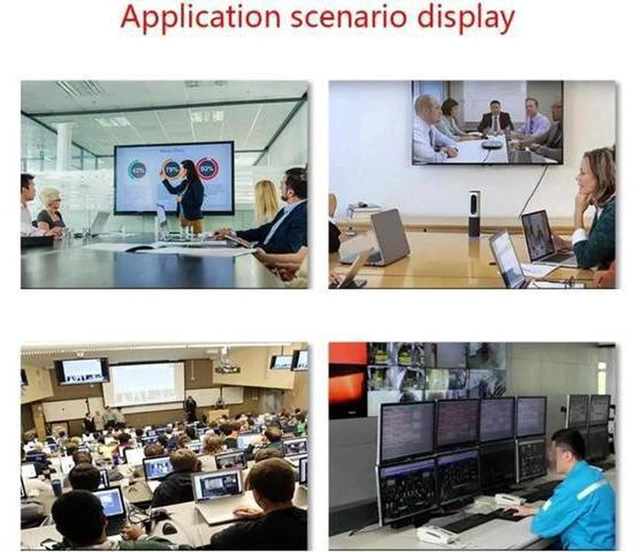
    13. Application: Office desktop, conference room, multi-computer workstation


    Warranty & Returns

    Warranty, Returns, And Additional Information

    Warranty

    • Please contact the Seller directly for warranty information. Warranty information may also be found on the Manufacturer's website.
    • CONTACT

    Return Policies

    Manufacturer Contact Info

    LOADING...