Your Browsing History
Meet Your Seller
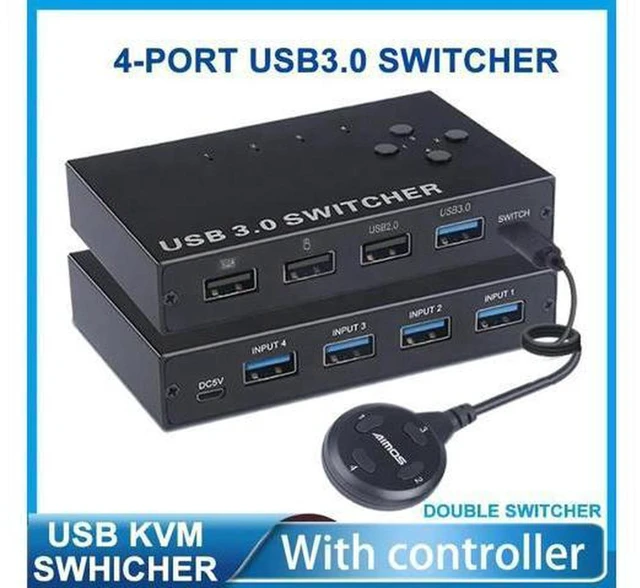
AJMRTC 4 Port USB 3.0 KVM Switch, 4 In 1 Out HDMI KVM Switcher Box, External Controller, 4K@60Hz, 4 PCs Share Monitor Keyboard Mouse Scanner, Hot Plug Support for PC Workstation
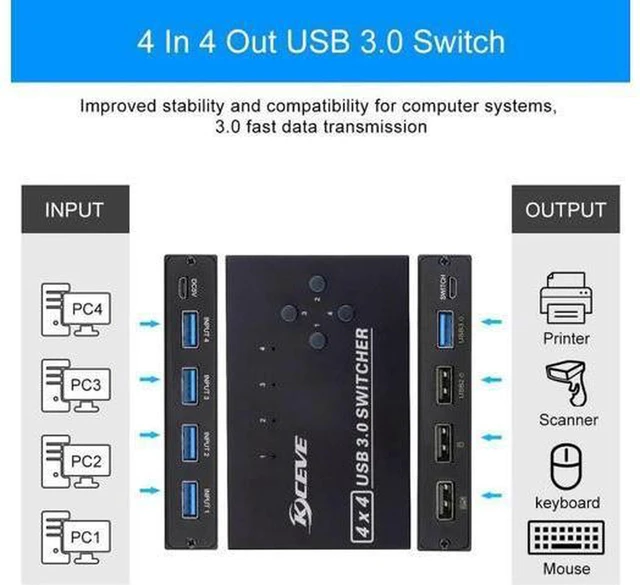
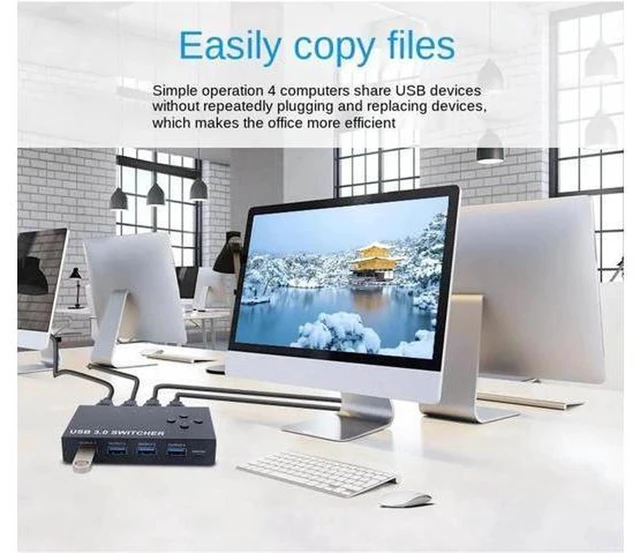
- - 4-port KVM design lets 4 PCs share one monitor, keyboard, mouse and USB peripherals
- - USB3.0 port supports up to 5Gbps high-speed data transfer for scanner, flash drive
- - 4K@60Hz high-definition HDMI output, stable signal without flicker
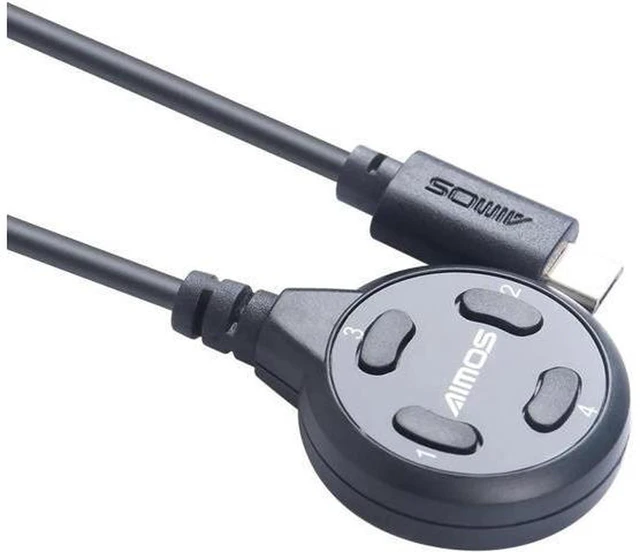
- - Comes with external controller for convenient switching plus LED status indicator
- - Plug and play, hot plug supported, compatible with Windows, Mac, Linux
+
+
Overview
Specs
Reviews
Any questions? Ask CelesteSM will help you find out quickly.
Try me now
AJMRTC 4-port USB3.0 HDMI KVM switch helps you control four computers with only one set of monitor, keyboard and mouse. It provides shared USB3.0 port for your scanner, U-disk and other USB devices. The external controller brings easier switching operation. It supports 4K@60Hz video transmission and hot plug function. No driver installation is needed. It is perfect for office workstations, test benches, video production and multi-host desktop setup.
Specifications
- Brand: AJMRTC
- Ports: 4×HDMI USB Input, 1×HDMI Output, 1×USB3.0 Shared Port
- Max Resolution: 4K@60Hz
- USB Speed: USB3.0, 5Gbps
- Control: External Wired Controller + LED Indicator
- Feature: Hot Plug Support
- Compatible OS: Windows, Mac OS, Linux
- Compatible Devices: PC, Laptop, Monitor, Keyboard, Mouse, Scanner, U-Drive
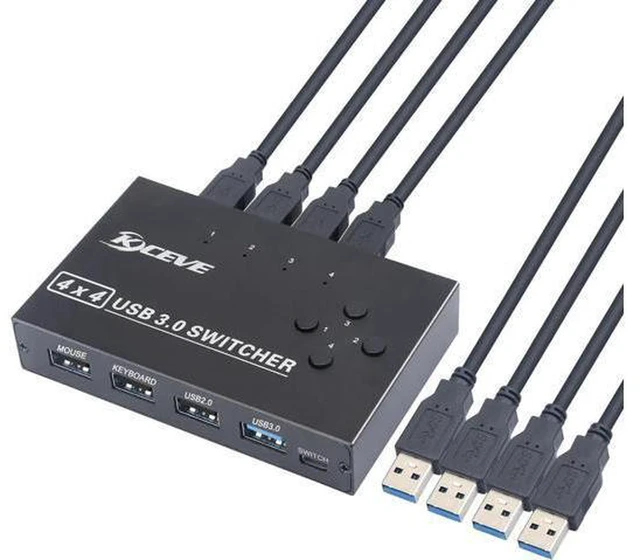
- Package Content: 1 x 4 Port KVM Switch, 4 x HDMI USB Combo Cables, 1 x External Controller, 1 x User Manual
Warranty & Returns
Warranty, Returns, And Additional Information
Warranty
- Please contact the Seller directly for warranty information. Warranty information may also be found on the Manufacturer's website.
- CONTACT
Return Policies
- Return for refund within: 30 days
- Return for replacement within: non-replaceable
- This item is covered by ConnectFlow USA Return Policy
Manufacturer Contact Info
- For a directory of all our manufacturers, please click below.
- Manufacturers Directory
LOADING...