Your Browsing History
Meet Your Seller
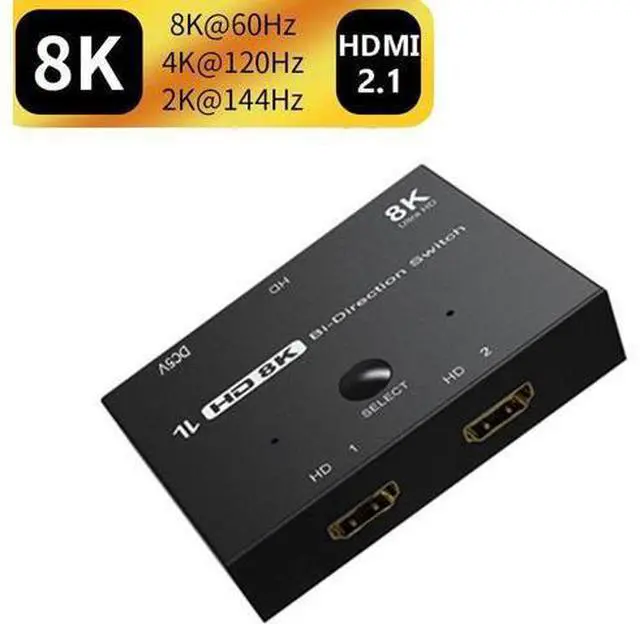
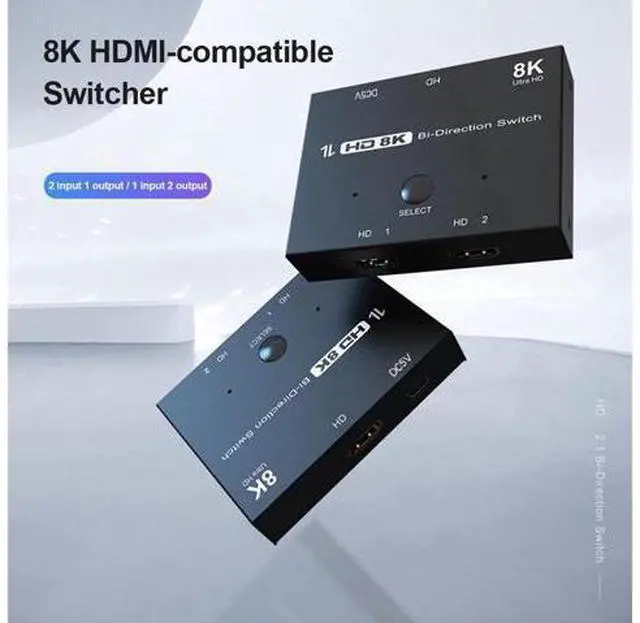
HDMI 2.1 Switcher Bi-Direction 2 in 1/ 1 in 2 8K@60Hz 4K@120Hz Ultra HD KVM Switcher Adapter for PS4/5 TV Box HDTV Xbox Projector
Limited time offer, ends 07/19 By TechDen
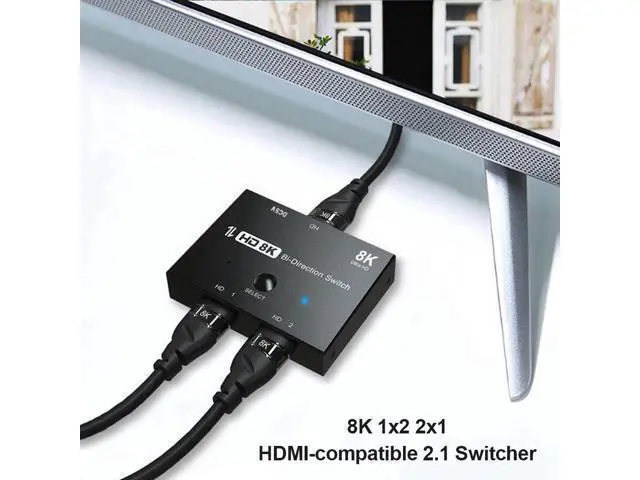
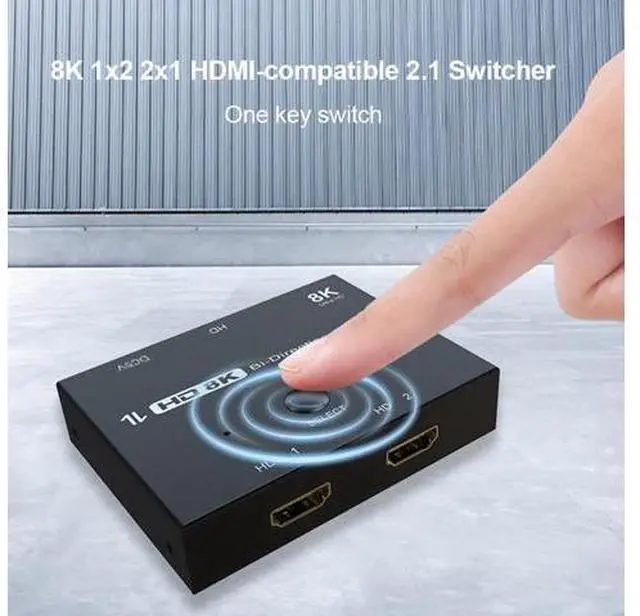
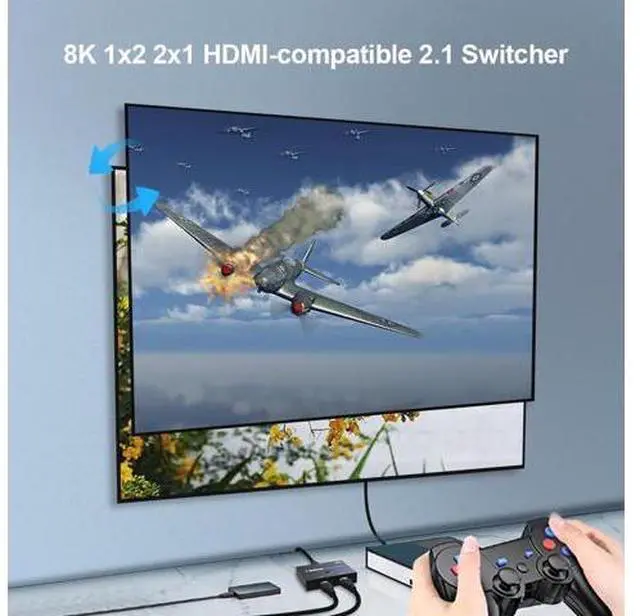
- Switch Between two Source Devices to a Display,also Switch between two HDMI Displays from one HDMI Source; Using this HDMI 8K Switcher,you would like to have two Modes; Mode one(Switch),connect two HDMI Cables(HDMI 1 and HDMI 2) to your source devices,such as PS5,XBOX,Set-Top Box,Laptops,Desktop PCs,and then connect an HDMI Cable(HDMI) to your HDMI Displays.Press "Select"Button to switch between two sources devices; Mode two(Splitter),connect one HDMI cable(HDMI) to your source device,such as PS5,XBOX,Set-Top Box,Laptops,Desktop PCs,and then connect two HDMI(HDMI 1 and HDMI 2) Cables to your HDMI Displays.In this case, the two monitors cannot display Simultaneously,You must rely on pressing the "Select" key to switch between the two displays.In this Mode,two displays can not be connected simultaneously,you must press"select"button to switch between two HDMI Displays.; HDMI 2.1 Switch/Splitter,4K@120Hz Refresh Rate,Providing a smooth visual experience
+
+
Overview
Specs
Reviews
Any questions? Our AI beta will help you find out quickly.
Try me now
Switch Between two Source Devices to a Display, also Switch between two HDMI Displays from one HDMI Source
Using this HDMI 8K Switcher, you would like to have two Modes
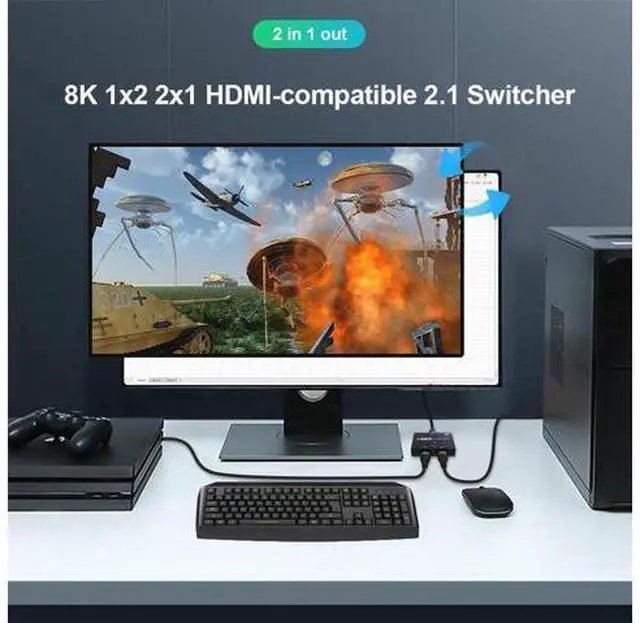
Mode one (Switch), connect two HDMI Cables (HDMI 1 and HDMI 2) to your source devices, such as PS5, XBOX, Set-Top Box, Laptops, Desktop PCs, and then connect an HDMI Cable (HDMI) to your HDMI Displays. Press "Select"Button to switch between two sources devices
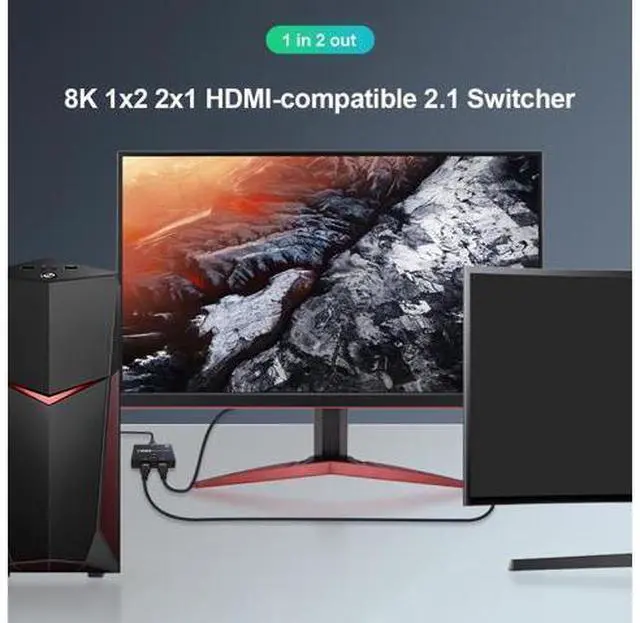
Mode two (Splitter), connect one HDMI cable (HDMI) to your source device, such as PS5, XBOX, Set-Top Box, Laptops, Desktop PCs, and then connect two HDMI (HDMI 1 and HDMI 2) Cables to your HDMI Displays. In this case, the two monitors cannot display Simultaneously, You must rely on pressing the "Select" key to switch between the two displays. In this Mode, two displays can not be connected simultaneously, you must press"select"button to switch between two HDMI Displays.
HDMI 2.1 Switch/Splitter, 4K@120Hz Refresh Rate, Providing a smooth visual experience

Using this HDMI 8K Switcher, you would like to have two Modes
Mode one (Switch), connect two HDMI Cables (HDMI 1 and HDMI 2) to your source devices, such as PS5, XBOX, Set-Top Box, Laptops, Desktop PCs, and then connect an HDMI Cable (HDMI) to your HDMI Displays. Press "Select"Button to switch between two sources devices
Mode two (Splitter), connect one HDMI cable (HDMI) to your source device, such as PS5, XBOX, Set-Top Box, Laptops, Desktop PCs, and then connect two HDMI (HDMI 1 and HDMI 2) Cables to your HDMI Displays. In this case, the two monitors cannot display Simultaneously, You must rely on pressing the "Select" key to switch between the two displays. In this Mode, two displays can not be connected simultaneously, you must press"select"button to switch between two HDMI Displays.
HDMI 2.1 Switch/Splitter, 4K@120Hz Refresh Rate, Providing a smooth visual experience
Warranty & Returns
Warranty, Returns, And Additional Information
Warranty
- Please contact the Seller directly for warranty information. Warranty information may also be found on the Manufacturer's website.
- CONTACT
Return Policies
- Return for refund within: 45 days
- Return for replacement within: 30 days
- This item is covered by TechDen Return Policy
Manufacturer Contact Info
- For a directory of all our manufacturers, please click below.
- Manufacturers Directory
LOADING...