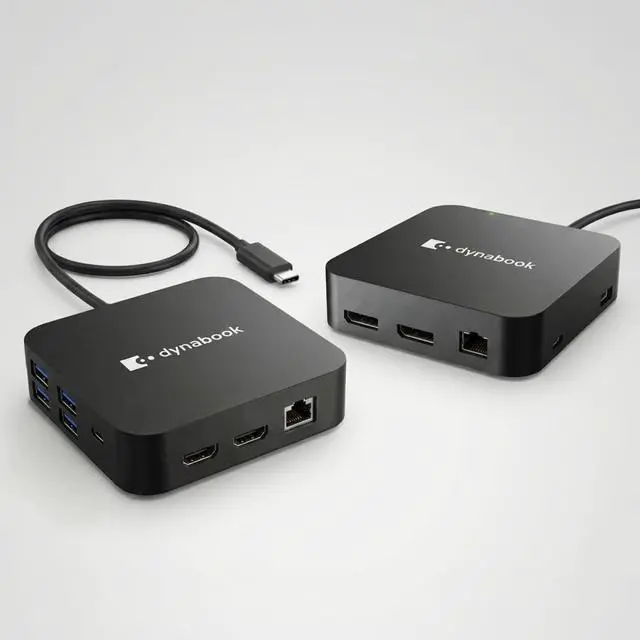
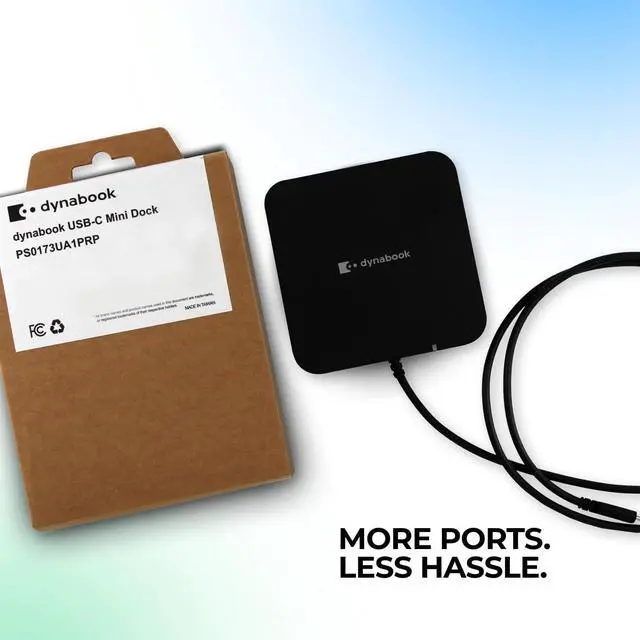
ONE USB-C CONNECTION - COMPLETE WORKSTATION IN SECONDS: Transform your laptop into a full desktop setup with a single USB-C cable connection, eliminating cable clutter and simplifying your workspace. Instantly connect monitors, peripherals, storage devices, and network access through one compact docking stationperfect for business users, remote workers, and professionals on the go.
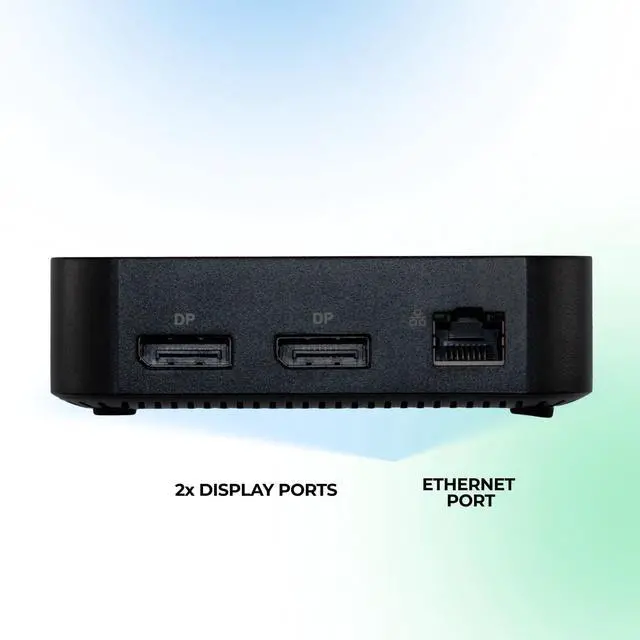
DUAL DISPLAYPORT SUPPORT - BOOST PRODUCTIVITY WITH MULTI-MONITOR SETUP: Equipped with 2x DisplayPort outputs, this mini dock enables seamless multi-monitor configurations for enhanced productivity. Extend your desktop across two displays for multitasking, financial work, coding, design, or presentations. Ideal for professionals who need more screen real estate to work efficiently.
GIGABIT ETHERNET - FAST, STABLE WIRED CONNECTION: Stay connected with a Gigabit Ethernet (RJ-45) port, delivering faster, more stable internet compared to Wi-Fi. Perfect for business environments, video conferencing, large file transfers, and secure corporate networks.
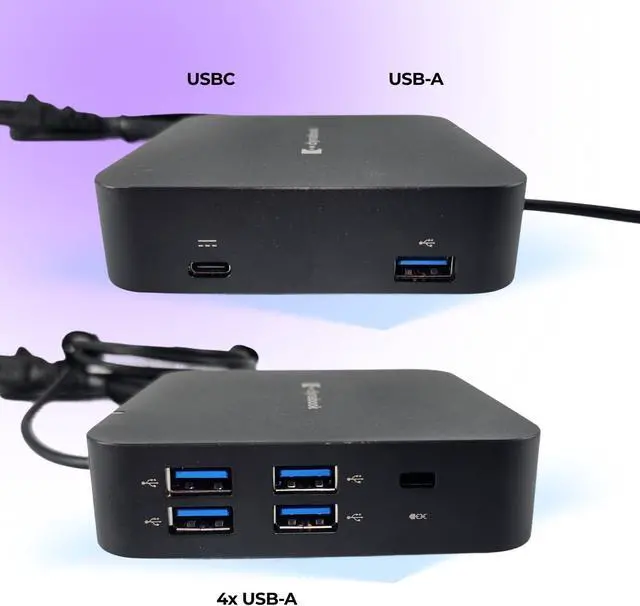
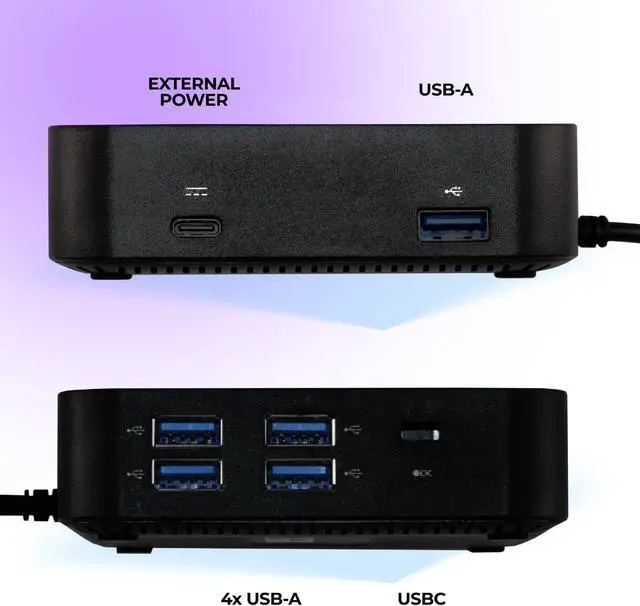
EXPAND YOUR PORTS 5 USB + USB-C + SD CARD READER: Turn one port into many with extensive connectivity options: Multiple USB-A ports for keyboard, mouse, storage, and accessories USB-C port for modern devices SD card slot for fast media transfer External power input support This versatile hub ensures compatibility with all your essential devices and workflows.
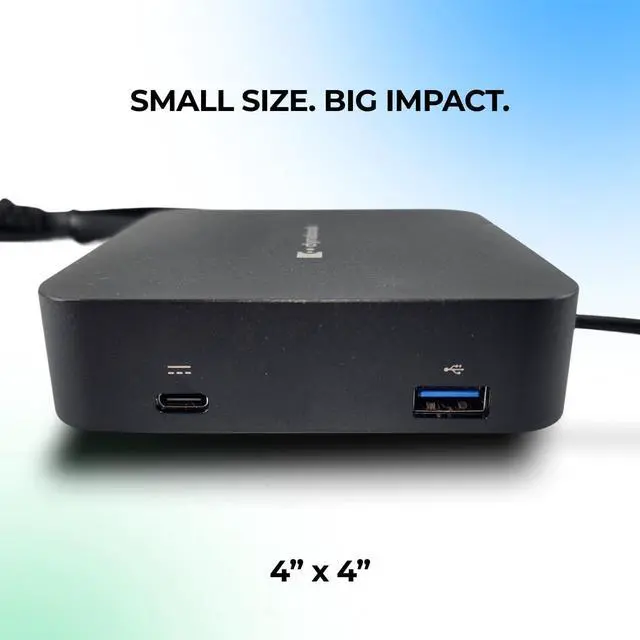
COMPACT 4 x 4 DESIGN - SMALL SIZE, BIG IMPACT: Designed for portability and clean desk setups, this ultra-compact docking station (~4 x 4) fits easily in your bag or workspace. Whether you're working from home, office, or traveling, it delivers powerful connectivity without bulk.
BUSINESS-GRADE PERFORMANCE + TAA COMPLIANT: Built for professional environments, this dock is TAA compliant, making it suitable for government, enterprise, and corporate use. Reliable performance, durable build quality, and consistent connectivity make it ideal for IT deployments.
PLUG & PLAY SIMPLICITY NO DRIVERS NEEDED: Enjoy easy setup with plug-and-play functionality. Simply connect the dock to your USB-C laptop and start working instantlyno complicated installations required. Perfect for busy professionals who need quick deployment.Replace multiple adapters and cables with one sleek solution. This dock centralizes all your connections into one hub, making your desk cleaner, your setup faster, and your workflow more efficient.
BUILT FOR MODERN WORK OFFICE, HOME & HYBRID USE: Ideal for: Business professionals Remote workers IT deployments Students & creators Multi-device users Works seamlessly with USB-C laptops supporting display output and data transfer.





 here!
here!