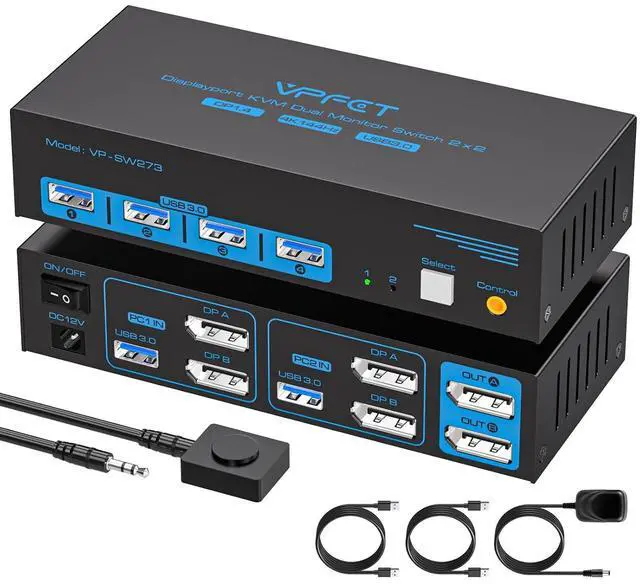
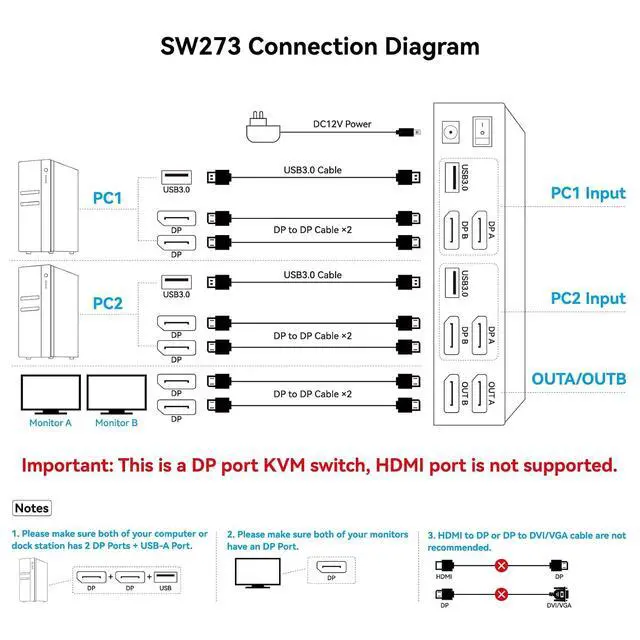
Please read before purchasing 1. Each computer must be connected to the KVM switch using two DP cables, not one; 2. HDMI-to-DP or DP-to-HDMI conversion cables or adapters are not supported throughout the entire setup; 3. Both computers need to have two DP outputs each, and each monitor requires at least one DP input. The switch will work properly only if all three conditions are met. Note: For compatibility reasons, use of this KVM switch with Mac devices is not recommended
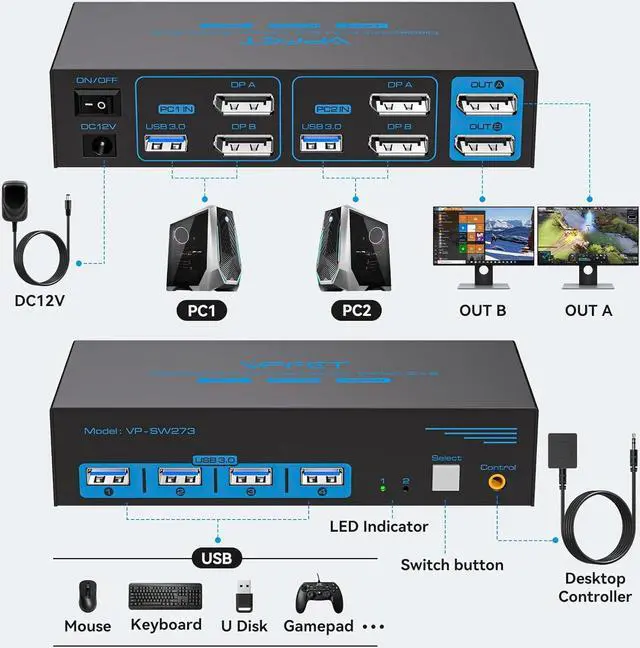
KVM Switch 2 Monitors 2 Computers Display Port: Use just one set of keyboard, mouse, and up to four USB devices to switch between two computers.Note: Each computer must be connected to the KVM via 2 DP cables and 1 USB-A cable to share monitors and USB devices. To use two monitors, your computer must have two DP ports. The DP A and DP B ports on the product must be connected to the same computer. Adapter cables are not recommended
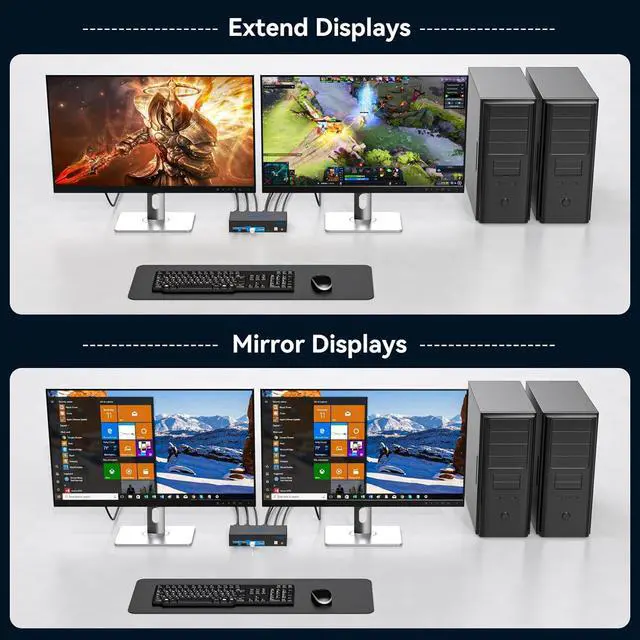
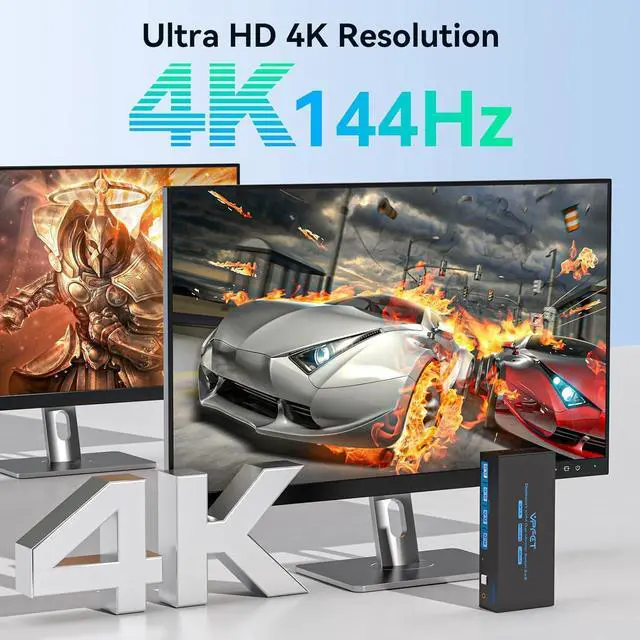
4K@144Hz Dual Monitor KVM Switch: This KVM switches supports resolutions up to 4K@144Hz and 8K@60Hz, with backward compatibility for 4K@120Hz, 4K@60Hz, 2K, etc. The KVM supports Extended Mode and Mirror Mode.Extended Mode allows you to move application windows to the other screen, providing ample space for efficient multitasking. In Mirror Mode, the main screen's image is duplicated onto the secondary screen, ideal for presentations or showcasing work
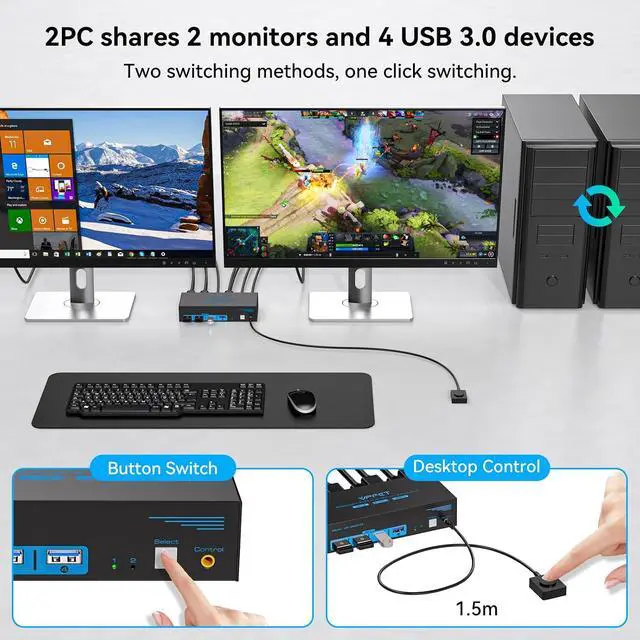
Two Switching Methods: The KVM switch DisplayPort is plug-and-play, requiring no software drivers. It offers two switching methods:1. Press the "Select" button for one-click switching.2. Connect the remote switch via an extension cable. The extension cable helps organize devices and cables, allowing you to hide the KVM switch 2 computers and place the remote switch within easy reach to save desk space and reduce clutter.Note: Hotkey switching is not supported
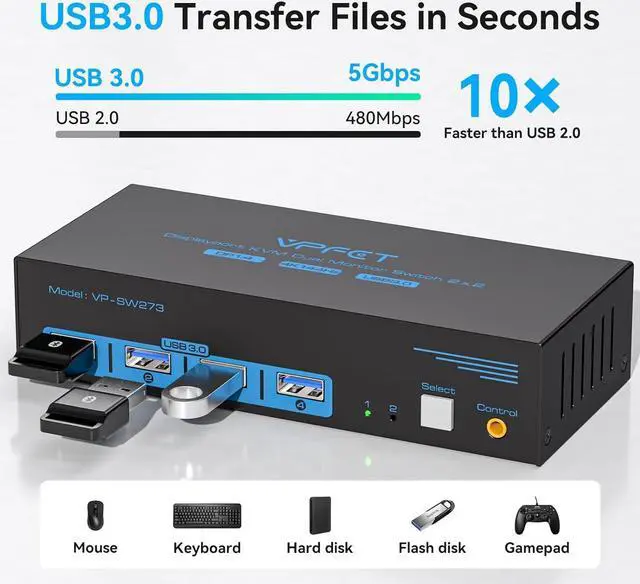
USB 3.0 KVM Switch: This Display Port KVM switch allows up to two computers to share four USB devices simultaneously, making your workspace cleaner and more efficient. USB 3.0 transfer speeds reach up to 5 Gbps and are backward compatible with USB 2.0 and USB 1.1 devices.Note: If you wish to use high-performance USB devices such as webcams, please contact our customer support to confirm compatibility.
Stable Operation: The 2 computer 2 monitor KVM switch comes with a 12V DC power adapter. With external power, USB devices receive a stable operating environment through the switch.Package includes: KVM switch,desktop controller, 2× USB 3.0 cables,DC12V power adapter, user manual (DP cables are not included).If you encounter any issues during use, we have a professional technical team ready to help solve any problems





 here!
here!