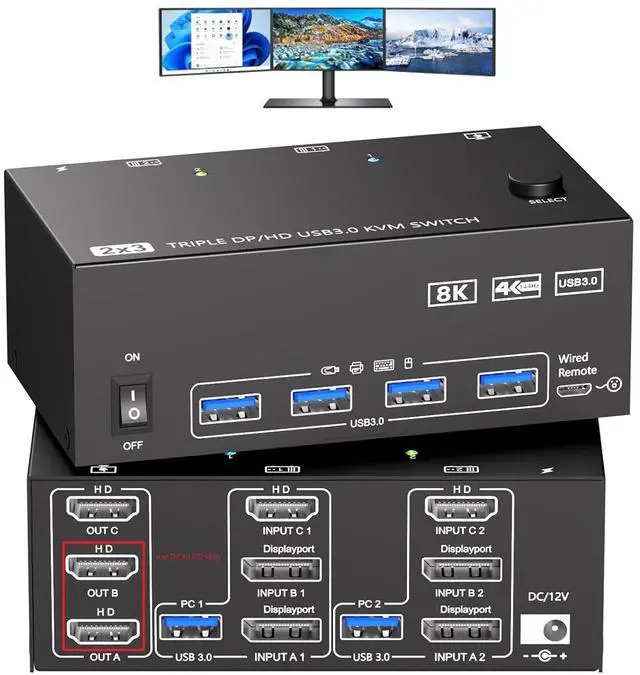
KVM Switch 3 Monitors 2 Computers This 2*Displayport + 1*HDMI KVM Switches allows you to switch effortlessly between two computers with one click share 3 monitors and USB 3.0 ports (keyboard, mouse, printer) without swapping cables. NOTE: that only HDMI monitors. Both computers must support triple-monitor output to use all 3 displays simultaneously. If either PC only supports 1 or 2 displays, the extra monitor(s) wont activate
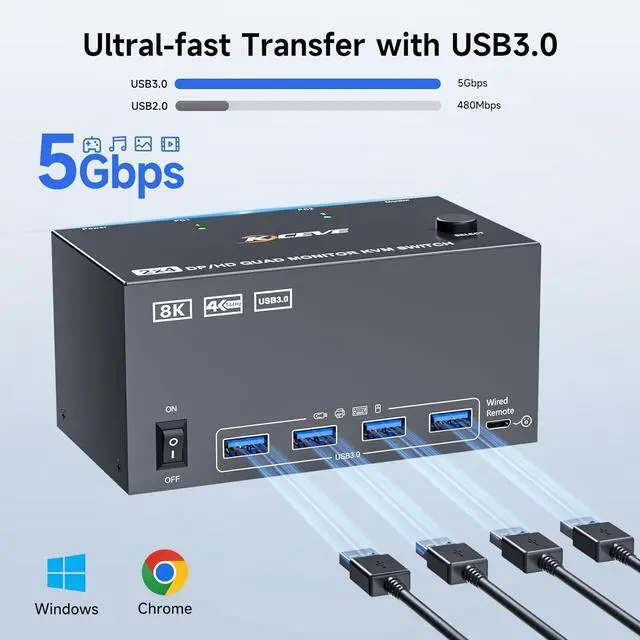
5 Gbps USB 3.0 KVM Switch 3 monitor and 2 switch modelThe displayport hdmi 3 port kvm switch features 4 USB 3.0 ports for connecting keyboards, mice, USB drives, printers and other USB devices. Data transfer rate up to 5Gbps. 3 monitor kvm also offers both physical button and 1.5M wired switching options, relevant LED indicators clearly show the active computer, which are easy to switch and make your workspace tidier.
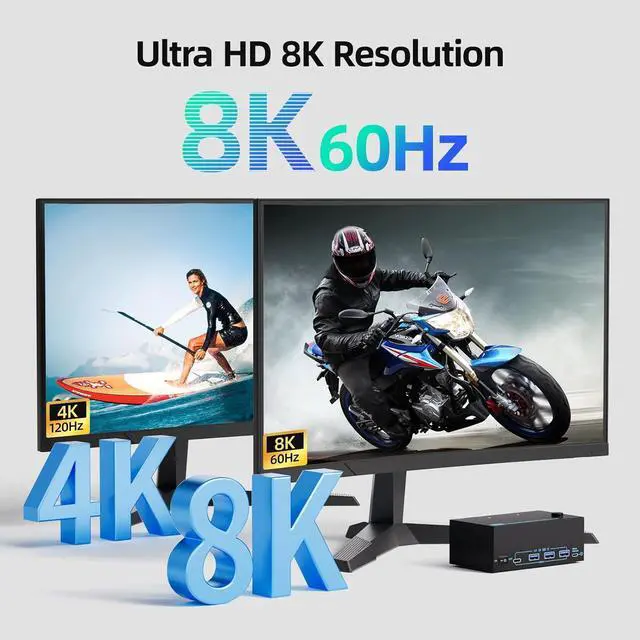
Ultra HD 8K@30Hz/4K@120Hz Resolution 3 HDMI Output Ports This USB KVM switch input features two DisplayPort 1.4 ports + one HDMI 2.1 port, output features 3 HDMI Ports, each supporting up to 8K@30Hz resolution, and backward compatible with 4K@120Hz/60Hz/30Hz. It also supports HDR8+, Since HDMI port displays are more common, this product has a built-in conversion chip set to HDMI output for greater convenience.note only 3 HDMI TV
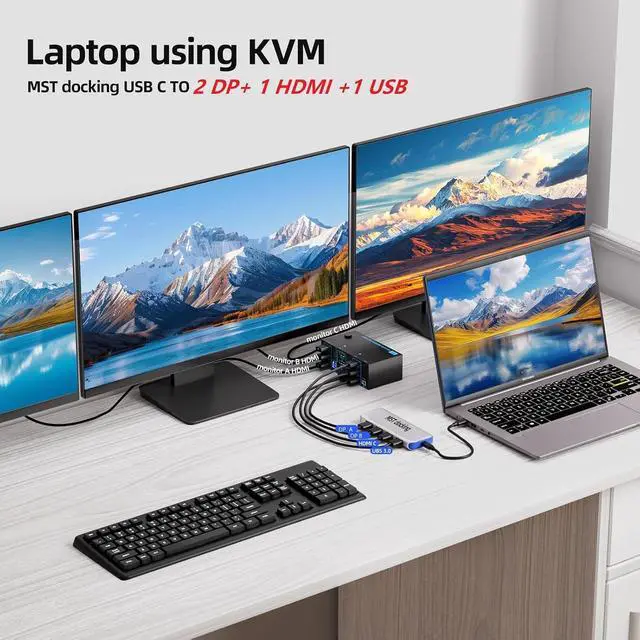
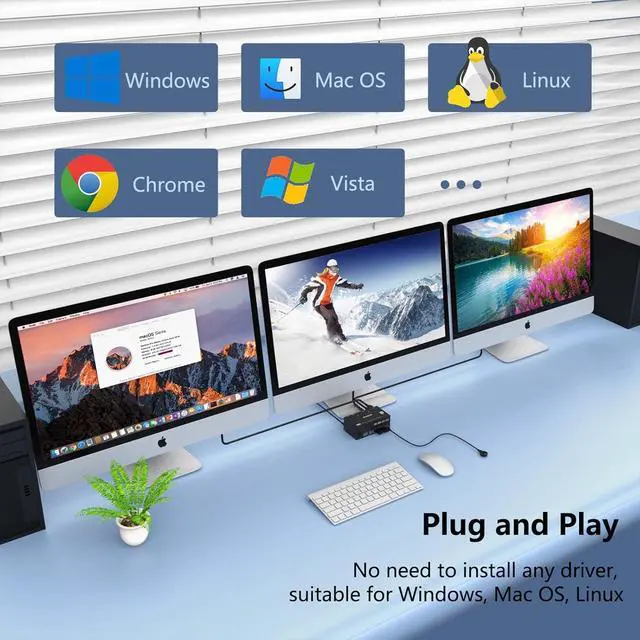
Wide Compatibility & Package List This triple monitor KVM switch driver-free and plug and play, and supports WindowsMacOS. (Note: If your laptop only has USB-C ports, please use "a USB-C to USB-A OTG adapter + the included USB-A cable" to connect to the KVM switch's USB-A port.) PACKAGE LIST: 1*KVM switch, 2*USB A cables, 1*power adapters, 1*wired remote controller, 1*user guide.Because this product is a pass-through product, it does not support any converters, such as docking stations, Type-C to DP cablesType-C to HDMI cables; otherwise, compatibility issues may occur.
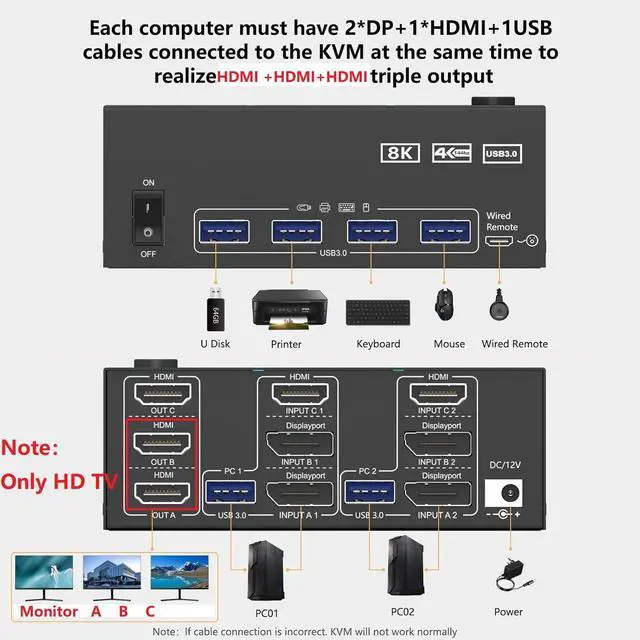
NOTE: 1, To display content across three screens simultaneously, make sure each of your PC is equipped with 2 DisplayPort ports + 1 HDMI port. For example: the RTX 4080 graphics card.2, Each computer at the input needs to be connected with 2* DP cables + 1* HDMI cable+1* USB cable. All three output displays must be connected via HDMI ports.3, Please make sure your PC supports 3 screens or above display function before purchasing.4, If a signal converter or docking station is used, there may be compatibility issues. 5, NOT support EDID emulation
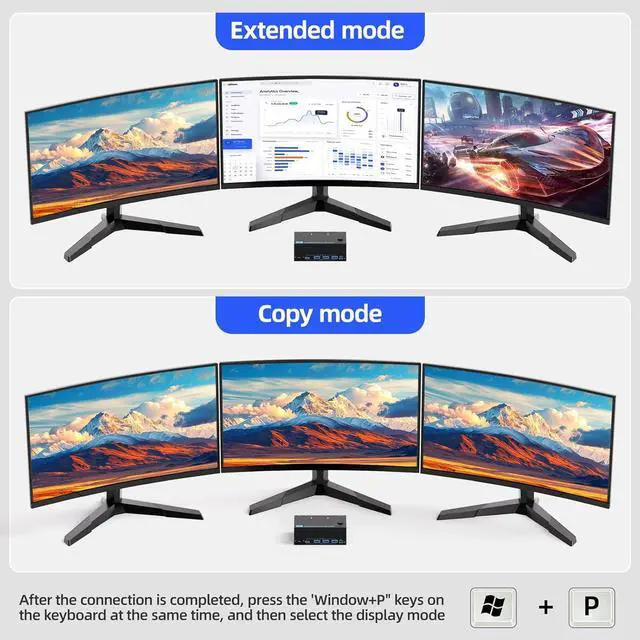
KVM Switch 3 Monitors 2 Computers Duplicate or extend modeThe KVM switch support extend or duplicate display mode. Press Windows+P and choose Duplicate Mode or Extend Mode. Note:please ensure that your computer supports 3-screen display before use the KVM switch. Additionally, when using the KVM, each monitor must connect 3 HDMI cables to the KVM to ensure the normal output of three video signals





 here!
here!