Your Browsing History
Meet Your Seller
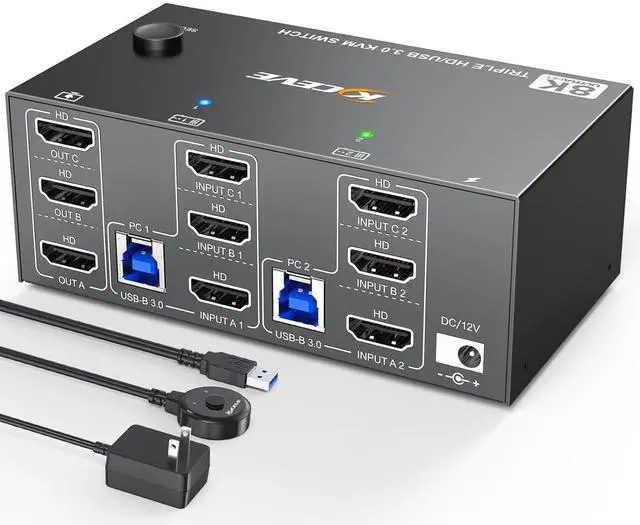
KCEVE KVM Switch 3 Monitors 2 Computers HDMI 8K@60Hz 4K@144Hz, USB 3.0 KVM Switch Triple Monitor for 2 Computer Share 4 USB 3.0 Devices Mouse Keyboard, Wired Remote(8K HDMI 2 in 3 Out KVM)
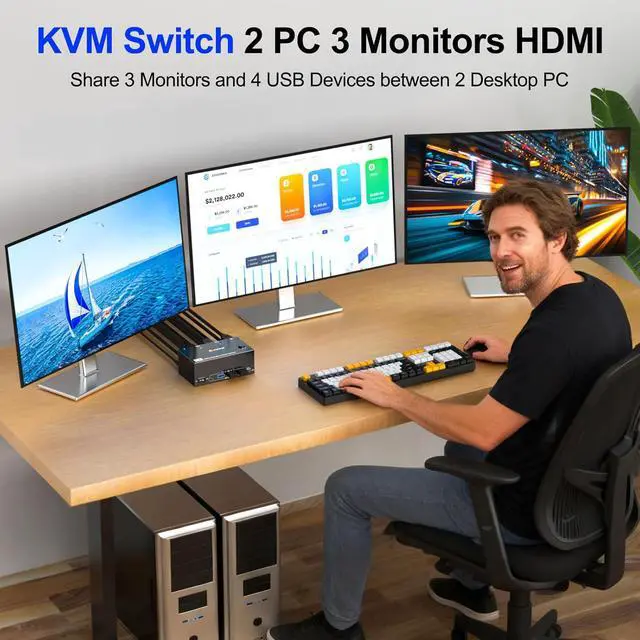
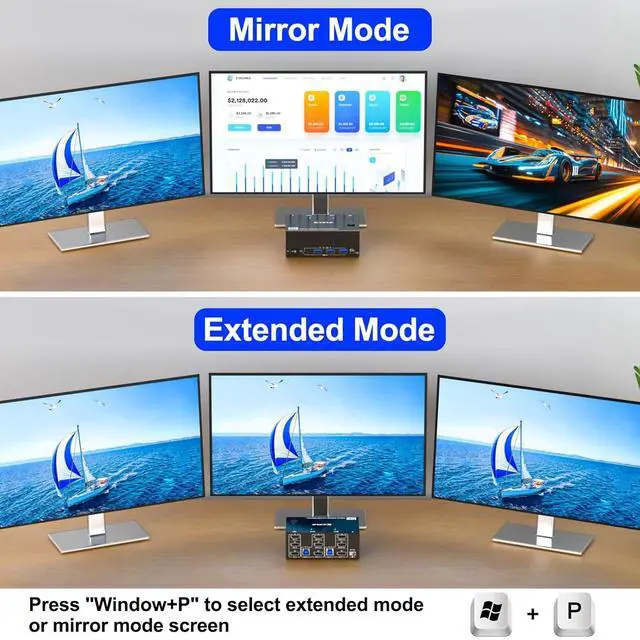
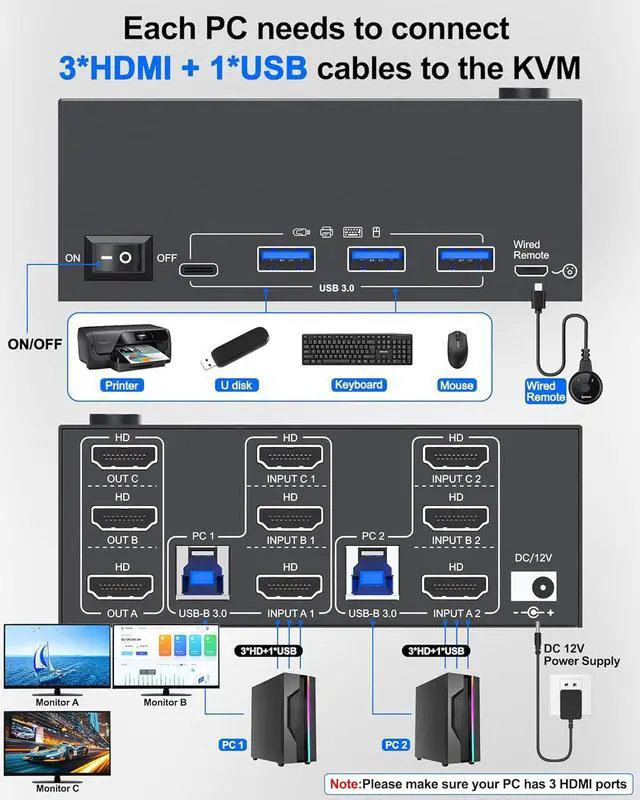
- USB 3.0 HDMI 2.1 KVM Switch 3 Monitors 2 Computers 8K@60HzKCEVE Triple monitor KVM switch HDMI allows you to control 2 computers and 3 monitors with just one set of mouse and keyboard. Press "Windows+P" to select mirror mode or extended screen mode. Each PC requires 3 HDMI 8K cables + 1 USB cable plugged into the 3 monitor 2 computer KVM switch. Use KVM 3 monitors 2 computers to freely control 2 computers in the office or at home, saving space and keeping your desktop tidy.
- 3 Monitor KVM switch 2 computers 4K@144Hz & 8K@60HzUSB 3.0 HDMI KVM Switch 3 monitors supports 8K@60Hz and 4K@144Hz high resolution, compatible with 4K@60Hz, 2K@144Hz, 1920x1080@144Hz, etc. 2 computer 3 monitor KVM switch supports connecting two computers and 3 monitors with different resolutions. Use 1M 8K cable to connect HDMI KVM Switch 3 monitor to solve flickering and black screen issues
- USB 3.0 Ports Up to 5GbpsKVM 3 monitors 2 computers 8K@60Hz suitable for 2 computers to share 3 monitors and 4 USB 3
+
+
Overview
Specs
Reviews
Any questions? Our AI beta will help you find out quickly.
Try me now
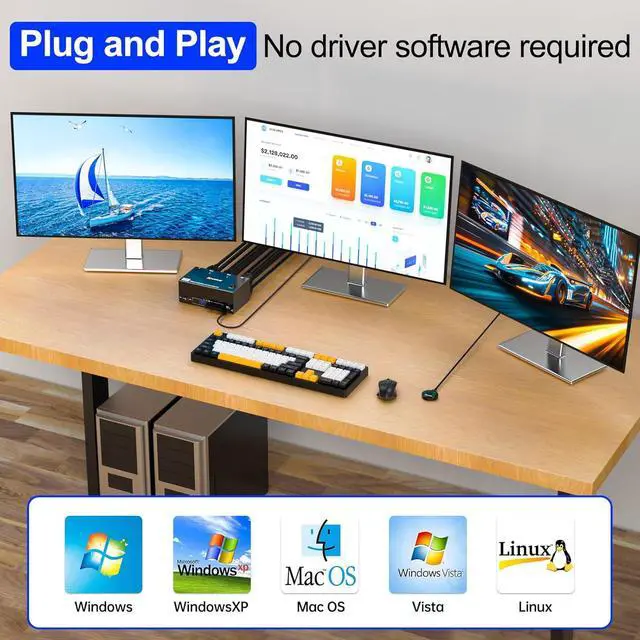
A set of mouse, keyboard controls 2 computers sharing 3 HDMI monitors.(Don't support bluethooh). Plug and play. No additional driver software required
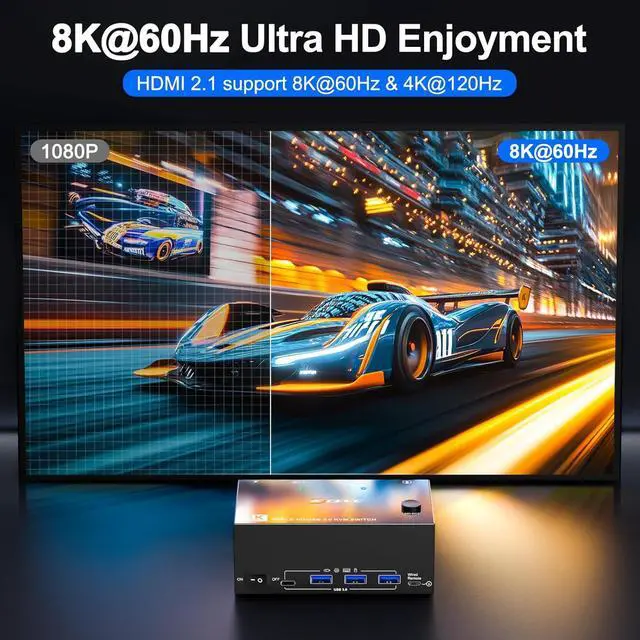
Press Windows + P to select Extend Screen (different screens) or Duplicate Screen (identical screens). Support 8K@60Hz, 4K@144Hz/120Hz. Please Note: Using 8K cables will solve the problem of flickering and black screen. Using a docking station or adapter will reduce the resolution.
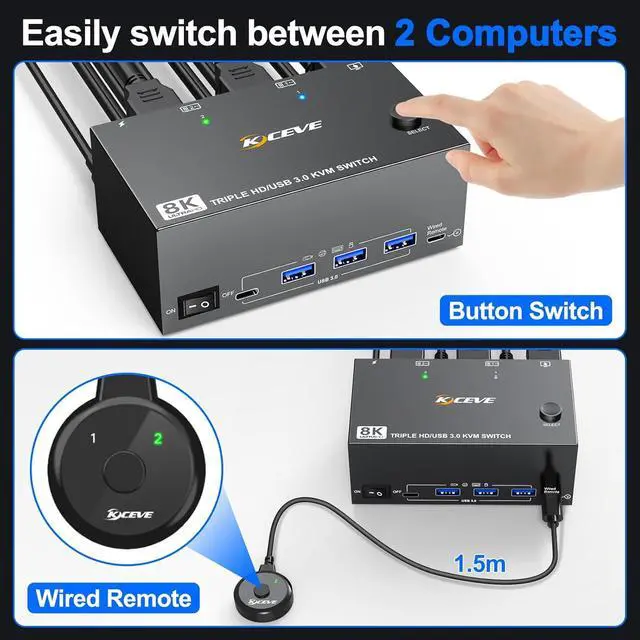
Each desktop computer needs to be connected to the KVM switch with 3 HDMI cables + 1 USB cable. 2 Switching Methods (Panel button or 1.5m wired remote)
KCEVE 8K KVM Switch 2 Computers 3 Monitors HDMI is widely used in business offices, home offices, seminars, media courses, home theaters, etc.
KCEVE USB 3.0 HDMI 2.1 KVM Switch 3 Monitors 2 Computers 8K@60Hz / 4K@144Hz/120 Triple Monitor KVM Switch supports extended mode and mirror screen mode Supports 5Gbps data transfer speed

Press Windows + P to select Extend Screen (different screens) or Duplicate Screen (identical screens). Support 8K@60Hz, 4K@144Hz/120Hz. Please Note: Using 8K cables will solve the problem of flickering and black screen. Using a docking station or adapter will reduce the resolution.
Each desktop computer needs to be connected to the KVM switch with 3 HDMI cables + 1 USB cable. 2 Switching Methods (Panel button or 1.5m wired remote)
KCEVE 8K KVM Switch 2 Computers 3 Monitors HDMI is widely used in business offices, home offices, seminars, media courses, home theaters, etc.
KCEVE USB 3.0 HDMI 2.1 KVM Switch 3 Monitors 2 Computers 8K@60Hz / 4K@144Hz/120 Triple Monitor KVM Switch supports extended mode and mirror screen mode Supports 5Gbps data transfer speed
Warranty & Returns
Warranty, Returns, And Additional Information
Warranty
- Please contact the Seller directly for warranty information. Warranty information may also be found on the Manufacturer's website.
- CONTACT
Return Policies
- Return for refund within: 30 days
- Return for replacement within: 30 days
- This item is covered by PrimeVolt’Shop Return Policy
Manufacturer Contact Info
- For a directory of all our manufacturers, please click below.
- Manufacturers Directory
LOADING...