Connection Steps:
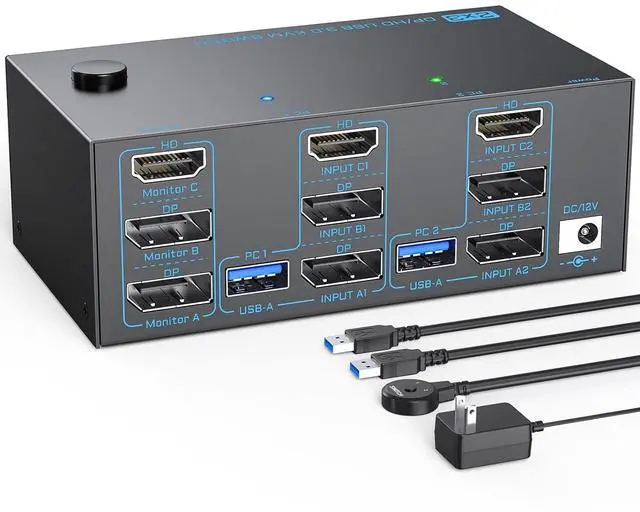
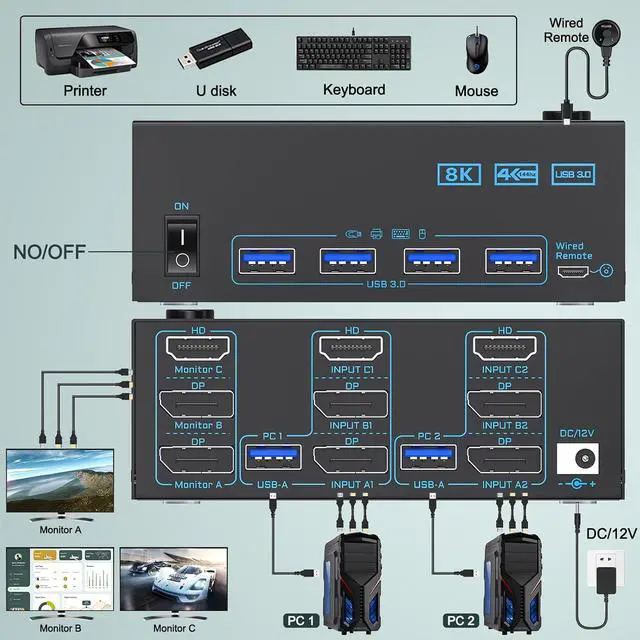
1. Connect 2*Displayport & 1* HDMI & 1* USB cables from PC1 to "INPUT A1, INPUT B1, INPUT C1 and USB-A (PC1) " separately
2. Connect 2*Displayport & 1* HDMI & 1* USB cables from PC2 to " INPUT A2, INPUT B2, INPUT C2 and USB-A (PC2)" separately
3. Connect 3 monitors to "OUT A" "OUT B"OUT C seperately
4. Plug USB peripherals like keyboard mouse into the USB port on the front of the 3 monitors 2 computers KVM switch ; Plug the 12V power cable into "DC/12V" to supply external power for more stable performance
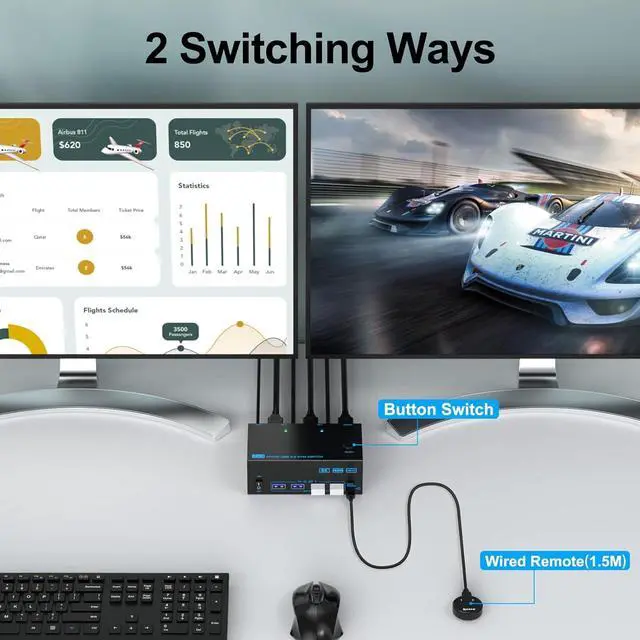
5. Insert the 1.5M wired remote controller; then turn on the 3 monitors KVM switch
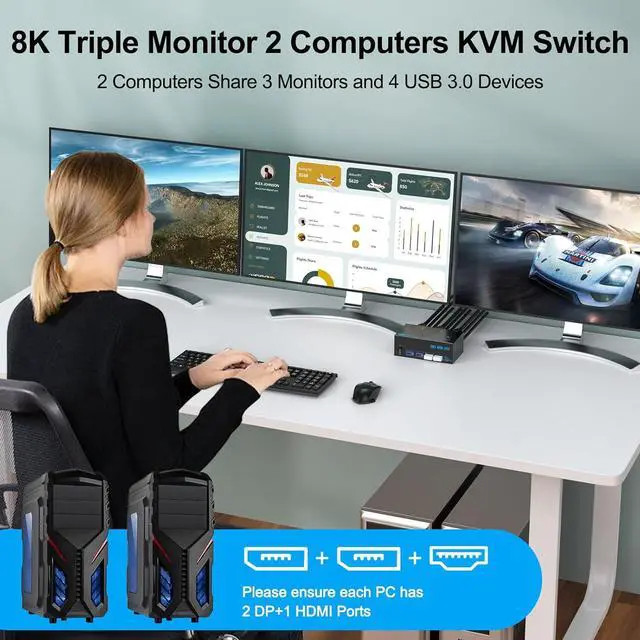
Important Note: (1) System Requirements & Setup Guide: For 3-monitor output: Requires a graphics card that supports 3 independent displays. And 2x DP and 1x HDMI cables should be connected from each computer to the KVM (2) For USB function: Connect the included USB 3.0 cable from each computer to the KVM's rear USB-A port. Don't cross-connect
Does this 3 monitors KVM switch support connecting Displayport to HDMI adapters ?
Because DisplayPort to HDMI adapters on the market are not standardized, we generally do not recommend using any adapter. If you must use one, please be sure to choose the active version Not passive version
Does this 2 computers 3 monitors KVM switch work with MAC computers?
Generally the 3 monitors KVM switch is compatible with MAC systems, but if you are using a USB-C docking, due to the varying quality of USB-C docking stations on the market, a compatibility issues may arise .
What should I do when I only get 1 screen output?
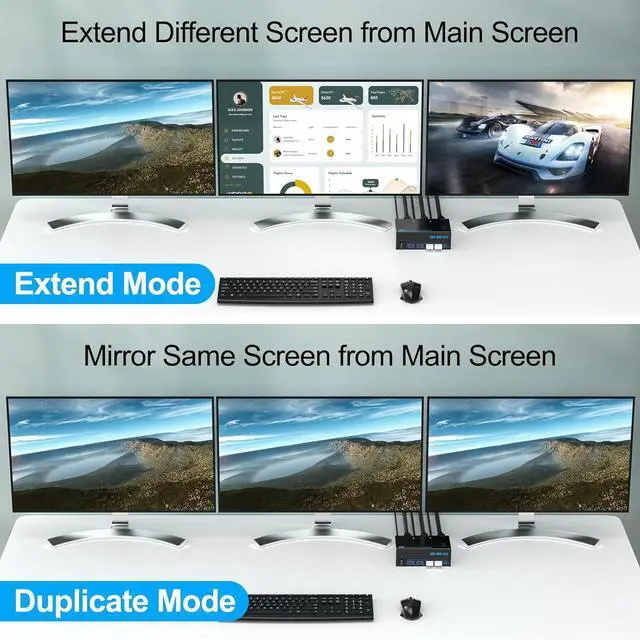
(1) Ensure each PC connects 2 *DP+1*HDMI cables to the 3 monitors 2 PCs KVM switch; (2) Ensure adapters are active version and all video cables are within 1.5M; (3) Press " Windows+P" to choose extend or duplicate mode
3 Monitors 2 Computers 2 Displayport+HDMI Triple Monitor KVM Switch How to Connect? How to Switch? Create Neat and Efficient Desktop with 3 Monitors 2 Computers 8K KVM Switch Does this 3 monitors KVM switch support connecting Displayport to HDMI adapters ?
Does this 2 computers 3 monitors KVM switch work with MAC computers?
What should I do when I only get 1 screen output?





 here!
here!