Take a tax holiday. Take advantage of limited-time, tax-free savings on select products in certain states. Learn More>
  • $103.99
  • Free 30-day Returns
  • Price alert
    Shop it at NeweggBusiness.

    Meet Your Seller

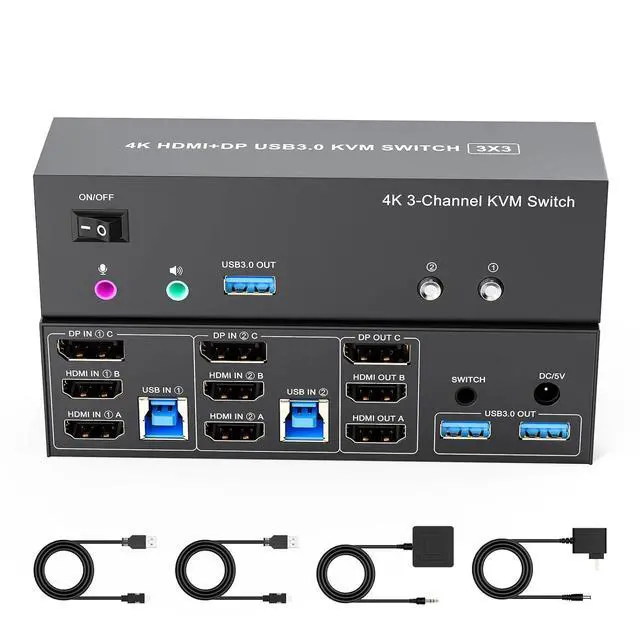
    4K KVM Switch 3 Monitors 2 Computers Triple Monitor Displayport and 2 HDMI USB 3.0 KVM Switches 4K@60Hz,Support Extended/Mirror Mode Share 3 USB 3.0 Ports with Desktop Controller, Adapter Included

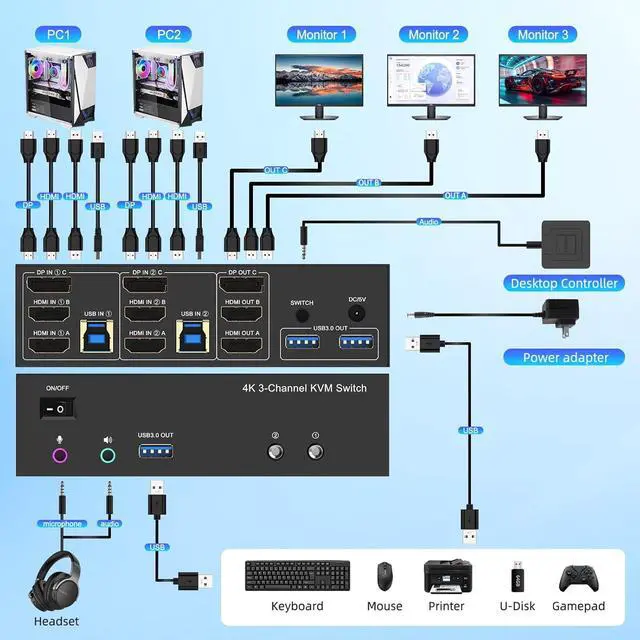
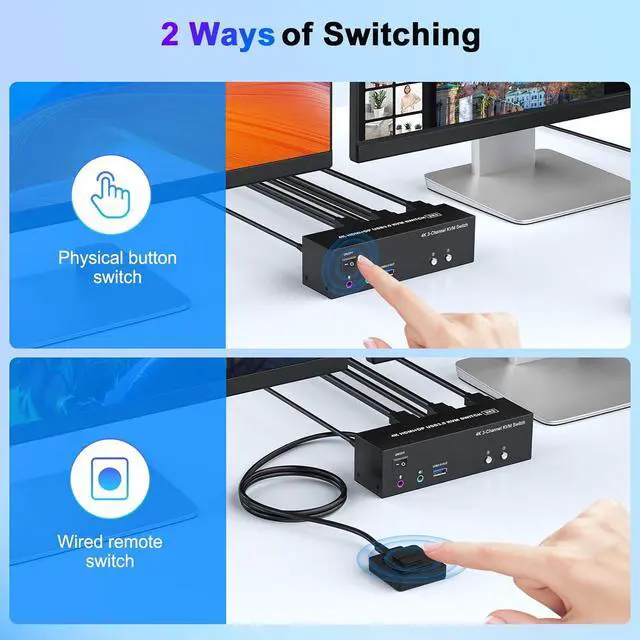
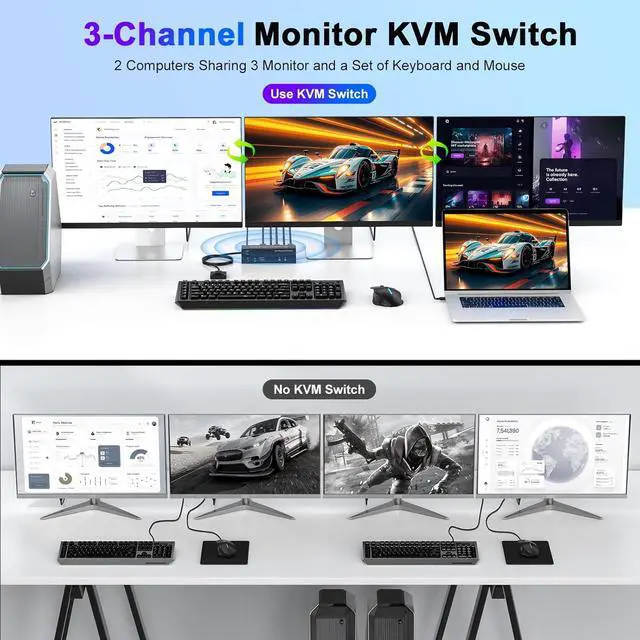
    • KVM Switch 3 Monitors 2 ComputersThe 2*HDMI and Displayport triple monitor kvm switch is mainly designed to share 3 monitors (2 HDMI and 1 DP) and 3 USB 3.0 devices between 2 computers,easy switching,plug and play, making it an ideal solution for home offices, multimedia classrooms, business meeting rooms, and gaming setups. It supports flexible switching between extended mode (displaying different content on dual screens) and mirror mode (duplicating identical content). Note:this is a 1 Displayport+2 HDMI kvm switch, please make sure each PC has 1 DP+2 HDMI ports to get 3 external screens
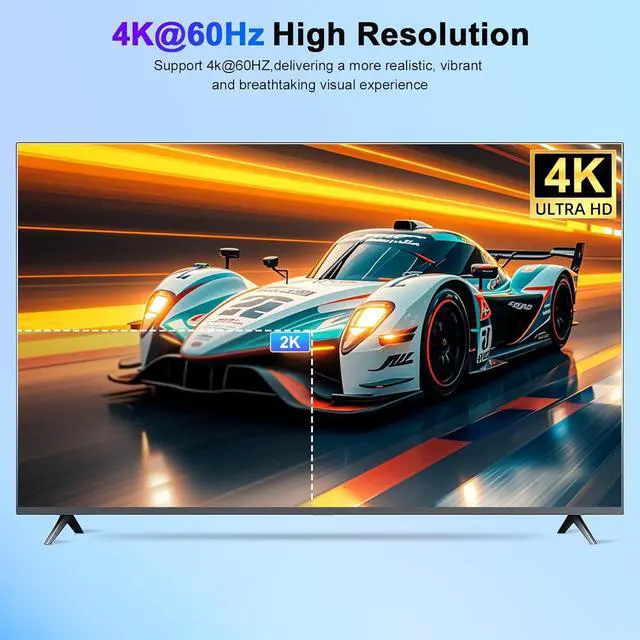
    • Ultra 4K@60Hz Triple Monitor KVM SwitchThese 3 monitor KVM switch supports up to 3840*2160@60Hz and is backward compatible with 3D, 1080p and below. Support HDMI2.0 and DP1.2 standard, HDCP2.2 ,maximum data rate HDMI 18Gbps/ DP 21.6Gbps. (Note:To achieve the highest resolution, you must ensure that both the source and the monitor, as well as the HDMI and DP cable , support 4K@60Hz)
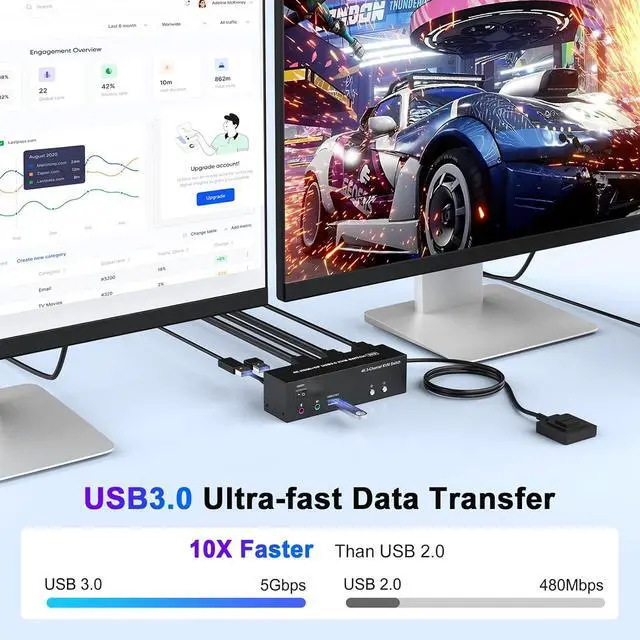
    • 5Gbps Ultr
    +
    +
    Overview
    Specs
    Reviews
    avatar

    Any questions? Our AI beta will help you find out quickly.

    1USB3.02Connection Diagram3Avoid Common Pitfalls14K@60Hz2Extended & Mirroe Mode32 Ways of Switching4Supported Res1Packing List2Conference Room3Home Entertainment4Office Setup Why is only one monitor displaying the screen?
    1.Please check if each computer supports multi-display output, and set the display mode to "Extend" or "Duplicate" in the system display settings.
    2.Ensure each computer is properly connected to the KVM switch with 2 HDMI / DP cables and 1 USB cable.

    Why aren't the keyboard and mouse working?
    This issue usually occurs because the USB cable between the computer and the switch is not properly connected. If you're using a mechanical keyboard, there may be compatibility issues.

    Do I need to install any drivers?
    No driver installation required, plug and play.

    What should I do when the KVM fails to display my Windows PC content correctly?
    1. Please make sure the KVM iscorrectly (6 HDMI2.0 cables + 2 DP cables + 2 USB3.0 cables + 1 Power Adapter to be connected at the same time).
    2. If you encounter problems during use, please contact service support for assistance.

    What operating systems are supported?
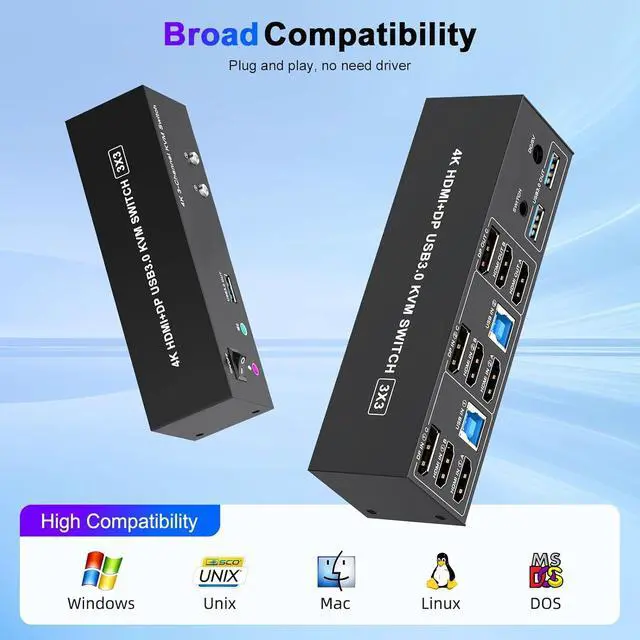
    It is compatible with Windows 10/8/7/XP, Linux, Mac, and more.

    Why is only one monitor displaying the screen?
    Why aren't the keyboard and mouse working?
    Do I need to install any drivers?
    What should I do when the KVM fails to display my Windows PC content correctly?
    What operating systems are supported?

    Warranty & Returns

    Warranty, Returns, And Additional Information

    Warranty

    • Please contact the Seller directly for warranty information. Warranty information may also be found on the Manufacturer's website.
    • CONTACT

    Return Policies

    Manufacturer Contact Info

    LOADING...