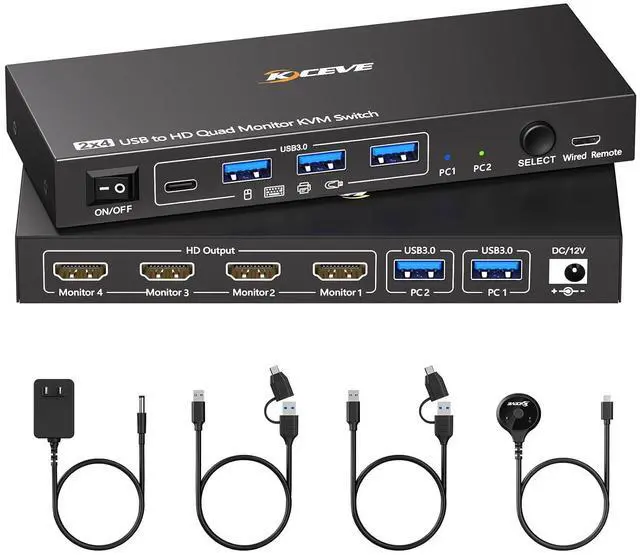
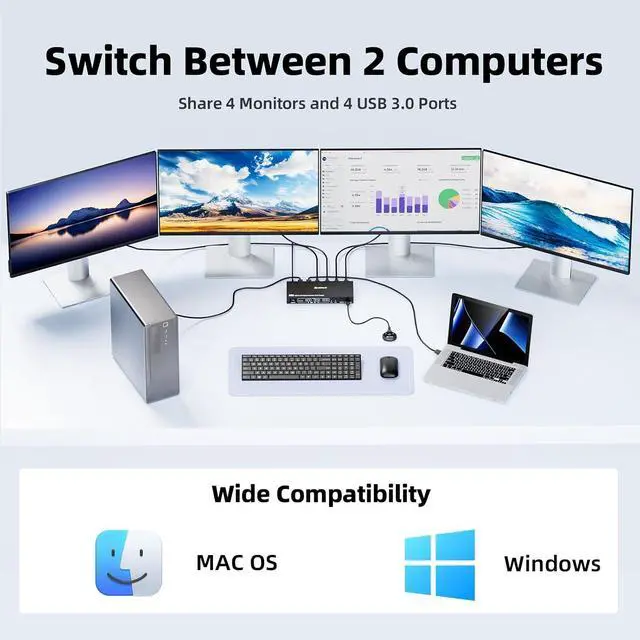
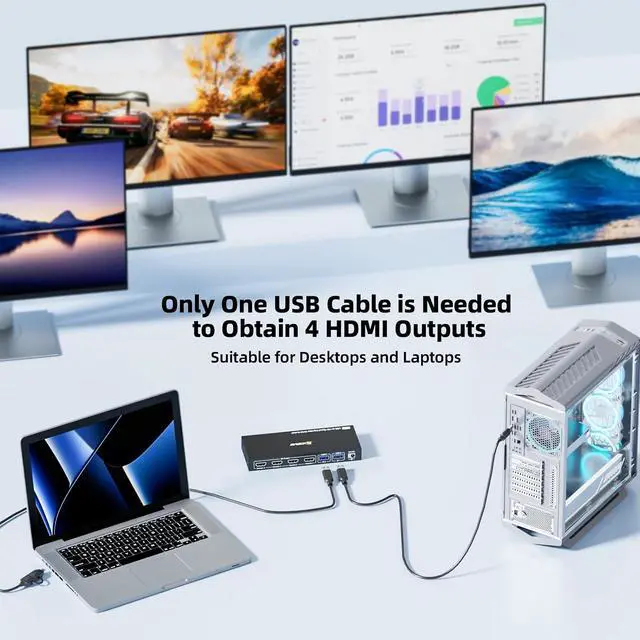
With this quad monitor KVM switch,simply connect one USB cable to your desktop or laptop to share 4 External monitors and 4 USB peripheral devices. No longer need cables such as HDMI, DP, VGA, and DVI.Support extend and mirror display modes.
Both desktops and laptops can output four identical or different external screens,Let you balance work and entertainment.
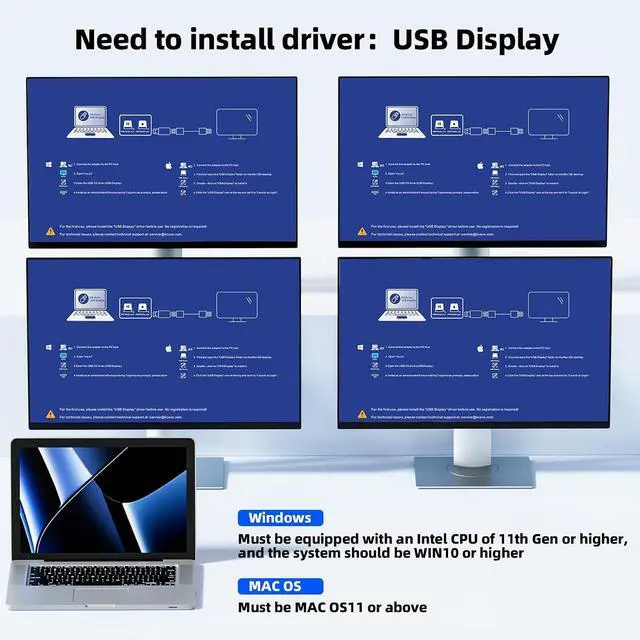
When using this USB to HDMI KVM switch for the first time, driver need to be installed. After connecting the 4 monitors KVM, your computer will automatically recognize the installation program,Please follow the prompts to install the driver. Note: This KVM is only compatible with Windows and Mac OS.
Supports 4 monitors simultaneous output with a maximum resolution of 1920* 1080@60Hz.
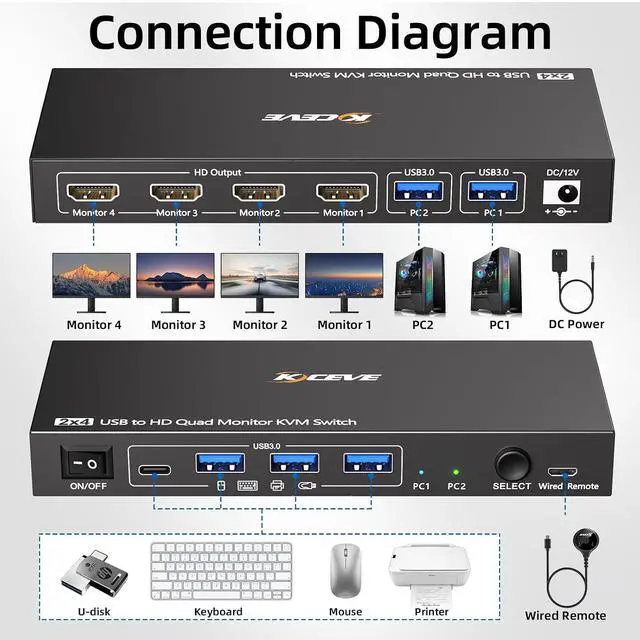
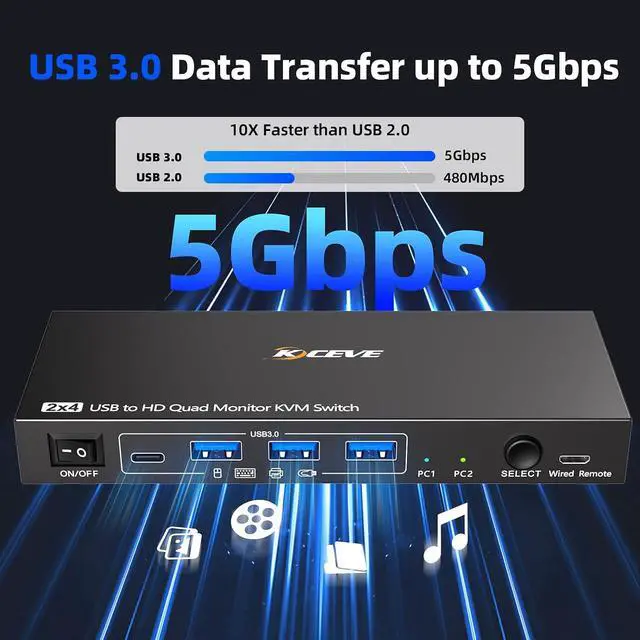
4 USB 3.0 ports are used to connect USB peripherals such as keyboard, mouse, printer, etc.
Supports mirror mode and multiple extended modes for output,Set the desired output mode according to your needs.
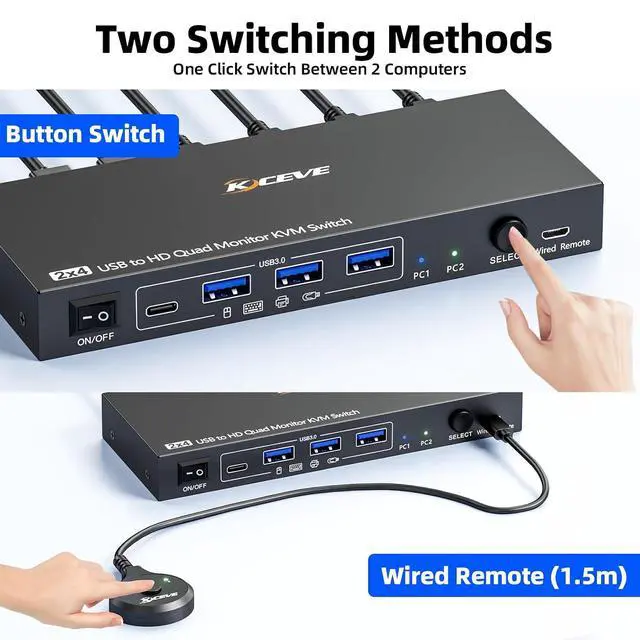
Supports button switch and wired remote, widely compatible, equipped with 2USB cables that can be used for desktops and laptops.
How to connect this 4 monitors KVM switch?
Each computer only need one USB cable to connect to this quad monitor KVM switch to obtain 4 HDMI monitor outputs. For laptops with only USB C ports, we also provide an OTG converter for converting USB C to USB A.
Is it necessary to install a driver?
Yes, drivers need to be installed to use this USB to HDMI KVM switch. After connecting the KVM switcher, your computer will recognize the driver program. Please follow the steps in the user manual to install it.
What operating systems can this KVM be used for?
This 4 monitor KVM switch is only compatible with Windows (WIN10 or higher) and Mac OS (MAC OS11 or above)Low version systems may not be able to install the required driver.
Can it be used as a dual monitor or triple monitor KVM switch?
This KVM switch supports up to 4 monitors outputting simultaneously, but you can also connect only 2 or 3 of them, or even a single monitor.
How to connect this 4 monitors KVM switch?
Is it necessary to install a driver?
What operating systems can this KVM be used for?
Can it be used as a dual monitor or triple monitor KVM switch?





 here!
here!